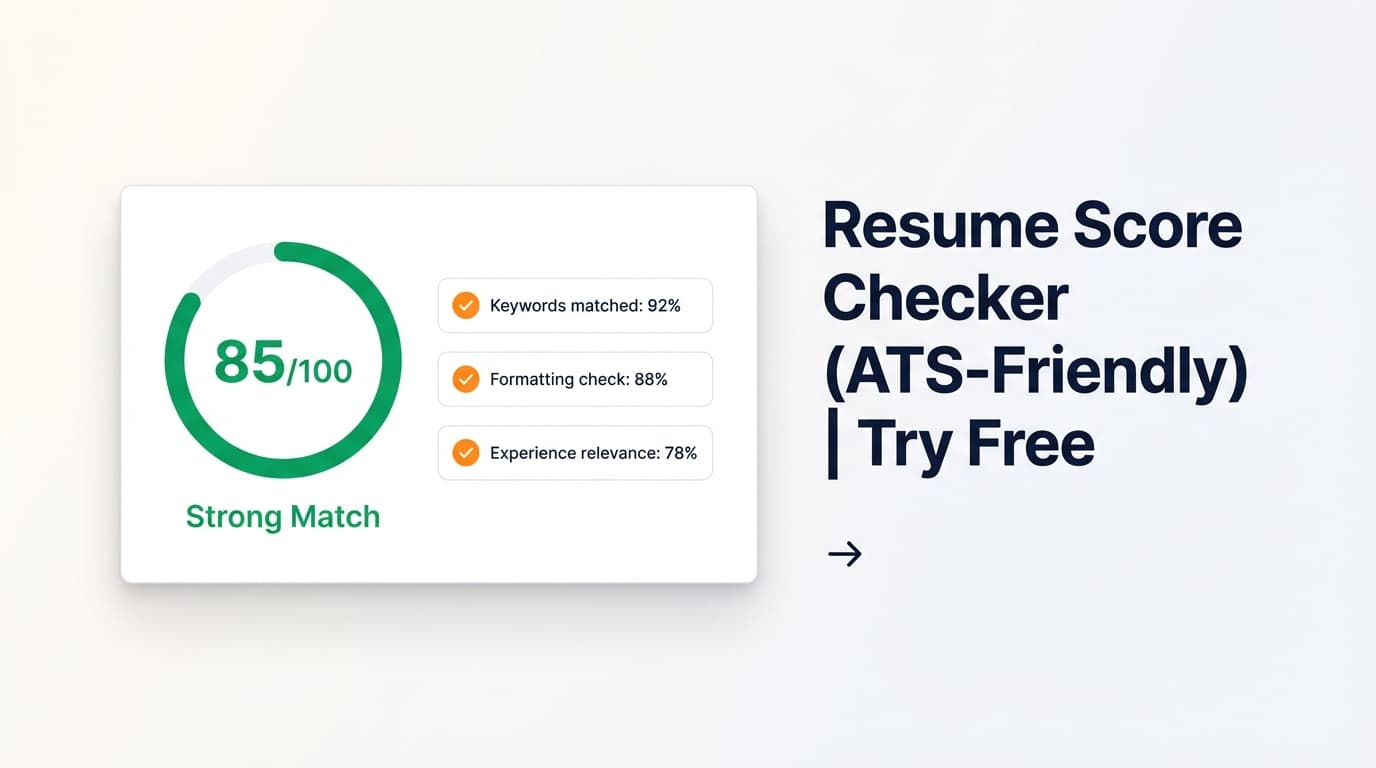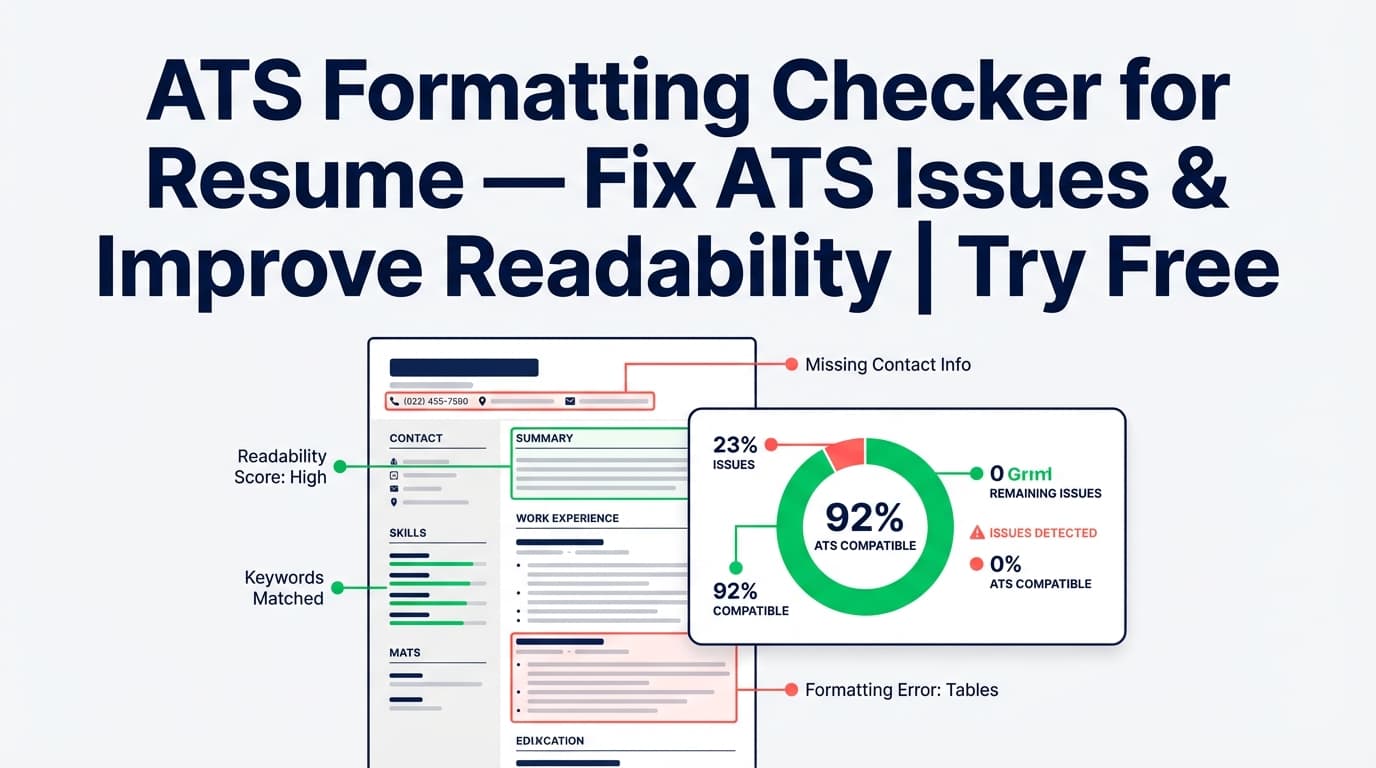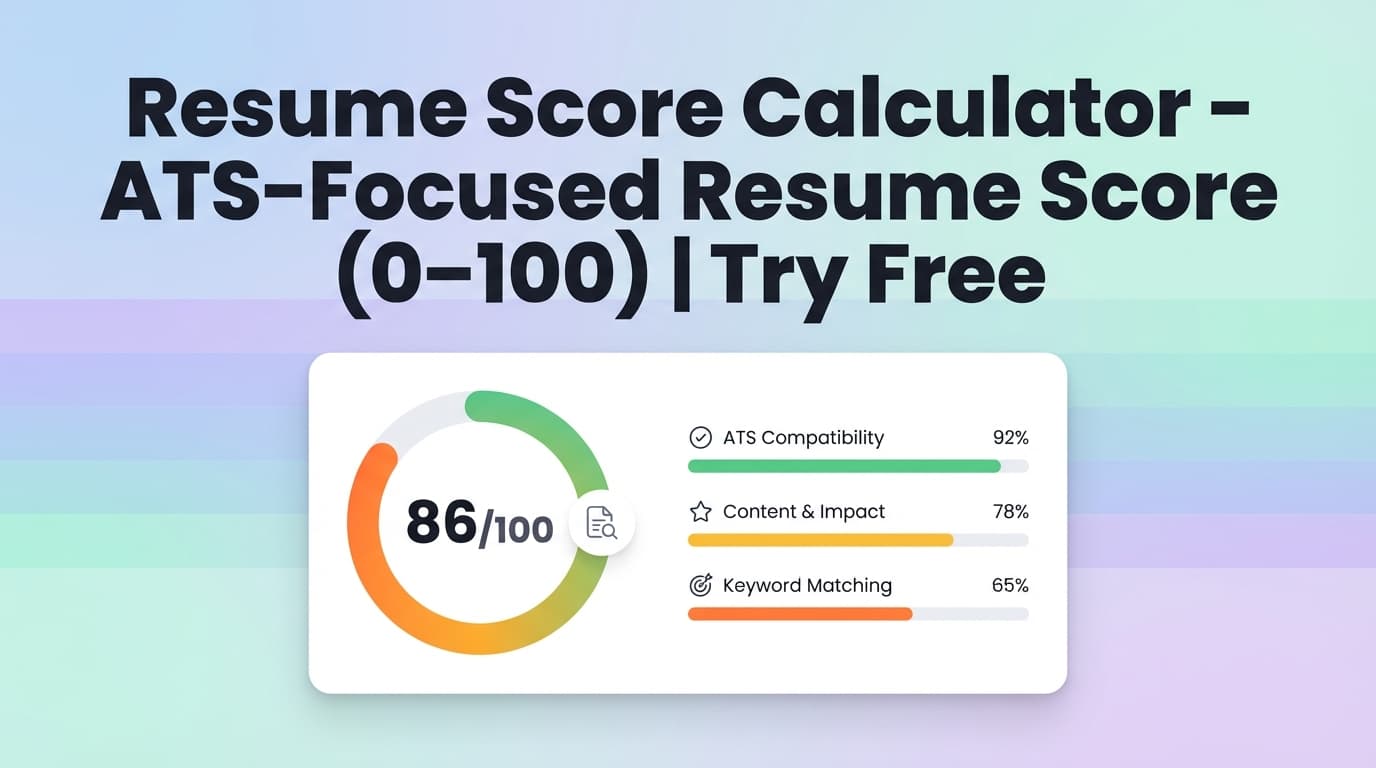
JobShinobi’s Resume Score Calculator analyzes your resume and returns a score out of 100, plus a clear breakdown across content, keywords, formatting, completeness, and ATS compatibility—so you know exactly what to improve next.
Try it now → (JobShinobi advertises a 7‑day free trial)
What is a Resume Score Calculator?
A resume score calculator is a tool that grades your resume against practical signals that influence ATS parsing and recruiter readability. The goal isn’t “gaming the ATS”—it’s helping you build a resume that’s:
- Easy to scan (for humans)
- Structured consistently (for ATS parsing)
- Keyword-aligned (for the role you want)
- Complete (so critical information isn’t missing)
JobShinobi’s Resume Score Calculator is built into the JobShinobi web app and analyzes the resume you’re working on (JobShinobi uses a LaTeX-based resume workflow). You’ll get:
- An overall resume score (0–100)
- Category scores (content, keyword, formatting, completeness, ATS)
- Strengths and weaknesses
- Missing sections
- Keyword analysis (including present/missing/overused keywords when available)
- ATS-focused issues and recommendations
You can also run job-specific analysis by adding a job description—useful when you want feedback tailored to a specific posting.
How to Use JobShinobi’s Resume Score Calculator
Step 1: Sign in and open (or create) a resume
To calculate a score, you’ll need a resume inside JobShinobi.
- Sign in to JobShinobi
- Open your resume in Resume Studio (or create one from a template)
- Make sure your resume content is present (Experience, Skills, Education, etc.)
Tip: The analysis evaluates your resume content as written (in LaTeX source). If you haven’t added your real experience and skills yet, the score will reflect that.
Step 2: Click “Analyze Resume” to calculate your score
In Resume Studio, run Analyze Resume to generate your results.
You’ll receive:
- Overall score (/100)
- Category breakdown:
- Content Quality
- Keywords
- Formatting
- Completeness
- ATS Compatibility
- A detailed report (strengths, weaknesses, missing sections, keyword and ATS notes)
Tip: JobShinobi can reuse a cached analysis if your resume hasn’t changed since the last run. If you want a fresh score, make edits (and save) before re-analyzing.
Step 3 (Optional): Add a job description for job-specific analysis
To get more targeted feedback, analyze against a specific job.
You can do this by:
- Pasting a job description directly, or
- Using a job posting URL and extracting job details (company/position/keywords), then matching your resume
This job-specific pass focuses more on alignment—especially keyword presence vs. missing keywords—so you can tailor your resume without guessing.
Pro tip: Add keywords only when they truthfully reflect your experience. Instead of keyword-stuffing, weave them into skill lines, project bullets, and quantified impact statements.
Features of Our Resume Score Calculator
Overall resume score (0–100) with category breakdown
JobShinobi returns an overall score and separate category scores:
- Content score (clarity, impact, measurable outcomes)
- Keyword score (relevance and coverage)
- Formatting score (structure/readability signals)
- Completeness score (missing or underdeveloped sections)
- ATS score (ATS-focused compatibility signals)
Why it matters: Category scores tell you what to fix first. A “low keyword score” requires different action than a “low completeness score.”
Strengths, weaknesses, and missing sections
Your report includes structured feedback such as:
- Strengths to keep
- Weaknesses to improve
- Missing sections to add
Why it matters: Many resumes underperform due to omissions (e.g., unclear skills section, missing project details, weak bullets), not a lack of experience.
Keyword analysis (present, missing, and overused)
JobShinobi can surface keyword insights including:
- Keywords currently present
- Keywords missing (especially useful with job-specific analysis)
- Overused keywords (when detected)
Why it matters: ATS + recruiters often screen for role-relevant terms. Keyword visibility helps you tailor efficiently and avoid repetitive buzzwords.
ATS issues and recommendations you can act on
Beyond a score, the tool provides issues and suggestions to improve ATS friendliness and readability.
Why it matters: A single number doesn’t tell you what to do next. Clear recommendations reduce trial-and-error.
Job-specific analysis mode (add a job description)
When you analyze with a job description, JobShinobi generates job-aligned insights (match score + keyword gaps + recommendations).
Important note: Job-specific analysis is optimized for alignment. Some score elements may be derived from the job match results (rather than a full re-grade of every category).
Resume Score Calculator Use Cases
For job seekers applying to many roles
Use the Resume Score Calculator as a quality control step before you apply.
Example workflow:
- Build or update your resume
- Run analysis
- Fix the lowest category score first
- Re-run after edits
For career switchers
If you’re changing roles (e.g., operations → product, support → IT, analyst → data science), job-specific analysis helps identify which keywords and competencies you need to demonstrate through real projects, skills, and outcomes.
For experienced candidates with “vague bullets”
Senior resumes can still score poorly if bullets lack scope and impact.
Upgrade bullets with:
- Action + what you built/led
- Scale (team size, budget, traffic, users)
- Outcome (latency reduced, revenue increased, cycle time cut)
Why Choose JobShinobi’s Resume Score Calculator?
| JobShinobi Resume Score Calculator | Other “free” online checkers |
|---|---|
| Score + breakdown across content, keywords, formatting, completeness, and ATS | Often a single score with generic advice |
| Job-specific analysis when you add a job description | Job matching may be limited or locked behind signup/paywalls |
| Works alongside a resume workflow (edit → score → iterate) | Many tools only scan an uploaded file and stop there |
| Built for JobShinobi’s LaTeX resume workflow | Some tools struggle to give actionable edits beyond surface-level checks |
Related Tools
Explore more tools in JobShinobi that work well with resume scoring:
- Job Description Extractor: Paste a job URL or text to extract structured job details and keywords.
- Resume-to-Job Match Analysis: Compare your resume to a specific job and identify missing vs. present keywords.
- LaTeX Resume Builder + PDF Preview: Edit your resume and preview/export a PDF from the same workflow.
- AI Resume Assistant (Agent): Chat-based resume editing help inside the editor.
- Job Application Tracker: Track applications and export to Excel (email-forward automation is Pro-gated).
FAQ
Is the Resume Score Calculator free?
JobShinobi is a paid subscription product with plans shown as $20/month or $199.99/year, and the site advertises a 7‑day free trial.
To avoid inaccurate claims about what’s available without upgrading, the best way to confirm access is to sign in and try the tool.
Do I need an account to use it?
Yes. Resume scoring is tied to resumes stored in your JobShinobi account, so you’ll need to sign in.
Can I upload a PDF resume and score it here?
JobShinobi’s scoring is designed around the resumes you build/save in the app (LaTeX-based content). If you already have a resume elsewhere, you’ll want to move your content into a JobShinobi resume to get a score.
Does a higher score guarantee I’ll pass an ATS?
No. No resume tool can guarantee ATS outcomes or interviews. A higher score generally indicates stronger alignment, completeness, and fewer common ATS/readability risks—but hiring outcomes depend on many factors.
Start Using the Resume Score Calculator Now
If you want a resume score you can actually use—plus ATS-focused feedback and job-specific insights—JobShinobi’s Resume Score Calculator is built to help you iterate quickly and apply with confidence.