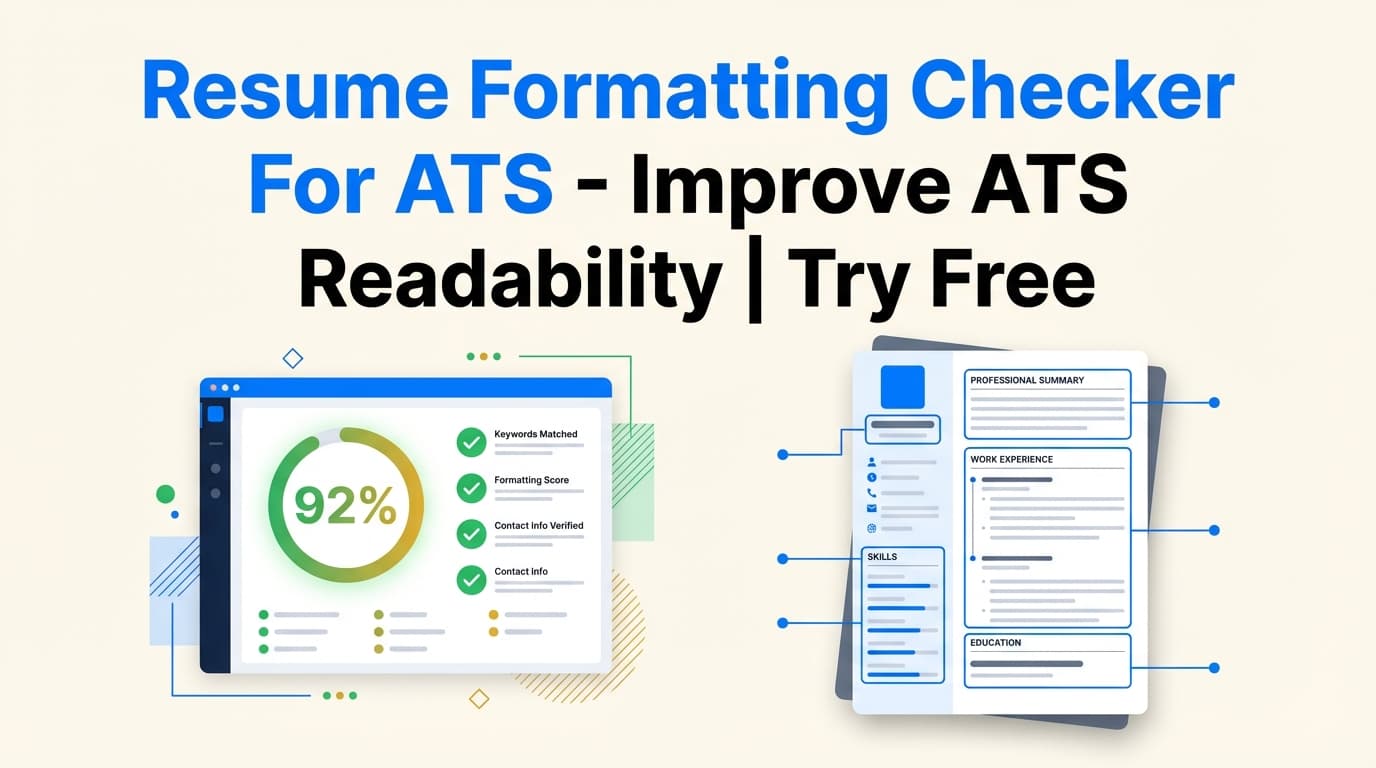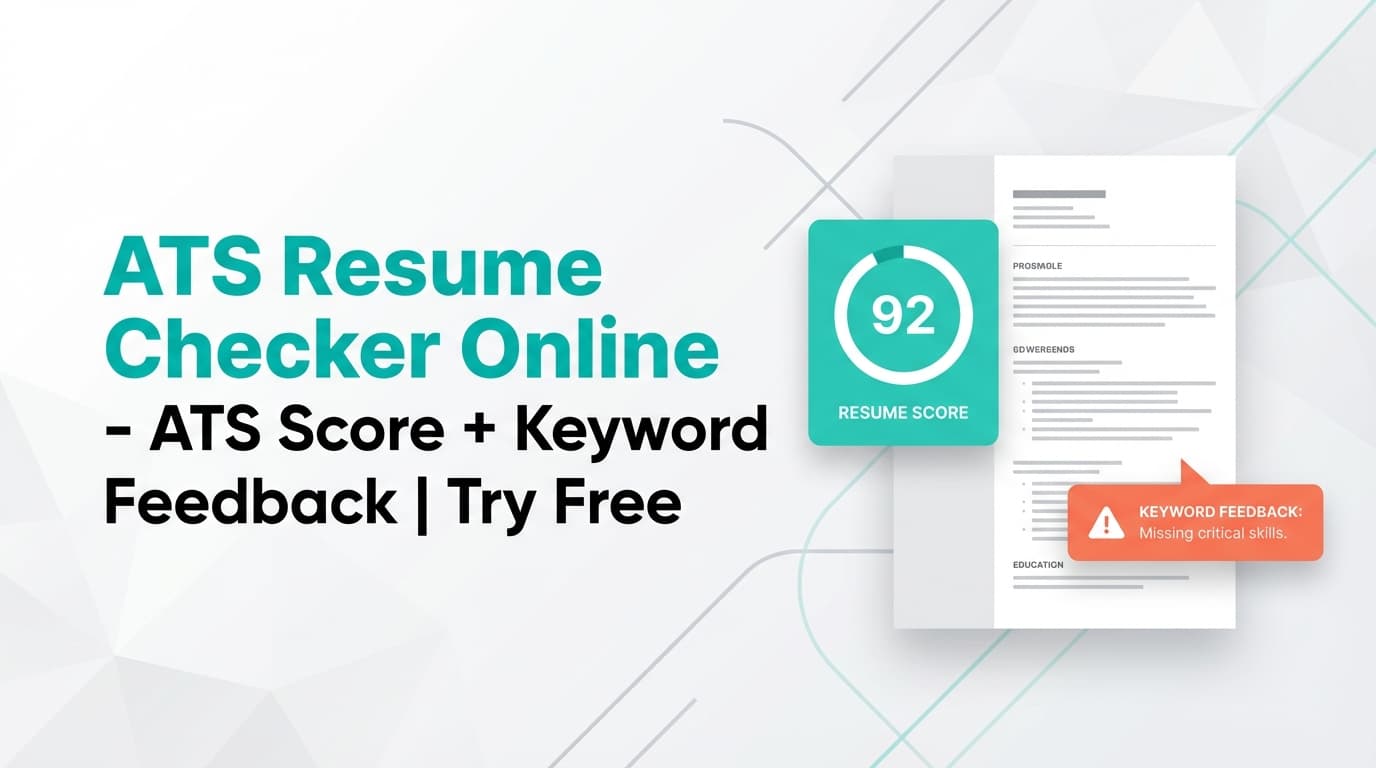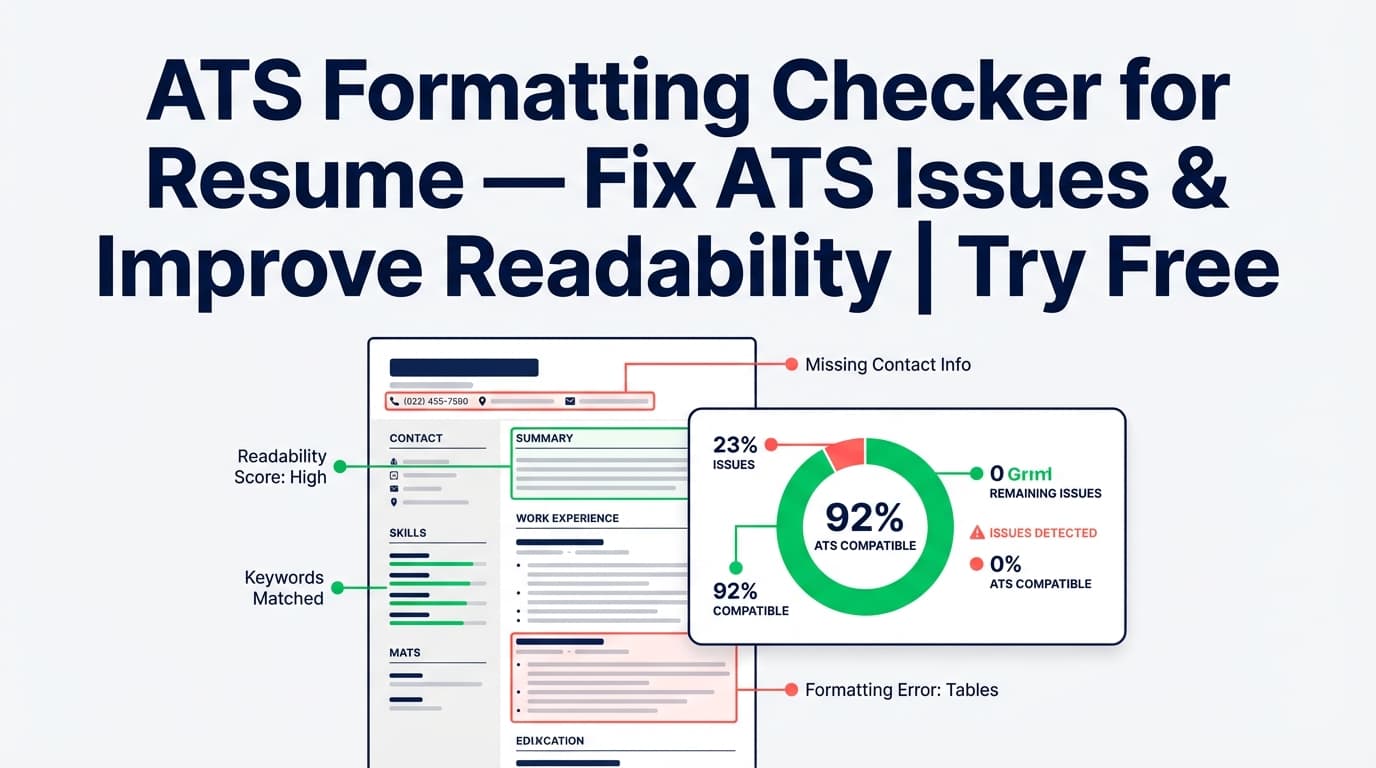
If you’re searching for a free ATS formatting checker tool for a resume, you’re trying to answer one core question: Will an Applicant Tracking System (ATS) read my resume correctly? JobShinobi helps you check for ATS-related formatting risks by running Resume Analysis—including a Formatting score, an ATS score, and a list of ATS Compatibility Issues (when detected).
Try it now → (JobShinobi advertises a 7‑day free trial)
What is an ATS formatting checker for a resume?
An ATS formatting checker reviews your resume for structure and formatting patterns that commonly cause parsing problems—things like confusing section layouts, inconsistent headings, missing contact details, or elements that may not extract cleanly.
JobShinobi’s ATS-focused feedback is delivered through its Resume Analysis system. When you analyze your resume, JobShinobi generates:
- Overall score (/100)
- Category scores including:
- Formatting
- ATS Compatibility
- Content Quality, Keywords, Completeness
- Detailed feedback such as:
- Strengths
- Areas to improve
- ATS issues (shown as “ATS Compatibility Issues” in the analysis UI)
- Optional deeper analysis fields (when available), such as:
- ATS analysis (structured ATS simulation data)
- Bullet analysis
- Length analysis
This is ideal for job seekers who want to:
- sanity-check ATS readability before applying
- fix parsing risks early (before keyword tuning)
- iterate quickly: analyze → edit → re-analyze
Accuracy note: No checker can guarantee you’ll “pass ATS.” Different companies use different systems and configurations. JobShinobi provides signals and recommendations—not guarantees.
How to Use JobShinobi’s ATS Formatting Checker (Step-by-Step)
Step 1: Create or open a resume in JobShinobi
- Sign in to JobShinobi.
- Go to Dashboard → Resume.
- Either:
- Browse Templates and start a resume, or
- Open an existing saved resume.
Tip: If you’re testing ATS formatting, keep your first pass simple—clean sections, standard headings, and straightforward lists.
Step 2: Run Resume Analysis (the ATS formatting check)
From the Resume dashboard:
- Click Analyze Resume on the resume you want to check.
- Wait for the analysis to complete.
What you’ll see:
- A score breakdown including Formatting and ATS Compatibility
- Suggestions and detailed feedback
Step 3: Review “ATS Compatibility Issues” and formatting score
In the analysis screen, open the Detailed Feedback tab and look for:
- ATS Compatibility Issues (a list of issues that may affect ATS parsing)
- Areas to Improve (often includes readability/structure fixes)
If you’re using the resume editor, you can also open the Resume Analysis Report modal and re-check after changes.
Step 4: Fix issues in the editor, then re-analyze
- Return to Resume Editor
- Make changes (formatting, section structure, content clarity)
- Run Re-analyze to confirm the improvements
Pro tip: JobShinobi may return a cached analysis when the resume hasn’t changed. If you edit, make sure your changes are saved so your next analysis reflects the updated resume.
Step 5 (Optional): Check against a job description for job-specific ATS improvements
JobShinobi supports job matching and job-specific feedback:
- In the analysis page, go to Job Matching
- Paste a job posting URL or the job description text
- Extract job details and run the match
This adds keyword alignment insights (present vs missing keywords) so you can refine both format + relevance.
Features of Our ATS Formatting Checker for Resume
Formatting score + ATS score (separate signals)
JobShinobi’s score breakdown includes:
- formatting_score
- ats_score
Why it matters: A resume can be strong content-wise but still hard for software to parse. Separating formatting and ATS signals helps you fix the right problem first.
ATS Compatibility Issues list (actionable flags)
In Detailed Feedback, JobShinobi can show ATS Compatibility Issues as a list.
Why it matters: This is the fastest way to spot “parsing risk” items without guessing.
Job matching for keyword alignment (optional)
When you add a job description, JobShinobi can generate job-match analysis and store:
- present keywords
- missing keywords
- match score and recommendations
Why it matters: Formatting gets you parsed. Keywords help you rank once you’re parsed.
Re-analyze workflow built for iteration
JobShinobi includes Analyze Resume / Re-analyze actions so you can test changes quickly.
Why it matters: ATS optimization is iterative—small adjustments can change how readable and searchable your resume becomes.
Common ATS Formatting Problems This Tool Helps You Catch
While every ATS behaves differently, most candidates run into the same categories of issues. JobShinobi’s analysis is designed to highlight these risks when they appear:
- Non-standard or unclear section headings
- Inconsistent date formatting (harder for timelines to parse)
- Contact info problems (missing or unclear details)
- Problematic elements like columns/tables in certain formats (often a parsing risk)
- Special characters that can break parsing or create weird text output
Use the tool to spot issues, then simplify formatting until your resume reads cleanly and consistently.
ATS Formatting Checker Use Cases
For job seekers getting auto-rejections
If you’re qualified but not getting callbacks, formatting and ATS readability are worth checking before you rewrite your experience bullets.
Example: Run analysis → fix ATS issues → re-run analysis → then tailor keywords for each role.
For career changers
Career changers often need help with keyword alignment, but formatting is still the foundation.
Example: Clean up structure first, then run job matching to find missing role-specific terms.
For experienced candidates with longer resumes
Longer resumes can introduce structure and consistency problems (dates, headings, dense paragraphs).
Example: Use analysis to identify weak areas, tighten formatting, and re-check.
Why Choose JobShinobi’s ATS Formatting Checker?
| JobShinobi | Many “Free ATS Checkers” |
|---|---|
| Includes Formatting score, ATS score, and ATS Compatibility Issues in one analysis | Often focus only on keyword match or a single score |
| Built into a resume workflow (edit → analyze → re-analyze) | Many tools are one-off scans with limited iteration |
| Optional job matching (URL or text job input) | Some tools require upgrades before job matching |
Related Tools
Explore more from JobShinobi:
- Resume Builder (LaTeX + PDF preview): Build and edit a structured resume with PDF output.
- Resume-to-Job Matching: Compare your resume to a job posting and identify keyword gaps.
- Job Application Tracker: Track applications and export to Excel (note: email ingestion automation is Pro-gated).
FAQ
Is this ATS formatting checker really free?
JobShinobi is a paid subscription product ($20/month or $199.99/year in the app configuration). The pricing section advertises a 7‑day free trial. We don’t claim a permanent free plan.
Do I need an account?
Yes. Resume Analysis is run inside your JobShinobi dashboard, so you’ll need to sign in.
Does JobShinobi guarantee my resume will pass ATS?
No. It provides analysis, scores, and issue flags, but ATS outcomes vary by employer and system.
Can I use it for a specific job description?
Yes. The job-matching workflow accepts a job posting URL or job description text and then provides match insights including missing/present keywords.
Start Using the ATS Formatting Checker Now
If you want an ATS-friendly resume, start with what the ATS needs most: a clean structure it can parse. Run JobShinobi’s Resume Analysis, fix the formatting/ATS issues you find, and re-check until your resume is ready to submit.