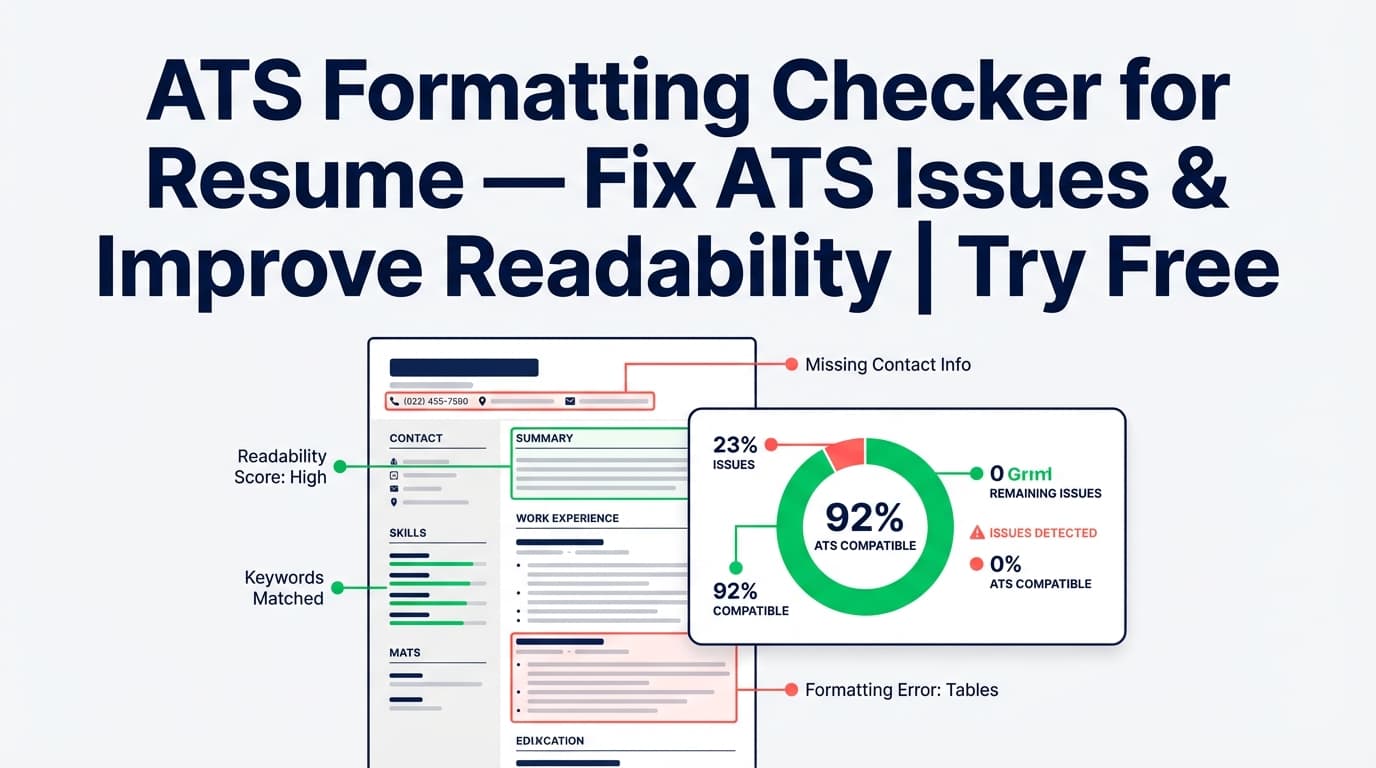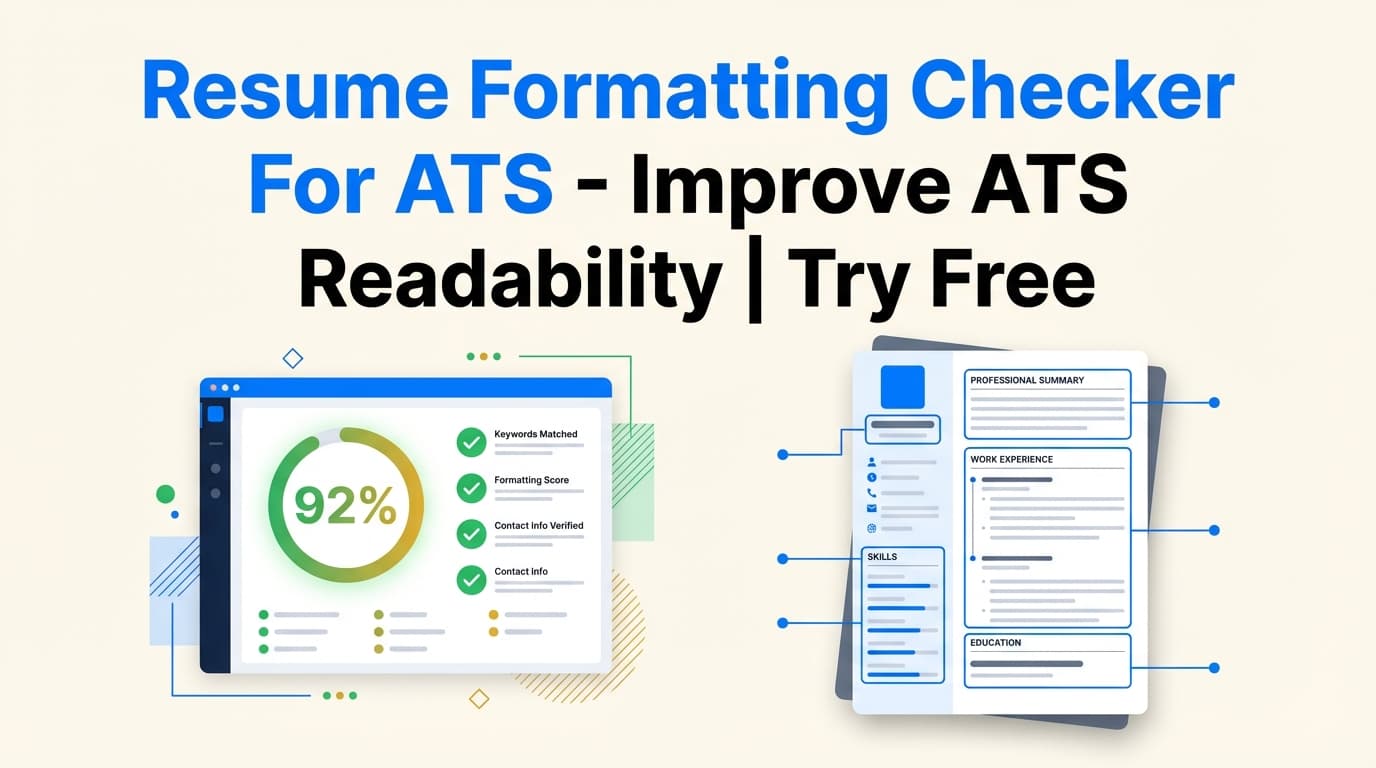
JobShinobi’s Resume Formatting Checker For ATS helps you evaluate how ATS-friendly your resume is from a formatting and structure perspective—so your content stays readable when it’s scanned and reviewed.
You’ll get an overall score (0–100) plus a Formatting Score and ATS Score, along with a list of ATS issues and other structured feedback you can fix and re-check.
What is Resume Formatting Checker For ATS?
A “resume formatting checker for ATS tool” is designed to flag formatting and structure choices that can make a resume harder for applicant tracking systems to interpret (or harder for recruiters to skim). In JobShinobi, this checker is part of the Resume Analysis workflow.
Instead of uploading a document and hoping for the best, you can:
- Build your resume in JobShinobi’s LaTeX-based resume editor
- Run analysis to generate:
- formatting_score
- ats_score
- ats_issues
- and additional structured analysis fields (like ATS analysis and section/bullet analysis)
This tool is for job seekers who want clarity on what to fix next—not empty guarantees. (No tool can honestly guarantee you’ll “pass ATS” everywhere.)
How to Use JobShinobi’s Resume Formatting Checker For ATS (HowTo)
Step 1: Sign in to JobShinobi
JobShinobi uses Google sign-in. Once authenticated, you can access the resume dashboard and editor.
Tip: Use the same email you use for job applications to keep your workflow consistent.
Step 2: Open your resume (or start from a template)
Go to your resume area and either:
- Open a saved resume, or
- Start from a template and build a new one
JobShinobi resumes are maintained as LaTeX source, then compiled to PDF for preview/download.
Tip: If your current resume relies heavily on columns, text boxes, icons, or complex layout, consider creating a clean “ATS-first” version before analyzing.
Step 3: Click Analyze Resume
Run the analysis to generate your scoring breakdown. JobShinobi returns:
- overall_score
- content_score
- keyword_score
- formatting_score
- completeness_score
- ats_score
Along with detailed feedback, including:
- strengths
- weaknesses
- missing_sections
- keyword_analysis (present/missing/overused, plus additional keyword metrics when available)
- ats_issues (a list of ATS-related issues to review)
What’s happening under the hood: the analyzer reads your LaTeX content and is designed to ignore LaTeX commands (it evaluates the resume as it would appear in the final compiled output).
Step 4: Review your Formatting Score + ATS findings
Use the report to identify the highest-impact formatting fixes first. Common “ATS readability” problem areas include:
- Non-standard section headings
- Inconsistent date formats
- Missing or unclear contact info placement
- Elements that may behave like tables/columns
- Special characters that can become garbled when parsed
JobShinobi supports a deeper ATS analysis data structure (e.g., parseable sections, problematic elements, heading issues, and more), which helps you understand why a formatting/ATS score might be lower.
Step 5: Fix issues in the editor, then re-analyze
Make changes in the resume editor and re-run analysis to confirm improvements.
JobShinobi supports re-analysis and also supports cached analysis when a resume hasn’t changed since the last run (so you don’t waste time re-checking an identical draft).
Pro tip: Fix in batches:
- contact info + headings,
- date consistency,
- layout simplification,
then re-run after each batch so you can see what actually changed.
Step 6 (Optional): Add a job description for job-specific feedback
If you want more tailored feedback, add a job description (URL or pasted text). JobShinobi can extract job details and then generate job-aware analysis and matching insights.
Features of Our Resume Formatting Checker For ATS
Formatting Score + ATS Score (separate signals)
Your report includes both:
- formatting_score (structure/readability signals)
- ats_score (ATS-oriented signals)
Why it matters: “ATS-friendly” is not one thing. A resume can be strong in content but weakened by structure, headings, or formatting choices that create parsing risk.
ATS issues list (actionable checklist)
JobShinobi includes ats_issues as part of detailed feedback.
Why it matters: You’re not left guessing what to fix—ATS issues are spelled out as a list you can work through.
ATS analysis signals (deeper diagnostics)
JobShinobi’s analysis supports an ATS analysis structure with fields such as:
- parseable_sections
- problematic_elements (with severity + fix)
- date_format_consistent and date_format_issues
- contact_info_complete and contact_info_issues
- uses_standard_headings and heading_issues
- special_characters_found
- tables_or_columns_detected
- ats_friendly_format
Why it matters: This goes beyond “score only” tools by explaining what the system thinks is risky and what to change.
Section + bullet quality analysis (helps formatting indirectly)
JobShinobi can also provide structured analysis like:
- section_scores
- bullet_analysis
Why it matters: Strong formatting isn’t just layout—clear section structure and consistent bullet quality improve skimmability for humans and reduce ambiguity for parsing.
Re-analyze flow (and cached results when unchanged)
If your resume is unchanged since the last analysis, JobShinobi can return a cached result. You can also re-run analysis when you update the resume.
Why it matters: Faster iteration, less wasted time, clearer before/after comparisons.
Resume Formatting Checker For ATS Use Cases
For candidates with “designed” resumes (columns, icons, complex layout)
If your resume looks great visually but isn’t parsing cleanly, the checker helps you identify ATS-format risks and shift toward a more readable structure.
Example: Replace multi-column layout with a single clean structure and re-check whether ATS issues decrease.
For experienced professionals with inconsistent date formatting
Date format inconsistencies can confuse both ATS and recruiters. JobShinobi’s ATS analysis supports checks like date_format_consistent and date_format_issues.
Example: Standardize dates to one format (e.g., MM YYYY — MM YYYY) across all roles.
For job seekers tailoring resumes per application
Tailoring can accidentally introduce formatting inconsistencies. Run the checker after tailoring to ensure your headings, sections, and structure remain clean.
Example: After adding a targeted “Projects” section, re-check headings and ATS issues.
Why Choose JobShinobi’s Resume Formatting Checker For ATS?
| JobShinobi | Many “Free” ATS Checkers |
|---|---|
| Built into a resume editor workflow (edit → analyze → fix → re-check) | Often “scan once” with limited ability to iterate cleanly |
| Provides separate formatting_score and ats_score | Often collapses everything into one number |
| Includes ats_issues + deeper ATS analysis signals (e.g., headings/date consistency/tables detection) | Often vague advice like “improve formatting” without specifics |
| Supports job-aware analysis via job description input | Some tools focus only on keyword matching or upsell behind paywalls |
Related Tools (Inside JobShinobi)
If you’re optimizing your resume for real applications, these tools pair well with formatting checks:
- Job Description Extractor: paste a URL or text and extract structured job details.
- Resume-to-Job Matching: get a match score plus missing/present keywords and recommendations.
- AI Resume Agent (Editor Assistant): iterate on content in the editor while maintaining structure.
- Job Tracker + Analytics: track applications and monitor outcomes over time.
FAQ
Is Resume Formatting Checker For ATS really free?
JobShinobi is a paid subscription product with plans shown as $20/month or $199.99/year, and the site advertises a 7-day free trial.
For pricing claims, avoid assuming “free forever” unless a free tier is explicitly offered.
Do I need an account?
Yes. You must sign in (Google auth) because analysis is tied to your saved resume and your ability to re-check as you iterate.
Can this guarantee I’ll pass ATS?
No. JobShinobi helps you identify common ATS readability and formatting risks and improve them, but ATS behavior varies by employer, configuration, and workflow.
Do I upload a DOCX/PDF?
JobShinobi’s workflow is centered on building and analyzing resumes inside the product (LaTeX source + PDF preview). This tool is designed around that resume builder + analysis flow.
Start Using Resume Formatting Checker For ATS Now
Formatting issues are frustrating because they’re invisible until your resume gets misread. Run JobShinobi’s Resume Formatting Checker For ATS, review your Formatting Score, ATS Score, and ATS issues, then fix and re-check until your resume is clean, consistent, and easy to parse.