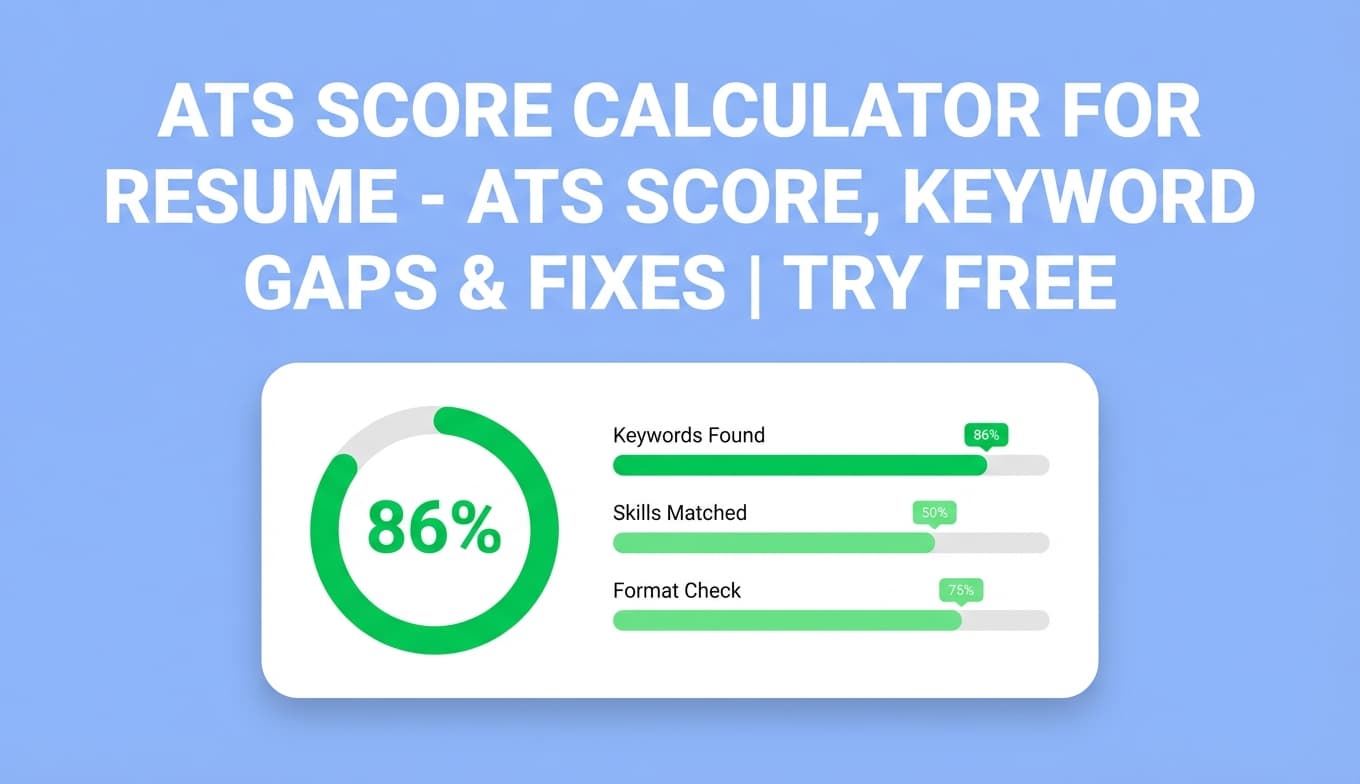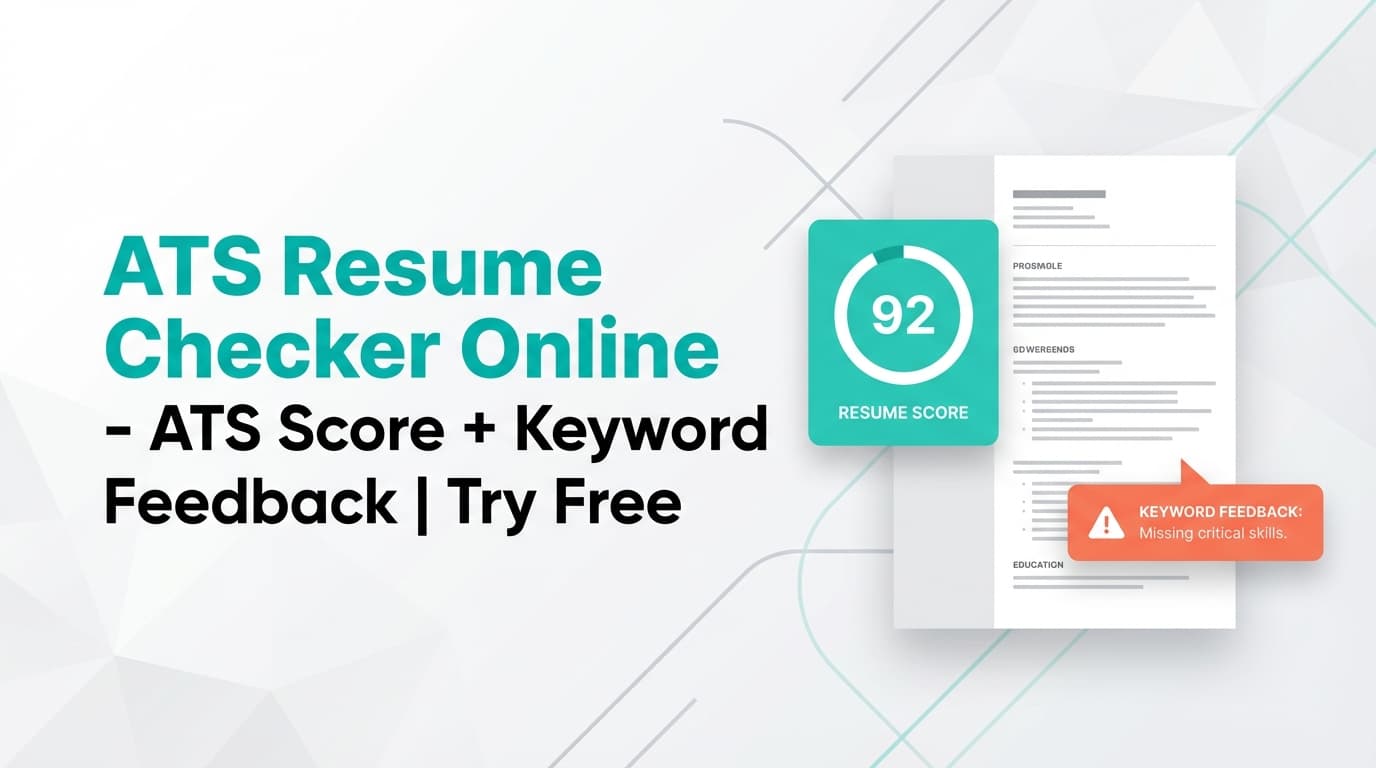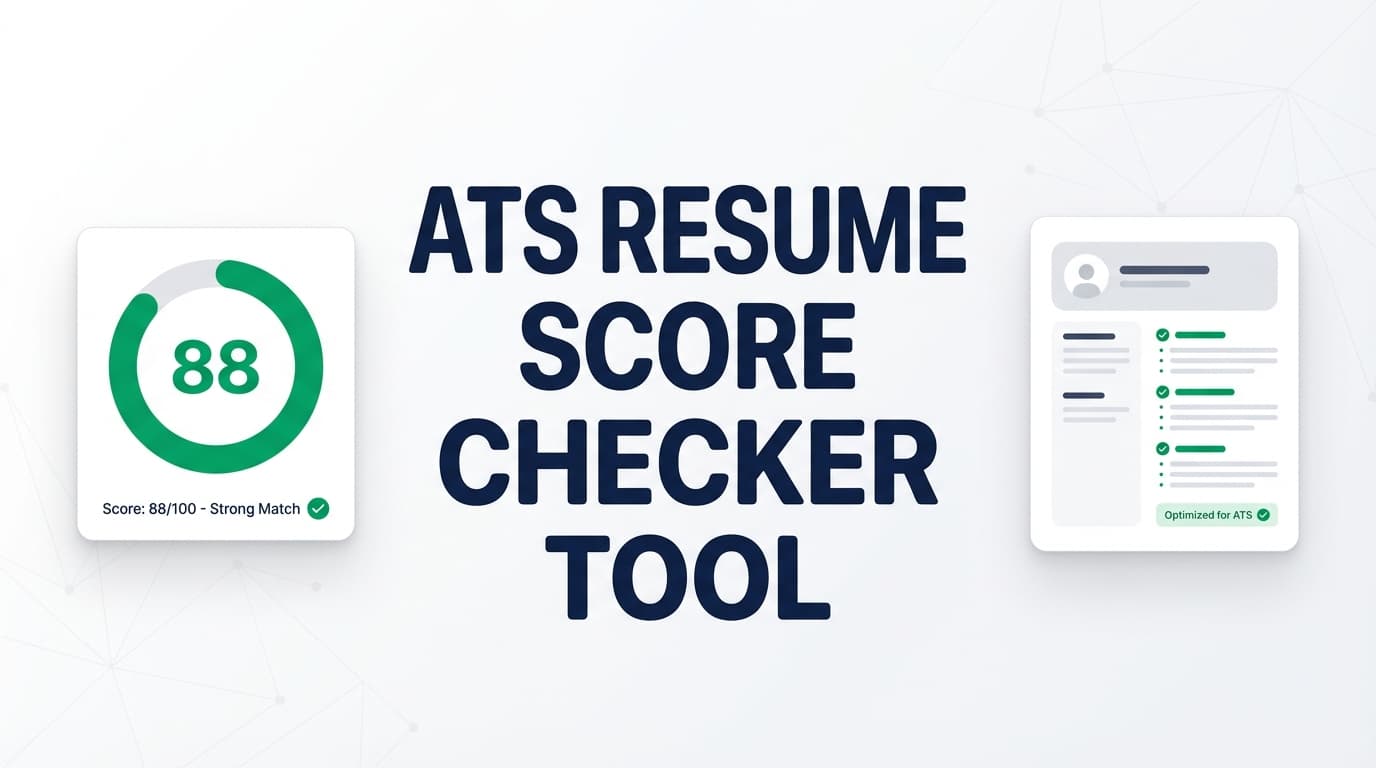
JobShinobi’s Ats Resume Score Checker gives you an ATS-focused resume score out of 100, plus a clear breakdown of what’s helping—or hurting—your results: keywords, content quality, formatting, completeness, and ATS compatibility.
Try it now → (includes a 7‑day free trial on paid plans) or keep reading to learn exactly how the checker works and how to use it step-by-step.
What is Ats Resume Score Checker?
An ATS resume score checker tool is designed to help you answer two practical questions:
- Will an ATS be able to parse my resume cleanly?
- Does my resume contain the right keywords and evidence for the role I’m targeting?
JobShinobi’s approach is built into a full resume workflow (not just a one-off scan). You create and edit your resume in JobShinobi’s LaTeX-based Resume Studio, then run analysis to get:
- Overall score (0–100)
- Score breakdowns for:
- Content
- Keywords
- Formatting
- Completeness
- ATS compatibility
- Strengths and areas to improve
- ATS compatibility issues (potential blockers)
- Keyword analysis (including missing vs present keywords)
- Optional job-specific analysis when you paste a job description
Note: No ATS score checker can guarantee you’ll “pass ATS” or get interviews. This tool is meant to help you improve the inputs you control—clarity, relevance, structure, and keyword alignment.
How to Use JobShinobi’s Ats Resume Score Checker (HowTo)
Step 1: Sign in and open your resume
The score checker runs on resumes saved in JobShinobi, so you’ll need an account.
- Sign in (Google OAuth is supported).
- Go to Dashboard → Resume.
- Open an existing resume or create a new one from a template.
Tip: If you’re applying to different role types (e.g., “Frontend Engineer” and “Product Manager”), create separate resume versions so your analysis stays role-specific.
Step 2: Edit your resume in Resume Studio (LaTeX + PDF preview)
JobShinobi uses a LaTeX-first workflow with a live PDF preview.
- Click Edit on a resume to open Resume Studio.
- Make your updates in either:
- Editor mode (manual editing), or
- Agent mode (AI-assisted edits)
- Click Save when you’re done.
Tip: You don’t need perfect wording before you run your first analysis. Run an early scan to find the biggest gaps, then iterate.
Step 3: Run “Analyze Resume” to get your ATS score
Once your resume is loaded, run the checker:
- Click Analyze Resume (or use the score widget in the editor toolbar).
- Wait a few seconds while it analyzes your resume content.
- Review your overall score and the category breakdown.
JobShinobi also supports cached analysis when your resume hasn’t changed since the last run—so re-opening the same resume may reuse the most recent score.
Tip: After making meaningful edits, use Re-analyze to refresh your score and confirm the impact.
Step 4 (Optional): Paste a job description for job-specific feedback
If you’re targeting a specific posting, you can add a job description to get more tailored feedback.
- Open the analysis report.
- Click Add Job (or Change Job).
- Paste the job description text.
- Click Analyze for This Job.
This is especially helpful for identifying missing keywords and refining role alignment.
Step 5: Apply improvements and re-check
Use your analysis results as a checklist:
- Fix ATS issues first (these can cause parsing or screening problems).
- Improve weak bullets and missing sections.
- Add missing keywords only when truthful (tie them to real experience).
- Re-run the checker to verify improvement.
Pro tip: Don’t chase a perfect 100. Aim for a resume that’s readable, credible, and clearly aligned with the role—then tailor where it matters most.
Features of Our Ats Resume Score Checker
Overall ATS resume score (0–100)
You get a single number you can track as you iterate.
Why it matters: It’s a quick signal for progress, especially when you’re making targeted changes and re-checking.
Category breakdown: Content, Keywords, Formatting, Completeness, ATS
JobShinobi returns category scores so you know what to fix first—not just “your score is low.”
Why it matters: A keyword gap problem and a formatting/ATS problem are solved very differently. The breakdown prevents wasted effort.
Strengths and areas to improve
Your report includes structured feedback such as Strengths and Areas to Improve.
Why it matters: You keep what’s working and focus edits where they’ll actually move the needle.
ATS compatibility issues
The tool highlights ATS Compatibility Issues—potential problems that may interfere with automated screening.
Why it matters: These are often the fastest wins because they reduce parsing risk and remove preventable blockers.
Keyword feedback (present vs missing)
You can see keywords found in your resume and keywords you may be missing—especially useful when tailoring for a specific job description.
Why it matters: ATS and recruiters reward relevance. Keyword alignment helps your resume show up and make sense quickly.
Re-analyze workflow (and caching when unchanged)
JobShinobi can reuse the latest analysis if your resume hasn’t changed, and also supports re-analysis when you revise.
Why it matters: Faster iteration with less friction.
Ats Resume Score Checker Use Cases
For applicants who aren’t getting callbacks
If you’re applying consistently but not hearing back, the checker can surface common issues like weak bullets, missing keywords, or ATS problems.
Example: You may have strong experience, but your bullet points don’t show outcomes or measurable impact—hurting your content score.
For job-specific tailoring (keyword gap analysis)
Paste a job description to see what you’re missing relative to that posting.
Example: If a role emphasizes “REST APIs, observability, incident response,” and your resume doesn’t reflect those themes (where applicable), keyword alignment may be low.
For students and early-career candidates (completeness + structure)
Early-career resumes often miss sections (projects, skills detail, relevant coursework) or use vague bullets.
Example: Adding a well-structured projects section with clear tech stacks and outcomes can improve both completeness and content clarity.
Why Choose JobShinobi’s Ats Resume Score Checker?
| JobShinobi’s Tool | Many other online checkers |
|---|---|
| Built into a resume workflow (edit → analyze → improve → re-check) | Often a one-time scan without an iteration loop |
| Score breakdown across content/keywords/formatting/completeness/ATS | Often a single score with limited prioritization |
| Optional job-description-based analysis inside the report | Some tools restrict job-specific analysis or separate it behind additional steps |
| Resume Studio workflow with PDF preview | Many tools focus only on uploads and don’t support an integrated editing loop |
Related Tools
Explore more from JobShinobi:
- Resume Builder (Resume Studio): Build and edit a LaTeX resume with PDF preview.
- AI Resume Agent (Agent mode): Chat-based assistant to help rewrite and improve resume content.
- Job Description Extraction: Paste a job URL or job text to extract structured job details.
- Resume-to-Job Matching: Get a job match score and recommendations to tailor your resume.
FAQ
Is Ats Resume Score Checker really free?
JobShinobi is a paid subscription product ($20/month or $199.99/year). The site advertises a 7‑day free trial, but it’s not positioned as a permanently free ATS resume score checker.
Do I need an account to use it?
Yes. The checker analyzes resumes saved in your JobShinobi account, so you’ll need to sign in.
Can this guarantee I’ll pass an ATS?
No. ATS setups vary by company, and no tool can guarantee outcomes. This checker helps you improve ATS compatibility, keyword alignment, and content clarity, which can improve your chances.
Can I check my resume against a specific job posting?
Yes. You can paste a job description and run job-specific analysis to identify missing keywords and improve alignment.
Start Using Ats Resume Score Checker Now
If you want a clear, structured way to improve your resume for ATS screening and role relevance, run your resume through JobShinobi’s Ats Resume Score Checker, fix the highest-impact issues, and re-check until your score and feedback stabilize.