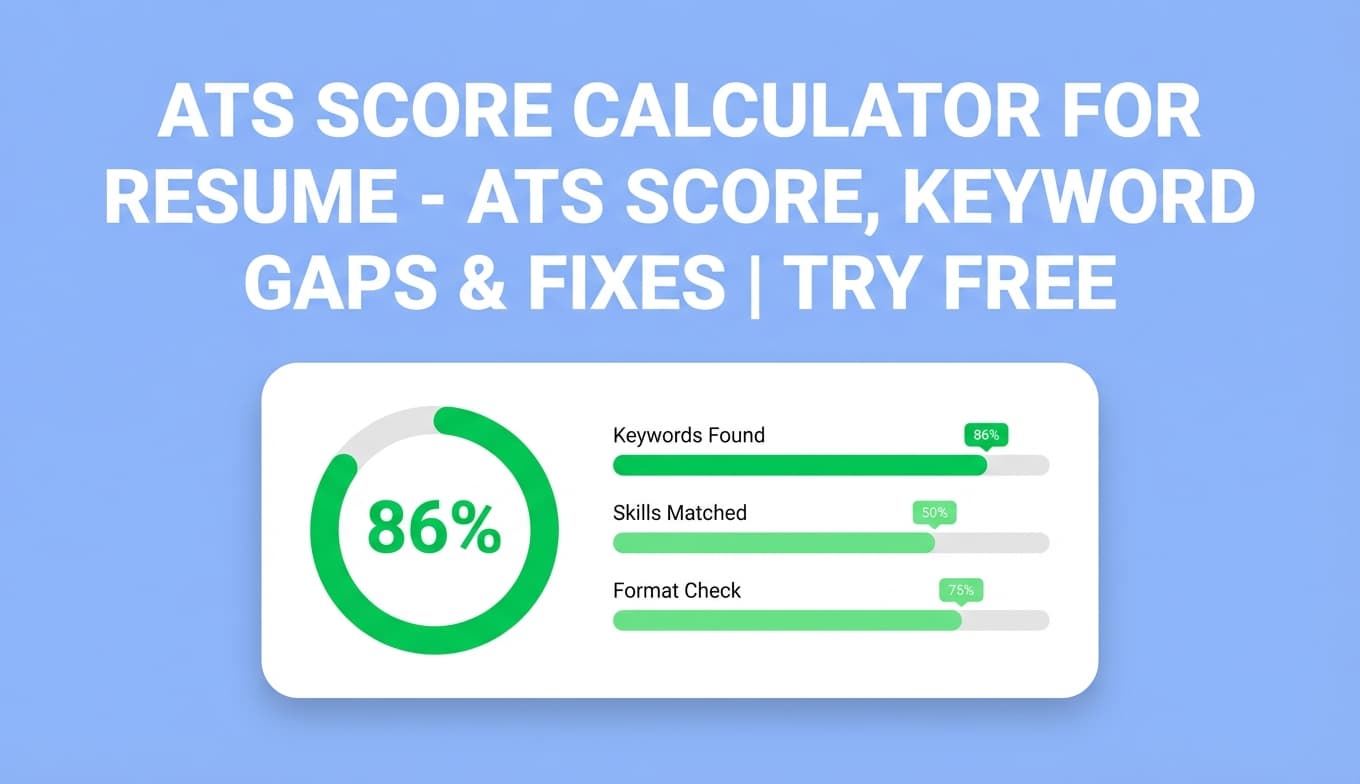
Ats Score Calculator For Resume by JobShinobi analyzes your resume and returns an ATS score (0–100) with a detailed breakdown—keywords, formatting, completeness, and ATS-specific issues—so you know exactly what to improve.
Try it now → (you’ll be prompted to sign in) or keep reading for the step-by-step workflow.
What is Ats Score Calculator For Resume?
An ATS score calculator estimates how well your resume aligns with common Applicant Tracking System expectations. In practice, that means checking whether your resume has:
- Clear, readable structure (ATS-friendly formatting)
- Role-relevant keywords (without stuffing)
- Enough detail and completeness (key sections aren’t missing)
- Strong, specific content (impact-focused bullets)
In JobShinobi, the ATS score calculator is part of the resume analysis workflow. You build or edit your resume in JobShinobi (LaTeX-based Resume Studio), then run an analysis to generate:
- Overall score (0–100)
- ATS score plus sub-scores (content, keywords, formatting, completeness)
- Feedback like strengths, weaknesses, missing sections, and ATS issues
- Keyword analysis including present, missing, and overused keywords
- Optional job-specific matching if you provide a job posting (URL or text)
How to Use JobShinobi’s Ats Score Calculator For Resume (HowTo)
Step 1: Sign in and open your resume
- Go to Ats Score Calculator For Resume.
- Sign in (JobShinobi uses Google authentication).
- Open the Resume area and choose an existing resume (or create one from a template).
Tip: JobShinobi’s analysis is designed for resumes managed in-app (LaTeX-based). For the most accurate results, make sure your resume content is updated inside JobShinobi before you analyze.
Step 2: Run “Analyze Resume” to generate your ATS score
Inside your resume workflow, click Analyze Resume.
JobShinobi will generate a score report including:
- Overall Score (0–100)
- Content Quality
- Keywords
- Formatting
- Completeness
- ATS Compatibility (ATS score)
Tip: The UI uses clear thresholds for readability: scores in the 85+ range are treated as strong, 70–84 as moderate, and below that as needing improvement. Use this as a quick “triage” signal—not a guarantee of interview outcomes.
Step 3: Review the report (keywords, ATS issues, missing sections)
After analysis, review the feedback sections:
- Strengths: what’s working well
- Weaknesses / improvements: what to fix next
- Missing sections: important sections that may be absent or underdeveloped
- ATS issues: issues likely to hurt parsing or screening
- Keyword analysis: which keywords are present, missing, or overused
Pro tip: Fix issues in priority order:
- missing sections / ATS issues
- keyword gaps (only if accurate to your experience)
- bullet-point strength and specificity
Step 4 (Optional): Add a job posting for job-specific keyword matching
If you’re tailoring for a specific application, add a job posting and re-check your alignment:
- Open Job Matching in the resume analysis flow.
- Provide a job posting as either:
- a job URL, or
- the full job description text
- Run extraction + matching.
You’ll receive:
- A Job Match Score (%)
- Matching keywords already in your resume
- Missing keywords from the job posting that aren’t in your resume text
- Recommendations you can apply while editing
Pro tip: Don’t “paste keywords” blindly. Add missing keywords only where they truthfully match your skills and impact—ideally inside experience bullets and projects.
Step 5: Re-analyze after edits
After you revise your resume, click Re-analyze to refresh your score and confirm improvements.
Helpful note: JobShinobi can reuse a cached analysis when your resume hasn’t changed, which can make repeat checks faster. If you made edits, re-analyzing ensures your newest content is reflected.
Features of Our Ats Score Calculator For Resume
ATS score (0–100) with breakdown
You don’t just get one number—you get category scores:
- Overall score
- Content score
- Keyword score
- Formatting score
- Completeness score
- ATS score
Why it matters: If your score is low, you’ll know why (keywords vs formatting vs completeness), so you can fix the right thing first.
Keyword analysis: present, missing, and overused
The analysis includes keyword insights such as:
- Present keywords
- Missing keywords
- Overused keywords
Why it matters: ATS tools and recruiters look for role-relevant language. This helps you close gaps without guessing.
ATS issues and missing sections
The report can flag:
- ATS issues that may reduce parseability or screening performance
- Missing sections that are commonly expected (role-dependent)
Why it matters: Even strong experience can underperform if the resume is hard to parse or missing essential structure.
Job-specific matching from a URL or pasted text
For tailoring, you can provide a job posting via:
- URL (LinkedIn, company careers page, etc.)
- Pasted job description text
Why it matters: Tailoring to each posting is one of the most reliable ways to improve relevance and interview rate.
Built into an edit → analyze → re-analyze loop
JobShinobi pairs scoring with a resume editor workflow so you can apply fixes and re-check quickly.
Why it matters: The fastest way to improve is iteration—scan, fix, validate, repeat.
Ats Score Calculator For Resume Tool Use Cases
For high-volume applicants (reduce avoidable rejections)
Run a quick ATS check before you apply to catch missing sections, weak bullets, and keyword gaps that commonly tank screening.
For career switchers (identify language gaps fast)
Compare your resume to target-role postings to see what terminology and skills are expected, then update your resume with accurate, relevant proof.
For job-specific tailoring (match each posting)
Use the URL/text job matching to produce a focused keyword gap list and recommendations, then apply them in context.
Why Choose JobShinobi’s Ats Score Calculator For Resume?
| JobShinobi | Other “free ATS score” tools |
|---|---|
| Score breakdown across content, keywords, formatting, completeness, ATS | Often a single score with vague advice |
| Job matching using job URL or pasted job text | Some require manual copying or only support one input type |
| Designed for an iterative workflow (edit → analyze → re-analyze) | Many are “scan-only” experiences |
| Provides keyword sets like present/missing/overused | Many only show “missing keywords” |
Related Tools
Explore more from JobShinobi:
- Resume Studio (LaTeX) + PDF preview: Edit your resume and preview the compiled PDF.
- Job Description Extraction: Turn a job URL or pasted text into structured job details.
- Resume-to-Job Matching: Get a match score plus missing/present keywords and recommendations.
- Job Application Tracker: Track applications and export to Excel (email-forwarding automation is Pro-gated).
FAQ
Is Ats Score Calculator For Resume really free?
JobShinobi is a paid subscription product with plans shown in-app as $20/month or $199.99/year, and the site advertises a 7-day free trial.
To stay accurate: don’t assume unlimited free usage beyond any trial/limited access.
Do I need an account to use the tool?
Yes. You’ll need to sign in (Google authentication) to analyze a resume in JobShinobi.
Can I upload a PDF/DOCX resume to get an ATS score?
JobShinobi’s scoring workflow is built around resumes managed inside JobShinobi’s resume experience (LaTeX-based Resume Studio). For best results, create/open your resume in JobShinobi and run analysis from there.
Does a high ATS score guarantee interviews?
No. ATS scores are an indicator, not a guarantee. Employers use different ATS configurations and human review varies widely. Use the score to improve clarity, relevance, and keyword coverage—then validate with real applications and recruiter feedback.
Start Using Ats Score Calculator For Resume Now
If you want a practical, fix-focused ATS score—plus keyword gaps and job-specific matching—run your resume through JobShinobi and iterate until your score and feedback are strong.