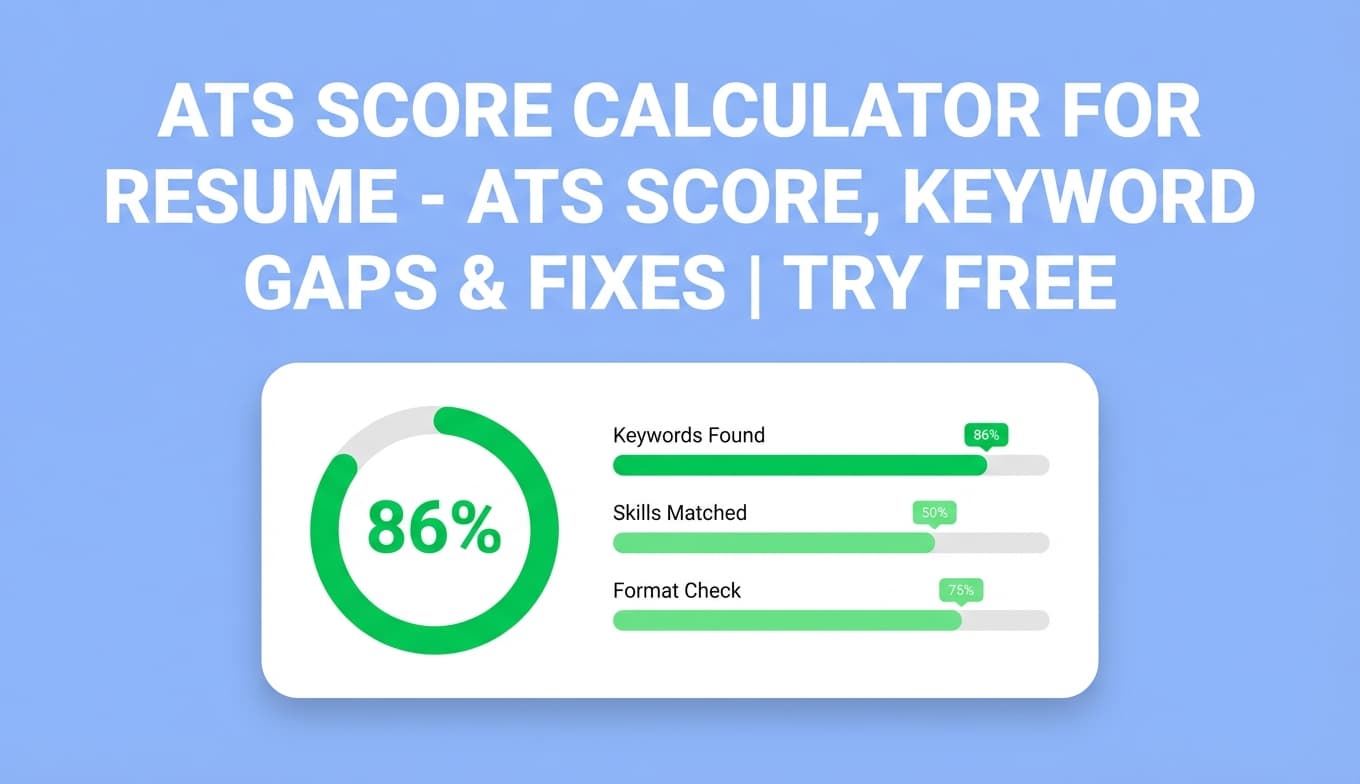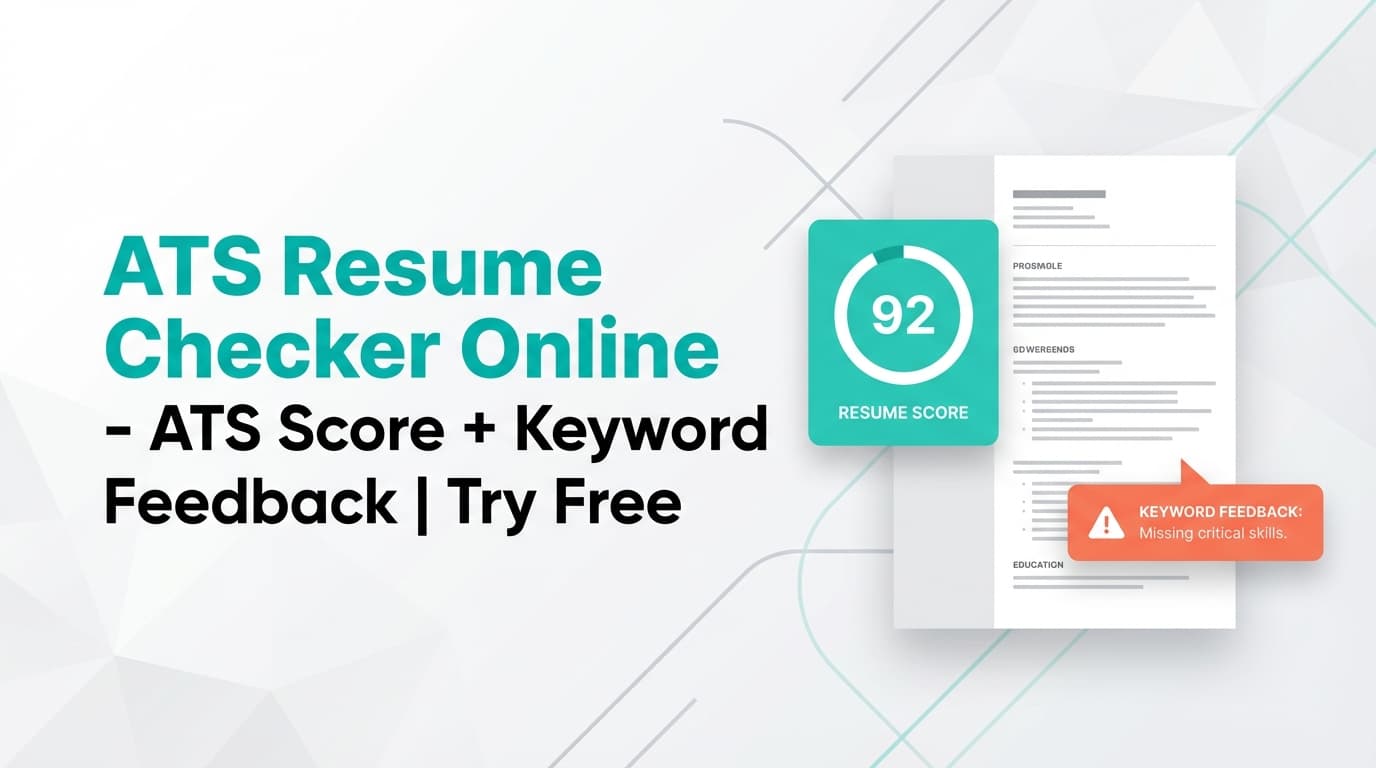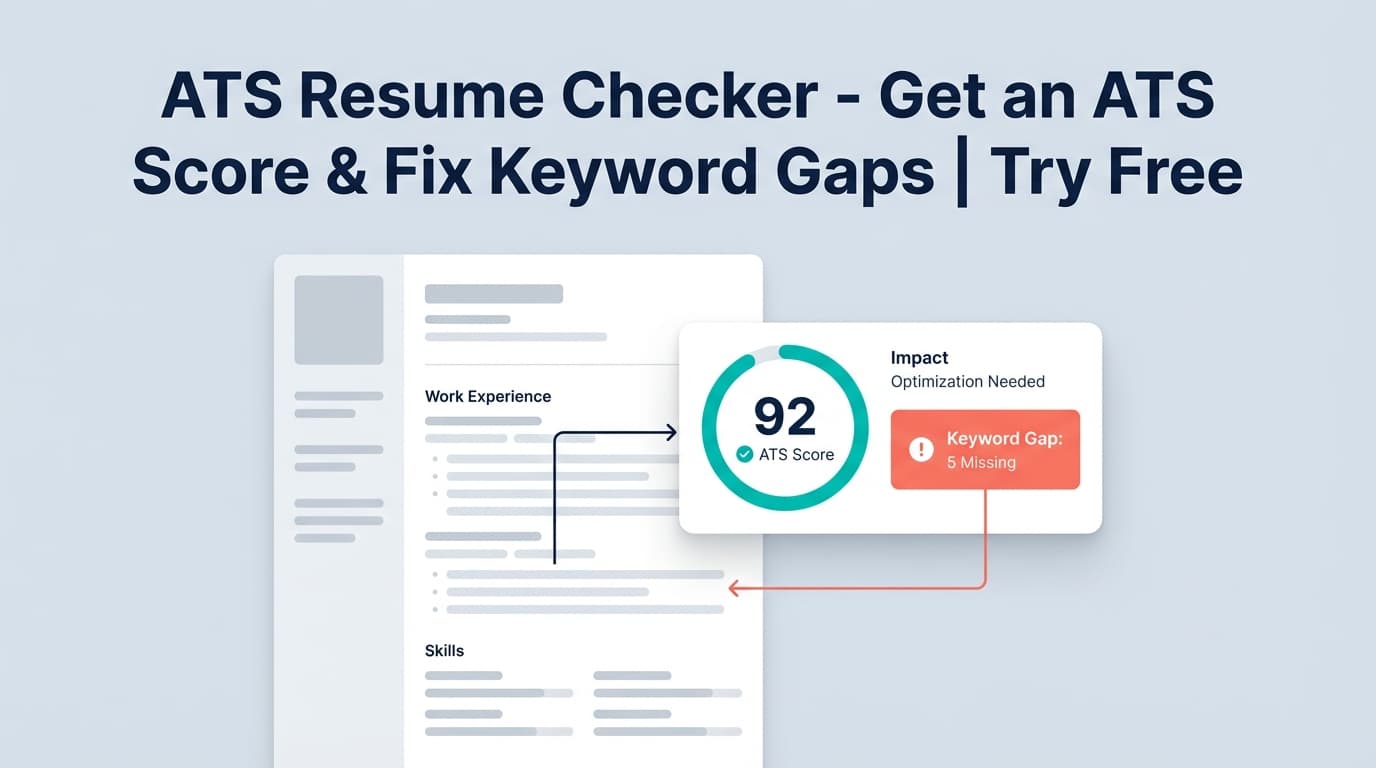
If you’re searching for a free ATS resume checker tool, JobShinobi gives you an ATS-style resume analysis with a score out of 100, keyword gap feedback, and actionable recommendations—all inside a resume editor where you can fix issues and re-check fast.
Try it now → (JobShinobi advertises a 7-day free trial; then $20/month or $199.99/year.)
What is Free ATS Resume Checker?
Free ATS Resume Checker is JobShinobi’s resume analysis workflow that helps you understand how your resume may perform in an ATS-style screening process.
Instead of guessing why you’re not getting callbacks, the tool generates:
- An overall resume score (0–100)
- A breakdown by category (content, keywords, formatting, completeness, ATS compatibility)
- Strengths and weaknesses
- ATS issues and missing sections (when detected)
- Optional job-specific matching by analyzing a job description (URL or pasted text)
This is best for job seekers who want a repeatable process: write → analyze → fix → re-analyze, and (when needed) tailor to a specific job posting.
Accuracy note: JobShinobi’s resume analysis reads your resume content from JobShinobi’s resume editor workflow (LaTeX-based). This page does not claim “upload any PDF/DOCX and scan it” unless that workflow exists.
How to Use JobShinobi’s Free ATS Resume Checker
Step 1: Sign in and open your resume
- Sign in to JobShinobi.
- Go to the Resume Builder in your dashboard.
- Start from a template or open an existing resume in Resume Studio.
Tip: Templates are available inside the Resume Builder. (Some templates may display a “Premium” badge, but this page doesn’t claim premium-template gating/access control.)
Step 2: Run a general ATS resume analysis (score out of 100)
In Resume Studio, run the resume analysis to generate your baseline score and feedback.
What you get:
- Overall score (0–100)
- Category scores for:
- Content Quality
- Keywords
- Formatting
- Completeness
- ATS Compatibility
Tip: If your resume hasn’t changed since the last analysis, JobShinobi may return a cached result. After edits, run the analysis again to see updated scoring.
Step 3: Review the feedback and make targeted fixes
Use the report to prioritize changes in this order:
- ATS Compatibility + Formatting
- Fix structural issues first (clear section headings, clean layout).
- Completeness
- Add missing sections where appropriate (e.g., Skills, Projects).
- Keyword alignment
- Add missing job-relevant terms only when they’re truthful.
- Impact in bullet points
- Improve weak bullets by adding outcomes, scope, and metrics.
Pro tip: Avoid keyword stuffing. Add keywords where they belong (Skills section + relevant experience bullets) and support them with context.
Step 4 (Optional): Match your resume to a job description (URL or text)
To get job-specific keyword feedback, use Job Matching:
- Open Job Matching.
- Choose either:
- URL (job post link), or
- Text (paste the full job description)
- Click Extract Job Details.
- Review the match output:
- Match score (%)
- Present keywords
- Missing keywords
- Recommendations
- Click Apply Suggestions to jump back into the resume editor and implement changes.
Tip: Paste the entire job description (requirements + responsibilities). Short excerpts reduce keyword coverage and can produce weaker matching.
Features of Our ATS Resume Checker Tool
Resume score (0–100) with category breakdown
You get an overall score plus specific category scores (content, keywords, formatting, completeness, ATS compatibility).
Why it matters: You can quickly diagnose what type of problem you have—keyword mismatch vs. weak content vs. structure issues.
Strengths, weaknesses, and recommendations
The report includes clear strengths and weaknesses, plus recommendations/suggestions you can apply immediately.
Why it matters: A score alone doesn’t help—actionable fixes do.
Keyword analysis + job keyword gap checking
For job-specific matching, JobShinobi identifies:
- Keywords already present in your resume
- Keywords missing from your resume (based on extracted job keywords)
Why it matters: Tailoring is usually the difference between “applied” and “interviewed,” especially in competitive roles.
Job description extraction from URL or pasted text
You can provide a job post link or paste the job description, and the system extracts structured job details and keywords.
Why it matters: It saves time and reduces manual copying/guessing.
Re-analyze after edits
You can re-run analysis after making changes in Resume Studio to validate improvements.
Why it matters: ATS optimization is iterative. Fast feedback loops help you improve in minutes, not days.
Free ATS Resume Checker Tool Use Cases
For people tailoring resumes to each application
Use job matching to identify missing skills and rewrite a few bullets to align with the posting.
Example: If the job description emphasizes “stakeholder management” and “SQL,” ensure those appear where relevant in your experience (truthfully), not only in a keyword list.
For career switchers
Use the tool to check whether your resume reflects the target role’s vocabulary and priorities.
Example: Transitioning to Product Analyst might require more emphasis on analytics tools, dashboards, experimentation, and cross-functional communication.
For new grads
Use the completeness + content feedback to improve clarity and structure quickly—especially if you’re relying on projects and internships.
Example fixes:
- Add a Projects section
- Make bullets outcome-driven (“built X, improved Y, reduced Z”)
Why Choose JobShinobi’s ATS Resume Checker?
| JobShinobi | Typical “Free ATS Resume Checker Tool” Pages |
|---|---|
| Built into a resume editor workflow, so you can edit + re-check quickly | Often a one-time scan with limited iteration |
| Supports job-specific matching using a URL or pasted job text | Many tools limit matching or hide it behind paywalls |
| Score breakdown across ATS-relevant categories | Many tools show a single score with generic advice |
| Focus on actionable fixes (recommendations + keyword gaps) | Often vague guidance like “add more keywords” |
Related Tools
Explore more from JobShinobi:
- Resume Builder (Resume Studio): Build and edit resumes with templates and a structured workflow.
- Job Description Extractor: Paste a job URL or job text and extract job details/keywords.
- Resume-to-Job Matching: Get a match score, missing keywords, and recommendations to tailor.
- Job Tracker + Email Forwarding (Pro feature): Forward job emails to auto-log applications (Pro required).
FAQ
Is this “Free ATS Resume Checker” really free?
JobShinobi is a paid subscription product and the site advertises a 7-day free trial. After that, pricing shown in-app is $20/month or $199.99/year.
So it’s more accurate to say: try it free (trial), not “free forever.”
Do I need an account to use it?
Yes. You’ll need to sign in to create/open a resume and run analysis.
Can JobShinobi guarantee I’ll pass ATS?
No. JobShinobi provides analysis and suggestions, but no tool can guarantee ATS outcomes or interviews.
Can I analyze a resume for a specific job posting?
Yes. You can run job matching by providing a job URL or pasting the job description text, then reviewing missing/present keywords and recommendations.
Start Using Free ATS Resume Checker Now
If you want a “free ats resume checker tool” experience that goes beyond a one-time grade, JobShinobi is designed for the workflow that actually improves results: analyze → fix → re-check, then tailor to the job description.