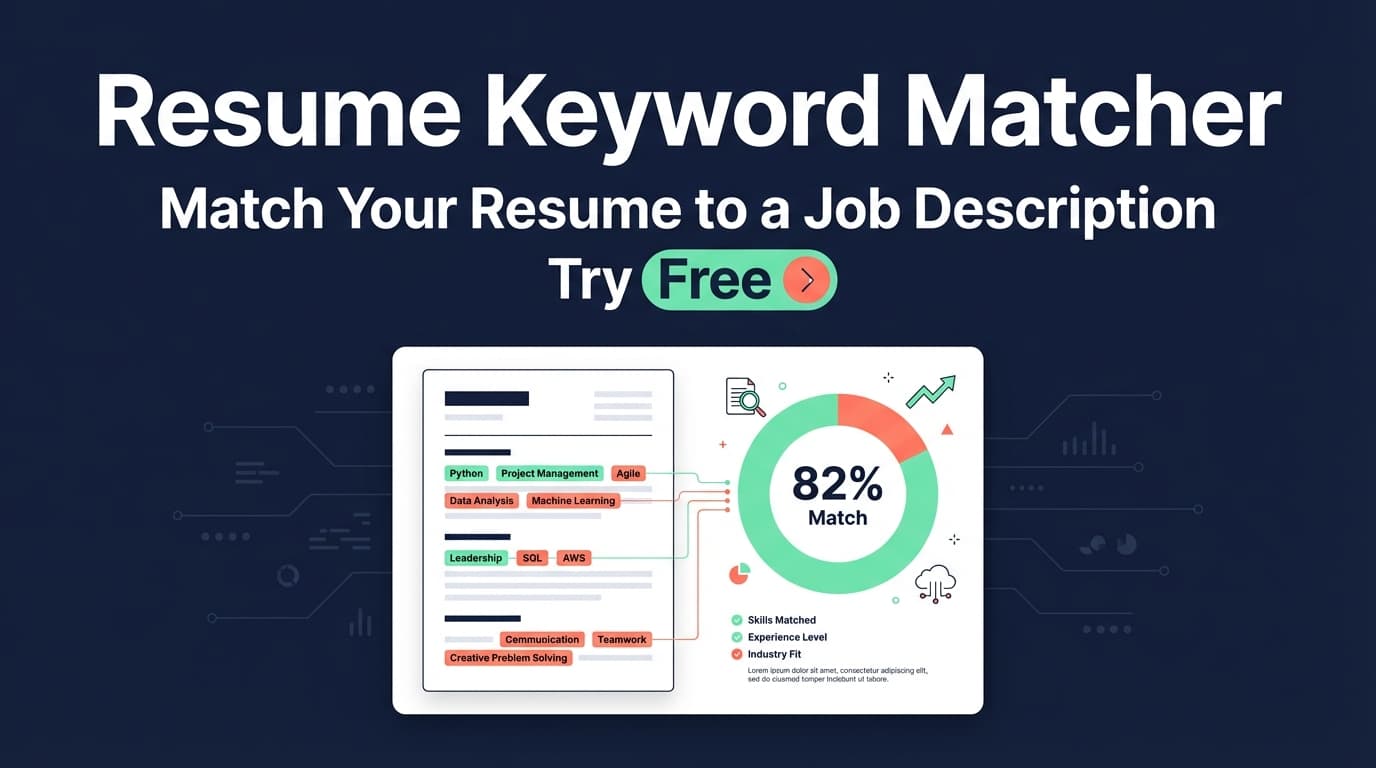
JobShinobi’s Resume Keyword Matcher compares your resume against a job posting to surface matching keywords, missing keywords, and a 0–100 job match score—plus recommendations you can apply in the editor.
Try it now → or keep reading for the step-by-step.
What is a Resume Keyword Matcher?
A resume keyword matcher is a tool that checks how closely your resume’s language aligns with a specific job description—especially the skills, tools, and role keywords an ATS (Applicant Tracking System) and recruiter might look for.
In JobShinobi, keyword matching is part of the resume analysis workflow:
- You provide a job posting (URL or text).
- JobShinobi extracts structured job details (like company, position, and a keywords list).
- Your resume is matched to that job, producing:
- a Job Match Score
- Matching Keywords (keywords found in your resume)
- Missing Keywords (keywords from the job that don’t appear in your resume)
- a set of recommendations to tailor your content
This tool is for job seekers who want to tailor quickly—without rewriting from scratch for every application.
How to Use JobShinobi’s Resume Keyword Matcher
The workflow below reflects how the tool works in the app: JobShinobi matches a saved resume to a job posting and returns a match report (score + keywords + recommendations).
Step 1: Sign in and open your resume
- Sign in with Google.
- Go to Dashboard → Resume.
- Open an existing resume (or create one from a template) to enter Resume Studio.
Tip: Keep one “base” resume, then duplicate it for each job so you can tailor without losing your original version.
Step 2: Add the job posting (URL or text)
Go to Resume Analysis → Job Matching, then choose one of:
- URL: paste the link to the job post (LinkedIn, Indeed, company page, etc.)
- Text: paste the full job description (recommended if the site blocks scraping or loads content dynamically)
Click Extract Job Details.
What you’ll see next:
- The extracted company and position (when available)
- A set of Key Skills & Technologies (keywords)
Step 3: Review your match score and keyword gaps
Once matching runs, you’ll get:
- Job Match Score (0–100%)
- Matching Keywords (already present)
- Missing Keywords (to consider adding)
- Recommendations (how to improve alignment)
Pro tip: Don’t try to add every missing keyword. Prioritize:
- “must have” requirements
- skills you truly have (and can support with evidence)
- keywords that fit naturally into your experience bullets
Step 4: Apply suggestions in the editor
Click Apply Suggestions to jump back into Resume Studio and update your content.
After edits, re-run the matcher to confirm your score and keyword coverage improved.
Features of Our Resume Keyword Matcher
Job Description extraction (URL or text)
Paste a job posting link or the job description text. JobShinobi uses AI to extract structured details like:
- company
- position
- requirements (when available)
- keywords list
Why it matters: You don’t have to manually guess which skills matter most—the tool builds a keyword list from the posting.
Match Score + keyword coverage (present vs missing)
JobShinobi returns:
- present_keywords: keywords found in your resume
- missing_keywords: keywords from the job that aren’t found in your resume
- a match_score (0–100)
Why it matters: This gives you a concrete checklist for tailoring—without blindly rewriting.
Tailoring recommendations (actionable next steps)
Beyond keywords, the tool generates recommendations (suggestions) to improve alignment.
Why it matters: Keywords help, but context matters too. Recommendations guide what to change (and where) so your resume reads naturally.
“Apply Suggestions” workflow
From the match report, you can click Apply Suggestions to open your resume in the editor and start updating immediately.
Why it matters: Fewer steps between insight → action means faster tailoring for real applications.
Resume Keyword Matcher Use Cases
For career switchers
If you’re moving (for example) from QA to Product, you can quickly see which product keywords are missing (e.g., “roadmap,” “stakeholder management,” “discovery”) and decide what you can truthfully support with past experience.
For technical roles with tool-heavy requirements
Job postings often list long stacks (AWS, Terraform, Kubernetes, CI/CD, etc.). The matcher helps you confirm which tools are already represented—and which you may need to add (only if you’ve actually used them).
For early-career candidates
If you don’t have years of experience, keyword matching helps you maximize relevance by aligning:
- project bullets
- coursework
- internship tasks
- tools and skills sections
Why Choose JobShinobi’s Resume Keyword Matcher?
| JobShinobi | Other “Free” Keyword Matcher Tools |
|---|---|
| Built into a resume workflow (match report → editor) | Often a one-off scanner with no editing workflow |
| Uses job URL or pasted text | Some tools only accept one input type |
| Shows match score + present/missing keywords + recommendations | Many tools show only a score or a partial keyword list |
| Works on your saved resume (no re-upload each time) | Many tools require repeated uploads/pastes |
Note: Different tools calculate “match score” differently. Treat any score as directional—not a guarantee of ATS success.
Related Tools in JobShinobi
Explore more of JobShinobi’s job search toolkit:
- Resume Analysis (ATS-style scoring): Get an overall score plus category breakdown (content, keywords, formatting, completeness, ATS).
- Resume Studio (LaTeX + PDF preview): Edit your resume with LaTeX and export a PDF.
- Job Tracker Dashboard: Track applications and export to Excel.
- Email Forwarding Job Tracking (Pro feature): Forward application emails to automatically log applications (requires Pro).
FAQ
Is this “resume keyword matcher tool” really free?
JobShinobi is a paid subscription product (plans shown in the app are $20/month or $199.99/year) and the site advertises a 7-day free trial.
So you can try it free during the trial, but it is not a permanently free tool.
Do I need to create an account?
Yes. You’ll need to sign in (Google OAuth) to use the resume workflow and run matching on your saved resume.
Can I upload a PDF or DOCX resume?
JobShinobi’s resume workflow is built around saved resumes in the app (LaTeX-based). This tool matches against that saved resume content rather than a generic “upload any file” flow.
Does JobShinobi guarantee I’ll pass ATS?
No. The tool provides keyword and tailoring guidance, but it does not—and cannot—guarantee ATS “pass” outcomes or job offers.
Why do some keywords show as “missing” even if I have the skill?
Keyword matching can depend on wording (e.g., “SQL” vs “Structured Query Language”). If you truly have the skill, consider adding the exact phrasing used in the job posting naturally (for example, in a skills list and in an experience bullet).
Start Using the Resume Keyword Matcher Now
If you’re tailoring resumes manually or guessing which keywords to include, JobShinobi’s Resume Keyword Matcher gives you a clear, job-specific checklist: what matches, what’s missing, and what to improve.