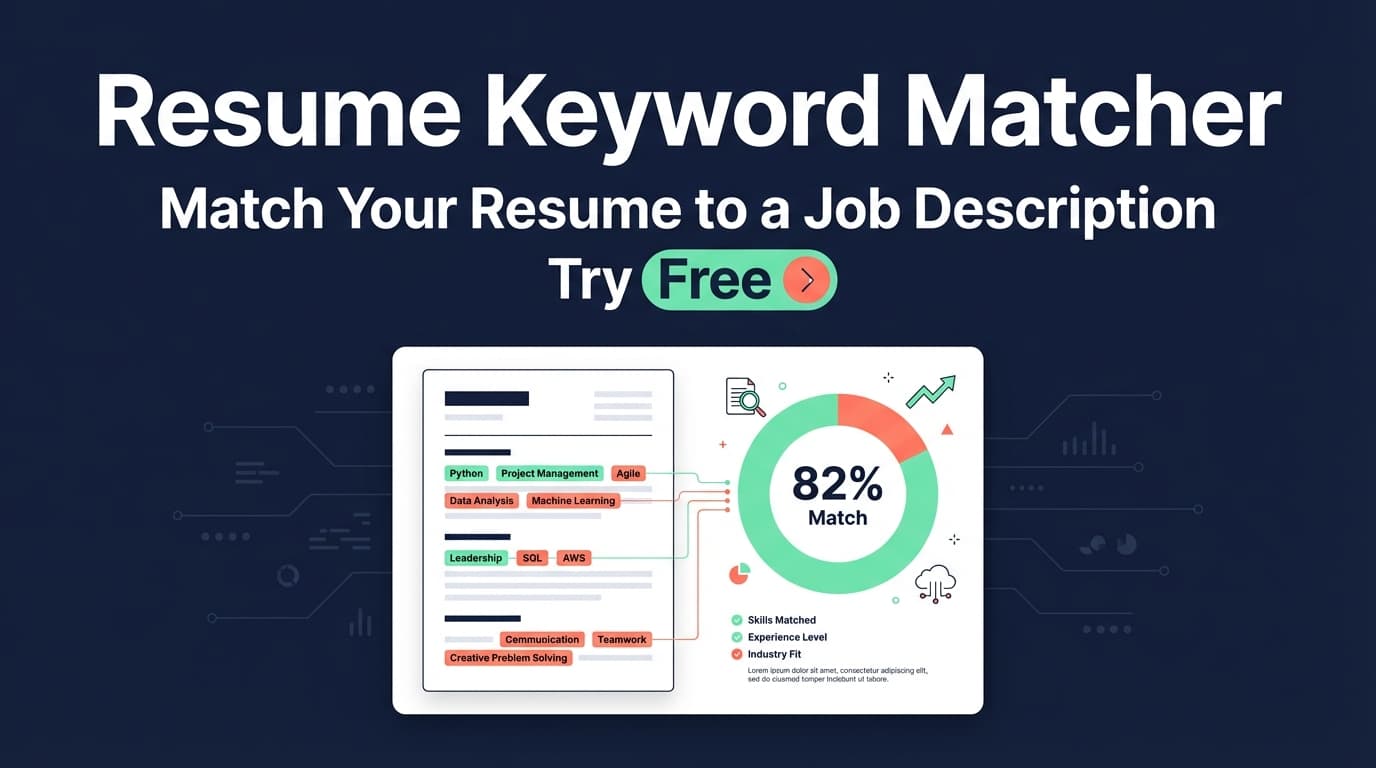
JobShinobi’s Resume Keyword Matcher compares your resume against a specific job posting to highlight missing keywords, present keywords, and a match score—so you know what to fix before you apply.
Try it now → or keep reading for a step-by-step walkthrough.
What is a Resume Keyword Matcher?
A resume keyword matcher is a tool that checks how closely your resume aligns with a job description—especially the skills, tools, and qualifications an employer (and an ATS) is likely to look for.
JobShinobi’s matcher is built for practical tailoring. You can add a job description by pasting text or using a job URL, then JobShinobi will:
- extract structured job details (company, position, description, requirements, keywords),
- compare those keywords against your resume,
- return a match score plus keyword gaps and recommendations.
It’s designed for job seekers who want to tailor efficiently without guessing which skills to emphasize.
How to Use JobShinobi’s Resume Keyword Matcher
JobShinobi’s matcher is part of the web app experience (you’ll need a resume in your JobShinobi dashboard to run the match).
Step 1: Create (or open) your resume in JobShinobi
- Go to your Resume area in the dashboard.
- Create a new resume or open an existing one in the editor.
Tip: Because JobShinobi resumes are stored as LaTeX source, keep your skills and tools spelled consistently (e.g., “SQL”, “Python”, “React”, “AWS”) so they can be detected reliably.
Step 2: Open the “analyze/match” flow for that resume
From your resume, navigate to the resume analysis/matching experience (the area where you compare your resume against a specific job).
This is where you’ll add the job post and generate the match output.
Step 3: Add the job description (URL or pasted text)
JobShinobi supports two ways to provide the job post:
- Job URL: paste a link to the job posting
- Job text: paste the full job description content
Then run the job extraction step. JobShinobi uses AI to convert the job post into structured fields like:
- company
- position/title
- description
- requirements
- keywords
Tip: If the job post is short, paste the full posting (including “Requirements” and “Qualifications”) to improve keyword coverage.
Step 4: Run the match to get your score + keyword gaps
After the job details are extracted, run the resume-to-job match. You’ll receive results that typically include:
- Match score (0–100 style scoring)
- Missing keywords (keywords from the job post that aren’t found in your resume text)
- Present keywords (keywords already found in your resume)
- Recommendations (actionable suggestions to improve alignment)
What’s happening under the hood (important):
JobShinobi determines missing vs. present keywords by checking whether each extracted keyword appears in your resume’s LaTeX source (case-insensitive). That means:
- exact phrasing matters (e.g., “JavaScript” vs “JS” can behave differently),
- synonyms may not count unless they appear explicitly.
Step 5: Update your resume and re-run (tailoring loop)
Use the missing keyword list and recommendations to update your resume—then run the match again to confirm improvements.
Pro tip: Don’t “keyword stuff.” Add keywords only where they’re true (skills section, project bullets, or experience bullets with proof).
Features of JobShinobi’s Resume Keyword Matcher
Job URL or pasted text input
Paste a link or the full job description—whichever is faster for you.
Why it matters: You can tailor even when a job board blocks copying clean text, or when you already have the description in a doc.
AI job detail extraction
JobShinobi extracts structured job details (like role, requirements, and keywords) from your input.
Why it matters: You don’t have to manually pick keywords—JobShinobi creates a structured target to match against.
Match score + keyword gap lists
You’ll see a match score plus clear “present” and “missing” keyword lists.
Why it matters: It turns tailoring into an objective checklist: keep what’s working, add what’s missing (truthfully).
Actionable recommendations (tailoring suggestions)
In addition to keywords, JobShinobi provides recommendation-style suggestions to improve alignment.
Why it matters: You get more than a list—you get guidance on what to change and where.
Saved job analysis records
Each match can be saved as a job analysis (so you can review past matches and track progress for different roles).
Why it matters: Tailoring is role-specific. Saving analyses helps you avoid repeating work when you apply to similar positions.
Resume Keyword Matcher Use Cases
For active job seekers applying to many roles
Run a match for each job posting, then tailor your resume in minutes using a consistent workflow.
Example: You’re applying to 12 “Data Analyst” roles—each emphasizes slightly different tools (Tableau vs. Power BI). The matcher helps you adapt without rewriting from scratch.
For career switchers proving transferable skills
If you’re moving industries, the missing keyword list helps you identify what the target role expects—then you can reflect transferable experience using the right language.
Example: Switching from academic research to industry ML roles? You’ll often see gaps like “MLOps,” “deployment,” or “stakeholder management.”
For ATS-focused resume improvements (without guarantees)
Use the keyword gap list to ensure role-relevant skills are explicitly represented in your resume.
Example: A job requires “React” and “TypeScript.” If they’re missing, add them only if you’ve used them—and back them up in a project bullet.
Why Choose JobShinobi’s Resume Keyword Matcher?
| JobShinobi | Other “Free” Keyword Tools |
|---|---|
| Matches against a specific job post and returns a score + missing/present keywords | Often only extracts keywords (no match context) |
| Supports job input via URL or pasted text | Some tools require only pasted text or specific formats |
| Built into a resume workflow (create/edit resume, then re-match) | Many tools stop at a report with no editing workflow |
| Saves job analyses for reference | Reports can be one-off and hard to track over time |
Related Tools in JobShinobi
Explore more of JobShinobi’s job search toolkit:
- AI Resume Builder (LaTeX-based): create and edit a clean, structured resume in the dashboard.
- AI Resume Analysis: generate resume scoring and feedback (with caching when nothing changed).
- Job Application Tracker: manage applications in a dashboard and export to Excel/Sheets.
- Email-based application tracking (Pro): forward job emails to your unique @parse.jobshinobi.com address to log applications automatically.
FAQ
Is JobShinobi’s Resume Keyword Matcher really free?
JobShinobi is a paid subscription product and the site advertises a 7-day free trial. After that, pricing shown in the app is $20/month or $199.99/year.
(If you’re evaluating the tool, the trial is the safest way to confirm fit for your workflow.)
Do I need to create an account?
Yes. The matching workflow uses your saved resume in JobShinobi (it needs a resume ID and user context), so you’ll need an account to use it.
Can I paste any job description?
Yes—either paste the job description text or provide a job URL, then run job extraction. Results depend on the quality/clarity of the job post text provided.
Does this guarantee I’ll pass an ATS?
No. The matcher helps you align your resume content with a job’s likely keywords and requirements, but it can’t guarantee ATS outcomes or interview results.
Why do some keywords show as missing even if I have a similar skill?
JobShinobi checks missing/present keywords by looking for the keyword text in your resume (case-insensitive). If the job says “TypeScript” but your resume only says “JavaScript,” it may show as missing. When appropriate and truthful, add the exact term and context.
Start Using the Resume Keyword Matcher Now
If you’re tailoring resumes repeatedly, a keyword matcher turns guesswork into a repeatable system: extract the job, match your resume, close the keyword gaps (truthfully), and re-check your score.