JobShinobi helps you generate a stronger resume skills section by extracting skills/keywords from a job posting and matching them against your resume—so you can quickly add the right (truthful) skills and improve alignment for that specific role.
Try it now → (JobShinobi advertises a 7‑day free trial; paid plans shown in-product are $20/month or $199.99/year.)
What is a Resume Skills Section Generator?
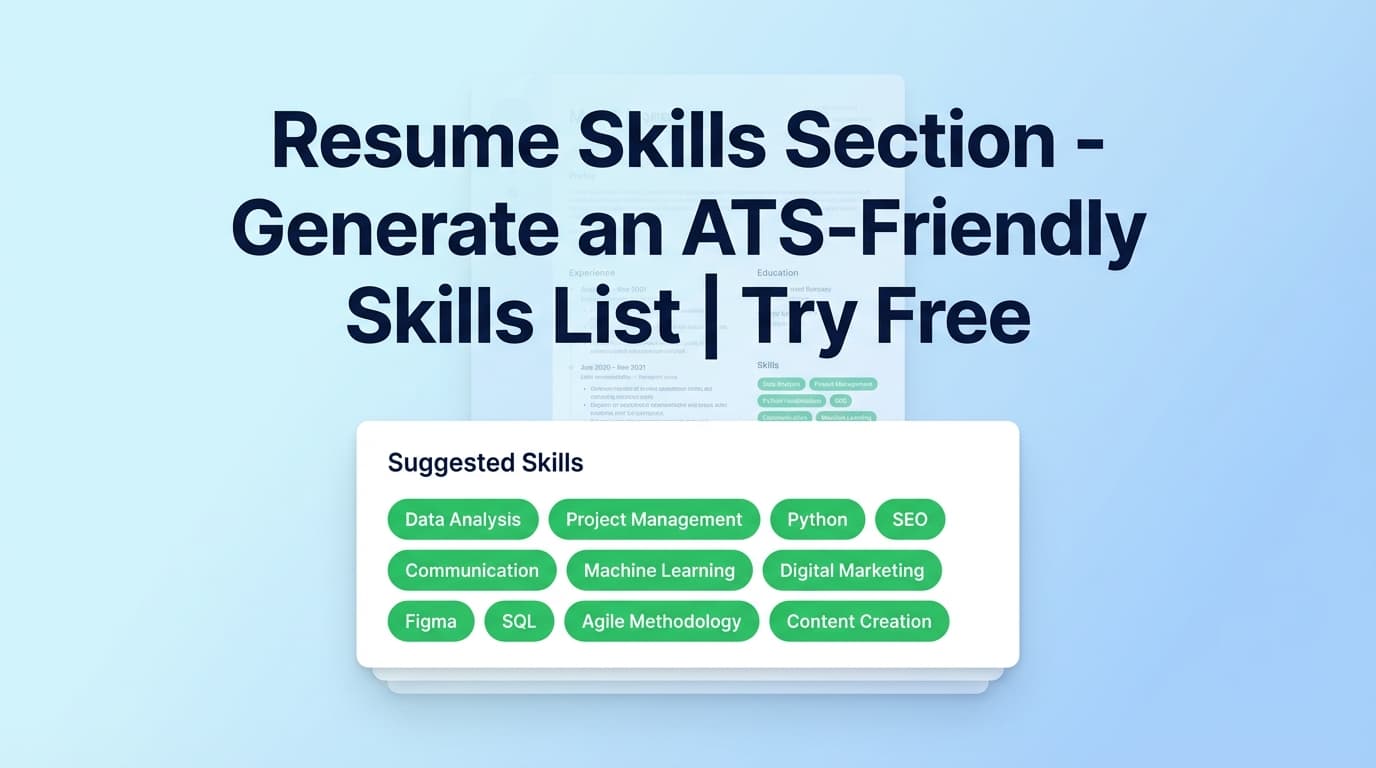
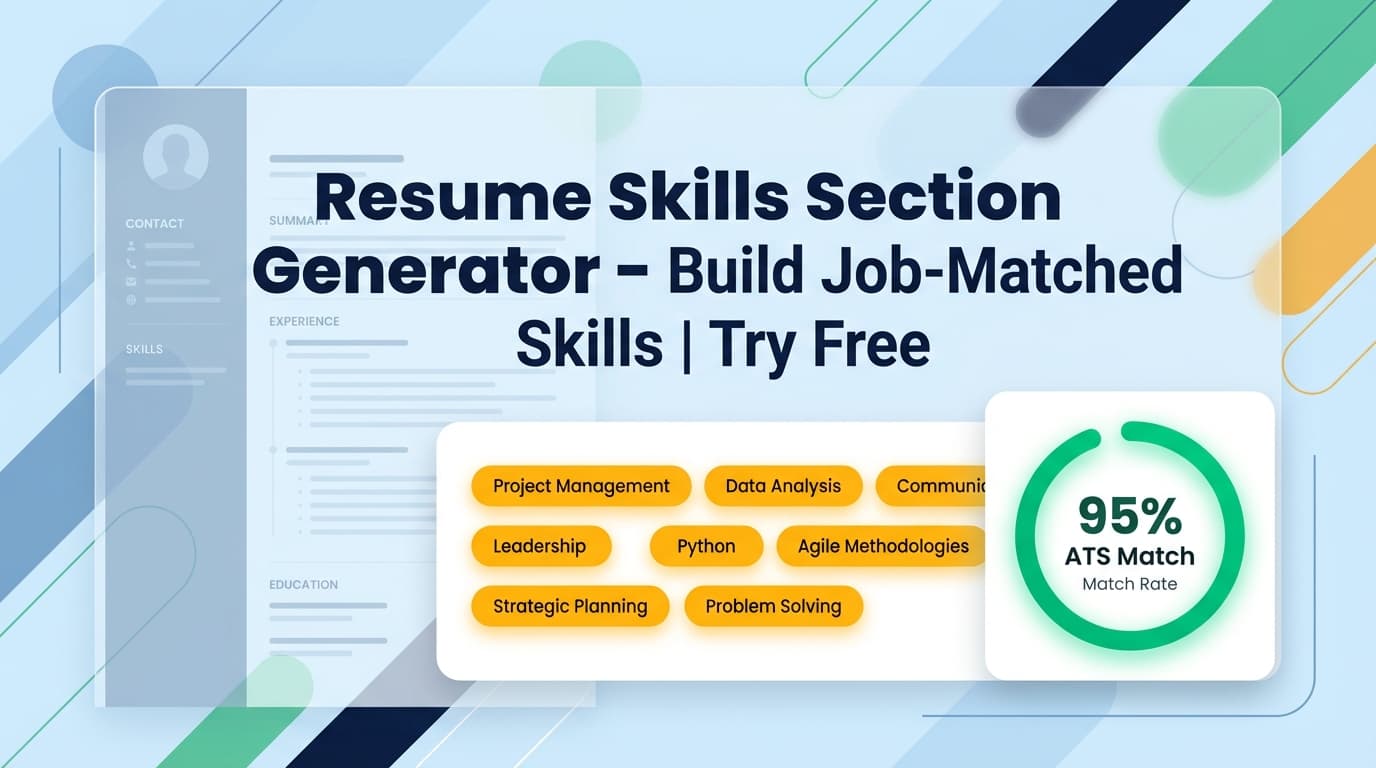
A resume skills section generator is a tool that helps you create (or improve) the “Skills” section on your resume by suggesting relevant skills—ideally based on the job you’re applying for.
Many “skills generators” simply output a generic list based on a job title. JobShinobi’s approach is different: it’s built around job-specific keyword matching. You provide a job description (paste text or use a URL extraction flow), and JobShinobi:
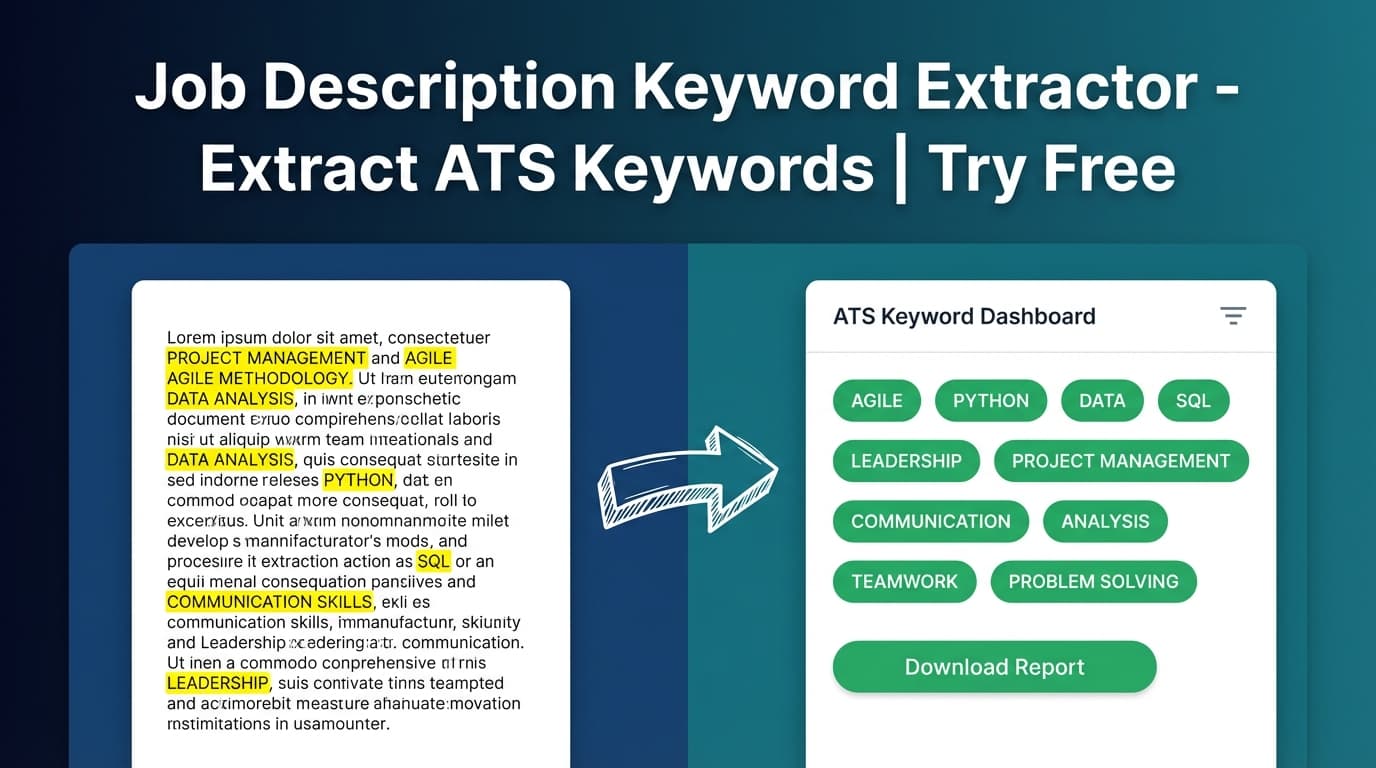
- Extracts Key Skills & Technologies (keywords) from the job posting
- Checks your resume for those keywords
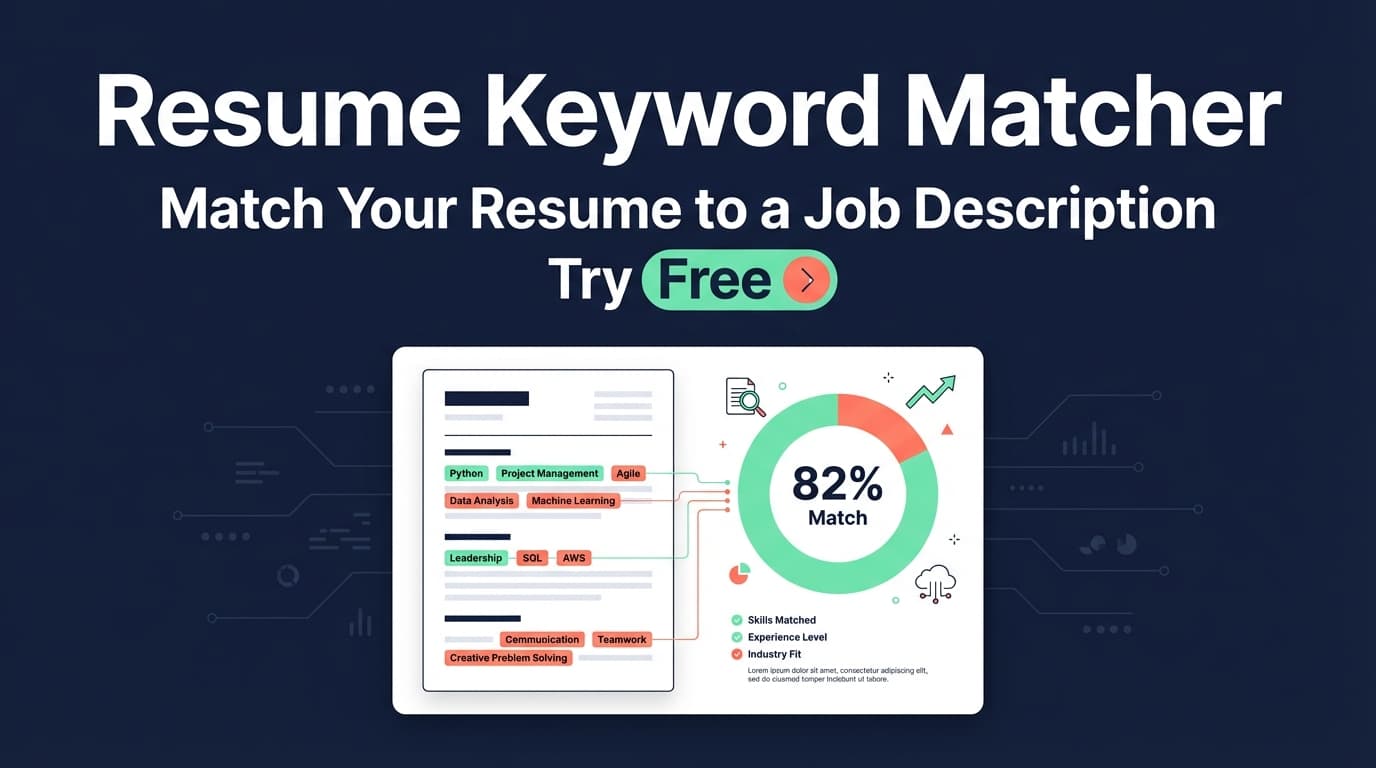
- Produces a clear view of Matching Keywords vs Missing Keywords
- Generates recommendations you can apply while editing your resume
This makes it much easier to tailor your skills section without guessing—and without stuffing random keywords.
How to Use JobShinobi’s Resume Skills Section Generator
Below is the real workflow based on how JobShinobi’s Resume Analysis + Job Matching screens work.
Step 1: Create or open your resume
- Log in to JobShinobi.
- Go to Resume Builder in your dashboard.
- Start from a template or open an existing resume.
Tip: JobShinobi uses a LaTeX-based resume editor with PDF preview, so you can tailor content while keeping formatting consistent.
Step 2: Run Resume Analysis (baseline)
- In the resume editor, click Analyze Resume (or open the analysis report from the score widget).
- Review your baseline scores and feedback.
JobShinobi’s analysis can return cached results if your resume hasn’t changed since the last analysis (so repeat checks may be faster).
Step 3: Add a job posting (two supported input methods)
You can bring in a job in either of these ways:
Option A — Paste the job description (fastest):
- In the analysis report, choose Analyze for Specific Job.
- Paste the job description text (requirements, skills, responsibilities).
- Click Analyze for This Job.
Option B — Use a job URL (best when the posting is long):
- Open the Job Matching flow (where URL input is supported).
- Paste a job posting URL (LinkedIn, Indeed, company careers page) or paste the job description text.
- Click Extract Job Details to generate structured job data, including keywords.
Step 4: Review “Matching” vs “Missing” keywords (your skills section blueprint)
After job matching runs, you’ll see:
- Job Match Score (percentage)
- Matching Keywords: skills already present in your resume
- Missing Keywords: skills from the job posting not found in your resume text
- Recommendations: suggestions on what to improve
This is the output you use to generate a better Skills section: pick the most relevant missing keywords that you genuinely have, then add them to your Skills section (and ideally reinforce them in bullet points).
Step 5: Update your Skills section in the editor
- Open your resume in the editor.
- Add or reorganize your Skills section based on the missing keywords list.
- Save, then re-run job matching to confirm the keywords are now recognized.
Pro tip: Add keywords naturally. ATS systems (and recruiters) value context—so it’s usually stronger to mention key skills in both:
- a concise Skills section, and
- 2–5 experience bullets where you prove you used the skill.
Features of Our Resume Skills Section Generator
Job Description Keyword Extraction (from URL or text)
JobShinobi can extract job details from either a pasted description or a job URL (where supported), and identify keywords (skills, tools, qualifications).
Why it matters: You don’t have to manually scan a long posting for every skill keyword.
Matching vs Missing Keywords
JobShinobi compares job keywords to your resume content and separates them into:
- present_keywords (matching)
- missing_keywords (missing)
Why it matters: You get an actionable checklist for tailoring instead of a generic skill dump.
Recommendations to improve alignment
Along with keywords, JobShinobi returns recommendations (suggestions) to improve your resume for that job.
Why it matters: Keywords alone don’t fix a resume. Recommendations help you prioritize what to change.
Built into a real resume editing workflow (LaTeX + PDF preview)
Because the tool runs against your actual resume, you can update content and immediately re-check.
Why it matters: Faster iteration: analyze → edit → re-check, all in one place.
Resume Skills Section Generator Use Cases
For entry-level candidates
If you have limited experience, your Skills section often does more heavy lifting. Keyword matching helps you focus on what the job actually asks for.
Example: If the job emphasizes Excel, SQL, dashboards, stakeholder communication, you can structure your skills section accordingly and add 1–2 bullets that demonstrate those skills in projects/internships.
For career switchers
Switching roles usually means translating your background into the language of the target role. Missing-keyword lists help you spot gaps in terminology and tooling.
Example: If postings repeatedly mention Agile, Jira, cross-functional collaboration, you can incorporate those terms where they truthfully reflect your experience.
For experienced applicants tailoring quickly
Senior candidates often need to shift emphasis (hands-on vs leadership) depending on the role. Job-specific keyword matching helps you tune the Skills section without rewriting everything.
Example: A Staff role may emphasize architecture, mentoring, stakeholder management more than a mid-level role.
Why Choose JobShinobi’s Resume Skills Section Generator?
| JobShinobi | Other “Free” Skills Tools |
|---|---|
| Matches keywords against your real resume | Often generates a generic list from only a job title |
| Shows Matching vs Missing keywords clearly | Often provides a long list with no comparison |
| Works from a job description or job URL (where supported) | Often supports only a single input type |
| Provides recommendations alongside keywords | Often stops at keyword output |
| Built into a resume editor for fast iteration | Often requires copy/paste between multiple tools |
Related Tools
Explore more tools and workflows in JobShinobi:
- Resume Analysis: Scores your resume and provides structured feedback (content, keywords, ATS-related issues, and more).
- Job Description Extractor: Extracts job details (including keywords) from a URL or pasted text.
- AI Resume Editor Assistant (Agent): Helps you edit resume sections and iterate while keeping formatting consistent.
- Job Application Tracker: Track applications in a dashboard and export them to Excel.
FAQ
Is this “free resume skills section generator tool” actually free?
JobShinobi is a paid subscription product. The site advertises a 7‑day free trial, and the plans shown in the codebase are $20/month or $199.99/year. This page targets a “free” keyword, but JobShinobi should be described as try free, not “free forever.”
Do I need an account to use it?
Yes. JobShinobi’s keyword matching is designed to compare keywords against a resume stored in your account (and run analysis/matching on that content).
Will adding missing keywords guarantee I pass ATS?
No. JobShinobi helps you identify missing keywords and improve alignment, but it does not guarantee ATS results. Only add skills you actually have, and support them with evidence in your experience or projects.
What should I include in a Skills section?
A clean mix of role-relevant hard skills (tools, technologies, methods) plus a small number of role-relevant soft skills—using the job posting’s language where it accurately reflects your experience.
Start Using the Resume Skills Section Generator Now
Stop guessing which skills to list. Use JobShinobi to extract job keywords, compare them to your resume, and build a Skills section that’s tailored to the role you’re applying for.
Try it now → (7‑day free trial advertised)