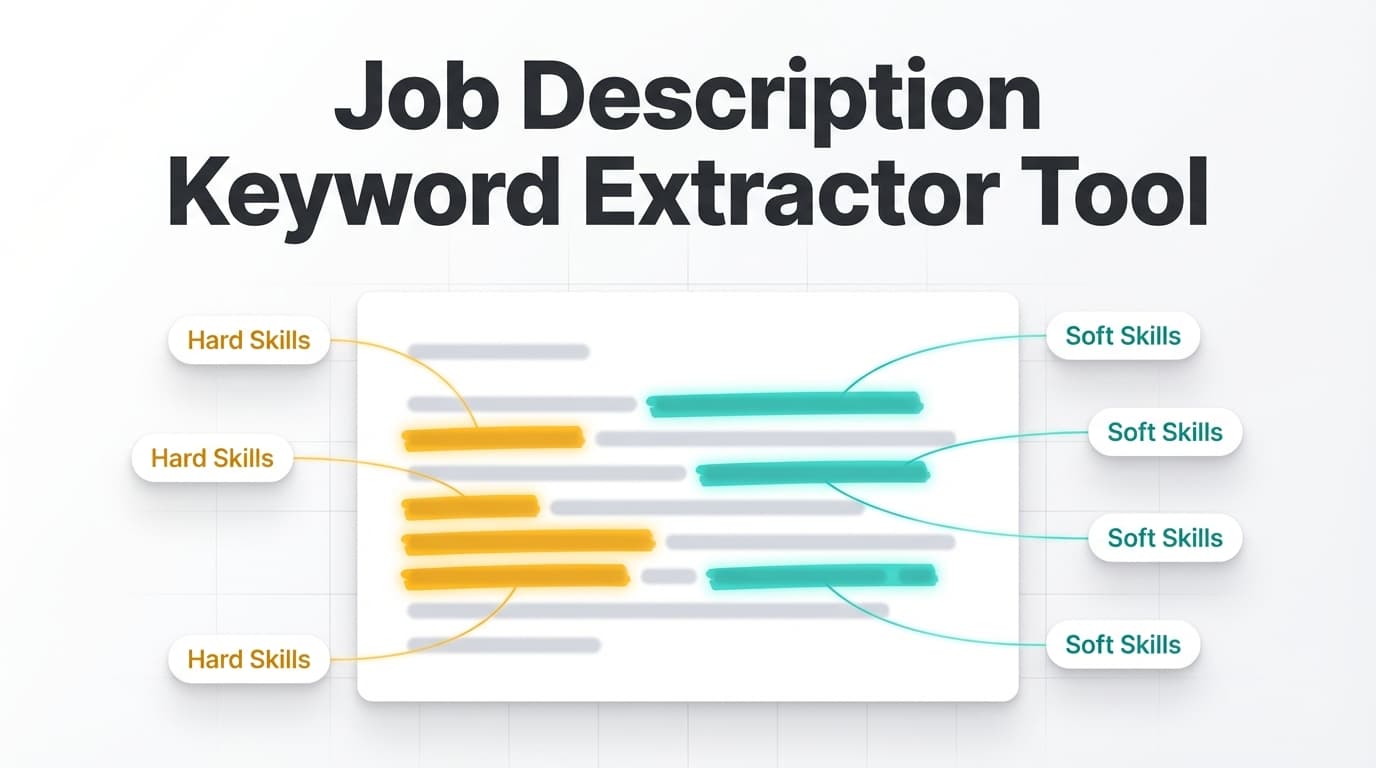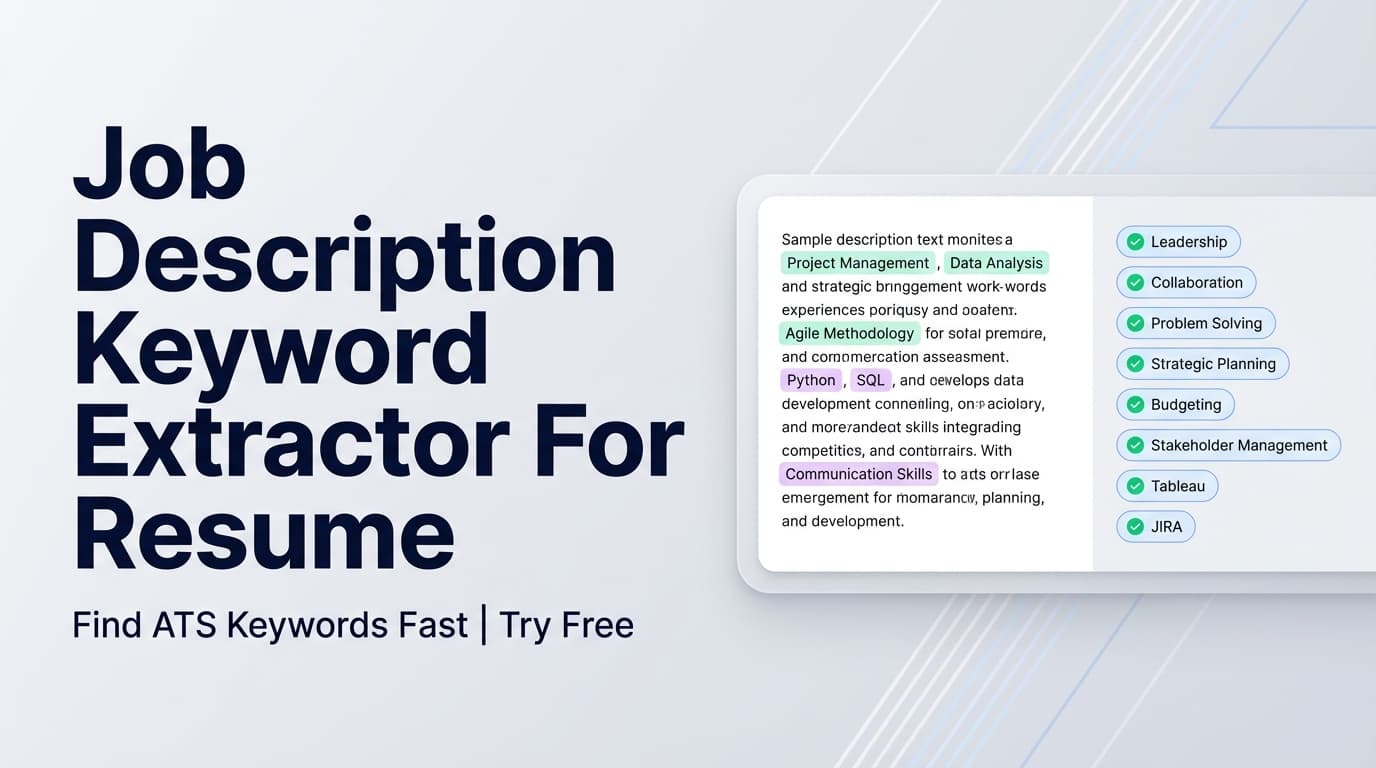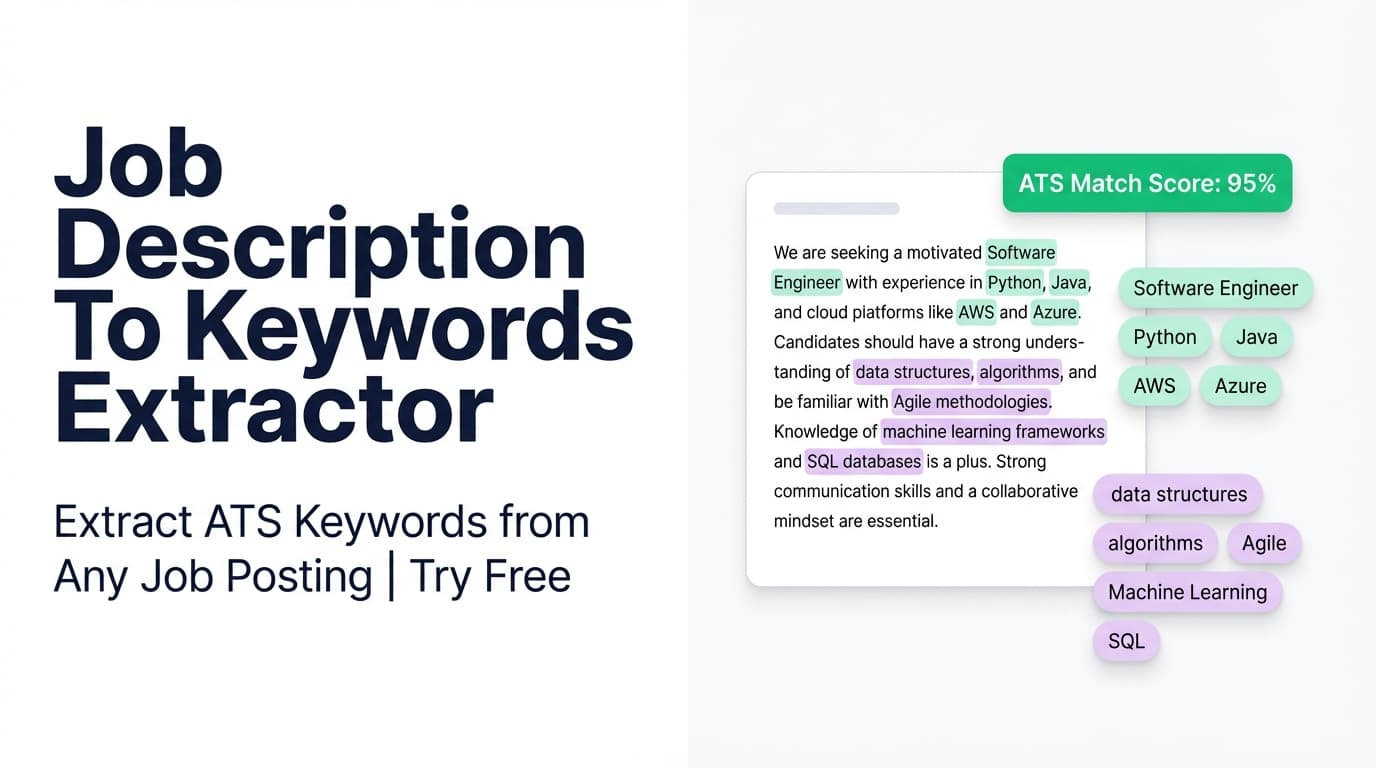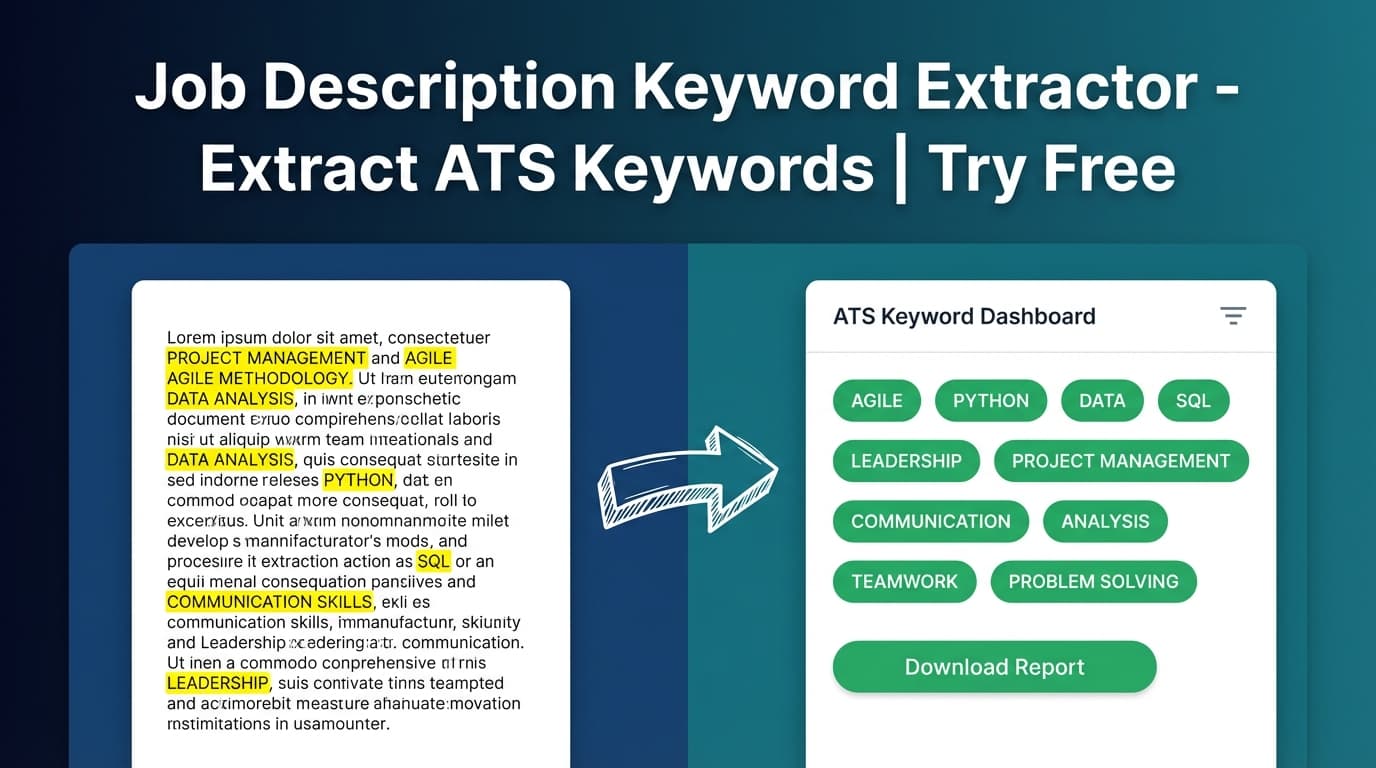
JobShinobi’s Job Description Keyword Extractor pulls high-signal keywords (skills, tools, qualifications) from a job posting so you can tailor your resume and cover letter with clarity—without manually combing through paragraphs of requirements.
If you searched “free job description keyword extractor tool”: JobShinobi is a paid product and the site advertises a 7-day free trial. After that, plans shown are $20/month or $199.99/year.
What is a Job Description Keyword Extractor?
A job description keyword extractor (also called a job description keyword finder) is a tool that analyzes a job posting and returns the terms employers and ATS software are likely to care about most, such as:
- Technical skills (e.g., Python, SQL, React)
- Tools & platforms (e.g., AWS, Tableau, Snowflake)
- Qualifications (e.g., “Bachelor’s degree,” “3+ years”)
- Role language that frequently appears in responsibilities and requirements
In JobShinobi, this capability is part of the broader resume workflow: you can extract job details from a URL or pasted text, review the keywords and requirements, and then use them to tailor your resume more intentionally.
How to Use JobShinobi’s Job Description Keyword Extractor (Step-by-Step)
Step 1: Open the tool
Go to: Job Description Keyword Extractor →
You’ll have two ways to input a job posting:
- URL (paste a job post link)
- Text (paste the full job description)
Step 2: Choose URL or Text (and paste your job post)
Use URL if:
- The job post is publicly accessible on a company site
- You want to save time copying and formatting text
Use Text if:
- The posting is behind a login (common on LinkedIn/Indeed)
- The page loads content dynamically (some sites don’t render well for automated fetching)
- You want the cleanest, most accurate extraction
Tip for best results: Paste the sections that usually contain the most “keyword signal,” especially:
- Requirements / Qualifications
- Responsibilities
- Tech stack / Tools
- Nice to have / Preferred
Step 3: Click “Extract Job Details”
Click Extract Job Details to run the extraction.
JobShinobi will attempt to return structured information, which may include:
- Company (if identifiable)
- Position / Job title (if identifiable)
- Short description (2–3 sentence summary)
- Requirements (as a list)
- Keywords (skills, tools, qualifications)
Step 4: Use the keyword list to tailor your resume (the right way)
Once you have keywords, the goal isn’t to paste them all into a “Skills” block. The goal is to place the right keywords in the right sections—supported by proof.
A practical approach:
- Skills section: Add the tools/skills you genuinely have (use the job’s exact naming where appropriate).
- Experience bullets: Mirror keywords in context (projects, outcomes, scope).
- Summary: Include a handful of top role-aligned keywords naturally.
Pro tip: If the job post says “stakeholder management,” don’t add it as a random keyword—add a bullet like:
“Partnered with cross-functional stakeholders to define requirements and deliver X, improving Y by Z%.”
Features of Our Job Description Keyword Extractor
URL or Text Input
Analyze a job posting from either:
- a job posting URL, or
- pasted job description text
Why it matters: If a URL fails due to site restrictions, you can still get results by pasting text.
Keyword Extraction (Skills & Technologies)
The tool produces a list of job-relevant keywords (e.g., skills, tools, qualifications).
Why it matters: These keywords help you align your resume language with the role so ATS searches and recruiter skims are more likely to find matches.
Requirements Extraction
In addition to keywords, JobShinobi can return a structured list of requirements.
Why it matters: Requirements make it faster to:
- identify “must-have” vs “nice-to-have”
- plan what to emphasize in your resume
- map your experience to each requirement for interviews
Job Details Preview (When Available)
When possible, JobShinobi also surfaces company, position, and a short description summary.
Why it matters: It creates a clean reference you can use while tailoring (especially helpful when you’re applying to multiple similar roles).
Common Use Cases
1) Tailoring your resume for one specific application
Extract keywords → update your resume’s Skills section and experience bullets → keep language aligned with the posting.
Example outcome: You stop writing “data visualization” generically and instead reflect what the role asked for (e.g., “Tableau dashboards,” “stakeholder reporting,” “KPI tracking”).
2) Quick skill-gap check for career switchers
Extract keywords → compare them to your current background → spot the biggest gaps.
Example: If “dbt,” “Snowflake,” and “ELT” appear repeatedly, you can decide whether to:
- learn them,
- reposition comparable experience, or
- target a slightly different role level.
3) Interview prep (what they’ll probably ask about)
Job description keywords often map to interview topics.
Example: Frequent mentions of “system design,” “observability,” and “incident response” should guide your prep more than the company’s generic values page.
Limitations (Honest Notes)
- URL extraction depends on page access. Some job boards block automated fetching or load content dynamically. If that happens, use Text paste.
- Keywords aren’t “magic.” Stuffing keywords without real evidence can hurt clarity and credibility.
- No guarantees. This tool helps you tailor and prioritize—but it can’t guarantee ATS success or job offers.
Why Choose JobShinobi (vs. other “free” keyword tools)?
| JobShinobi (7-day free trial advertised) | Many free keyword tools |
|---|---|
| Accepts URL or pasted text | Often only one input method |
| Returns keywords + requirements + job details preview | Often keywords only |
| Built into a resume workflow (analysis + matching + editing) | Often standalone lists with limited next steps |
Related Tools in JobShinobi
If you want to go beyond extraction and actually apply the insights:
- Resume Analysis: Generates a resume score plus strengths/weaknesses and keyword feedback.
- Resume-to-Job Matching: Compares your resume against a job and shows present vs missing keywords plus recommendations.
- LaTeX Resume Builder + PDF Preview: Edit in LaTeX, compile, and export a clean PDF.
FAQ
Is this “Free Job Description Keyword Extractor” really free?
JobShinobi is not a permanently free product. The site advertises a 7-day free trial, and pricing shown is $20/month or $199.99/year after that.
Do I need an account to use it?
Yes. JobShinobi uses authenticated user context (the extraction flow requires a user ID), so you’ll need an account.
Can I use a LinkedIn or Indeed URL?
Sometimes, but not always. If the URL can’t be fetched reliably, paste the job description text instead for the most consistent results.
Does this guarantee I’ll pass ATS?
No. Use extracted keywords to describe your real experience clearly and accurately. ATS outcomes depend on many factors (relevance, formatting, job requirements, and recruiter preferences).
Start Extracting Job Description Keywords Now
Stop guessing what matters in a job posting. Extract the keywords, focus your resume edits on the highest-impact terms, and tailor each application faster.