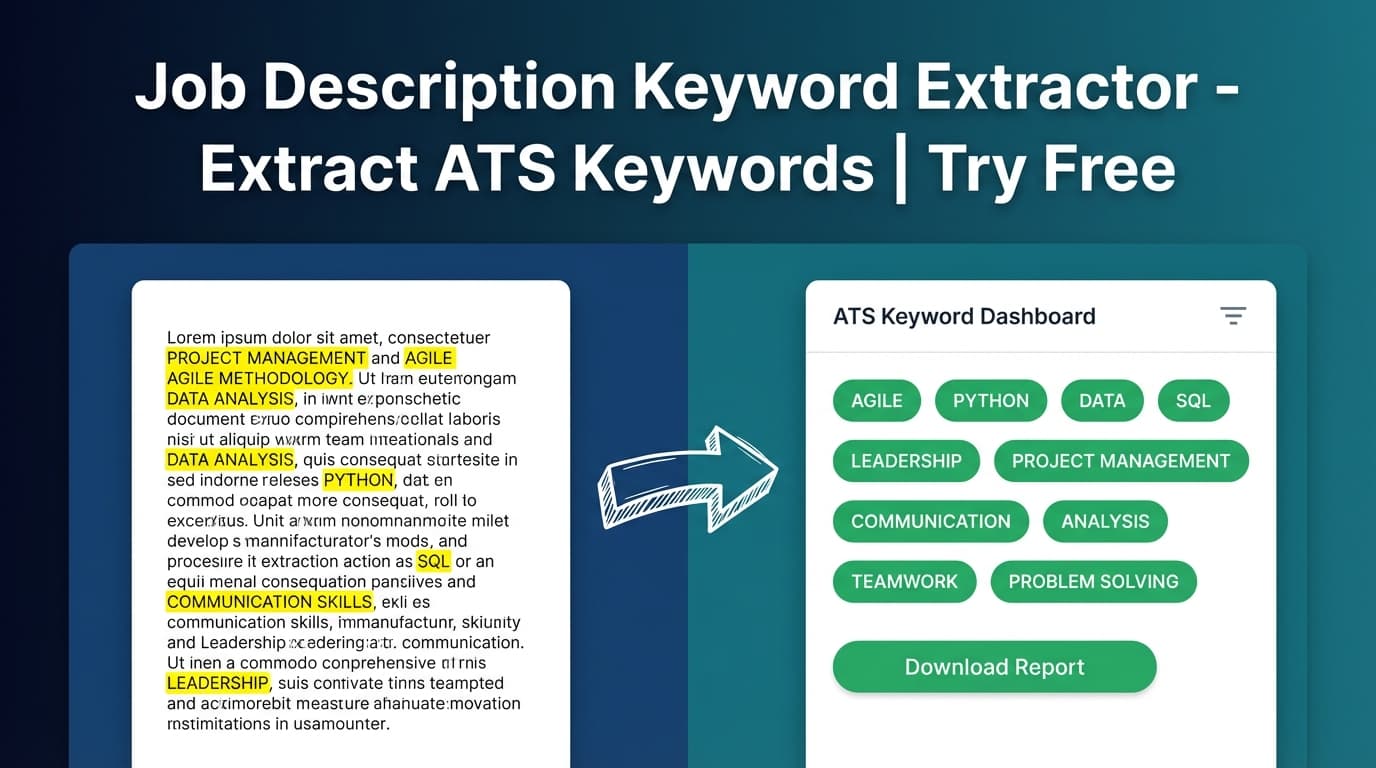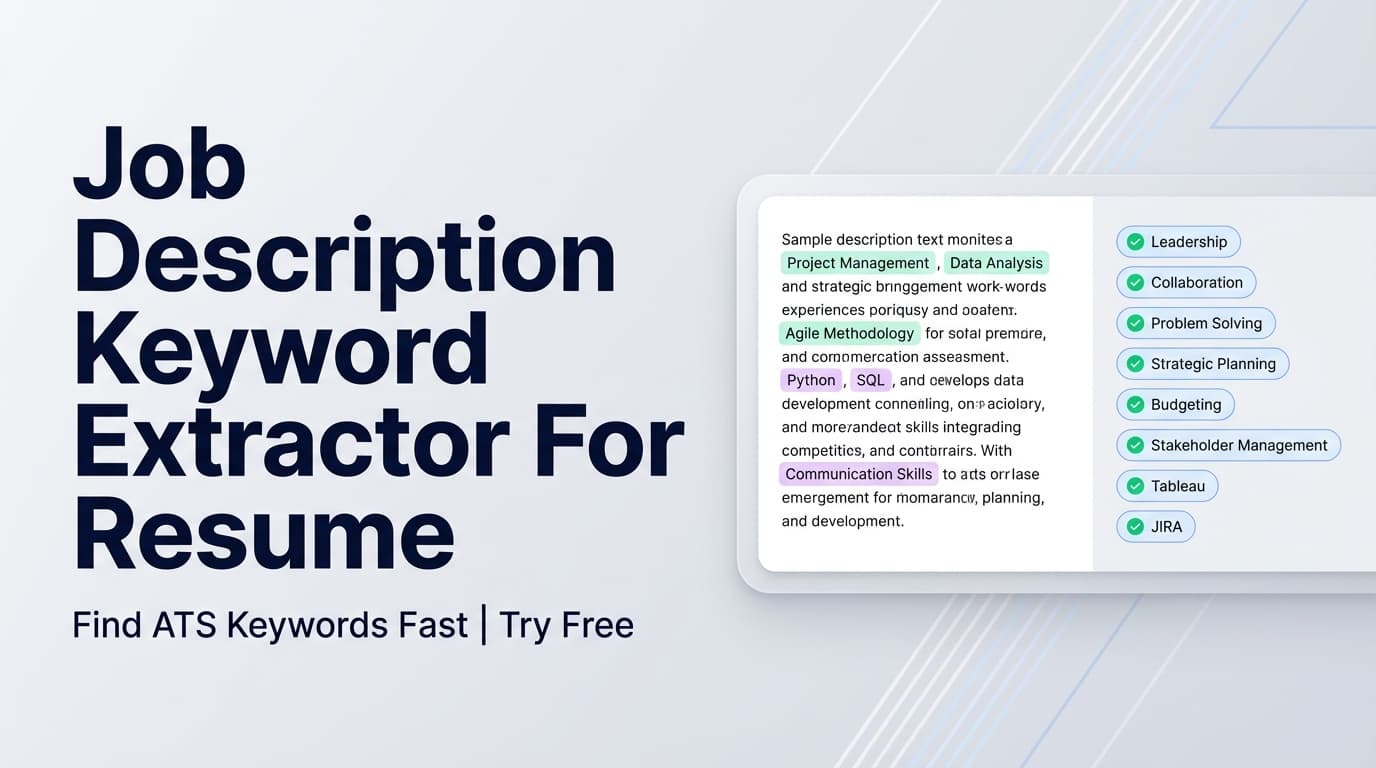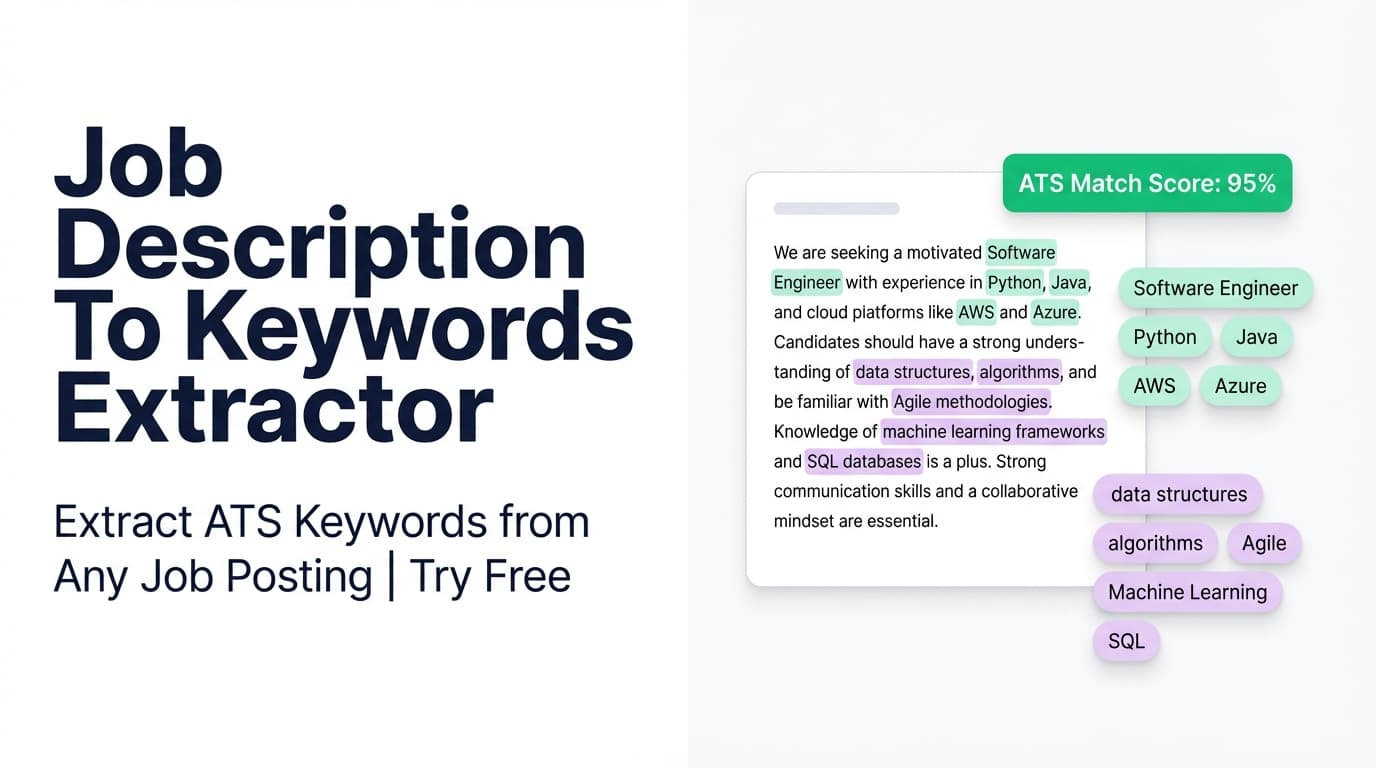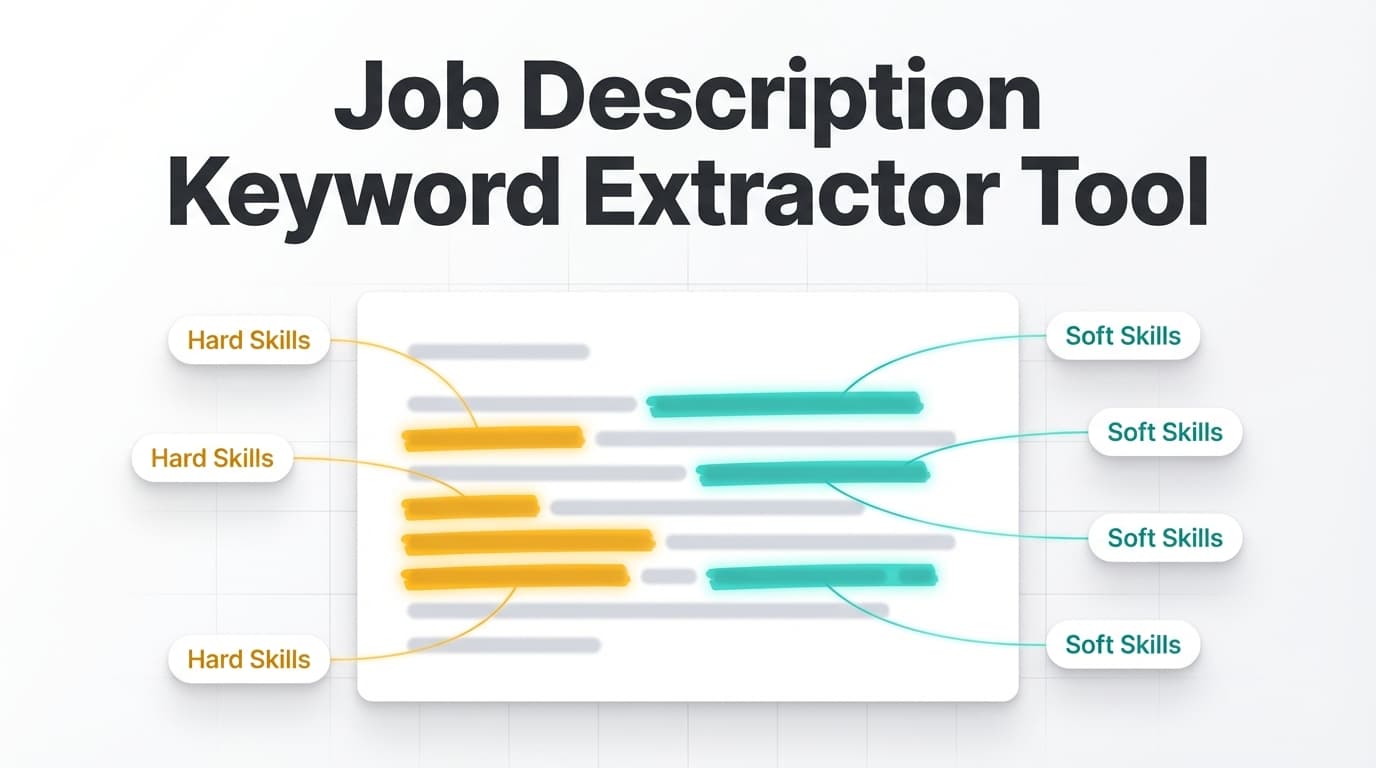
JobShinobi’s Job Description Keyword Extractor pulls keywords, skills, tools, and requirements from a job posting—so you can tailor your resume with the exact language employers (and ATS filters) are scanning for.
Try it now → (JobShinobi is a paid product and advertises a 7-day free trial.)
What is a Job Description Keyword Extractor Tool?
A job description keyword extractor tool turns a job posting into a clear list of the most important terms—like skills, technologies, qualifications, and role-specific phrases—that show up in the posting’s requirements and responsibilities.
That matters because many applicant tracking systems (ATS) and recruiters do a quick “does this resume mention what we asked for?” scan. If your resume uses different wording than the job post (even when you have the skill), you can look like a weaker match than you are.
JobShinobi’s approach is practical:
- You can provide a job URL or paste the job description text.
- The tool returns structured output including:
- Company (when available)
- Position
- Short description
- Requirements list
- Keywords list (skills/tools/qualifications)
Then you can use those keywords to tailor your resume—without guessing what’s important.
How to Use JobShinobi’s Job Description Keyword Extractor
The extractor is designed for the JobShinobi web app flow and expects a userId, so you should plan to use it while signed in.
Step 1: Open the tool and choose URL or Text
Go to /tools/job-description-keyword-extractor-tool and select how you want to provide the posting:
- URL: best when the job page is accessible to fetch
- Text: best when you can copy/paste the whole posting
Tip: If you’re not sure a job board will allow URL fetching, choose Text right away.
Step 2: Paste the job posting URL (or paste the full job description)
- If using URL, paste the full link (including
https://). - If using Text, paste the complete job post—especially:
- “Requirements / Qualifications”
- “Responsibilities”
- “Tech stack” / “What you’ll use”
Tip: Include “nice-to-haves” too. They often become differentiators in competitive roles.
Step 3: Click Extract Job Details
Click the button to extract details.
What happens under the hood (in plain English):
- If your input is a URL, JobShinobi attempts to fetch the page and convert HTML into text.
- It sends the posting content to AI and asks for a JSON output containing:
- company, position, short description
- requirements (array)
- keywords (array)
Important limitation: Some job sites block automated fetching. If a URL fails, switch to Text and paste the job description instead.
Step 4: Review your extracted keywords (and requirements)
After extraction, you’ll see a preview that can include:
- Company
- Position
- Description
- Key Skills & Technologies (the keyword list)
Use this list as your “target vocabulary” for tailoring.
Step 5: Tailor your resume using the keywords (without keyword stuffing)
A clean, ATS-friendly way to apply the results:
- Skills section: Add missing tools/skills you genuinely have (use the posting’s phrasing).
- Experience bullets: Update 1–3 bullets to naturally include top keywords alongside measurable outcomes.
- Summary: Align your summary with the job’s priorities (role scope + core stack + outcomes).
Pro tip: Don’t add a keyword unless you can back it up with real experience. Instead, rephrase existing experience to match the job post language where it’s truthful.
Features of Our Job Description Keyword Extractor Tool
URL or Text input
Provide either:
- a job posting URL, or
- the full job description text
Why it matters: You can work from whichever format you have—without reformatting the posting first.
Structured job details + keyword list
The tool extracts:
- Company (when available)
- Position
- Short description
- Requirements (list)
- Keywords (skills/tools/qualifications)
Why it matters: Requirements help you tailor your bullets; keywords help you tune your wording.
Works with resume-to-job matching in JobShinobi
In JobShinobi’s matching flow, extracted keywords can be used to compute:
- Present keywords (found in your resume text)
- Missing keywords (not found in your resume text)
Why it matters: You don’t just get a list—you can identify what your resume is currently signaling.
Note: “present vs missing” is based on whether the keyword text appears in your resume content (a direct text check). This is helpful for quick gaps, but it’s not the same as semantic understanding.
Job Description Keyword Extractor Tool Use Cases
For tailoring one resume to one job (fast)
Paste the posting, extract keywords, then update:
- Skills section to reflect the stack
- Most relevant bullets to mirror requirements
For spotting patterns across multiple job posts
Run the extractor across several postings for the same role and track repeated terms. Those repeated keywords are often the “core expectations” of the role.
Example: If every posting mentions TypeScript + React + testing, make sure your resume clearly reflects them (if true).
For career changers translating experience into target-role language
You may have done the work but used different wording. Keywords show you the market language for the role so your resume reads as “obvious fit.”
Why Choose JobShinobi’s Job Description Keyword Extractor?
| JobShinobi | Many “free keyword tools” |
|---|---|
| Accepts URL or pasted text | Often text-only or inconsistent URL support |
| Returns keywords + requirements + structured context | Often keywords only |
| Designed to connect to resume analysis/matching workflows | Often a standalone list with no next step |
| Built into a broader job search toolkit (resume + tracking) | Often single-purpose pages |
Related Tools (Inside JobShinobi)
- Resume Analysis: Get ATS-focused feedback, strengths/weaknesses, and keyword-related insights.
- Resume-to-Job Matching: Compare a resume against a job and see present vs missing keywords plus suggestions.
- Resume Editor (LaTeX + PDF): Edit and compile your resume with a live PDF preview.
- Job Application Tracker: Track applications and export to Excel (email-forwarding automation is Pro-gated).
FAQ
Is this job description keyword extractor tool free?
JobShinobi is a paid subscription product with plans shown in the app configuration: $20/month or $199.99/year. The site advertises a 7-day free trial.
Because pricing and access can vary by feature and account status, avoid assuming unlimited free access.
Do I need an account to use it?
In the product flow, the extraction request includes a userId, so you should expect to use this tool while signed in.
Can I use it with LinkedIn/Indeed URLs?
Sometimes. If the job site allows the page to be fetched, it can work. If it fails (common on some job boards), use the Text option and paste the job description.
Does adding all keywords guarantee ATS success?
No. This tool helps you identify relevant terms to reflect in your resume, but JobShinobi does not guarantee ATS outcomes. Results depend on truthful alignment, formatting, and how well your resume matches the role.
What should I do with the keywords after I extract them?
Use them to update:
- your Skills section (only what you truly have),
- 1–3 Experience bullets that best support those skills,
- your Summary (to align with the job’s focus).
Start Using the Job Description Keyword Extractor Tool
Stop guessing what matters in a posting. Extract the keywords, confirm what’s missing, and tailor your resume with clear, job-aligned language.