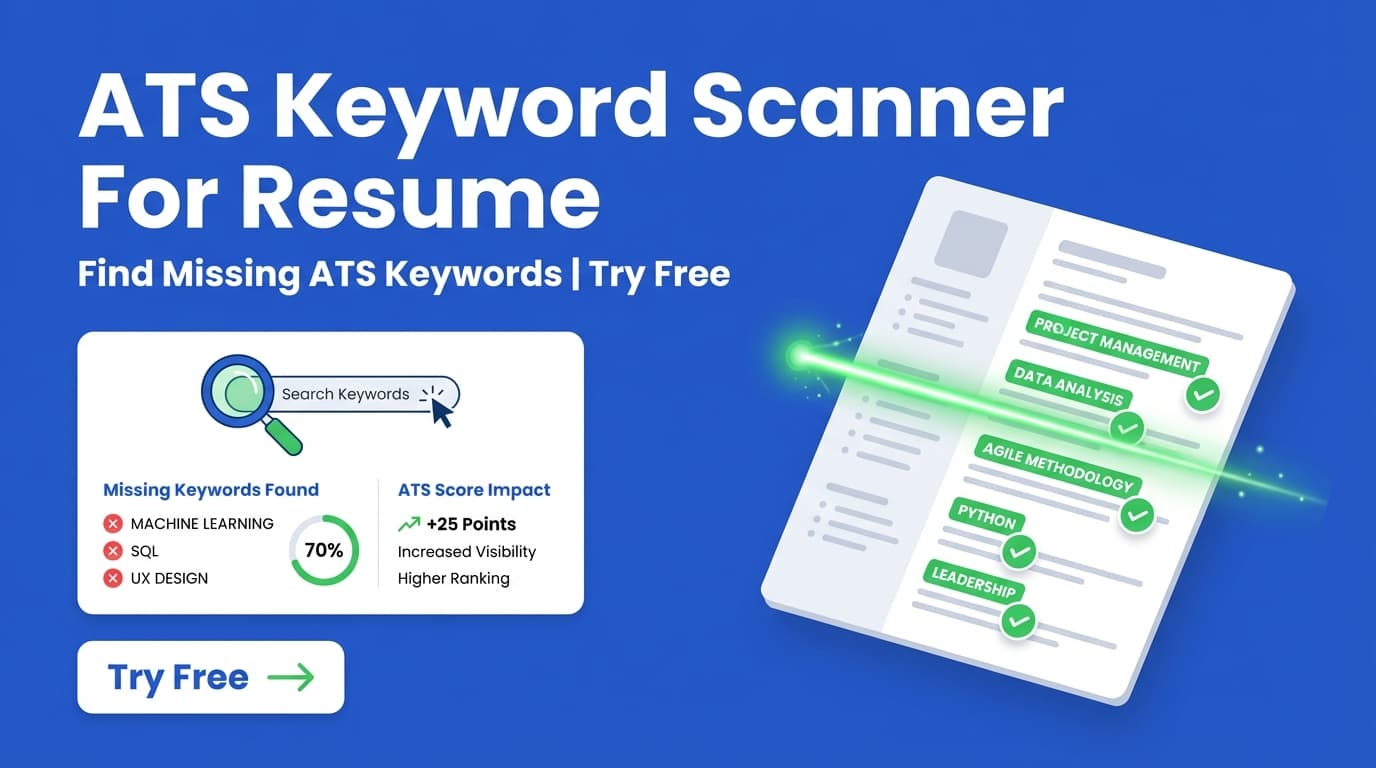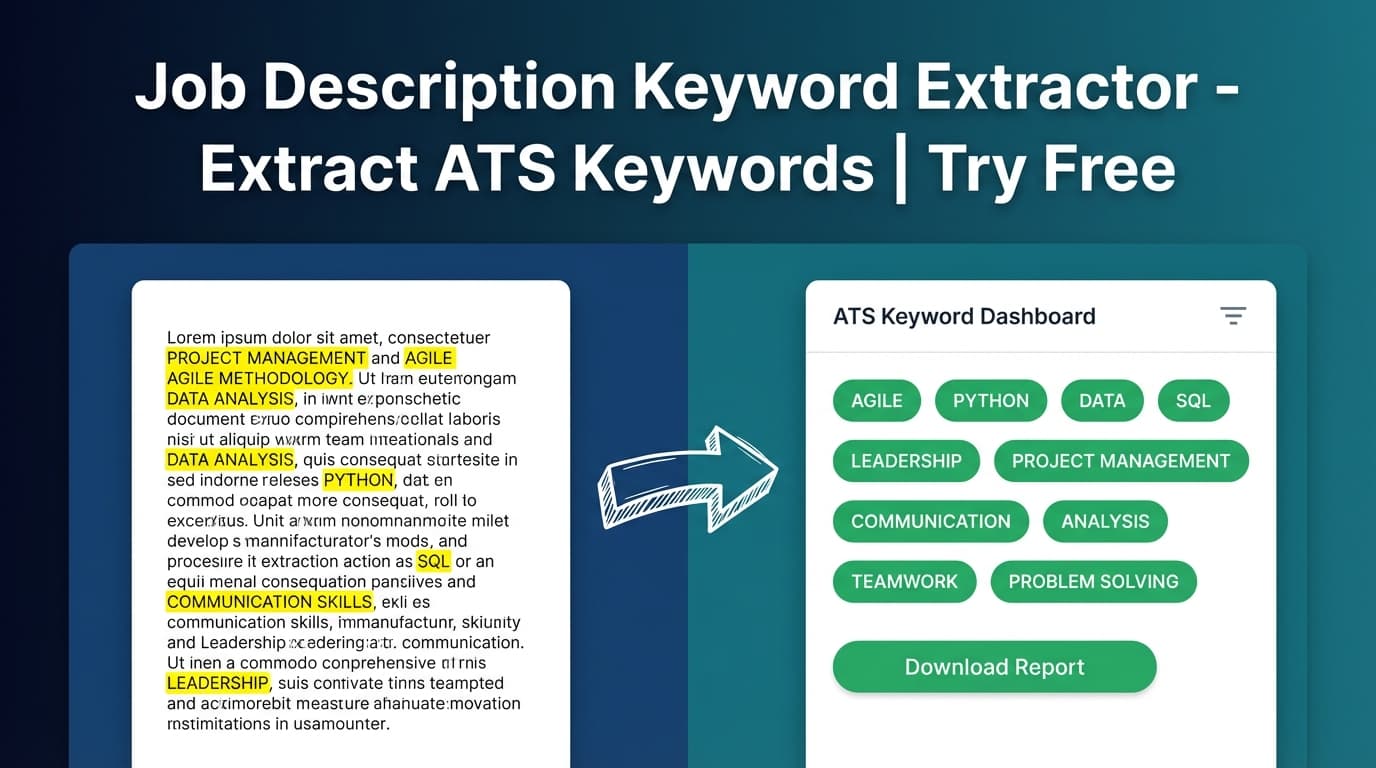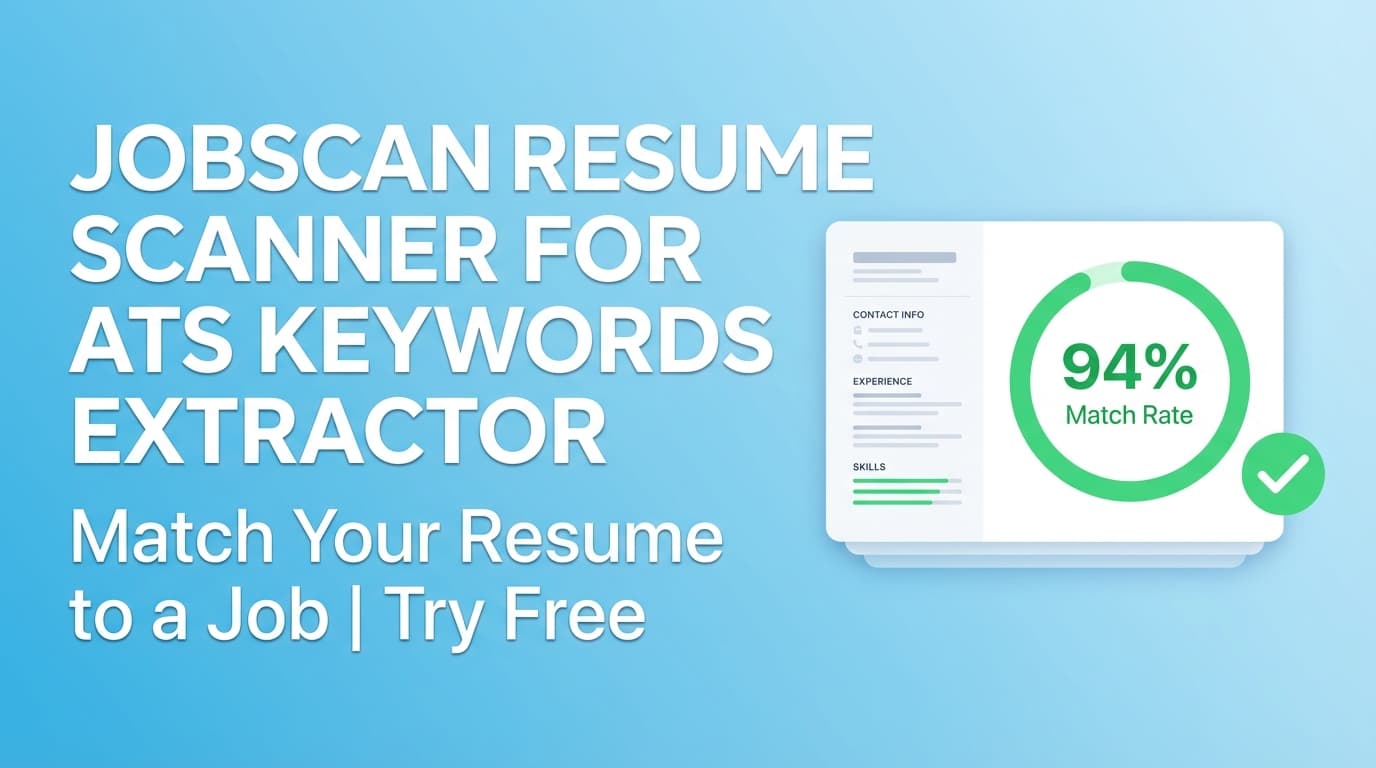
JobShinobi’s Jobscan-style resume scanner helps you extract ATS keywords from a job posting and then scan your resume to see matching vs missing keywords, a job match score, and tailored recommendations you can apply in your resume editor.
Not affiliated with Jobscan. This is JobShinobi’s workflow for job keyword extraction + resume matching.
What is Jobscan Resume Scanner For ATS Keywords Extractor?
When people search for a “Jobscan resume scanner” or “ATS keywords extractor,” they usually want two outcomes:
- Extract the important keywords from a job description (skills, tools, technologies, requirements).
- Check their resume against those keywords so they can tailor the resume for ATS filters and recruiter searches.
This tool does exactly that inside JobShinobi:
- You provide a job posting URL (LinkedIn/Indeed/company site) or paste job description text
- JobShinobi extracts structured job details (including key skills & technologies / keywords)
- Then it compares those keywords to your resume and returns:
- Job Match Score (%)
- Matching Keywords (keywords found in your resume)
- Missing Keywords (keywords not found in your resume)
- Recommendations on what to change
It’s built for job seekers who want a fast, repeatable way to tailor applications without guessing which keywords matter.
How to Use JobShinobi’s Jobscan-Style Resume Scanner (Step-by-Step)
Step 1: Sign in and open your resume
In JobShinobi, go to the Resume Builder area and open an existing resume (or create one from a template).
Tip: If you’re starting from a template, save your resume first so you have a stable version to analyze and improve.
Step 2: Run resume analysis (ATS + keyword feedback)
Open your resume’s analysis experience (you’ll see scoring and feedback). JobShinobi generates a score breakdown that includes:
- Overall score (0–100)
- Keywords score
- ATS compatibility score
- Content/formatting/completeness scoring
This is useful for overall quality checks before you tailor to a specific job.
Step 3: Extract ATS keywords from a job posting (URL or text)
Go to Job Matching and choose one of the two inputs:
- URL tab: paste a job posting link
- Text tab: paste the full job description
Click Extract Job Details. JobShinobi will display extracted job details and a list of Key Skills & Technologies (keywords) when available.
Tip: If the job URL is behind a login/paywall, paste the job description text instead.
Step 4: Scan your resume vs the extracted keywords (match score + gaps)
Once the job details are extracted, JobShinobi matches the job to your resume and produces:
- Job Match Score (%)
- Matching Keywords (present)
- Missing Keywords (missing)
- Recommendations (how to improve alignment)
This is the core “ATS keywords extractor + scanner” output: it turns a job posting into a keyword checklist and shows where your resume is under-matched.
Step 5: Apply suggestions in the resume editor
Use the Apply Suggestions flow to jump back into the resume editor and implement changes.
Pro tip: Add keywords only when they’re accurate. The best ATS optimization is “truthful alignment” (e.g., adding the exact tool name you used in a project, or rewriting a bullet so it reflects the required skill with evidence).
Features of Our Jobscan Resume Scanner For ATS Keywords Extractor
Job description keyword extraction (from URL or pasted text)
JobShinobi can extract job details from either:
- a job posting URL, or
- job description text
It returns structured fields (when detected) and a keyword list.
Why it matters: You can start tailoring faster with an AI-extracted keyword list instead of manually scanning paragraphs.
Resume-to-job keyword matching (missing vs present)
The tool compares job keywords to your resume and categorizes them into:
- present keywords
- missing keywords
Why it matters: This gives you a clear, actionable list of what to add (if true) or what to rephrase more explicitly.
Job Match Score (%)
You get a single percentage score representing how well your resume aligns to that specific job.
Why it matters: It’s an at-a-glance way to decide whether you’re ready to apply or need to tailor first.
Recommendations (not just keywords)
In addition to keywords, JobShinobi provides recommendations for improving fit.
Why it matters: Keyword presence alone isn’t enough—how you show impact and role relevance is what converts to interviews.
ATS-focused resume analysis (beyond job matching)
JobShinobi’s resume analysis can surface:
- strengths / weaknesses
- ATS compatibility issues
- score breakdown across multiple categories (including keywords)
Why it matters: Many ATS problems are formatting/structure issues, not just missing terms.
Practical Use Cases
For tailoring one resume to one job (the fastest workflow)
If you’re applying to a specific role, run:
- keyword extraction from the job post
- resume scan for missing keywords
- edits in the resume editor
Example: A posting repeatedly mentions “React,” “TypeScript,” and “REST APIs.”
If your resume says “frontend development” but doesn’t name the tools, the scanner will flag gaps you can correct by being more specific.
For testing multiple jobs to find patterns
Run the tool against 3–5 similar postings. If you repeatedly see the same missing keywords (e.g., “Stakeholder management,” “SQL,” “Tableau”), you’ll know what themes your resume should emphasize.
For reducing keyword “guessing” (and avoiding keyword stuffing)
Instead of randomly adding buzzwords, you’re adding terms that appear in real postings—then backing them up with projects/metrics.
Why Choose JobShinobi’s Tool vs Other “Free” ATS Keyword Tools?
| JobShinobi | Typical free keyword tools |
|---|---|
| Extracts job details from URL or text | Often text-only or limited URL support |
| Shows match score + missing/present keywords | Sometimes only a keyword list with no comparison |
| Includes broader resume analysis (ATS + scoring) | Many tools are keyword-only |
| Built into a resume editor workflow | Many tools stop at a report |
Important: No scanner can guarantee ATS outcomes or interviews. Use this as a targeting tool to improve clarity and alignment.
Related Tools in JobShinobi
Explore more from JobShinobi:
- Resume Builder (LaTeX editor + PDF preview): Write and compile your resume to a PDF preview.
- Resume Analysis: Score breakdown + ATS/keyword-focused feedback.
- Job Description Extraction: Paste a URL or text and extract structured job details + keywords.
- Resume AI Assistant: Chat-based editing to improve or tailor content (inside the editor).
FAQ
Is Jobscan Resume Scanner For ATS Keywords Extractor really free?
JobShinobi is a paid subscription product (plans shown in the app include $20/month or $199.99/year). The site advertises a 7-day free trial. This page does not claim an unlimited free plan.
Do I need an account to use it?
Yes. You’ll need to sign in so JobShinobi can access your saved resume and run analysis/matching.
Does it extract keywords from the job description or from my resume?
Both—depending on the step:
- It extracts keywords from the job posting (URL or text).
- It scans your resume to show which of those job keywords are present vs missing.
Can it guarantee my resume will “pass ATS”?
No. It can identify keyword gaps and potential ATS issues, but it cannot guarantee outcomes or submit applications for you.
What’s the best way to improve my score without keyword stuffing?
Add keywords only where you can prove them with context:
- Experience bullets (with impact/metrics)
- Projects
- Skills section (for tools you actually used)
- Summary (only if it stays specific and truthful)
Start Using Jobscan Resume Scanner For ATS Keywords Extractor Now
Extract keywords from any job posting, scan your resume for gaps, and apply recommendations in one workflow.
{
  "@context": "https://schema.org",
  "@type": "HowTo",
  "name": "How to extract ATS keywords from a job posting and scan your resume",
  "step": [
    { "@type": "HowToStep", "name": "Open your resume in JobShinobi", "text": "Sign in and open an existing resume (or create one from a template)." },
    { "@type": "HowToStep", "name": "Run resume analysis", "text": "Generate ATS/keyword-focused scoring and feedback for your resume." },
    { "@type": "HowToStep", "name": "Paste a job posting URL or job description text", "text": "Use Job Matching to extract job details and keywords." },
    { "@type": "HowToStep", "name": "Review missing vs matching keywords and recommendations", "text": "Check the match score, missing keywords, and suggested improvements." },
    { "@type": "HowToStep", "name": "Apply changes in the resume editor", "text": "Update bullets/skills honestly and re-check your results." }
  ]
}