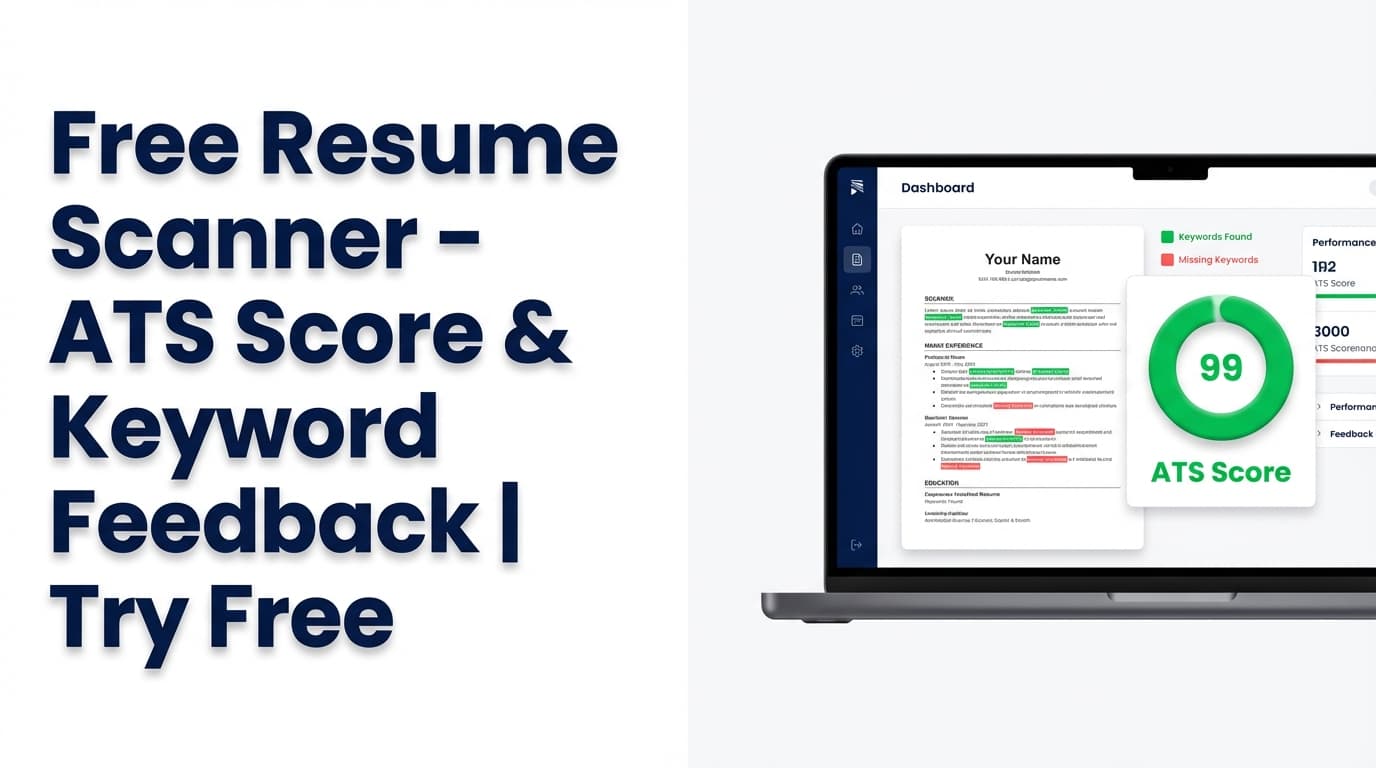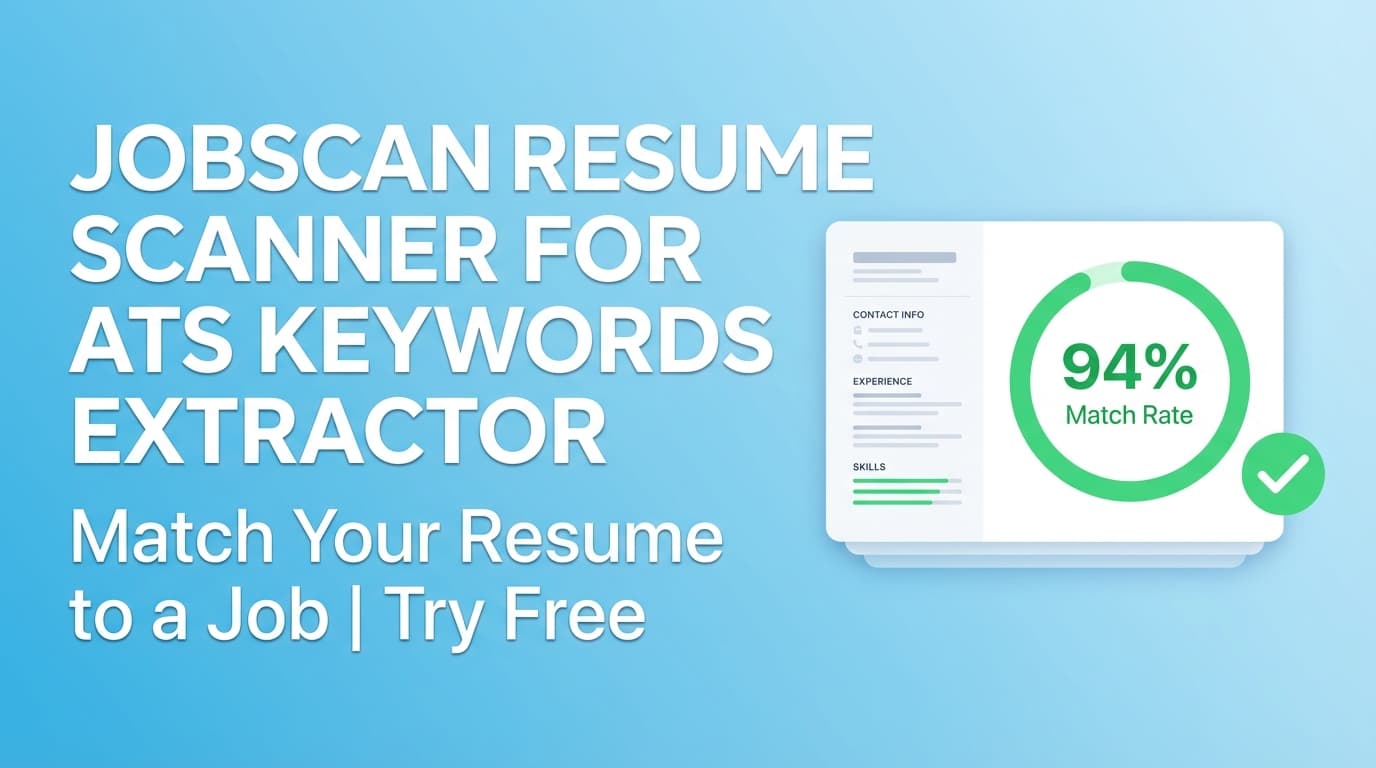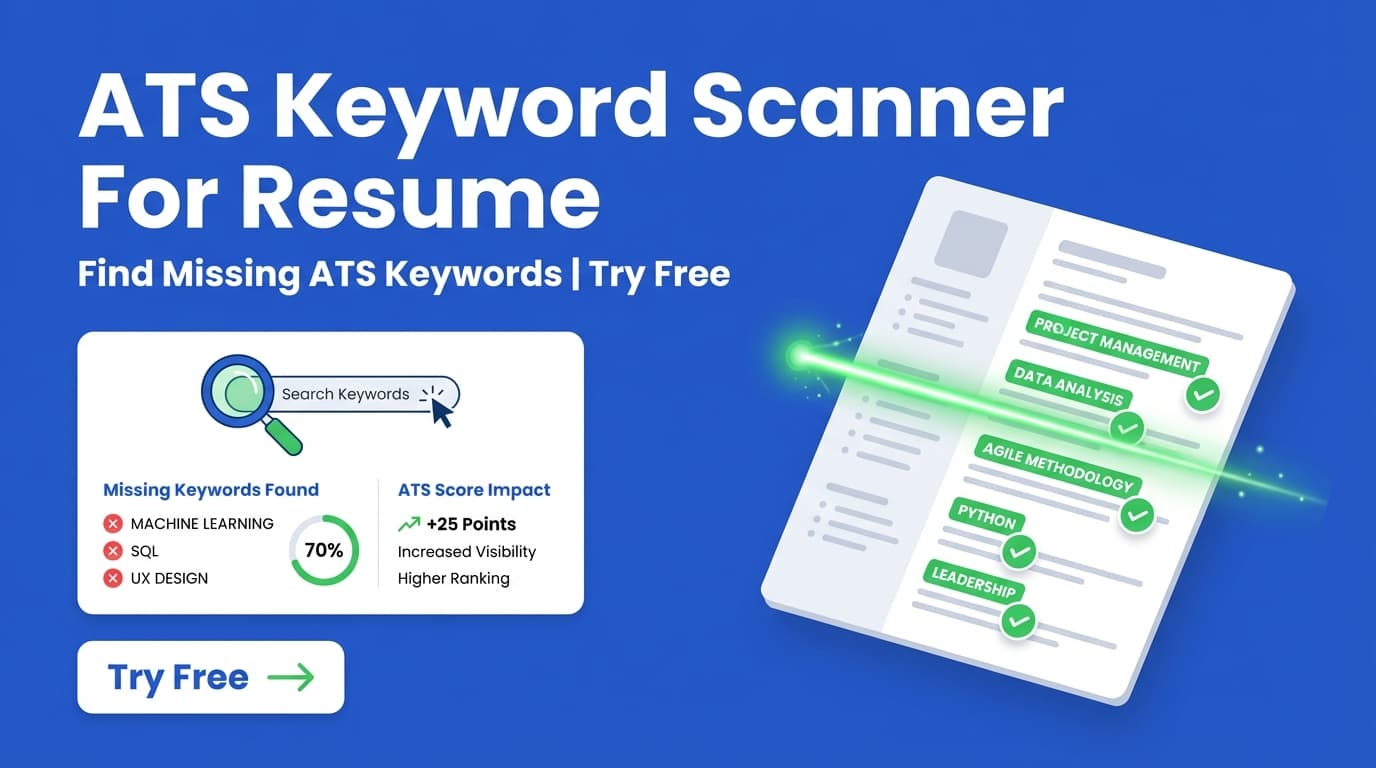
JobShinobi’s Ats Keyword Scanner For Resume checks your resume against a job posting and shows matching vs missing keywords, a job match score, and recommendations you can apply in your resume editor.
Try it now → (JobShinobi advertises a 7‑day free trial), or read on to learn exactly how it works.
What is an ATS keyword scanner for a resume tool?
An ATS keyword scanner compares your resume to a job description and identifies whether the job’s key skills, tools, and requirements appear in your resume. This matters because many Applicant Tracking Systems (ATS) and recruiters filter or search candidates based on job-relevant terms (skills, technologies, certifications, role keywords, etc.).
In JobShinobi, the “keyword scanner” experience is powered by two connected capabilities:
- Job Description Extraction (from a URL or pasted text) to produce a clean set of keywords.
- Resume-to-Job Matching that returns:
- a match score
- present (matching) keywords
- missing keywords
- recommendations for tailoring
You can also run a broader Resume Analysis that includes ATS-focused scoring (including a dedicated keyword score and ATS compatibility score) plus additional keyword insights like overused keywords and keyword density when available in the analysis.
How to Use JobShinobi’s Ats Keyword Scanner For Resume
The steps below match the real workflow in JobShinobi’s web app: create/open a resume, run analysis, then run job matching using URL or text.
Step 1: Sign in and open your resume
- Sign in to JobShinobi (Google OAuth).
- Go to Dashboard → Resume.
- Choose Start from Template or open My Resumes to edit an existing resume.
Tip: If you’re starting fresh, pick a template first—JobShinobi’s resume workflow is LaTeX-based, and templates give you a strong structure immediately.
Step 2: Save your resume (so it can be analyzed)
JobShinobi analyzes saved resumes (it references your resume by ID). In the editor:
- Make any updates you need.
- Click Save.
Tip: You can iterate quickly—JobShinobi also saves in the background to keep your latest resume content available for analysis.
Step 3: Run Resume Analysis (baseline ATS + keyword scoring)
Open the resume analysis experience (either from the editor’s Analyze Resume control or the resume analysis page). JobShinobi will generate an analysis with scoring categories like:
- Overall score
- Keywords
- ATS Compatibility
- Content quality, formatting, completeness (and more detail in the report)
You can also Re-analyze when you’ve made changes. If your resume hasn’t changed since the last run, JobShinobi may return a cached analysis result to save time.
Tip: Do a baseline analysis first to fix obvious ATS issues (section structure, readability, clarity) before you focus on job-specific keywords.
Step 4: Add the job posting (URL or pasted text) and extract keywords
To scan for ATS keywords, you’ll provide the job posting in one of two ways:
- URL: Paste a link to a job post (LinkedIn, Indeed, company careers page, etc.)
- Text: Paste the full job description text
Then click Extract Job Details.
JobShinobi extracts structured details and a list of Key Skills & Technologies (keywords).
If a job URL can’t be fetched (some sites block automated requests), use the Text tab and paste the job description instead.
Step 5: Review results (present vs missing keywords + match score)
After extraction, JobShinobi runs resume-to-job matching and shows:
- Job Match Score (percentage)
- Matching Keywords (keywords found in your resume)
- Missing Keywords (keywords from the job not found in your resume)
- Recommendations (how to tailor)
This is your ATS keyword scanner output: a clear, actionable breakdown of what you already match and what you’re missing.
Pro tip: Don’t add keywords you can’t defend. The best “ATS keywords” are the ones you can support with real accomplishments—add them where they naturally belong (skills section + relevant experience bullets).
Step 6: Apply improvements in the resume editor and re-scan
Click Apply Suggestions (or go back to the editor) and update your resume. Then re-run the scan and compare again.
A practical loop looks like:
- Extract job keywords → 2. Add 3–8 true missing keywords → 3. Re-scan → 4. Repeat until your resume matches clearly (without keyword stuffing).
Features of Our Ats Keyword Scanner For Resume
Job URL or text input (job detail extraction)
You can provide either:
- a job posting URL, or
- the job description text
Why it matters: If a URL is blocked or messy, you can paste the full text and still get keyword extraction + matching.
Matching vs missing keyword lists
JobShinobi shows:
- present (matching) keywords
- missing keywords
Why it matters: You get a concrete checklist of what to add (or what you already cover) instead of guessing.
Match score + recommendations
Along with keywords, JobShinobi provides a match score and recommendations for improvement.
Why it matters: Keyword lists alone aren’t enough—recommendations help you turn keywords into stronger content and positioning.
ATS-focused resume scoring (including keyword + ATS compatibility)
Resume analysis includes dedicated scoring categories such as:
- Keywords score
- ATS compatibility score …and other categories (content, formatting, completeness).
Why it matters: A resume can contain the “right” keywords and still underperform if structure/formatting is weak. This keeps your optimization balanced.
Extra keyword insights (when available)
The resume analysis can include additional keyword feedback such as:
- overused keywords
- keyword density
- contextual usage score (whether keywords are used meaningfully)
Why it matters: This helps you avoid keyword stuffing and write resumes that read well to humans.
Ats Keyword Scanner For Resume Tool Use Cases
For targeted applications (one resume per job)
Use the scanner to tailor a resume for a specific job posting—especially for competitive roles where alignment matters.
Example: If the job emphasizes “stakeholder management” and “cross-functional collaboration,” reflect that in bullets that show who you partnered with and what you delivered.
For technical roles (skills + tools validation)
Use missing keywords to confirm whether your resume includes the actual stack the job expects (languages, frameworks, cloud tools, data tooling, etc.).
Example: If “TypeScript” and “React” are required, include them in Skills and reference them in project/experience bullets where you used them.
For career switchers (gap discovery)
Use missing keywords as a learning roadmap. Some missing keywords may represent real gaps you can address with:
- projects
- coursework/certifications
- transferable experience phrased in the job’s language
Why Choose JobShinobi’s Ats Keyword Scanner For Resume?
| JobShinobi | Other “free” keyword scanners |
|---|---|
| Job input supports URL or pasted text | Often limited to copy/paste only (or fragile URL handling) |
| Shows present vs missing keywords and a match score | Often shows a keyword list without clear “missing vs present” |
| Connects directly to a resume editor for iteration | Results are harder to apply without rewriting elsewhere |
| Includes ATS-focused scoring (keyword + ATS compatibility) | Some tools focus on keywords only, without broader ATS checks |
Related Tools
Explore more from JobShinobi:
- Resume Builder (LaTeX + PDF preview): Create and edit resumes with templates and export a compiled PDF.
- Resume Analysis: ATS-focused scoring and detailed feedback.
- Job Description Extractor: Extract job details and keywords from a job URL or pasted text.
- Resume-to-Job Matching: Match score, missing/present keywords, and tailoring recommendations.
- AI Resume Agent (chat-based editing): Get help rewriting bullets and improving your resume in the editor.
FAQ
Is Ats Keyword Scanner For Resume really free?
JobShinobi is a paid subscription product. The site advertises a 7‑day free trial. Plans shown in code are $20/month or $199.99/year.
Do I need an account to use it?
Yes. The scanner is tied to your saved resumes inside the JobShinobi web app, so you’ll need to sign in.
Can this guarantee I’ll pass ATS?
No. No tool can guarantee ATS results—systems vary by company. This scanner helps you improve alignment and avoid obvious keyword gaps, but it’s not a promise of interviews or automatic ATS “approval.”
Should I paste a job URL or the full job description?
Either works. If the job URL can’t be fetched (some sites block requests), paste the full job description text for the most reliable extraction.
Does JobShinobi auto-apply to jobs for me?
No. JobShinobi helps you analyze and tailor resumes; it does not submit applications to job boards on your behalf.
Start Using Ats Keyword Scanner For Resume Now
If you’re tired of guessing which keywords matter, JobShinobi gives you a repeatable workflow: extract job keywords, identify gaps, apply changes, and re-check your match.