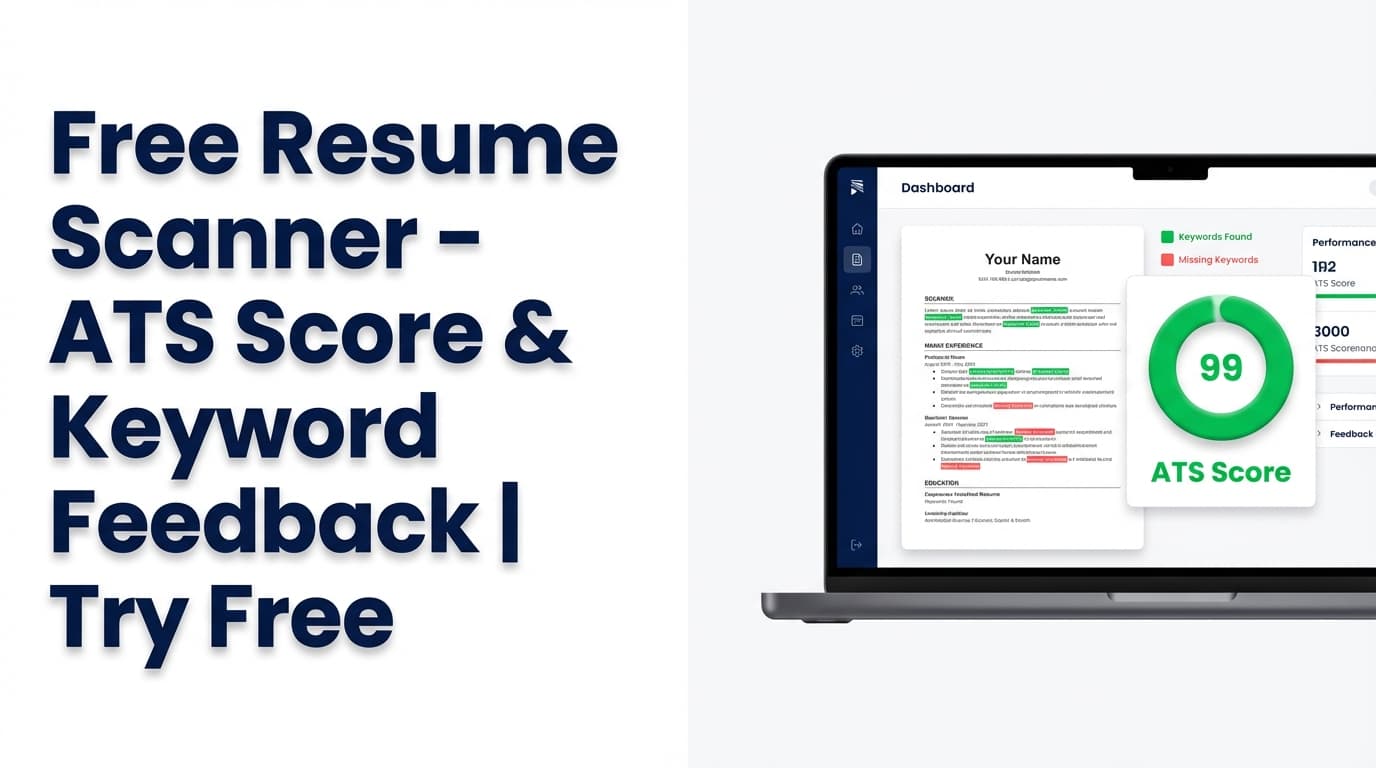
Looking for a free resume scanner tool that gives you more than generic advice? JobShinobi’s Free Resume Scanner analyzes your resume and returns an overall score (0–100) plus detailed feedback like strengths, weaknesses, missing sections, keyword analysis (present/missing/overused), and ATS issues.
Try it now →
Or start from your account: Sign in →
Pricing note (important): JobShinobi is a paid product and the site advertises a 7-day free trial. Plans shown in the app are $20/month or $199.99/year.
What is the Free Resume Scanner?
A resume scanner is an analysis tool that checks your resume the way ATS software and recruiters commonly evaluate it—looking for:
- Clear section structure (e.g., Experience / Education / Skills)
- Impactful, measurable bullet points
- Job-relevant keywords (without keyword stuffing)
- Potential ATS blockers (formatting/readability issues)
JobShinobi’s Free Resume Scanner is designed for iteration: scan → edit → re-scan, all inside JobShinobi’s resume workflow.
What the scanner can output (based on the actual implementation)
When you run analysis, JobShinobi can return:
- Overall score (0–100)
- Category scores: content_score, keyword_score, formatting_score, completeness_score, ats_score
- Suggestions (actionable improvements)
- Detailed feedback:
- strengths
- weaknesses
- missing_sections
- keyword_analysis (present / missing / overused + optional metrics)
- ats_issues
Depending on the analysis mode and available data, it can also include deeper structured analysis like:
- section_scores
- bullet_analysis
- ats_analysis
- length_analysis
- benchmarking
- role_alignment
How to Use JobShinobi’s Free Resume Scanner Tool
Step 1: Sign in and open your resume
Go to Login and sign in. Then open your Resume dashboard and select an existing resume (or create one from a template).
Tip: JobShinobi resumes are edited in Resume Studio and stored as LaTeX source. The scanner analyzes your resume content from that source.
Step 2: Click Analyze Resume
From your resume list, click Analyze Resume, or run analysis from inside Resume Studio.
Good to know: JobShinobi may return a cached analysis if your resume hasn’t changed since the last scan (so repeat checks can be faster).
Step 3: Review your score + fix issues in priority order
A practical way to use the report:
- Fix ATS compatibility issues first
- Add or repair missing sections
- Close missing keyword gaps (based on your target role/job)
- Rewrite weak bullets to include outcomes and metrics
Then click Re-analyze to verify improvements.
Pro tip: A resume scanner score is a guide—not a guarantee. Use it to remove blockers and improve clarity + relevance.
Step 4 (Optional): Match your resume to a job description
For job-specific feedback, use Job Matching:
- Paste a job posting URL or full text
- JobShinobi extracts job details
- JobShinobi generates a match score and shows present vs missing keywords, plus recommendations
This is ideal when you’re tailoring for one specific role.
Features of Our Free Resume Scanner
ATS-style resume score (0–100) + category breakdown
You get an overall score plus category scores for content, keywords, formatting, completeness, and ATS compatibility.
Why it matters: It tells you where your resume needs work instead of just saying “optimize it.”
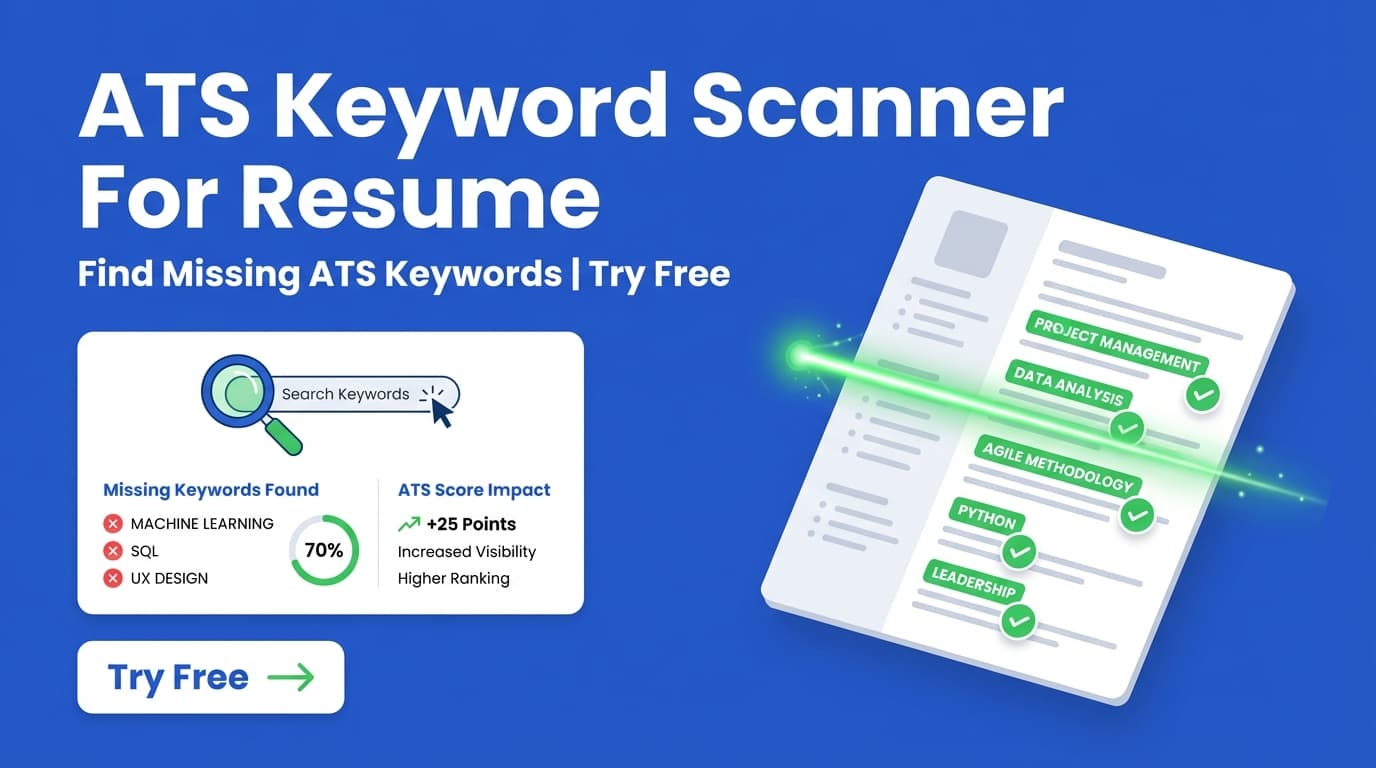
Keyword analysis (present / missing / overused)
JobShinobi can identify keywords that are:
- Already present
- Missing
- Potentially overused
It can also include additional keyword insights (when returned), such as:
- keyword_density
- contextual_usage_score
- industry_coverage
- top_skills_detected
Why it matters: You can tailor your resume without stuffing keywords unnaturally.
Strengths, weaknesses, missing sections, and ATS issues
The report includes direct lists of what’s working and what to fix, including ATS-related issues.
Why it matters: It turns your next edit session into a checklist.
Job-specific match score (optional)
When you match against a job, JobShinobi can return:
- Match score
- Missing keywords
- Present keywords
- Recommendations + tailoring suggestions
Why it matters: This is the fastest path to a resume that’s aligned to one posting.
Free Resume Scanner Tool Use Cases
For high-volume applicants
Run a baseline scan to remove obvious blockers and improve interview rate across many applications.
Example: The scanner flags missing sections and vague bullets with no measurable outcomes.
For job-by-job tailoring
Run job matching, add missing keywords where you actually have experience, then re-scan.
Example: The job requires “stakeholder management” and “SQL”; your report shows “SQL” is present but “stakeholder management” is missing.
For career changers
Scanning helps you identify gaps between your current experience framing and your target role.
Example: You’re pivoting to data analytics; keyword + role alignment feedback helps you reframe projects and skills.
Why Choose JobShinobi’s Free Resume Scanner?
| JobShinobi | Other “Free” Resume Scanner Tools |
|---|---|
| Integrated workflow (scan → edit → re-scan) | Often a one-off upload with limited iteration |
| Score breakdown + structured feedback (ATS issues, missing sections, keywords) | Often generic advice without clear prioritization |
| Job description extraction from URL or text + match scoring | Many tools require manual copy/paste only |
| Built for ATS-friendly structure in a resume editor | Many focus on design first, ATS later |
Related Tools
Explore more from JobShinobi:
- Resume Studio (Resume Builder): Edit a LaTeX-based resume with PDF export.
- Job Description Extraction: Paste a job URL or text to extract structured job details.
- Resume-to-Job Matching: Get a match score and missing keywords for a posting.
- Job Tracker + Analytics: Track applications and see interview/offer trends.
FAQ
Is the Free Resume Scanner tool really free?
JobShinobi is a paid product and advertises a 7-day free trial. After that, plans shown in-app are $20/month or $199.99/year.
Do I need an account?
Yes. The scanner analyzes resumes stored in your JobShinobi account, so you must sign in.
Can I scan against a job description?
Yes. JobShinobi supports job-specific matching by extracting job details from a URL or pasted text and generating match + keyword insights.
Does this guarantee I’ll pass ATS screening?
No. No tool can guarantee results across all ATS configurations and hiring processes. Use this as structured guidance to improve.
Start Using the Free Resume Scanner Tool
If you searched for a free resume scanner tool, you likely want fast, practical feedback you can apply immediately. JobShinobi’s scanner is designed to help you iterate quickly: score → fix → re-score → export.
Try the Free Resume Scanner →
or Sign in to scan your resume →