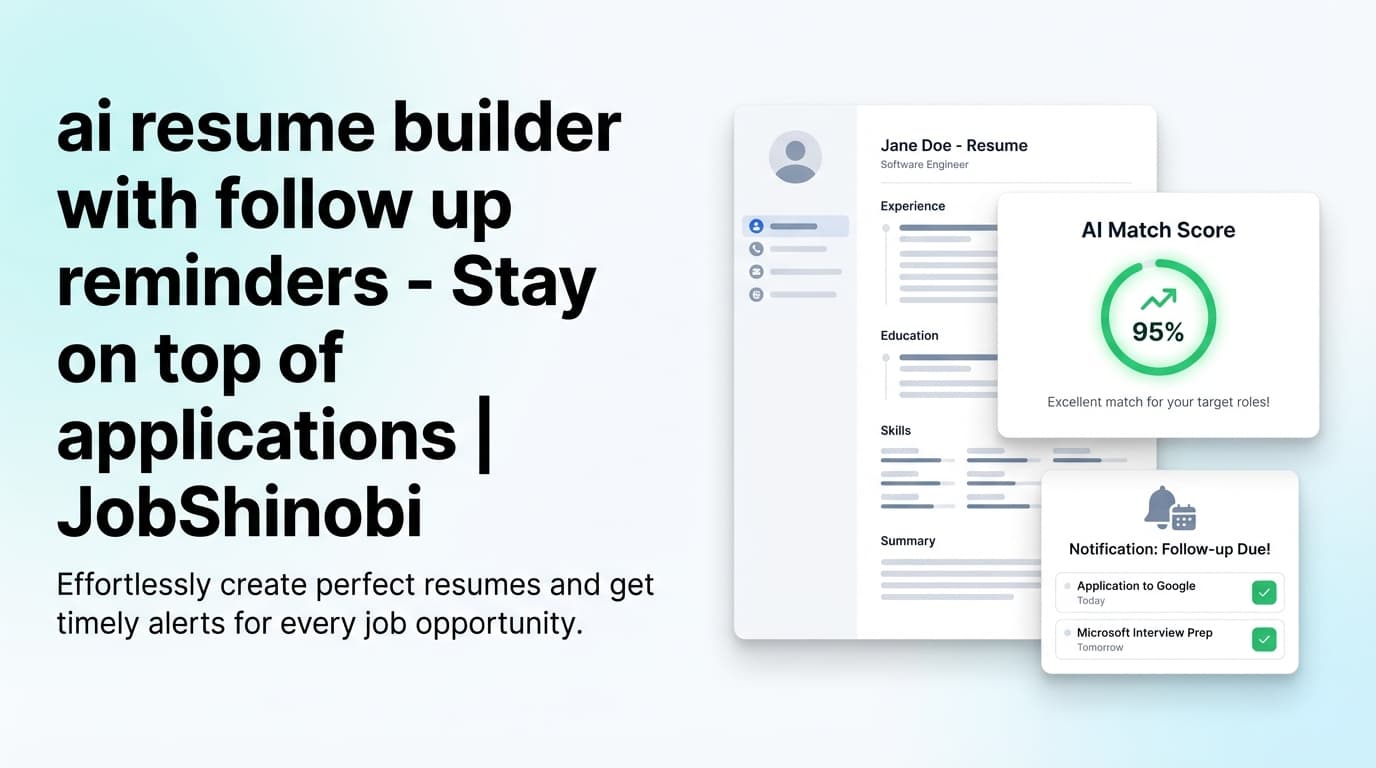
JobShinobi is an ATS resume tracker that logs applications from email using a unique forwarding address. Instead of updating a spreadsheet after every application (and every interview email), you forward confirmation and recruiting emails to JobShinobi and it extracts job details—then creates or updates an application in your tracker.
What gets logged automatically from forwarded emails includes:
- Company
- Job title
- Status: Applied / Interview / Offer / Rejected / Other
- Optional fields when present: location, salary, job URL, additional info, and the email date
Important: JobShinobi does not “sync” or read your Gmail/Outlook inbox. It works via email forwarding to your dedicated address.
Why JobShinobi for an ATS resume tracker that logs applications from email?
Most “job trackers” fall into one of two buckets:
- Manual trackers (spreadsheets, Notion boards, simple CRMs) that rely on you doing data entry when you’re already overwhelmed.
- Browser-extension trackers that work best when you apply from certain sites—then miss the messy reality of job search updates arriving via email.
JobShinobi is built around the most consistent signal in your job search: your inbox notifications.
1) Email-forwarding automation (no inbox permissions)
JobShinobi gives Pro members a dedicated forwarding email (on the @parse.jobshinobi.com domain). You forward job-related emails there—no Gmail/Outlook connection required.
This helps if you:
- Don’t want to grant inbox access
- Apply across many job boards and company portals
- Want a consistent process: “forward → logged”
2) Smart updates instead of duplicate rows (fuzzy matching)
When new emails arrive, JobShinobi attempts to match them to existing applications using company + job title similarity. That means:
- “Interview request” can update an “Applied” row
- Your tracker stays cleaner when companies send multiple emails
3) Realtime tracker + analytics (so you can manage your pipeline)
JobShinobi isn’t just a database. It’s a live dashboard:
- Job Tracker updates in realtime
- Analytics turn your tracker into metrics like response rate, offer rate, and interview conversion
How JobShinobi’s email logging works (actual product flow)
Step 1: Sign in and open Settings → Email Forwarding
Sign in, then visit:
/dashboard/settings
You’ll see your Unique Forwarding Email and a built-in “How It Works” checklist.
Step 2: Get your unique forwarding email (Pro)
Email processing requires Pro membership. Once Pro is active, JobShinobi provisions your forwarding address (example format: [email protected]).
Step 3: Forward job-related emails
Forward messages like:
- Application confirmations (“Thanks for applying…”)
- Interview scheduling (“We’d like to schedule…”)
- Rejections (“We’ve decided to move forward…”)
- Offers (“We’re pleased to offer…”)
Step 4: JobShinobi parses and logs the details
JobShinobi uses AI to extract structured fields from the forwarded email content:
- company, job_title, status
- optional: location, salary, job_url, additional_info, date
Step 5: Your application is created or updated automatically
If JobShinobi finds a strong match to an existing application, it updates it; otherwise it creates a new row. You’ll also see a processing indicator in the Job Tracker while emails are being handled.
/dashboard/job-tracker
Key features for an ATS resume tracker that logs applications from email
| Feature | What it does | Why it matters |
|---|---|---|
| Unique forwarding email | Your dedicated address to forward job emails to | No spreadsheet updates; consistent workflow |
| AI email parsing | Extracts job title, company, and status from emails | Turns messy email threads into structured records |
| Status mapping | Normalizes into Applied / Interview / Offer / Rejected / Other | Enables reporting and pipeline visibility |
| Fuzzy matching (update vs create) | Updates existing applications when follow-up emails arrive | Reduces duplicates as your process evolves |
| Job Tracker dashboard | View/add/edit/delete applications in a table UI | You stay in control when details need cleanup |
| Realtime updates | Tracker refreshes immediately as records change | Always see the latest status |
| Excel export (.xlsx) | Export job applications to a spreadsheet file | Backups, sharing, offline analysis |
| Analytics dashboard | Response rate, offer rate, interview conversion + trends | Make data-driven adjustments to your search |
| Resume Builder (LaTeX-based) | Create/manage resumes stored as LaTeX | Stable structure + easy versioned iteration |
| AI Resume Analysis + job match | ATS/keyword feedback + match to a job description | Improve what you send while tracking results |
What gets logged from email (and what JobShinobi doesn’t do)
Logged from forwarded emails
JobShinobi is designed to capture the information you repeatedly need:
- Company name
- Job title
- Status changes
- Optional details (when present): location, salary, job URL, notes
What JobShinobi does not do (so expectations are clear)
- No Gmail/Outlook inbox sync: JobShinobi doesn’t connect to your inbox to scan messages automatically. It relies on forwarded emails.
- No auto-apply: It does not submit applications on your behalf.
- No Google Sheets API sync: Export is supported via Excel (.xlsx).
ats resume tracker that logs applications from email vs. common alternatives
vs. spreadsheets (Google Sheets / Excel)
Spreadsheets are flexible but fragile: if you skip updates for a week, your tracker becomes fiction.
JobShinobi advantage:
- Forward emails → entries update automatically
- Analytics dashboard turns activity into measurable outcomes
- Export to Excel is still available when you want it
vs. “Gmail sync” trackers
Some competitors lead with “secure Gmail sync.” That can be convenient, but not everyone wants to connect their inbox.
JobShinobi advantage:
- No inbox sync required
- You control what you forward
- Clear, dedicated workflow: forwarding address → tracker updates
vs. ATS resume checkers that don’t track your job search
Many tools give a score—but don’t connect that to your application pipeline.
JobShinobi advantage:
- Job tracking + analytics + resume improvement in one platform:
- AI resume analysis with structured results
- Job description extraction and resume-to-job matching
- AI resume editor with version history and compilation checks (LaTeX workflow)
Pricing
JobShinobi offers paid subscriptions via Stripe:
- Monthly: $20.00
Payment link: https://buy.stripe.com/7sYeV61P10GS310eTy0VO02 - Yearly: $199.99
Payment link: https://buy.stripe.com/6oU9AM0KXexIdFE5iY0VO03
Email parsing/processing for application logging is restricted to Pro members.
- Internal link:
/subscription
Note: the/subscriptionpage currently contains a placeholder Stripe link; use the plan payment links above for checkout.
Frequently Asked Questions
Is JobShinobi an “ATS” like recruiters use?
No. JobShinobi is built for job seekers. It helps you:
- Track your own job applications, and
- Improve your resume using ATS/keyword-focused analysis and job matching
It’s not an employer ATS used to manage candidates.
How does JobShinobi log applications from email—does it read my inbox?
It does not read your inbox or claim Gmail/Outlook “sync.” It logs applications when you forward emails to your unique forwarding address.
What kinds of emails should I forward?
Forward emails such as:
- Application confirmations
- Interview invitations
- Rejections and offers
- Any message that includes company + role context
Will I get duplicates if I forward multiple emails for one application?
JobShinobi uses fuzzy matching (company + job title similarity) to decide whether to update an existing row or create a new one. This reduces duplicates when you receive multiple updates for the same role.
Can I edit applications manually if the email is missing details?
Yes. You can add, edit, and delete entries directly in the Job Tracker dashboard.
/dashboard/job-tracker
Can I export my job tracker?
Yes. JobShinobi exports your job applications to Excel (.xlsx).
Does JobShinobi send notifications?
Yes. JobShinobi can email you to confirm when an application was tracked or updated, and you can manage notification preferences in Settings.
/dashboard/settings
Get started with JobShinobi today
Stop losing track of where you applied, who responded, and what stage you’re in. Use JobShinobi as your ats resume tracker that logs applications from email:
- Find your forwarding address:
/dashboard/settings - Forward application and recruiting emails
- Manage everything in your tracker:
/dashboard/job-tracker - Monitor performance in analytics:
/dashboard/analytics