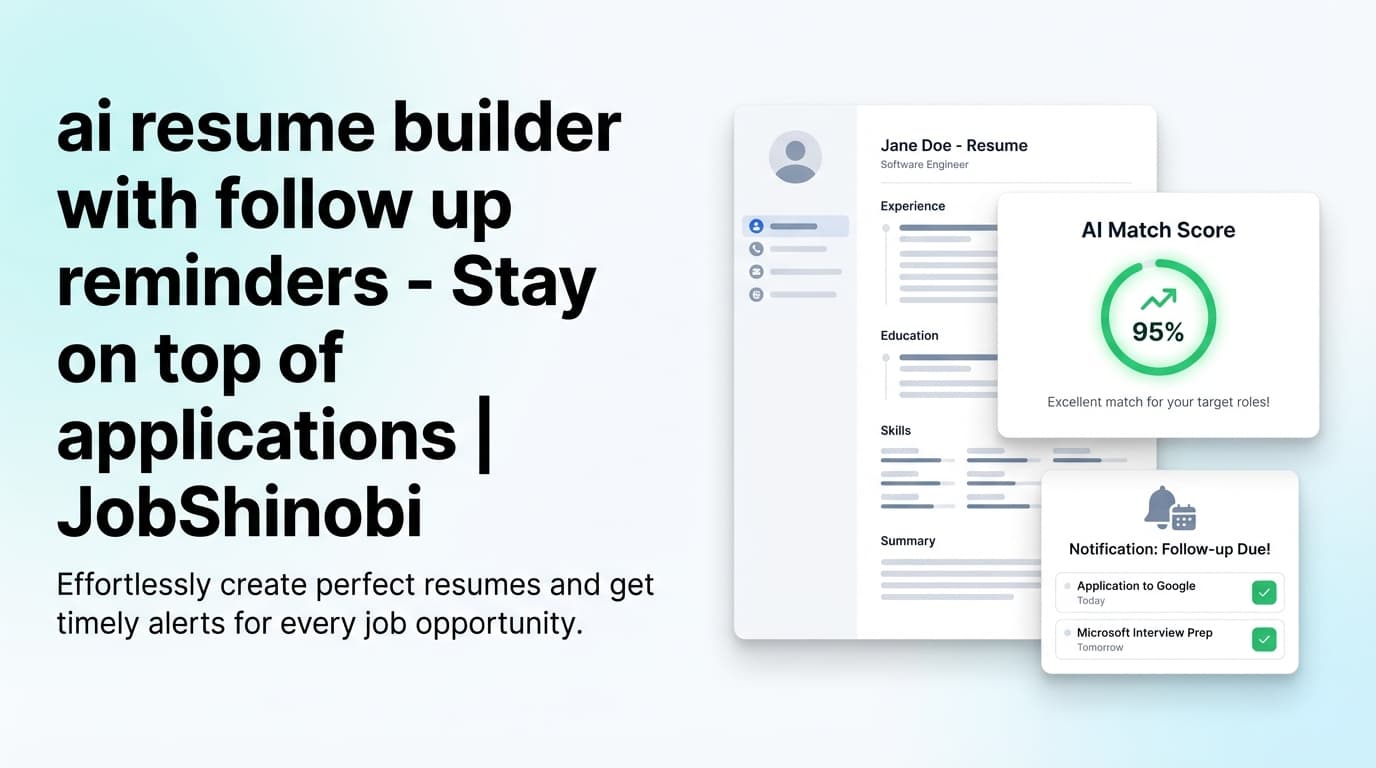
JobShinobi is a job tracking CRM for job seekers built to keep your entire job search organized—without living in spreadsheets. You get a realtime job tracker, analytics (response rate, offer rate, interview conversion), and Excel (.xlsx) export. And with an active subscription, JobShinobi adds the differentiator most “job search CRMs” don’t have: email forwarding → AI parsing → application updates.
Instead of re-typing every confirmation, recruiter email, or interview invite, you forward job-related emails to your unique JobShinobi address and JobShinobi extracts details like company, role, and status and updates your tracker.
Log in with Google → then open your tracker at /dashboard/job-tracker
Why Choose JobShinobi for a Job Search CRM?
Most job trackers fail for one reason: they require perfect manual upkeep. The more you apply, the faster your tracker becomes outdated—then you stop trusting it.
JobShinobi is designed to solve that by pairing a simple tracker UI with automation that mirrors how job searching actually happens (emails coming in) and analytics that show what to change next.
Less busywork: email forwarding → application tracking (subscription)
With an active subscription, JobShinobi provisions a unique forwarding email (e.g., [email protected]) tied to your account. When you forward job-related emails, JobShinobi:
- parses the email content and extracts structured info (job title, company, status, plus optional fields like location/salary/job URL when present)
- updates an existing application when it’s likely the same role via fuzzy matching (company + title similarity)
- logs processing and can send success/failure notification emails (if notifications are enabled in your settings)
This is “CRM-like” pipeline upkeep without the admin.
A realtime job tracker that stays current
JobShinobi’s Job Application Tracker dashboard uses realtime updates—so when an application is added/updated/deleted, your view updates without you constantly refreshing.
That matters because the best tracker is the one you actually use.
Analytics that turn your tracker into decisions
JobShinobi’s Analytics dashboard computes practical job search metrics from the applications you’ve logged, including:
- Response Rate (interviews + offers / total applications)
- Offer Rate (offers / total)
- Interview Conversion (offers / interviews)
- trends by month (last ~6 months)
Instead of guessing what’s wrong, you can see whether you need more volume, better targeting, stronger resume alignment, or better interviewing.
Benefit 1: Automatic job application tracking from real emails (subscription)
Forward the emails you already receive (confirmation, interview scheduling, rejections, next steps). JobShinobi attempts to extract:
- job_title
- company
- status: Applied / Interview / Offer / Rejected / Other
- optional fields when present: location, salary, job_url, additional_info
And because it uses fuzzy matching, it’s designed to reduce duplicate entries when the same application gets multiple updates.
Benefit 2: Exportable, audit-friendly data (Excel .xlsx)
When you want to share progress with a mentor, coach, or accountability partner—or build your own pivot tables—JobShinobi lets you export your job applications into an Excel (.xlsx) file.
No special integrations required.
How JobShinobi’s Job Tracking CRM Works
Step 1: Log in with Google
JobShinobi uses Google OAuth for sign-in.
- Start here: Log in
After login, you’ll land in the dashboard.
Step 2: Open your Job Application Tracker
Go to: /dashboard/job-tracker
In the tracker you can:
- add applications manually
- edit company/title/status
- delete entries
- see basic stats (total applications, interviews, offers, unique companies)
- export to Excel
Step 3 (Subscription): Use your unique forwarding email to auto-track updates
Open Settings: /dashboard/settings
In Settings → Email Forwarding, you’ll see Your Unique Forwarding Email. Forward job-related emails to that address.
How it works in practice:
- You receive a job-related email (confirmation, interview invite, etc.)
- You forward it to your unique JobShinobi email address
- JobShinobi parses the email and extracts job details
- The application appears (or updates) in your dashboard
Step 4: Watch the tracker update in realtime
As updates happen, your Job Application Tracker updates in realtime. If processing is underway, the tracker can show a “Processing Email” status indicator.
Step 5: Use Analytics to spot bottlenecks
Go to: /dashboard/analytics
You’ll see metrics like response rate and offer rate based on the applications you’ve tracked.
Key Features for “Job Tracking CRM for Job Seekers”
| Feature | What It Does | Why It Matters |
|---|---|---|
| Job Application Tracker dashboard | Track and manage job applications (add/edit/delete) in one place | Your job search source of truth |
| Realtime tracker updates | Live updates when records change | Keeps your pipeline view accurate |
| Email forwarding + AI parsing (subscription) | Forward job emails; system extracts job_title/company/status and updates your tracker | Cuts manual data entry during high-volume applying |
| Fuzzy matching for updates | Attempts to update an existing application instead of creating duplicates | Cleaner CRM-style pipeline |
| Processing status indicator | Shows when email processing is happening | Transparency when automation is running |
| Analytics dashboard | Response rate, offer rate, interview conversion + monthly trends | Turn tracking into decisions |
| Export to Excel (.xlsx) | Download your applications as an Excel file | Share, backup, and analyze your data |
Job Tracking CRM for Job Seekers vs. Other Approaches
JobShinobi vs. Spreadsheets (Excel/Google Sheets)
Spreadsheets are flexible, but they tend to fail when:
- you stop updating them consistently
- you duplicate entries
- you don’t have a reliable “live” version across devices
JobShinobi keeps the tracker in an app UI with realtime updates—and still gives you the escape hatch you want: export to .xlsx.
JobShinobi vs. Notion “job CRM” templates
Templates can help you start, but most remain 100% manual. If you apply a lot, they’re easy to abandon.
JobShinobi focuses on:
- dedicated job application tracker UI
- metrics that update based on your entries
- email-forwarding workflow (subscription) to reduce upkeep
JobShinobi vs. “AI job trackers” that require Gmail syncing
Some trackers market “secure Gmail sync.” JobShinobi’s workflow is different: it uses your unique forwarding email (subscription) and processes the content you forward, rather than claiming full inbox access.
This can be a simpler mental model: forward the emails you want tracked.
Pricing
JobShinobi offers paid subscriptions via Stripe:
- Monthly: $20.00
- Yearly: $199.99
Notes (accuracy-first):
- This page does not claim a free tier or a guaranteed free trial.
- Email forwarding + parsing requires an active subscription.
Ready to start?
- Log in
- Go to your tracker: /dashboard/job-tracker
Frequently Asked Questions
Is there an AI tool to track job applications?
Yes—JobShinobi includes AI-powered email parsing as part of its job tracking CRM workflow (subscription). You forward job-related emails to your unique JobShinobi forwarding address, and the system attempts to extract structured job application details and update your tracker.
What details can JobShinobi extract from forwarded emails?
JobShinobi is designed to extract:
- job title
- company
- status (Applied, Interview, Offer, Rejected, Other)
It can also capture optional details when present (like location, salary, job URL, and additional notes).
Does JobShinobi update my job tracker in realtime?
Yes. The job tracker uses realtime updates so changes appear without you needing to refresh.
Can I export my job tracker to Excel?
Yes. JobShinobi exports job applications to an Excel (.xlsx) file.
Does JobShinobi integrate with LinkedIn/Indeed to auto-apply?
No. JobShinobi does not claim job board auto-apply features or direct integrations with LinkedIn/Indeed.
How do I set up the email forwarding address?
After you log in, go to Settings: /dashboard/settings. If you have an active subscription, you’ll see your unique forwarding email there. Forward job-related emails to that address to trigger processing.
Get Started with JobShinobi Today
If you want a job tracking CRM for job seekers that’s built for real job search volume:
- Track applications in a realtime dashboard
- Reduce manual upkeep with email forwarding + parsing (subscription)
- Use analytics to find bottlenecks (response rate, offer rate, interview conversion)
- Export everything to Excel when you need full control
Start here: Log in with Google
Already signed in? Jump to: /dashboard/job-tracker