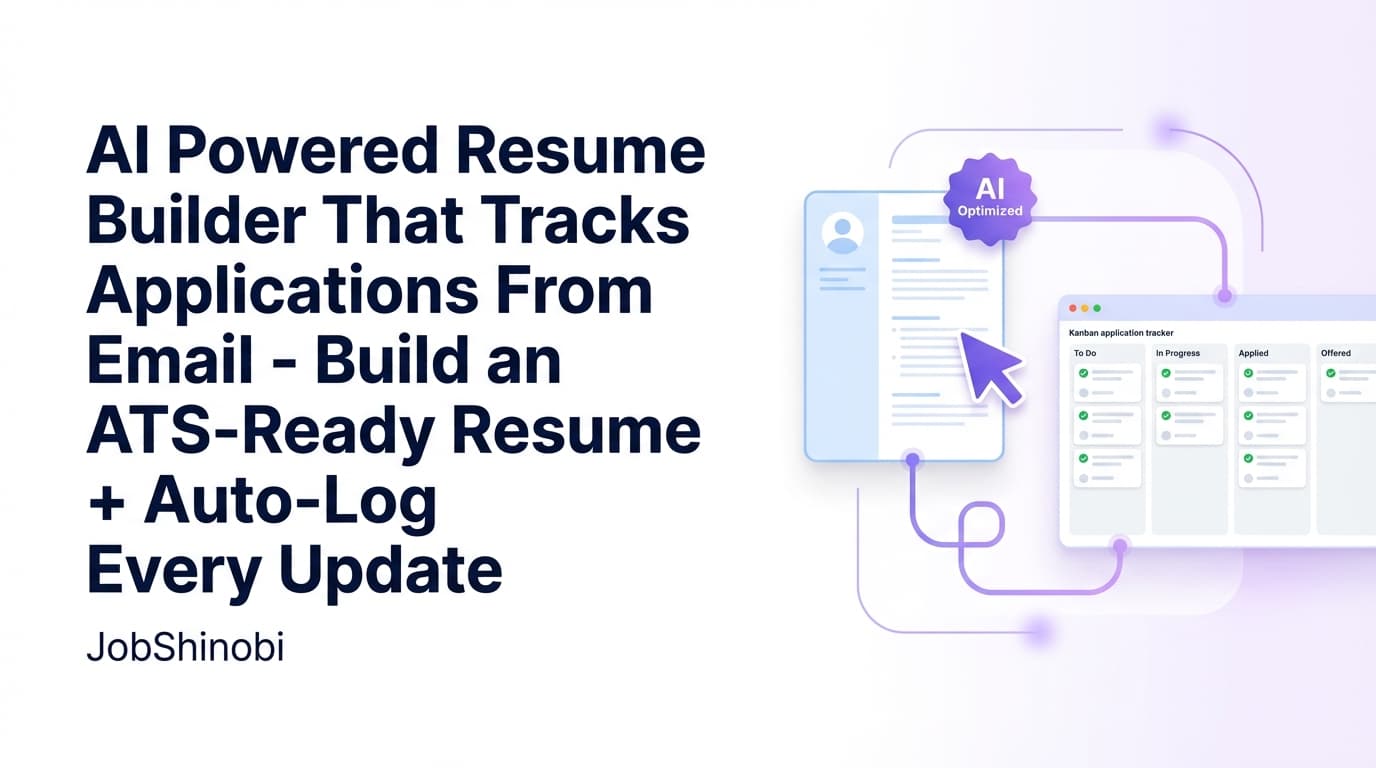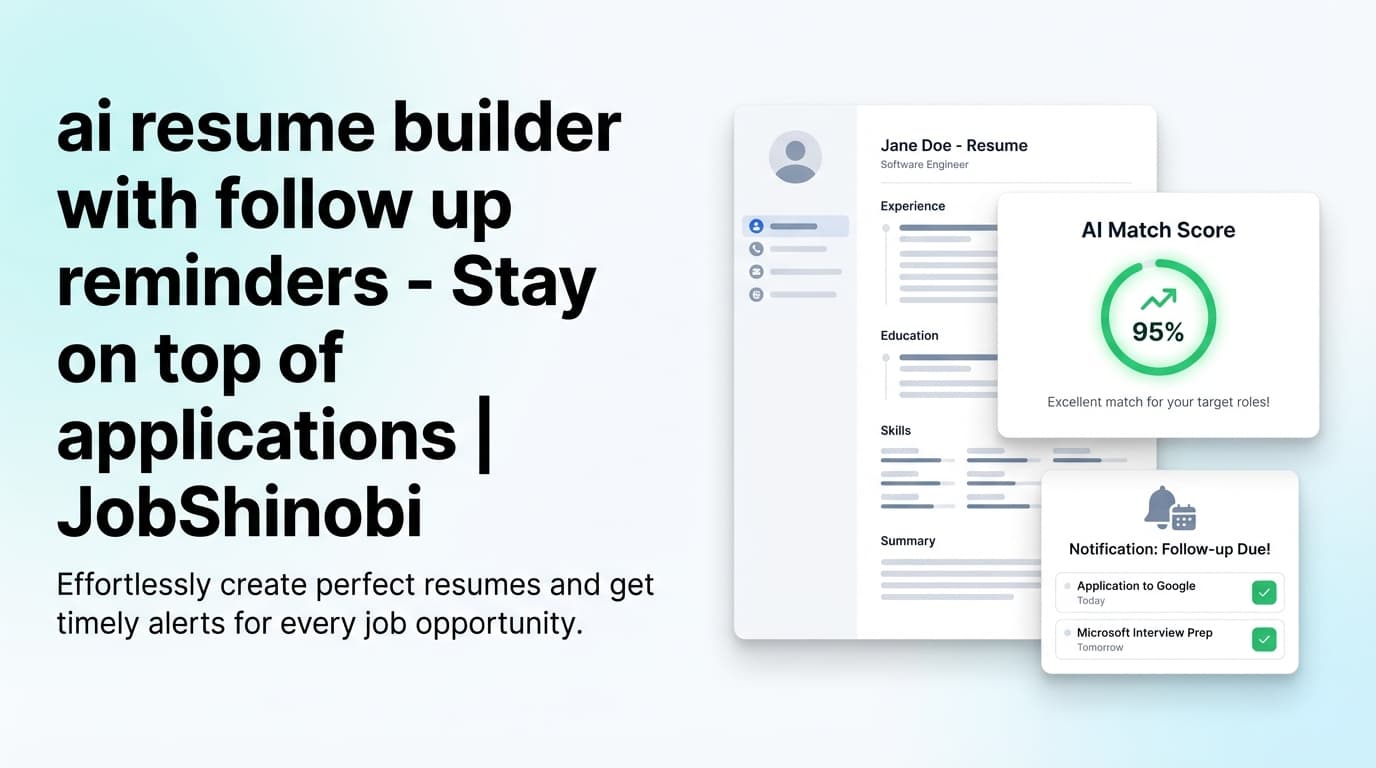
JobShinobi is an AI resume builder + job application tracker built for high-volume job seekers who want a repeatable system: create an ATS-friendly resume in LaTeX, analyze and tailor it to specific job descriptions, and track applications from forwarded emails—so you always know what to follow up on next.
If you’re searching for an “ai resume builder with follow up reminders”, here’s the practical reality: consistent follow-ups require two things most tools don’t solve together:
- a strong, tailored resume you can ship fast, and
- a clean record of what you applied to, when, and what changed after.
JobShinobi focuses on both—resume creation + application tracking + notifications—so your “follow up reminders” workflow doesn’t depend on memory or a messy spreadsheet.
Why Choose JobShinobi for an AI Resume Builder with Follow Up Reminders?
Most “AI resume builders” help you generate content… and then leave you on your own once you hit “Apply.”
JobShinobi is designed for the entire job-search loop:
- Build your resume from a LaTeX template (structure-first)
- Improve it with AI Resume Analysis (Comprehensive or Enhanced mode)
- Tailor it with job description extraction + resume-to-job matching
- Track applications in a realtime Job Application Tracker
- Stay organized for follow-ups with tracking + email notifications + exports
What makes this different from “just a resume tool”
JobShinobi includes features that directly support a follow-up workflow—without you needing to manually log everything:
- Email Forwarding → Auto-Tracking (Pro): forward application emails to your unique address; JobShinobi parses and logs the application.
- Fuzzy matching updates: if you later forward an interview invite or status update, JobShinobi attempts to match it to the right application and update it (so your tracker stays clean).
- Email notifications: get notified when a forwarded email is successfully tracked or if processing fails, so nothing silently slips through.
Note on “reminders”: JobShinobi includes notification preferences (including an “Interview Reminders” toggle in Settings). This page does not claim calendar-style or task-app “follow-up reminders” are automatically scheduled unless/when that capability is implemented end-to-end. JobShinobi does give you the tracking + notifications + export foundation to run follow-ups reliably.
Benefit 1: A structured resume builder that stays ATS-friendly as you edit
JobShinobi is LaTeX-based, which encourages a clean, consistent document structure. You can:
- Start from a template library (categorized templates)
- Edit the LaTeX source
- Compile and preview a PDF
- Download your resume as PDF and .tex
This matters because follow-ups only help if the resume you’re following up on is strong—and consistent formatting makes rapid tailoring much easier.
Benefit 2: AI feedback that’s specific, cached, and tied to your resume versions
JobShinobi includes AI Resume Analysis that produces structured results (scores + strengths/weaknesses + keyword and ATS considerations). It also supports:
- Comprehensive analysis
- Enhanced mode (via an
enhancedModeflag) - Caching: if your resume hasn’t changed since the last analysis, JobShinobi can return cached results to speed up iterations.
That means less “re-run everything” friction when you’re applying a lot and tailoring quickly.
Benefit 3: Follow-up-ready job tracking from forwarded emails (and realtime updates)
Instead of relying on manual entry, JobShinobi can log applications when you forward confirmation emails (Pro). You’ll get:
- A dedicated Job Application Tracker in your dashboard
- Realtime updates (the table updates as changes happen)
- Excel export (.xlsx) so you can add follow-up dates, contacts, and reminders in your preferred system
How JobShinobi’s Follow-Up Workflow Works (Real App Flow)
Step 1: Sign in and start your resume (Google OAuth)
JobShinobi supports sign-in with Google. Once you’re in:
- Go to /dashboard/resume to manage resumes and templates
- Create a resume saved as
latex_source(stored in the database)
Step 2: Choose a LaTeX template and generate a clean PDF preview
In the resume editor you can:
- Edit your LaTeX manually
- Use the PDF preview workflow (compile LaTeX for a preview)
- Download:
- PDF (for applying)
- .tex (for portability/versioning)
This helps you keep a consistent “base resume” while producing tailored variants for different roles.
Step 3: Run AI Resume Analysis (Comprehensive or Enhanced)
When you analyze your resume, JobShinobi produces a structured report including:
- Overall score + component scores
- Strengths, weaknesses, missing sections
- Keyword analysis (present/missing/overused + density fields where available)
- ATS-related issues and structured analysis objects (when available)
If the resume hasn’t changed since the last analysis, JobShinobi can return cached results—useful when you’re iterating fast.
Step 4: Tailor to a job description (URL or paste)
JobShinobi supports job description extraction from either:
- a job URL, or
- pasted job description text
Then, JobShinobi can run resume-to-job matching that computes:
- a match score
- missing vs present keywords
- recommendations (and an “apply suggestions” style workflow in the product UI)
Step 5: Track applications from forwarded emails (Pro)
After you apply, forward the application email to your unique forwarding email address. JobShinobi will attempt to extract:
- company
- job title
- status (Applied / Interview / Offer / Rejected / Other)
- optional: location, salary, job URL, additional info
It will then either:
- create a new application record, or
- update an existing one via fuzzy matching (company weighted more than title)
Step 6: Turn tracking into a “follow up reminders” system
Once applications are tracked, your follow-up workflow becomes straightforward:
- Use your tracker’s timestamps/status to identify “quiet” applications
- Export to Excel (.xlsx) and add a “Follow-up date” column if you want explicit reminders in Calendar/Tasks
- Keep your pipeline accurate by updating application statuses as you progress
JobShinobi’s goal is to make follow-ups a process—not a guess.
Key Features for ai resume builder with follow up reminders
| Feature | What It Does | Why It Matters for Follow-Ups |
|---|---|---|
| LaTeX Resume Builder | Create and manage resumes stored as LaTeX (latex_source) |
Stable formatting makes fast tailoring easier (and reduces last-minute layout issues) |
| Template Library (categorized) | Browse templates by category and start from a template | Faster creation of a solid “base resume” and role-specific variants |
| PDF Preview (compile) | Compile LaTeX and preview your PDF | Confidence before applying—no surprises after you send |
| Download PDF + .tex | Export your resume as PDF and LaTeX source | Share/apply with PDF; keep source portable and versionable |
| AI Resume Analysis (cached) | Structured scoring + ATS/keyword feedback; returns cached analysis if unchanged | Faster feedback loops during high-volume applying |
| Enhanced analysis mode | Optional deeper analysis path via enhancedMode |
More structured insights when you need a deeper pass |
| Streaming AI Resume Editor | Chat-based editor that can propose edits and run compilation checks | Quickly revise bullets/sections without losing structure |
| Resume version history | Versions saved via manual saves and chat workflows | Tailor aggressively without losing your best baseline |
| Job description extraction | Extract structured job details from URL or text | Reduces copy/paste chaos and improves tailoring accuracy |
| Resume-to-job matching | Match score + missing/present keywords + recommendations | Helps you tailor for the role you’ll follow up on |
| Job Application Tracker (realtime) | Track applications in a dashboard; updates in realtime | Your follow-up plan is only as good as your tracking |
| Email forwarding auto-tracking (Pro) | Forward emails; system parses and logs applications | Removes manual logging—the #1 reason follow-ups fail |
| Email notifications | Notification emails when tracking succeeds/updates or fails | You know when your pipeline changes (or needs attention) |
| Export to Excel (.xlsx) | Export job applications to an Excel file | Add follow-up dates, contacts, and reminders in your preferred system |
ai resume builder with follow up reminders vs. Alternative Approaches
Alternative #1: “AI resume builder only” (no tracking)
Pros: quick resume generation
Cons: you still lose track of applications, dates, and status changes—so follow-ups become inconsistent.
JobShinobi difference: you get the resume builder and a job tracker, including email-forwarded auto-tracking (Pro).
Alternative #2: Spreadsheet + calendar reminders
Pros: flexible and familiar
Cons: you have to manually log every application (and remember to update it). Most people stop doing it consistently after 2–3 weeks.
JobShinobi difference: forward emails to log applications, get notifications, and export to Excel when you want deeper customization.
Alternative #3: Job trackers that require heavy manual entry
Pros: centralized dashboard
Cons: high friction → incomplete data → follow-ups fall apart.
JobShinobi difference: the tracker supports manual add/edit/delete, but its standout workflow is email forwarding + AI parsing + fuzzy updates (Pro).
What You Can (and Can’t) Expect from “Follow Up Reminders” in JobShinobi
To keep this accurate:
JobShinobi does support
- A job tracker with application timestamps and statuses
- Email-forwarding-based tracking (Pro) to reduce manual logging
- Email notifications when an application is tracked/updated, and when processing fails
- A Settings area where you can manage notification preferences (including an “Interview Reminders” toggle)
- Excel export so you can add follow-up dates and reminders externally
JobShinobi does not claim (unless implemented)
- Automatic calendar scheduling for follow-ups
- Guaranteed “follow-up reminders” delivered on a schedule for every application
If your ideal outcome is “never forget a follow-up,” JobShinobi gives you the two most important building blocks: accurate tracking and notifications on key pipeline updates—plus the ability to export your tracker for reminder scheduling in the system you already use.
Pricing
JobShinobi offers paid subscriptions via Stripe:
- Monthly: $20.00
- Yearly: $199.99
View pricing: /pricing
Email forwarding auto-tracking is Pro-gated.
Frequently Asked Questions
Does JobShinobi really work as an “ai resume builder with follow up reminders”?
JobShinobi supports the workflow behind follow-up reminders: build a resume, tailor it, track applications, and get notified when entries are tracked/updated (or when processing fails). For strict reminder scheduling (specific follow-up dates), many users export the tracker to Excel and set reminders in Calendar/Tasks.
How does JobShinobi track job applications from emails?
With Pro, you forward job-related emails to your unique forwarding address. JobShinobi parses the email content and extracts structured fields like company, job title, and status. It also attempts to update an existing entry using fuzzy matching so you don’t get duplicate records for the same role.
Can I still track applications manually?
Yes. The Job Application Tracker supports manual add/edit/delete in the dashboard—useful for applications that don’t generate a confirmation email or if you want to correct details.
What file formats can I export?
- Resumes: PDF and .tex
- Job tracker: Excel (.xlsx)
Can I tailor my resume to a job description inside JobShinobi?
Yes. You can extract job details from a URL or pasted text, then run resume-to-job matching to get a match score, missing keywords, present keywords, and recommendations.
Does the AI resume analysis re-run every time?
Not necessarily. JobShinobi can return cached analysis results when your resume hasn’t changed since the last run (unless you force refresh). This is helpful when you’re iterating quickly.
Does JobShinobi integrate with job boards or auto-apply?
No. JobShinobi does not claim job board auto-apply or LinkedIn/Indeed integrations.
Get Started with JobShinobi Today
If you want an ai resume builder with follow up reminders workflow that actually holds up during high-volume applying, JobShinobi gives you the pieces that matter:
- A structured LaTeX resume builder with templates + PDF preview
- AI Resume Analysis (Comprehensive/Enhanced) + resume-to-job matching
- A realtime Job Application Tracker
- Email forwarding auto-tracking (Pro) + email notifications
- Excel export to turn tracking into a strict reminder system if you want it
Next steps:
- Build your resume: /dashboard/resume
- Track applications: /dashboard/job-tracker
- See performance trends: /dashboard/analytics
- Manage notification preferences: /dashboard/settings
- Choose a plan: /pricing