If you’re searching for a free Jobscan alternative resume scanner, you’re likely trying to do one (or more) of these things:
- Get a stronger ATS keyword match per role
- Stop guessing whether your resume is getting filtered
- Avoid spending $49.95/month just to iterate on resume tweaks
- Keep your job applications organized without living in spreadsheets
This comparison breaks down JobShinobi vs Jobscan based on verified pricing and publicly indexed feature information, and it’s intentionally fair—because both tools win in different situations.
Quick Verdict:
- Pick Jobscan if you want a proven, scanner-first experience with a clearly defined free tier (5 scans/month) and a mature “match rate” workflow.
- Pick JobShinobi if you want an all-in-one workflow (resume building + ATS analysis + job-to-resume matching + tracking) and you value the unique email-forwarding job tracker automation.
Transparency / verification note: At verification time, direct page fetches to several Jobscan pages returned HTTP 403 in automated analysis tools. Competitor details below were verified via publicly indexed Jobscan URLs/snippets (notably app.jobscan.co/plan and Jobscan help center snippets) plus third-party review sources like Trustpilot and the Chrome Web Store listing for Jobscan’s tracker extension.
TL;DR Comparison
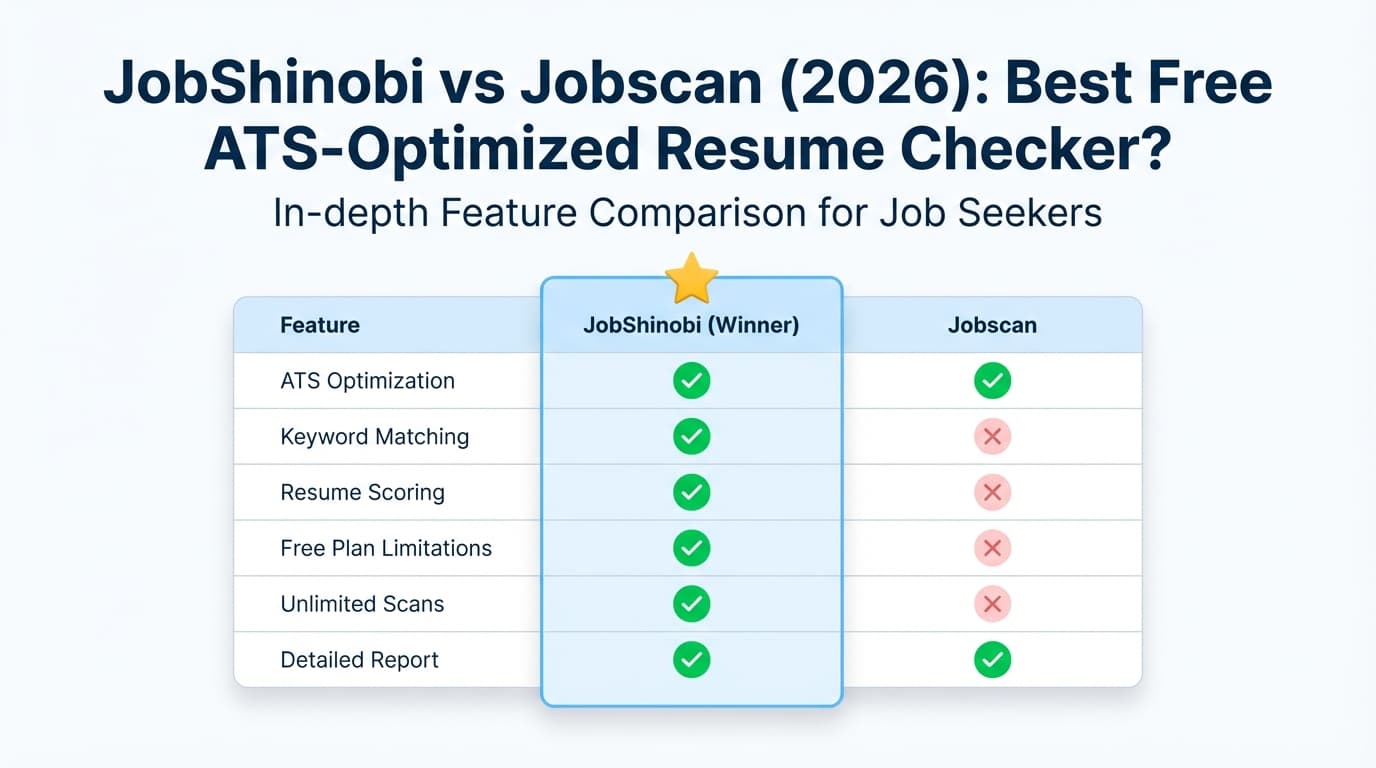
| Feature | JobShinobi | Jobscan |
|---|---|---|
| Core focus | Resume builder + ATS analyzer + job tracker | ATS-focused resume scanner + match rate |
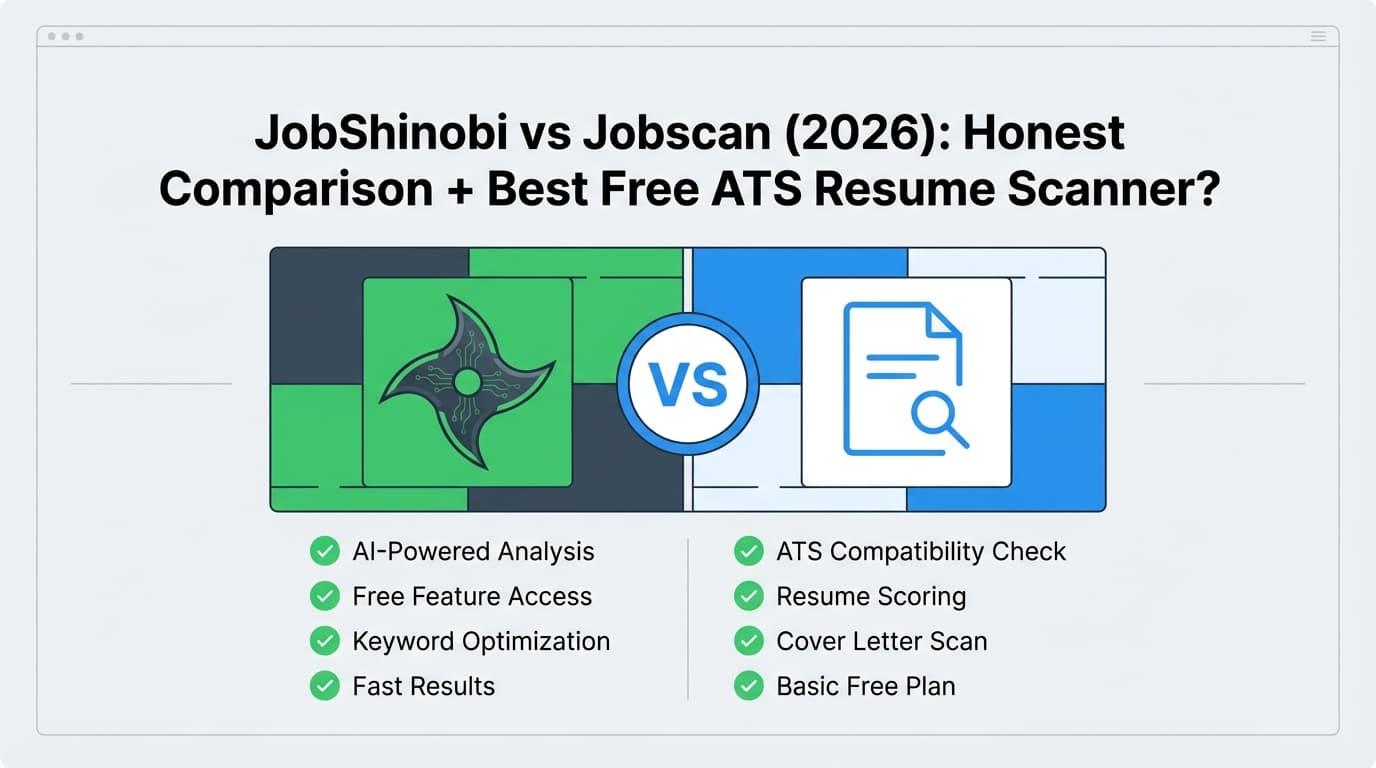
| Resume scanner / match scoring | ✅ Yes (resume scoring + ATS/keyword feedback + job match) | ✅ Yes (“Match Rate” scanning vs job description) |
| Free plan | ⚠️ Limited free access; key automation gated to Pro; marketed trial exists | ✅ Free plan: 5 free scans on signup + 5 free scans monthly (indexed from plan page snippet) |
| Paid starting price | $20/month (Pro) | $49.95/month (Premium) (indexed from plan snippet) |
| Discounted billing | $199.99/year | $89.95 billed every 3 months (~$29.98/mo) + 2-week free trial (indexed from plan/promos snippets) |
| Job tracking | ✅ Yes + email forwarding → auto-tracking (Pro) | ✅ Yes (Job Tracker + Chrome extension) |
| Resume builder | ✅ Yes (LaTeX templates + cloud PDF compile) | ✅ Yes (Jobscan advertises a free resume builder + free templates) |
| LinkedIn optimization | Not a primary focus | ✅ LinkedIn optimization tool (publicly indexed) |
| Best for | People who want a system + automation | People who want a scanner-first tool with a free scan quota |
JobShinobi Overview
JobShinobi is built for job seekers who want more than a scanner. It combines:
- A LaTeX-based resume builder (templates + editor + live PDF compilation)
- ATS-style analysis and structured resume scoring (keywords, formatting, completeness, ATS checks)
- Resume-to-job matching: paste a job description or URL, extract requirements/keywords, and get a match score + suggestions
- A job search dashboard with tracking + analytics
- A differentiator you don’t see often: forward job emails to a unique address and JobShinobi auto-logs applications (Pro feature)
Key Strengths
- Email-forwarding job tracking automation (unique): forward application/interview/rejection emails and JobShinobi extracts company/title/status and logs it automatically.
- LaTeX-first editing + live PDF compile: strong formatting control and consistency, with fast iteration.
- Built-in resume version history: changes are versioned so you can revert and compare.
Limitations (Honest)
- Not a “forever free” scanner for power use: core automation (notably email processing) is gated to Pro.
- LaTeX can feel unfamiliar at first if you’re used to Word/Docs-based resume builders.
Jobscan Overview
Jobscan is one of the best-known ATS optimization tools, built around a scanner workflow:
- You compare your resume to a job description and get a Match Rate
- Jobscan publishes guidance around match rate targets (commonly cited ~75–80% in indexed snippets from their content/support)
- Jobscan also offers job search tools beyond scanning, including:
- A job tracker
- A Chrome extension to save and manage job applications (Chrome Web Store listing: “Collect, track and manage your job applications from across the web”)
- A LinkedIn optimization tool (publicly indexed)
- A cover letter generator (publicly indexed)
- A resume builder and free resume templates (publicly indexed)
Key Strengths
- Scanner-first UX + Match Rate framing: great if you want a clear feedback loop per job post.
- Legit free option: Indexed plan info shows 5 free resume scans monthly (plus 5 on signup).
- Ecosystem tools: LinkedIn optimizer, cover letter generator, job tracker + Chrome extension.
Limitations (From reviews & common user feedback patterns)
Based on aggregated user sentiment from review sources (e.g., Trustpilot listing) and common community discussions:
- Price becomes the pain point once you exceed free scans.
- Score-chasing is a risk: like any scoring tool, it can encourage optimizing for the number instead of clarity and impact (this applies to resume scanners generally).
Feature-by-Feature Comparison
1) Resume Scanning & ATS Keyword Matching
JobShinobi:
- Provides resume scoring with breakdowns (keywords, formatting, ATS checks, completeness) and deeper structured feedback.
- Includes resume-to-job matching: paste JD/URL → extract keywords/requirements → get match score and suggestions.
Jobscan:
- Built around a resume scanner that produces a Match Rate.
- Jobscan’s materials discuss aiming for a high match rate and how the score is computed (indexed snippets reference match rate guidance and scanner mechanics).
Winner: Tie (depends on workflow)
- Choose Jobscan for a dedicated match-rate scanner loop with a strong free tier.
- Choose JobShinobi for scanning + tailoring within a resume-building and tracking system.
2) Resume Building & Editing Workflow
JobShinobi:
- LaTeX templates + editor + PDF preview (cloud compile).
- AI agent chat can modify resume content and preserve formatting through compilation checks.
Jobscan:
- Publicly indexed pages indicate a free resume builder and free resume templates (including Word/Google Docs templates).
Winner:
- Jobscan if you prefer a more traditional template workflow (Word/Docs style) and want free templates.
- JobShinobi if you want tight formatting control, versioning, and a more “engineering-style” editing loop.
3) Job Tracking & Application Management
JobShinobi:
- Built-in job tracker with CRUD, realtime updates, analytics, and export to Excel.
- Unique automation: forward job emails → auto-create/update application entries (Pro).
Jobscan:
- Indexed plan snippet references Job Tracker.
- Jobscan also offers a Chrome extension for tracking (“Collect, track and manage your job applications from across the web”).
Winner: JobShinobi for automation (email-forwarding), Jobscan for Chrome-based job saving convenience.
4) LinkedIn Optimization & Extras
JobShinobi:
- Primarily focused on resume building, ATS analysis, and tracking automation.
Jobscan:
- Has a dedicated LinkedIn optimization tool (indexed).
- Also markets AI resume optimization and AI writing helpers (indexed plan snippet references one-click AI optimizations and generators).
Winner: Jobscan if LinkedIn optimization and extra job-search utilities are important to you.
Pricing Comparison (Verified via Indexed Sources)
Pricing changes, so always confirm before purchasing. These details were verified from publicly indexed sources on 2026-01-21.
| Plan | JobShinobi | Jobscan |
|---|---|---|
| Free | Limited (automation like inbound email processing requires Pro; trial messaging exists) | $0 forever + 5 free resume scans on signup + 5 free resume scans monthly (indexed from plan snippet) |
| Monthly | $20.00/month (Pro) | $49.95/month (Premium) (indexed from plan snippet) |
| Quarterly | N/A | $89.95 every 3 months (~$29.98/mo) + 2-week free trial (indexed from plan/promos snippets) |
| Annual | $199.99/year | Not reliably verifiable via accessible on-page fetch at verification time |
Value Analysis (for “free Jobscan alternative” shoppers):
- If you want the most straightforward free scanner, Jobscan’s 5 free scans/month is the clearest deal (with limits).
- If you need a cheaper paid plan than Jobscan’s monthly pricing, JobShinobi’s $20/month can be attractive—especially if you’ll also use tracking and tailoring.
Who Should Choose JobShinobi?
You’ll prefer JobShinobi if you:
- Want a full workflow: build → analyze → tailor → track in one place.
- Are applying to many roles and want to stop manual tracking—especially if email-forwarding automation sounds valuable.
- Care about formatting consistency, resume versioning, and iterative improvement.
Who Should Choose Jobscan?
You’ll prefer Jobscan if you:
- Want a scanner-first tool and like the simplicity of a Match Rate.
- Specifically want a free Jobscan-style scanning loop with a known monthly quota.
- Want extras like LinkedIn optimization, job search tools, and a Chrome extension-based tracker.
Switching from Jobscan to JobShinobi
If you’ve been using Jobscan and want a more “systemized” workflow:
- Data migration: No verified one-click import. Expect manual transfer:
- Copy your final resume content into JobShinobi’s template/editor.
- Re-run job matching using the job description URL/text.
- Job tracking: JobShinobi supports export to Excel for portability and backup.
- Learning curve: If you’ve never used LaTeX templates, budget a short onboarding window. Many users find the structure and versioning worth it.
FAQ
Is JobShinobi really better than Jobscan?
Not universally. Jobscan is hard to beat if you want an established scanner workflow and a clear free tier. JobShinobi tends to win for people who want an all-in-one system—especially if tracking automation matters.
Can I migrate from Jobscan to JobShinobi?
Yes, but it’s usually manual: move resume content into JobShinobi and rebuild any tracking entries you want to carry over. JobShinobi’s export features help you avoid lock-in going forward.
Which is cheaper?
- Free: Jobscan (indexed as $0 with 5 scans/month).
- Paid monthly: JobShinobi ($20/mo) is cheaper than Jobscan ($49.95/mo) based on publicly indexed plan information.
What’s the best “free Jobscan alternative resume scanner”?
If you want the same type of experience, Jobscan’s own free tier is the most direct option (with limits). If you want an alternative that becomes better value once you’re doing heavier tailoring, JobShinobi is a strong option—especially when job tracking automation is part of your problem.