If you searched for “best ATS resume scanner free”, you’re probably trying to do two things fast:
- Check your resume against an ATS-style scan (keywords + format + parsing).
- Improve it without paying—or at least avoid paying until you’re sure it helps.
Jobscan is one of the best-known ATS resume scanner tools, especially for resume-to-job description matching. JobShinobi is a newer “all-in-one” approach: resume building + ATS feedback + job matching + job tracking (including unique email-forwarding automation).
This comparison is designed to be fair and decision-oriented—where each tool wins, what “free” really means, and who should choose what.
Quick Verdict:
- Choose Jobscan if your main goal is a traditional resume vs job description match score and you want a clearly-defined free scan allowance (Jobscan states 5 scans/month on free accounts).
- Choose JobShinobi if you want a broader workflow (resume building + ATS feedback + job matching + job tracking) and especially if you want email-forwarding automation to track applications (a feature Jobscan doesn’t emphasize, and JobShinobi gates to Pro).
TL;DR Comparison
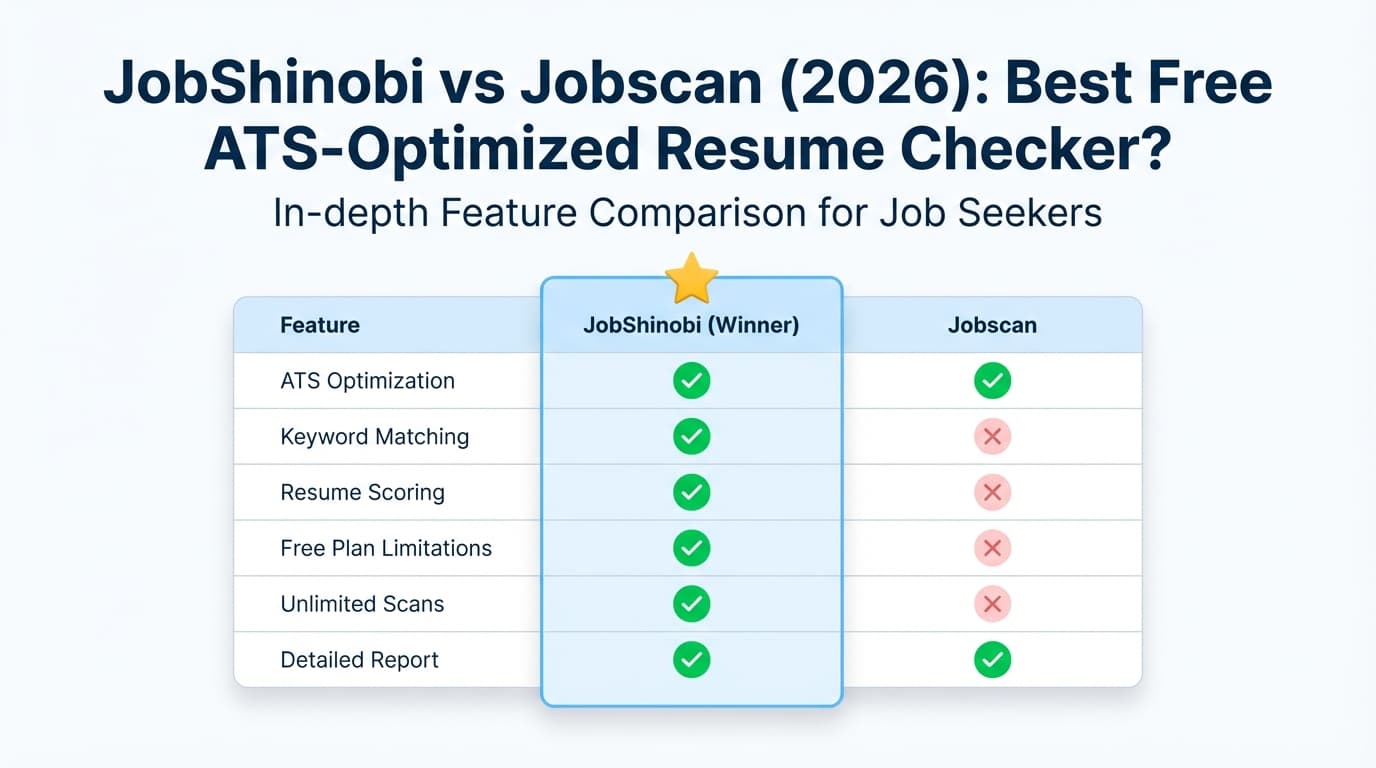
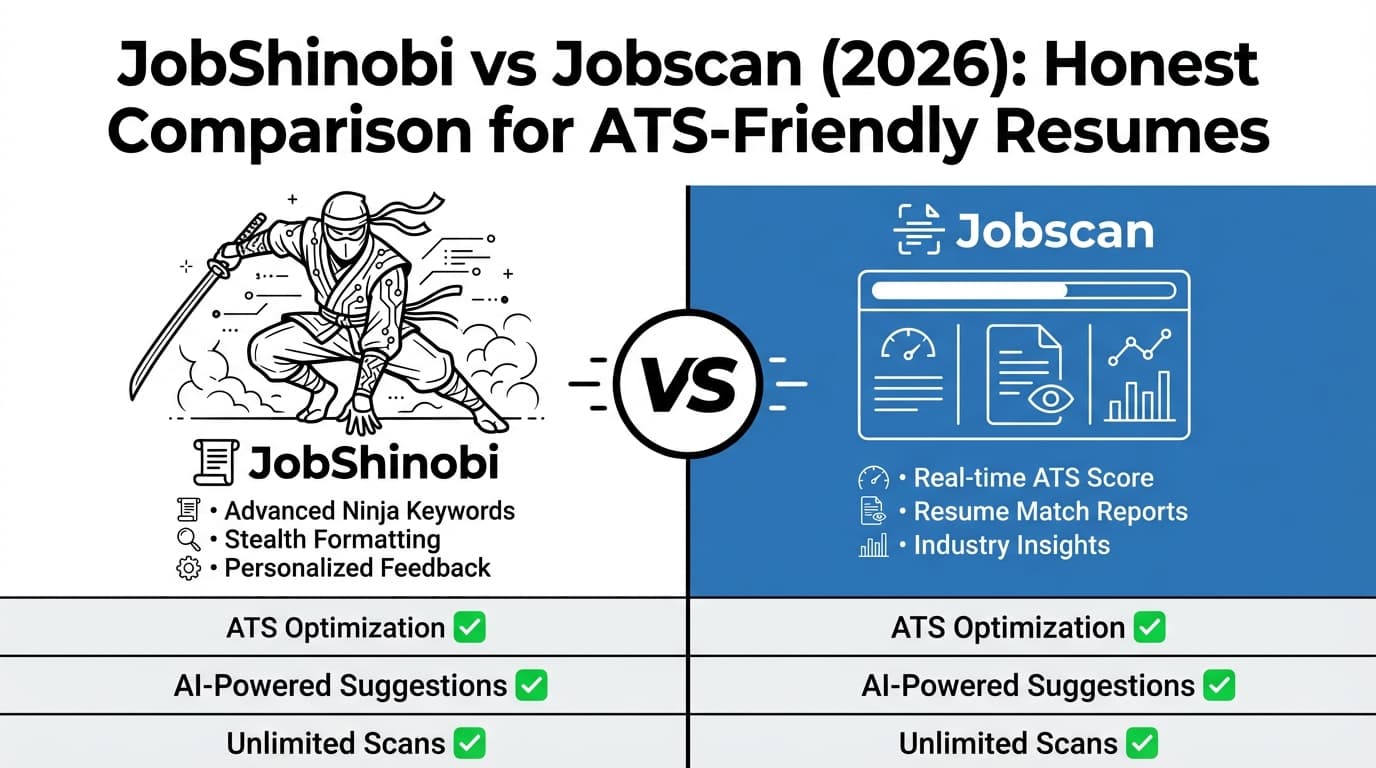
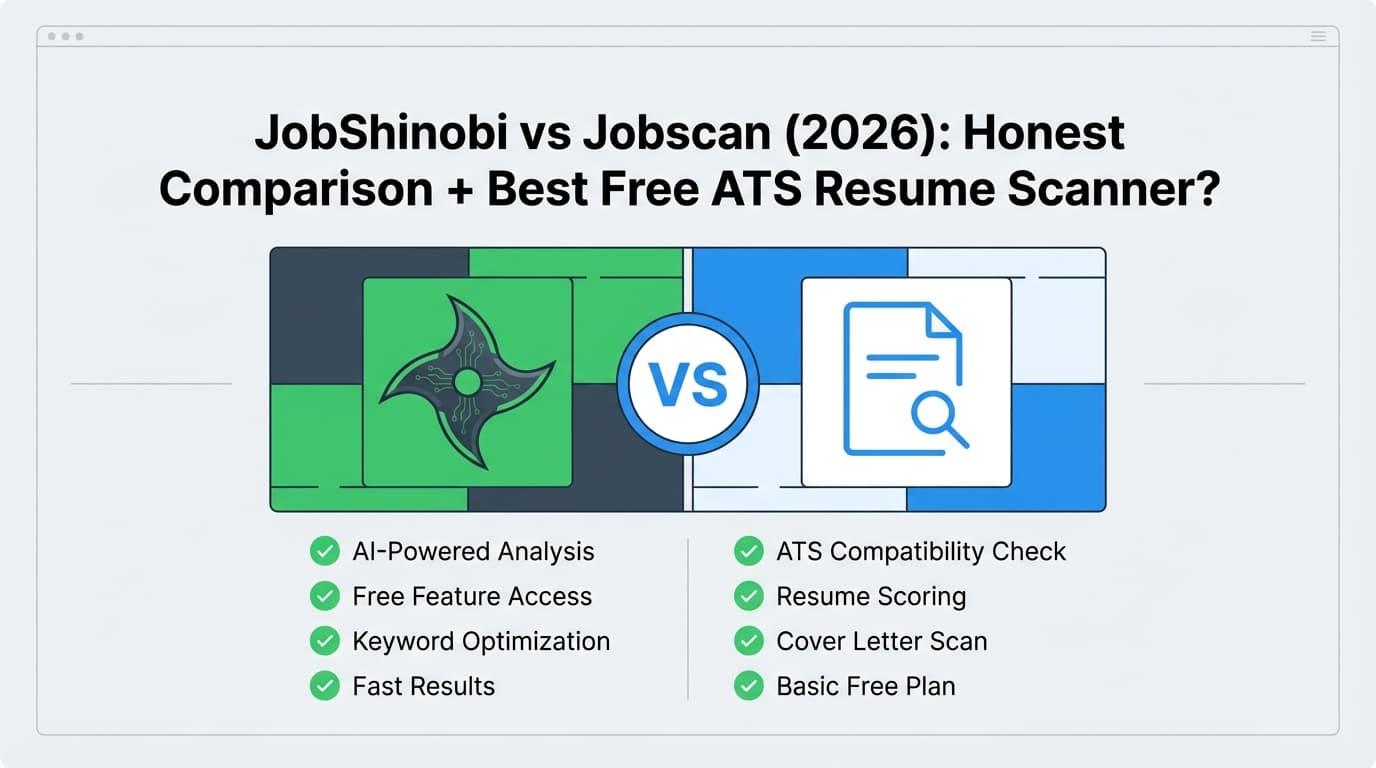
| Feature | JobShinobi | Jobscan |
|---|---|---|
| Primary focus | Resume builder + ATS resume analyzer + job matching + job search tracker | ATS-style resume scanner (resume vs job description) + optimization tools |
| Best “free” experience for scanning | Not positioned as “free scans/month” (free access appears limited; key automation is paid) | Free plan advertised with 5 resume scans on signup + 5 scans monthly (from Jobscan plan snippets + support snippets) |
| ATS match scoring | ✅ Yes (ATS/keyword/formatting feedback + score breakdown) | ✅ Yes (match rate + findings) |
| Resume building | ✅ LaTeX templates + PDF compile/preview | ✅ Jobscan markets a free resume builder and “resume wizard” (per indexed pages/snippets) |
| LinkedIn optimization | Not a core emphasis | ✅ Jobscan markets a LinkedIn Optimization tool |
| Job tracking | ✅ Yes (tracker + analytics; automation via forwarded emails is Pro-only) | ✅ Job tracker marketed + Chrome extension supports saving jobs to tracker |
| Unique differentiator | Forward emails → auto-log applications (Pro) | Brand recognition + established scan workflow + Chrome extension + LinkedIn tools |
| Starting price | $20/month or $199.99/year | $49.95/month or $89.95/quarter (billed every 3 months) |
| Best for | High-volume applicants who want resume + tracking in one system | Applicants who want resume/job match scoring and LinkedIn tools |
Important verification note: several Jobscan marketing pages returned HTTP 403 to our page analyzer tool. To avoid guessing, we verified key details through Google-indexed Jobscan plan/support snippets, the Chrome Web Store listing, and Trustpilot (reviews/ratings). Always confirm final pricing and limits inside Jobscan’s in-app plan page.
JobShinobi Overview
JobShinobi is built for job seekers who are tired of ATS rejections and tired of manually tracking applications.
At its core, JobShinobi combines four workflows:
- Resume building using LaTeX-based templates (to keep formatting consistent).
- ATS-style resume scoring with structured breakdown (ATS, keywords, formatting, completeness, etc.).
- Resume-to-job matching: paste a job description or job URL to extract requirements/keywords and get match feedback.
- Job tracking + analytics: track applications, statuses, response rates, and trends.
Key Strengths
- Email-forwarding job tracking (Pro): You get a unique forwarding email; forward application confirmations/interview emails and JobShinobi can automatically extract key details (company, role, status) and update your tracker.
- LaTeX-first resume creation + live PDF compile/preview: Great for consistent formatting and version control when tailoring frequently.
Limitations (Trust-building honesty)
- Email automation is Pro-only: The email parsing/auto-tracking workflow is gated behind Pro membership.
- LaTeX isn’t everyone’s preference: Even with templates and AI assistance, some people strongly prefer a “Word-like” editor.
Jobscan Overview (Verified)
Jobscan is one of the most recognizable names in ATS resume scanning. The standard Jobscan workflow is:
- Upload/paste your resume
- Paste a job description
- Receive a match rate + findings and recommendations (keywords, skills, formatting, etc.)
Key Strengths (Verified)
- Clear free scan allowance: Jobscan indicates free accounts get 5 resume scans on signup and 5 scans monthly, and support snippets mention unused scans can roll over up to a cap (max 5 unused).
- Strong ecosystem of job-search tools: Jobscan markets:
- LinkedIn Optimization (keyword-based profile scoring)
- Job Tracker and a Chrome extension (save jobs from job boards into the tracker)
- “Power Edit” / “One-Click Optimize” style features for faster tailoring (appears in plan snippets and indexed pages)
Limitations (From reviews + common feedback patterns)
- Cost is high vs most resume tools: The Jobscan monthly plan commonly appears as $49.95/month, which can be steep for job seekers on a budget.
- Match scores can be misunderstood: In community discussions, a recurring complaint is that ATS “match scores” can feel inconsistent or overly keyword-driven. That’s a category issue, but it affects expectations.
- Some users mention formatting/export friction: Trustpilot review snippets commonly praise usefulness but note occasional formatting/export cleanup.
Review snapshot (Verified via Trustpilot): Jobscan is shown as “Excellent” on Trustpilot with hundreds of reviews (Trustpilot page indicates ~4.5/5 with ~285 reviews at time of verification).
Feature-by-Feature Comparison
1) “Best ATS Resume Scanner Free”: What You Actually Get Without Paying
This is the make-or-break section for most people searching this keyword.
JobShinobi (free access)
- JobShinobi has a usable dashboard experience and resume tooling, but key automation (email-forwarding → parsing → auto-tracking) requires Pro.
- If your definition of “free ATS scanner” is “unlimited or predictable free scans every month,” JobShinobi is not currently positioned that way.
Jobscan (free access)
- Jobscan advertises a Free plan with 5 free resume scans on signup and 5 free scans monthly (confirmed via indexed plan snippets).
- Jobscan support snippets indicate scan credits recur monthly and unused scans can roll over up to a limit.
Winner (for strictly free scanning): Jobscan
If your top priority is ongoing free ATS-style scans, Jobscan is the clearer choice.
2) ATS Match Score + Keyword Gap Feedback
JobShinobi
- Provides resume scoring that includes ATS/keyword/formatting components and structured recommendations.
- Adds job description extraction + resume matching (missing/present keywords, role alignment, tailoring suggestions).
Jobscan
- Jobscan is purpose-built around resume vs job description matching and makes that match score central to the workflow.
- Also promotes ATS-specific tips (including an “ATS tips/detection” feature referenced in Jobscan’s own content snippets).
Winner: Tie (depends on your workflow)
- If you want the most classic “ATS match score” experience, Jobscan is the category standard.
- If you want match scoring plus a larger system for editing/versioning and applying suggestions, JobShinobi has more of the end-to-end workflow.
3) Resume Building Experience (Creating the resume, not just scoring it)
JobShinobi
- LaTeX templates + editor + live compile/preview (download PDF and
.tex). - Strong for people who want consistent formatting and repeatable tailoring with version history.
Jobscan
- Jobscan markets a free resume builder and “Resume Wizard” that allows creating and downloading resumes (based on indexed pages/snippets).
- Many users will find this easier than LaTeX if they want guided resume creation.
Winner: Depends
- Choose Jobscan if you want a more guided, mainstream resume builder flow.
- Choose JobShinobi if you want tight control, versioning, and a format-first workflow (especially for frequent tailoring).
4) LinkedIn Optimization
JobShinobi
- Not positioned primarily as a LinkedIn optimization tool.
Jobscan (Verified via indexed pages/snippets)
- Jobscan markets a LinkedIn Optimization tool that scores your profile based on keywords in headline/summary/experience and gives guidance.
Winner: Jobscan
If LinkedIn visibility is a major part of your strategy, Jobscan has the clearer dedicated feature set.
5) Job Tracking + Staying Organized After You Apply
JobShinobi
- Built-in job tracker + analytics (response rate, interview conversion, trends).
- Unique Pro feature: forward job-related emails and JobShinobi can automatically create/update job tracker entries (less manual input).
Jobscan (Verified via indexed pages/snippets + Chrome Web Store snippet)
- Jobscan markets a Job Tracker and a Chrome extension that can save jobs from listings to your tracker.
Winner: JobShinobi (for automation) / Jobscan (for browser-based saving)
- If you want automatic logging from emails, JobShinobi is the standout.
- If you want one-click saving from job boards via extension, Jobscan is strong.
Pricing Comparison (Current as of 2026-01-21)
| Plan | JobShinobi | Jobscan |
|---|---|---|
| Free | Limited (key email automation is Pro-only) | $0 plan advertised with 5 scans/month |
| Monthly | $20.00/month | $49.95/month (indexed plan snippet) |
| Quarterly | — | $89.95 every 3 months (~$29.98/mo effective) |
| Yearly | $199.99/year | Some Jobscan comparison content suggests “yearly not currently offered,” while some third-party sources mention annual pricing—verify inside Jobscan |
| Trial | Marketed as 7-day free trial (implementation may be Stripe-side) | Jobscan promos/snippets commonly mention a free trial with paid plans—verify in-app |
Value take:
- Jobscan’s free plan is one of the clearest ways to get a legit free scan allowance, but the paid monthly plan is expensive.
- JobShinobi is far cheaper monthly and becomes better value if you’ll actually use resume iteration + matching + job tracking together.
Who Should Choose JobShinobi?
Choose JobShinobi if you:
- Want an integrated workflow: resume building + ATS feedback + job matching + tracking
- Apply to many jobs and want resume versions you can reuse and revert
- Want to reduce admin work with email-forwarded job tracking (and are okay paying Pro for automation)
- Prefer consistent formatting and are open to a LaTeX-first approach
Who Should Choose Jobscan?
Choose Jobscan if you:
- Want a known, established ATS-style match scoring experience
- Specifically need an option that fits the “ATS resume scanner free” intent (Jobscan advertises 5 free scans/month)
- Care about LinkedIn optimization as a feature (not just resume scanning)
- Want a Chrome extension workflow for saving jobs and organizing applications
Switching from Jobscan to JobShinobi (Practical Notes)
- Resume migration: No one-click import is guaranteed. Expect to paste/port your resume content into a JobShinobi template.
- Workflow shift: Instead of scanning repeatedly until you hit a scan quota, you’ll likely:
- keep a base resume
- run match analysis
- generate a tailored version
- track outcomes (and optionally forward emails for automation on Pro)
- Learning curve: If you’ve never used LaTeX-style editing, there’s a ramp—but templates + AI assistance help.
FAQ
What is the best ATS resume scanner free?
If “free” means a predictable monthly allowance, Jobscan is one of the clearest options because it advertises 5 scans per month on a free plan (plus initial scans on signup). If you want a broader system (resume building + matching + tracking), tools like JobShinobi can be better long-term—just note that JobShinobi’s standout tracking automation is paid.
How many free scans do you get with Jobscan?
Jobscan’s indexed plan/support snippets indicate 5 free scans monthly (and typically 5 on signup). Support snippets also indicate unused scans can roll over up to a cap.
Is Jobscan worth paying for?
It can be, if you’re applying to many roles and want unlimited scans + AI optimization features (and you’ll use LinkedIn optimization). The biggest drawback is price: $49.95/month is expensive for a job seeker, so many people choose quarterly or use free scans only.
Is JobShinobi completely free?
JobShinobi offers some free access, but email-forwarding automation (auto-parsing forwarded emails into your job tracker) is Pro-only, and paid plans unlock the full workflow.
Are ATS resume scanner scores accurate?
They’re best treated as directional. Real ATS platforms vary, recruiters use them differently, and “scores” are a simulation. Use them to catch obvious gaps (missing core skills, unclear headings, ATS-unfriendly formatting), then write for humans: clarity, relevance, and evidence of impact.