If you’re searching for the best free ATS-optimized resume checker (2026), you’re probably trying to answer two practical questions:
- Can I run enough resume scans for free to be useful? (Not just one scan that pushes you into a paywall.)
- Will the feedback actually help me tailor my resume for real job descriptions?
This comparison focuses on exactly that—free-plan value, resume optimization quality, and what you get if you decide to upgrade.
Quick Verdict:
- Choose Jobscan if you want a widely-known ATS resume scanner with a clearly defined free scan allowance (commonly referenced as 5 free scans/month) and a mature job-search toolkit ecosystem.
- Choose JobShinobi if you want a more integrated system: resume building (LaTeX) + ATS scoring + job matching + version history, plus a standout tracking feature—email-forwarding that auto-logs your applications (Pro).
Recency/verification note: Several Jobscan pages return HTTP 403 to automated fetch tools, so some competitor details are verified via indexed plan snippets, Jobscan’s app plan page snippet, and third-party reviews (all referenced in this research session). Always confirm final pricing/limits inside your Jobscan account before purchasing.
TL;DR Comparison
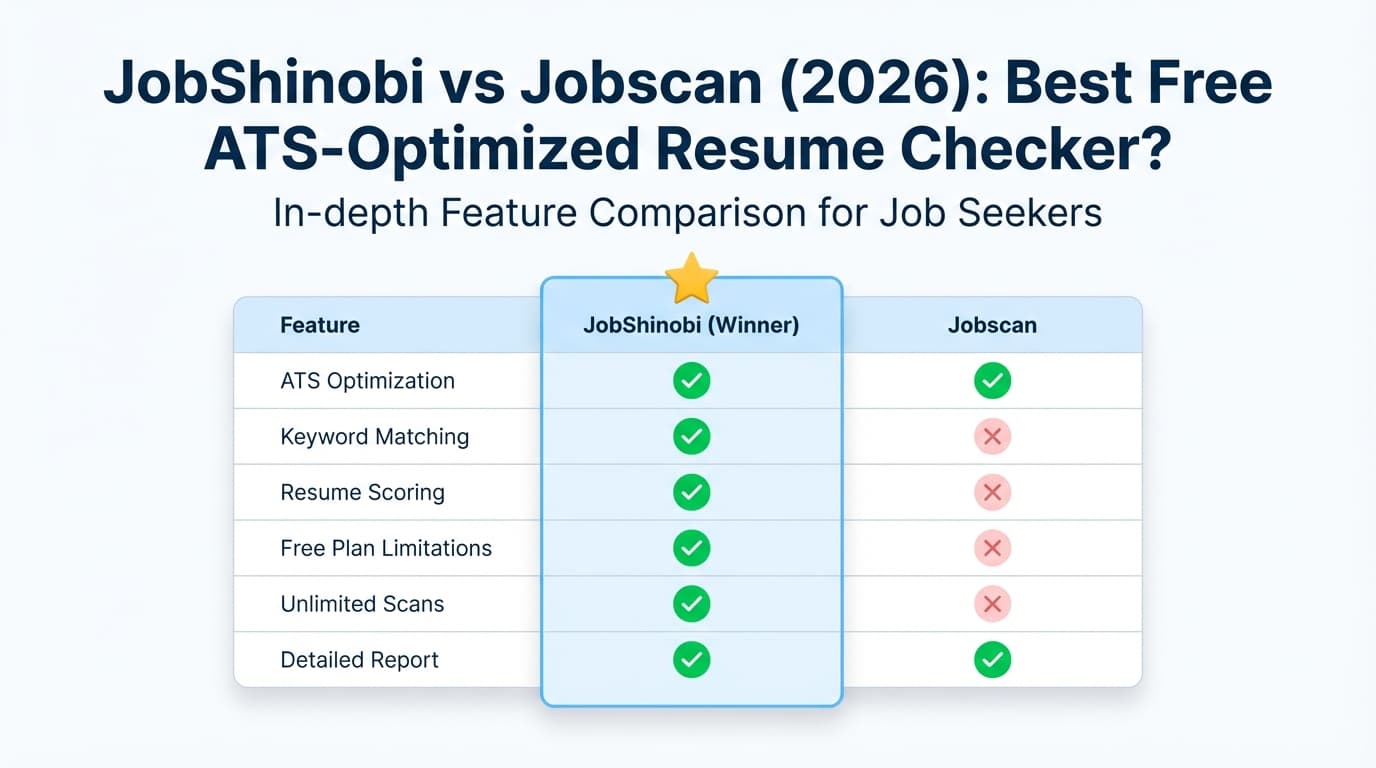
| Feature | JobShinobi | Jobscan |
|---|---|---|
| “Resume vs job description” match | ✅ Yes (resume-to-job matching with keyword gaps) | ✅ Yes (Jobscan is best-known for this workflow) |
| ATS resume scoring breakdown | ✅ Yes (multi-area scoring + structured feedback) | ✅ Yes (match rate + ATS/recruiter findings) |
| Free scans | ⚠️ Free access exists, but key automation is Pro-only | ✅ Free plan is commonly shown as 5 scans on signup + 5 scans monthly (plan snippet) |
| Resume builder | ✅ Yes (LaTeX templates + PDF compilation + download PDF/.tex) | ✅ Yes (Jobscan advertises a resume builder; free downloads are promoted) |
| Version history / “undo” for tailoring | ✅ Yes (resume version history) | ⚠️ Not a core differentiator (varies by workflow/tooling) |
| Job tracking | ✅ Yes (dashboard tracker + Excel export + realtime updates) | ✅ Yes (Jobscan job tracker + Chrome extension) |
| Automation: log applications from emails | ✅ Yes (forward emails → AI extracts and logs; Pro) | ❌ Not positioned as email-forward automation |
| Paid starting price | $20/mo or $199.99/yr (JobShinobi Pro) | Commonly indexed as $49.95/mo; $89.95/quarter is also referenced (verify in-app) |
| Best for | Job seekers who want a resume system + tracking automation | Job seekers who want a classic ATS scanner with known free limits |
What “ATS-Optimized Resume Checker” Should Mean in 2026 (So You Don’t Waste Time)
A useful ATS resume checker should do more than give you a vanity score. It should help with:
- Keyword coverage (hard skills, tools, and role-specific terms)
- Readable structure (clean headings, consistent formatting, ATS-friendly section labels)
- Job-specific tailoring (not generic “improve your resume” advice)
- Iteration speed (easy to tweak, re-check, and track versions)
Both tools aim to help you tailor—just with different approaches.
JobShinobi Overview
JobShinobi is an ATS-focused resume platform plus a job-search tracker. Its core concept is: build a resume with a stable, ATS-friendly structure, then iterate quickly using analysis, job matching, and version history.
Key capabilities (from the product report):
- Resume Builder (LaTeX templates + saved resumes): start from templates, save multiple resumes, duplicate variants for different roles.
- LaTeX editor + live PDF compilation: preview compiled PDFs and download both PDF and .tex.
- AI Resume Agent (chat-based editing): you can ask the AI to improve bullets, tailor to a job, and it can update the resume and compile to validate changes.
- Resume scoring + ATS/keyword feedback: structured analysis (including ATS-related checks) with caching so repeated checks aren’t needlessly slow.
- Job description extraction + resume-to-job matching: paste a job URL or job description and get a match analysis (keywords present/missing).
- Job tracker + analytics: track applications, statuses, response/interview conversion metrics, and export to Excel.
- Unique differentiator: email-forwarding that auto-logs applications (Pro only). You forward job confirmation/interview emails to a unique address, and JobShinobi extracts company/title/status and updates your tracker.
Key Strengths
- Great for tailoring at scale: version history + job matching + a workflow designed for “apply → tailor → save variant → apply again.”
- Resume structure control: LaTeX-based resumes can be very consistent (helpful for avoiding formatting chaos).
- Tracking automation (Pro): email-forwarding can eliminate a lot of manual tracker upkeep.
Limitations (Honest)
- LaTeX isn’t for everyone: if you want a drag-and-drop resume editor, JobShinobi may feel more technical.
- Email automation is Pro-only: free users won’t get “forward emails → auto-track.”
- No checker can fully replicate every ATS: treat analysis as guidance, not a guarantee.
Jobscan Overview (Verified via Indexed Sources)
Jobscan is one of the best-known ATS resume scanners. It’s built around a straightforward workflow: compare your resume to a job description, get a match rate, and receive targeted suggestions (especially around keywords and formatting).
From indexed sources captured in this research session, Jobscan also promotes:
- Free plan scan limits: commonly shown as 5 free resume scans on signup and 5 free resume scans monthly, plus a limited set of “ATS & recruiter findings” (from the
app.jobscan.co/plansnippet). - Paid plan pricing (commonly indexed):
- $49.95/month (Jobscan Premium monthly is widely referenced in plan snippets and multiple third-party reviews)
- $89.95 billed every 3 months (quarterly plan is repeatedly shown; often positioned as “save 40%” vs monthly)
- Yearly plan availability: a Jobscan-owned comparison page snippet (“Jobscan vs Resume Worded”) indicates yearly is not currently offered (verify in-app; this can change).
- Job tracking: Jobscan has a job tracker and also a Chrome extension (“Jobscan: Job Search Tracker”) for collecting/managing job applications.
Key Strengths
- Clear free tier structure (for scanning): the “free scans per month” model is easy to understand and budget around.
- Strong job-specific optimization approach: Jobscan is widely used specifically for keyword and match-rate style tailoring.
- Ecosystem of job search tools: job tracker, resume tools, LinkedIn optimization tools (per indexed pages/snippets).
Limitations (Common themes in reviews/discussions)
- Price can be high for heavy users: forum discussions frequently criticize cost if you’re applying at scale and need many scans.
- Match scores can be over-weighted by users: the risk isn’t Jobscan itself—it’s that people chase a perfect score instead of focusing on real alignment and clarity.
- Some plan details are hard to “crawl-verify”: key pages may be app-based/JS-rendered and blocked to some tools, so you should confirm inside your account.
Feature-by-Feature Comparison
1) Free ATS Resume Checking (Most important for this keyword)
JobShinobi (Free):
- Free access exists, but the product is designed to become most valuable when you use the full workflow (tailoring + saving versions + tracking).
- The most unique automation—email-forwarding job tracking—is explicitly Pro-gated.
Jobscan (Free):
- Free scan limits are widely referenced as 5 scans on signup + 5 scans monthly (plan snippet).
- This is one of the clearest “free scanning” offers in the ATS-checker category, which is why Jobscan is often recommended for people specifically searching “free ATS checker.”
Winner (strictly for free scanning limits): Jobscan
2) Resume-to-Job Tailoring Workflow
JobShinobi:
- Extract job details from a URL or pasted job description and generate a match score + missing/present keywords.
- Designed to let you apply suggestions and create a new version of your resume for that job.
Jobscan:
- Jobscan’s best-known use case is the direct “resume vs job listing” scan that produces a match rate and keyword guidance.
Winner: Tie
- Jobscan wins on familiarity and a single-purpose “scan” flow.
- JobShinobi wins if you want tailoring to be part of a repeatable system (versions + editor + tracker).
3) Resume Building & Editing Experience
JobShinobi:
- LaTeX templates + editor + compiled PDF preview.
- Download PDF and
.tex(useful if you want full control and consistent formatting).
Jobscan:
- Jobscan promotes resume building tools and ATS-friendly templates (via indexed landing pages and snippets).
- Best if you prefer a more conventional resume-builder experience.
Winner: Depends
- Prefer deep control + versioning with stable structure? JobShinobi.
- Prefer mainstream builder UX and broad guidance content? Jobscan.
4) Tracking Your Job Search (Beyond the Resume)
JobShinobi:
- Built-in job tracker dashboard, realtime updates, analytics, and Excel export.
- Email-forward automation (Pro): forward application-related emails and auto-create/update tracker entries via AI extraction.
Jobscan:
- Job tracking exists, and the Chrome extension listing confirms “collect, track and manage your job applications from across the web.”
- Helpful if you want to save jobs from job boards into a tracker.
Winner: JobShinobi (for automation) Jobscan tracks, but JobShinobi’s email-forward workflow can remove a major pain point: manually updating your tracker every time an email comes in.
Pricing Comparison (2026)
Note: Jobscan pricing and plan details should be confirmed in-app. The figures below are based on widely indexed plan snippets and prominent third-party reviews captured during verification.
| Plan | JobShinobi | Jobscan |
|---|---|---|
| Free | Free access exists; core automation is limited | Free plan commonly shown as 5 scans on signup + 5 scans monthly |
| Monthly | $20.00/mo (Pro) | $49.95/mo (commonly indexed) |
| Quarterly | — | $89.95 every 3 months (commonly indexed) |
| Yearly | $199.99/yr (Pro) | “Yearly not currently offered” is referenced in a Jobscan-owned comparison snippet (verify) |
Value Analysis:
- If your main constraint is budget, JobShinobi’s Pro price is substantially lower than the commonly indexed Jobscan monthly price.
- If your main constraint is needing a free ATS checker that stays useful, Jobscan’s free scan allowance is straightforward and competitive.
Who Should Choose JobShinobi?
Choose JobShinobi if you:
- Want a system for applying (resume versions + matching + tracking) rather than just a score.
- Plan to apply to many roles and need repeatable tailoring without losing track of what you changed.
- Want a job tracker that can reduce manual work, especially via email-forward automation (Pro).
- Don’t mind (or actively prefer) a LaTeX-based resume workflow for consistency.
Who Should Choose Jobscan?
Choose Jobscan if you:
- Want one of the most established tools for resume vs job description scanning and match-rate feedback.
- Specifically want a tool with a widely referenced free tier: 5 scans/month style limits.
- Prefer a broad job-search toolkit ecosystem (tracking, LinkedIn optimization, etc.) and a more mainstream editing experience.
- Don’t want to learn or work in LaTeX.
Switching from Jobscan to JobShinobi (Practical Notes)
- Resume migration: expect to copy/paste your content into a JobShinobi template (it’s not a 1:1 import from every resume builder).
- Tailoring workflow shift: you’ll likely move from “scan → tweak → rescan” to “match → edit → save a version,” which can be faster for high-volume applications.
- Tracking: if you currently track in Jobscan (or spreadsheets), JobShinobi’s tracker + Excel export can help you consolidate—especially if you want to automate updates from emails (Pro).
FAQ
Is Jobscan or JobShinobi the “best free ATS optimized resume checker” in 2026?
If “best” means most usable while staying free, Jobscan is often the easier recommendation because its free scan allowance is clearly referenced (commonly 5 scans/month, plus signup scans).
If “best” means best long-term workflow for tailoring and applying, JobShinobi can be stronger—especially if you upgrade and use the full resume + tracking system.
Does a higher ATS match score guarantee more interviews?
No. A match score can help you catch missing keywords and obvious gaps, but interviews depend on real alignment, clarity, proof of impact, and competition. Use scores as feedback—not the finish line.
Which tool is cheaper if I need unlimited scanning/tailoring?
JobShinobi’s Pro plan is $20/mo (or $199.99/yr) based on the product’s plan configuration. Jobscan’s commonly indexed monthly price is higher (often $49.95/mo, with quarterly options). Verify current Jobscan pricing in-app.
Can JobShinobi replace a job application spreadsheet?
Yes—JobShinobi includes a job tracker dashboard and Excel export. If you upgrade to Pro, the email-forward automation can reduce manual logging significantly.