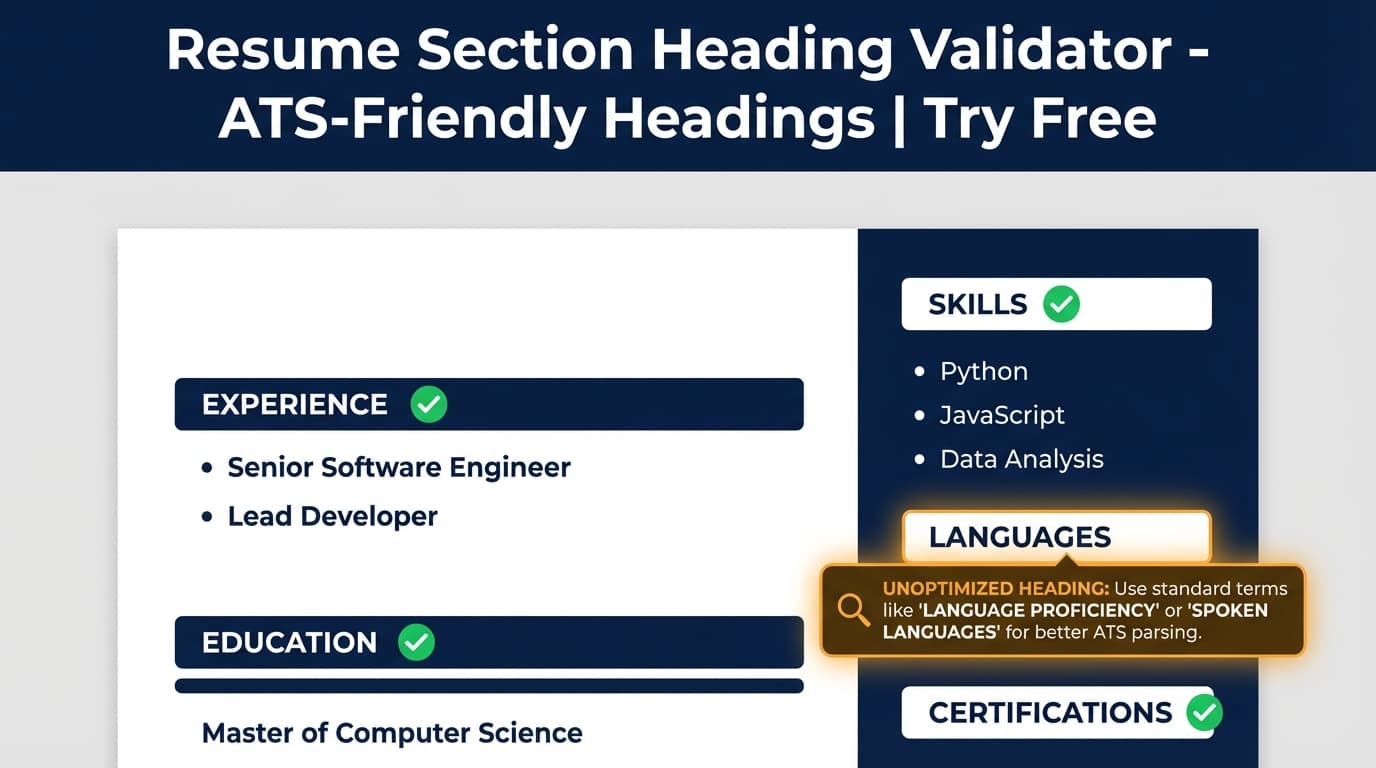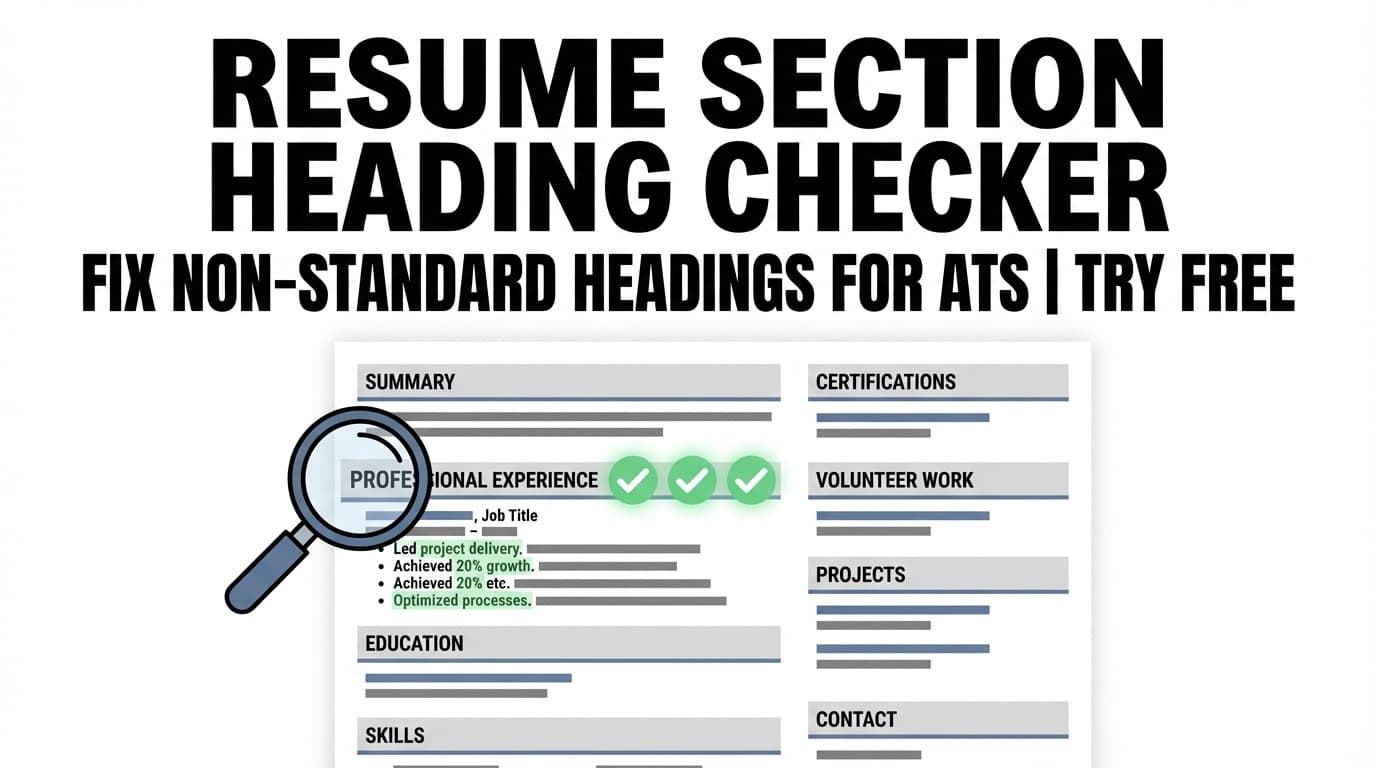
The Resume Section Heading Checker helps you spot non-standard resume section headings (like “My Journey”) and replace them with headings ATS systems commonly recognize (like Work Experience). It also flags missing sections that may weaken your resume.
Try it now → or keep reading to see how it works and how to fix heading issues fast.
What is a Resume Section Heading Checker?
A resume section heading checker reviews the labels you use for your resume sections—such as Experience, Education, Skills, Projects, and Certifications—and checks whether those headings are standard enough for ATS parsing.
Many applicant tracking systems categorize your resume by scanning for recognizable section titles. If your headings are creative or unclear (e.g., “Professional Journey,” “What I’ve Done,” or “My Story”), an ATS may mis-file your content—or fail to extract it cleanly.
JobShinobi’s Resume Section Heading Checker is part of JobShinobi’s Resume Analysis workflow. It analyzes your resume content (JobShinobi uses a LaTeX-based resume editor) and returns ATS-focused feedback including:
- Whether you’re using standard headings (
uses_standard_headings) - Specific heading problems to fix (
heading_issues) - Missing sections that could strengthen your resume (
missing_sections)
How to Use JobShinobi’s Resume Section Heading Checker
The checker runs on your JobShinobi resume (LaTeX source). There’s no “upload a PDF” flow shown in the product—analysis is done on resumes you create or edit inside JobShinobi.
Step 1: Sign in and open your resume
- Sign in to JobShinobi (Google OAuth).
- Go to Dashboard → Resume Builder.
- Either:
- Start from a template, or
- Open a resume from My Resumes.
Tip: Templates are a fast way to start with standard sections already in place.
Step 2: Run resume analysis (this powers the heading check)
You can run analysis in two common ways:
Option A (from the editor):
- Open Resume Studio (the editor).
- Let the resume analysis run (it can auto-analyze when the resume loads).
- Click the Resume Score widget to open the analysis report.
Option B (from the analysis page):
- From My Resumes, choose Analyze Resume.
- JobShinobi triggers analysis and shows your results in the Resume Analysis view.
Step 3: Review heading issues and missing sections
In your analysis results, look for ATS-focused feedback such as:
- Heading issues (examples of what the tool may flag):
- “’Professional Journey’ should be ‘Experience’”
- “Use clearer section labels like ‘Skills’ or ‘Technical Skills’”
- Missing sections
- Suggestions like adding Skills, Projects, or Certifications if relevant
This is the “checker” part: it helps you identify which headings are likely to confuse parsing and what to rename them to.
Step 4: Fix your resume headings in the editor and re-analyze
To apply fixes:
- Return to Resume Studio.
- Update your section titles in your LaTeX (commonly in patterns like
\section{...}).- Example:
- Change
\section{Professional Journey}→\section{Experience} - Change
\section{What I Know}→\section{Skills}
- Change
- Example:
- Click Re-analyze (or refresh analysis) to confirm the heading issues are resolved.
Pro tip: Don’t over-optimize headings. Keep them simple and recognizable—ATS systems and recruiters both scan for familiar labels.
Features of Our Resume Section Heading Checker
Detects non-standard section headings
The analysis checks whether your resume uses standard headings and returns heading issues when it finds titles that may not be ATS-friendly.
Why it matters: If an ATS can’t identify “Experience,” it may not correctly categorize your work history—even if the content is strong.
Flags missing resume sections
The report includes missing sections that would strengthen your resume (based on your content and typical expectations).
Why it matters: Missing or unclear sections can reduce completeness and make it harder for both ATS and recruiters to find key information.
ATS-focused structure feedback beyond headings (when available)
While this page focuses on headings, the same analysis can also surface ATS-related structural issues such as:
- Potential parsing risks (e.g., complex formatting patterns)
- Contact info completeness checks
- Date format consistency checks
Why it matters: Headings are one part of ATS readability; structure and consistency often affect parsing too.
Works directly on your LaTeX resume source
JobShinobi analyzes the actual resume source you’re editing—so fixes are straightforward (rename the section title, re-analyze).
Why it matters: You don’t have to guess which file version you uploaded. Your checker results map directly to the resume you’re editing.
Resume Section Heading Checker Use Cases
For job seekers applying through ATS-heavy companies
If you’re applying to companies using systems like Workday, Greenhouse, Lever, or iCIMS, standard section headings help those systems categorize your resume content more reliably.
Example: Rename “Career Highlights” to Work Experience so your roles get placed in the correct bucket.
For career changers (who need clearer structure)
Career changers often use custom sections to tell a story. That can work for humans—but ATS systems prefer predictable structure.
Example: Keep your narrative in a Summary section, but keep core headings standard: Experience, Skills, Education.
For students and early-career candidates
Students frequently combine internships, class projects, and clubs under creative headings.
Example: Use Projects for technical projects, Leadership for org roles, and keep Education clearly labeled.
Why Choose JobShinobi’s Resume Section Heading Checker?
| JobShinobi | Other “Free” Tools |
|---|---|
| Checks headings as part of a broader ATS analysis (heading issues + missing sections) | Often focuses mainly on keywords or surface-level tips |
| Built into a resume editor workflow—fix headings and re-check quickly | Many tools require repeated uploads or reformatting |
| Runs on your resume source (LaTeX) so changes are explicit and trackable | Some tools provide generic advice without clear “what to change” outputs |
Note: Many competitors advertise “free” scanners; pricing and limits vary widely. Always verify what’s included before relying on a free claim.
Related Tools
Explore more tools inside JobShinobi:
- Resume Analysis: Overall scoring across content, keywords, formatting, completeness, and ATS-focused feedback.
- Job Matching: Paste a job description or URL, then get match feedback and tailoring suggestions.
- AI Resume Agent (Chat): Ask the agent to revise sections and improve bullets (while keeping your resume in LaTeX).
- LaTeX Resume Builder + PDF Compile: Edit LaTeX and export a compiled PDF preview.
FAQ
Is the Resume Section Heading Checker really free?
JobShinobi is a paid subscription product with plans shown in the app ($20/month or $199.99/year). The site advertises a 7-day free trial.
That means you should say “Try it free” (trial) rather than “free tool.”
Do I need to create an account?
Yes. JobShinobi uses Google sign-in, and the checker runs on resumes inside your JobShinobi account.
Can I upload a PDF or Word document to check headings?
This checker is designed to analyze JobShinobi resumes (edited as LaTeX in the Resume Studio). If your resume is in Word/PDF, you’d typically copy your content into a JobShinobi template first so the analysis can run on it.
What are “standard” resume headings (ATS-friendly)?
Common ATS-recognized headings include:
- Summary (or Professional Summary)
- Work Experience / Experience
- Education
- Skills (or Technical Skills)
- Projects
- Certifications
The best heading depends on what’s actually in your resume—use headings that accurately label the content.
Will using standard headings guarantee I pass ATS?
No tool can guarantee ATS outcomes. Standard headings reduce parsing risk, but keywords, content relevance, formatting choices, and the employer’s specific ATS rules also matter.
Start Using the Resume Section Heading Checker Now
If you suspect your resume headings are too creative—or you’re not sure an ATS is categorizing your experience correctly—run a heading check, fix the flagged titles, and re-analyze until the issues are clean.