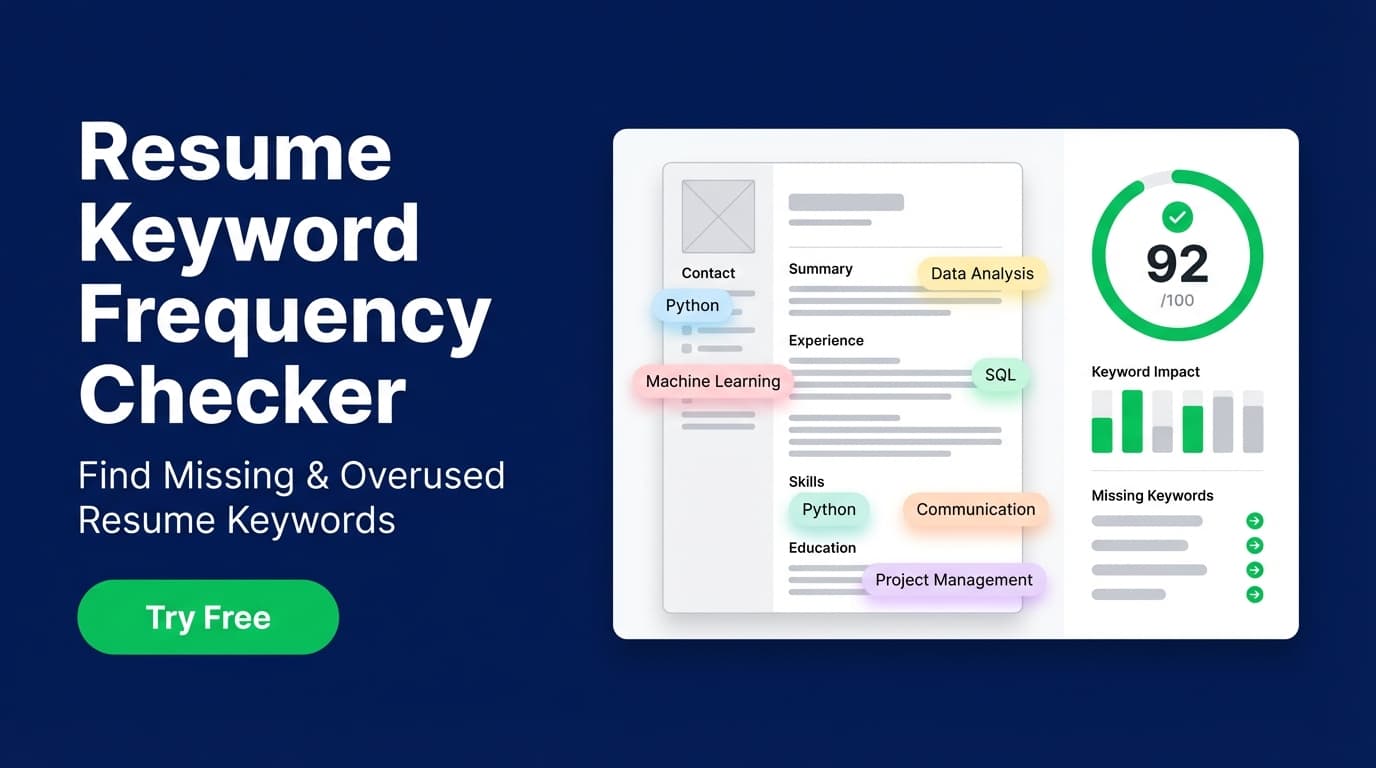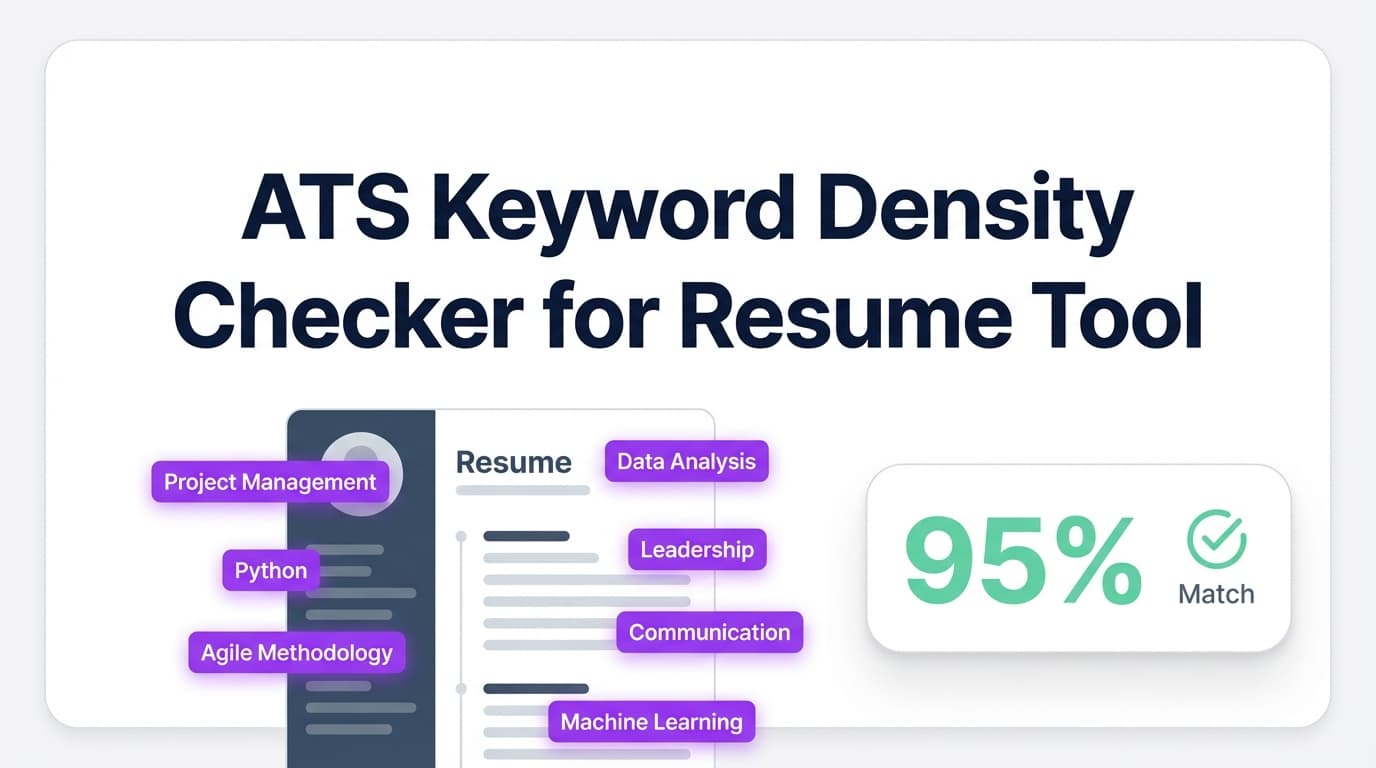
JobShinobi’s Ats Keyword Density Checker For Resume helps you optimize your resume for ATS-style keyword screening by showing keywords found, keywords you’re missing, and overused terms—so you can tailor faster and write more naturally.
Important: JobShinobi does not guarantee ATS “passes” or interviews. This tool provides analysis and suggestions to help you improve alignment.
What is an ATS Keyword Density Checker For Resume?
An ATS keyword density checker looks at how well your resume reflects the skills, tools, and role language employers search for. It’s not just “do you have the keyword,” but also:
- Are you missing key terms that appear in the job description?
- Are you repeating certain words too much (keyword stuffing)?
- Are keywords used in context (in Experience/Projects), not just listed?
In JobShinobi, keyword density is part of the resume’s keyword analysis and can include signals like:
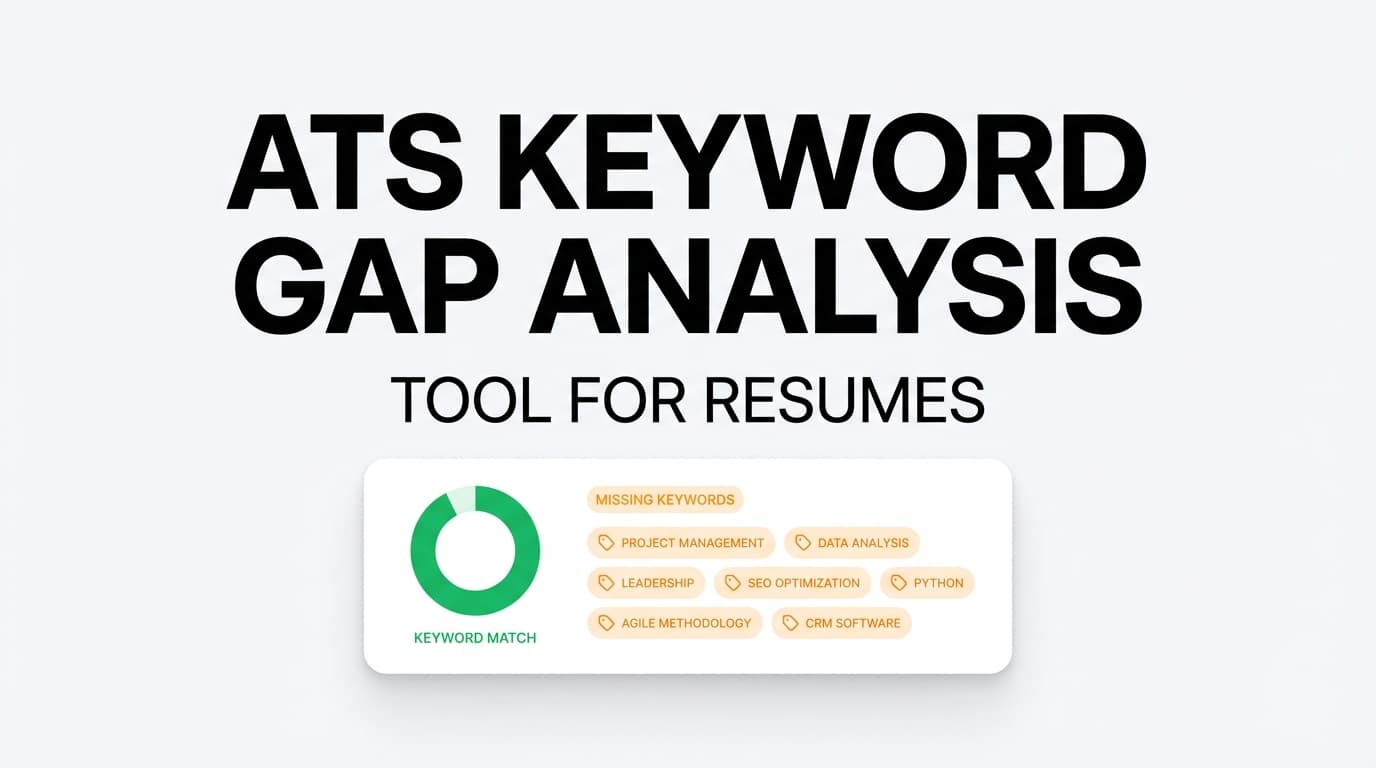
- Missing keywords
- Present keywords
- Overused keywords
- Keyword density (keywords per 100 words)
- Contextual usage score (meaningful use vs stuffing)
- Industry coverage
- Top skills detected
Depending on where you view the report, the UI may emphasize “Keywords Found / Suggested Keywords” and job-match results, while density is captured in the underlying analysis fields.
How to Use JobShinobi’s Ats Keyword Density Checker For Resume (Step-by-Step)
Step 1: Create or open a resume in JobShinobi
- Sign in to JobShinobi.
- Go to Dashboard → Resume Builder.
- Start from a template or open a resume from My Resumes.
- Open the resume in Resume Studio (the editor).
Tip: JobShinobi resumes are LaTeX-based, and analysis runs against your resume content (LaTeX included—analysis is instructed to ignore LaTeX syntax and focus on the words).
Step 2: Run the general resume analysis (no job description required)
In Resume Studio:
- Click Analyze Resume (or click the score badge).
- Wait for the report to finish.
- Open the Resume Analysis Report modal.
You’ll see actionable keyword outputs like:
- Keywords Found
- Suggested Keywords
Tip: Use Re-analyze after editing. JobShinobi can return a cached analysis if your resume hasn’t changed since the last run (unless a refresh is forced).
Step 3: Run job-specific keyword analysis (recommended)
Keyword density only matters relative to a target job. JobShinobi supports job-specific analysis in two ways:
Option A: Paste a job description into the analysis modal
- In the Resume Analysis Report, click Analyze for Specific Job.
- Paste the job description text.
- Click Analyze for This Job.
This helps tailor keyword suggestions to that posting.
Option B: Use Job Matching (URL or text)
- Go to Resume Analysis → Job Matching.
- Paste a job URL or the full job description text.
- Click Extract Job Details.
- Review:
- Job Match Score
- Matching Keywords
- Missing Keywords
- Recommendations
- Click Apply Suggestions to jump back to the editor and implement changes.
Pro tip: Don’t add keywords where you don’t have experience. Instead, add accurate keywords to bullets that demonstrate proof (tools used + action + outcome).
Features of Our Ats Keyword Density Checker For Resume
Keywords Found (what ATS can “see” in your resume)
JobShinobi surfaces a list of keywords detected in your resume.
Why it matters: You can confirm you’re actually using the core role language (tools, methods, certifications, frameworks).
Suggested / Missing Keywords (what to add next)
JobShinobi highlights keywords you’re missing—especially useful after you supply a job description.
Why it matters: Missing keywords are one of the most common reasons a resume fails initial filtering or ranks low in search.
Overused keyword detection (anti-keyword-stuffing)
The analysis supports “overused keywords,” flagging terms that may be repeated too frequently.
Why it matters: Stuffing hurts readability and can make your resume feel generic. The goal is relevance + clarity, not repetition.
Keyword density (keywords per 100 words) + contextual usage score
The underlying keyword analysis supports:
- Keyword density (keywords per 100 words)
- Contextual usage score (0–100)
Why it matters: Density alone is easy to game. Contextual scoring pushes you toward “used naturally in achievements,” not a pasted keyword list.
Job-specific matching from URL or pasted text
You can analyze a posting by URL or text; JobShinobi extracts structured job details and compares them to your resume.
Why it matters: Tailoring is faster when the tool extracts the keywords and you focus on the gaps.
Ats Keyword Density Checker For Resume Tool: Common Use Cases
For tailoring each application quickly
- Run job matching
- Add 3–8 missing keywords (only if true)
- Re-analyze to confirm you didn’t overuse a term
For career switchers translating experience into the “right words”
If your experience is relevant but not labeled the same way, keyword feedback helps you rename skills in ATS-friendly language.
For experienced candidates cleaning up keyword repetition
Use “overused” signals to reduce repetition and add specificity (versions, tools, scope, metrics).
Why Choose JobShinobi’s Ats Keyword Density Checker For Resume?
| JobShinobi | Other “free” scanners |
|---|---|
| Built into an editor workflow (analyze → edit → re-analyze) | Often scan-only with limited iteration |
| Job matching supports URL or text extraction | Many tools require manual keyword selection |
| Tracks missing + present keywords and supports overused detection | Many tools show only a score or a basic list |
Related Tools (Within JobShinobi)
- Resume Analysis: overall score + keyword/ATS feedback.
- Job Description Extraction: turn a URL or pasted JD into structured details.
- Resume-to-Job Matching: missing vs present keywords + recommendations.
- AI Resume Agent: chat-based help to edit bullets and sections.
FAQ
Is Ats Keyword Density Checker For Resume really free?
JobShinobi is a paid subscription product ($20/month or $199.99/year), and the site advertises a 7-day free trial. You can try the product during that trial period.
Do I need a job description to use it?
No. You can run a general analysis without one. But job-specific analysis produces more relevant keyword recommendations.
Will keyword density guarantee I pass ATS?
No. ATS outcomes vary widely and depend on many factors (role fit, experience level, formatting, and how the employer configures their system). This tool helps you improve alignment—without guaranteeing results.
Start Using Ats Keyword Density Checker For Resume Now
Run the analysis, review your Keywords Found and Suggested Keywords, then update your bullets and skills in a way that’s accurate and natural. Re-analyze until your resume matches the role and reads well to humans.