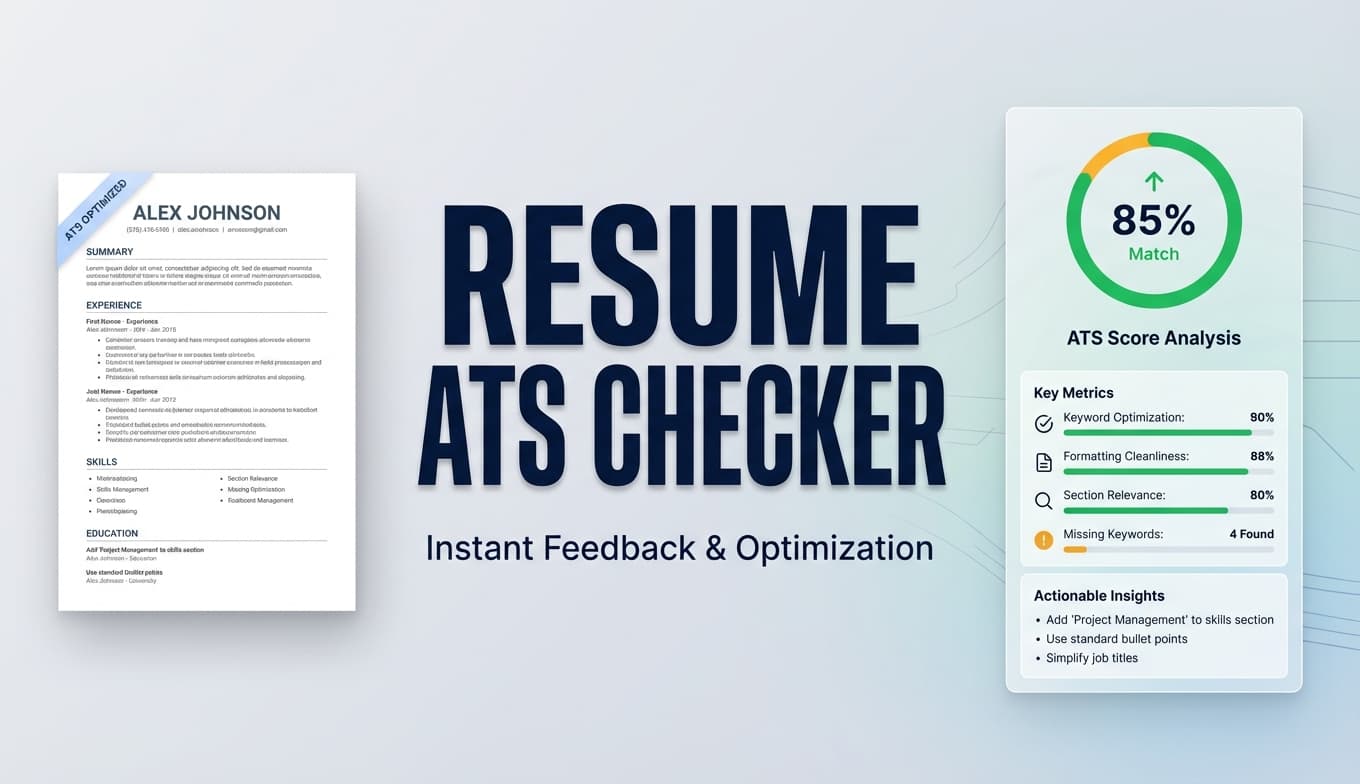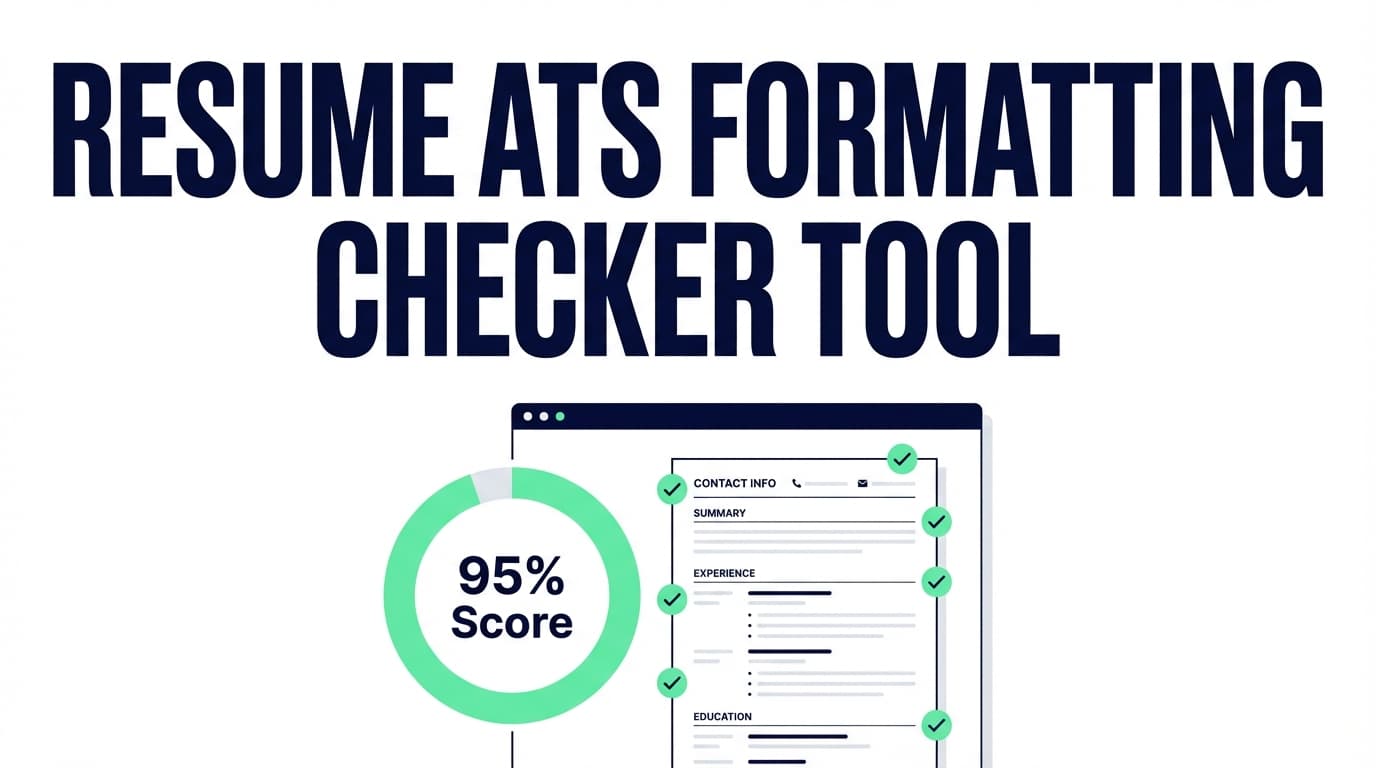
JobShinobi’s Resume ATS Formatting Checker analyzes your resume and returns an ATS Compatibility score, a Formatting score, and a list of ATS issues—so you can fix problems that may cause applicant tracking systems to misread key details like roles, dates, and section headings.
JobShinobi is a paid product ($20/month or $199.99/year), and the site advertises a 7‑day free trial. We don’t offer a permanent free plan.
What is a Resume ATS Formatting Checker?
A resume ATS formatting checker is a tool that reviews your resume’s structure and presentation for common ATS risk factors (for example: unclear section structure, inconsistent formatting, or layout choices that can reduce parse accuracy). The goal isn’t to “game” the ATS—it’s to make sure your resume is:
- easy for software to extract into fields (title, company, dates, skills), and
- still easy for a recruiter to skim quickly.
What JobShinobi checks (based on real product behavior)
JobShinobi’s resume analysis workflow generates a report that includes:
- Formatting Score (
formatting_score) - ATS Compatibility Score (
ats_score) - ATS issues list (
ats_issues) surfaced in the detailed feedback - Additional supporting signals like overall score, content score, keyword score, completeness score, and suggestions
JobShinobi analyzes the resume content it has stored (your resume’s LaTeX source inside the JobShinobi resume builder). It can also return a cached analysis if your resume hasn’t changed since the last run, and you can manually re-analyze after edits.
How to Use JobShinobi’s Resume ATS Formatting Checker (Step-by-Step)
Step 1: Sign in and open your resume
- Sign in to JobShinobi.
- Open Resume Studio (the resume editor).
- Select the resume you want to check.
Tip: If you’re starting from a template, fill in your sections first (Experience, Education, Skills, Projects, etc.) before you analyze. A half-finished resume can lead to feedback that’s less actionable.
Step 2: Run the ATS formatting check (Analyze Resume)
Inside Resume Studio, click Analyze Resume to generate your report.
This triggers JobShinobi’s analysis endpoint and returns a score breakdown, including:
- Formatting
- ATS Compatibility
If you’ve analyzed recently and your resume hasn’t changed, JobShinobi may return a cached result. If you just made edits, use Re-analyze to refresh.
Tip: Make one change at a time (for example: standardize date format across all roles), then re-run analysis. You’ll learn faster what improves your scores.
Step 3: Review your Formatting + ATS Compatibility scores
Open the Resume Analysis Report and look for:
- Formatting score: signals tied to layout/structure quality
- ATS compatibility score: overall ATS-readiness indicators
Use the breakdown to prioritize fixes. If your formatting score is low, address structure and layout issues before obsessing over keywords.
Step 4: Fix the ATS issues list (the “to-do list”)
In the detailed feedback, JobShinobi provides ATS issues (a list of flagged problems). Treat these as your action list.
Common examples of ATS formatting risks (industry-wide) include things like:
- complicated layouts (multi-column designs, tables, text boxes),
- inconsistent date formats,
- unusual headings that ATS may not map cleanly.
Your actual report will be specific to your resume—use the issues list as the source of truth.
Step 5 (Optional): Add a job description for job-specific tailoring
Want more than “general ATS formatting”? You can run job-specific analysis:
- Add a job description (paste job text).
- Run the analysis for that job to see keyword alignment and tailoring guidance.
JobShinobi also supports extracting job details from a job URL or job description text, then running a resume-to-job match with:
- match score
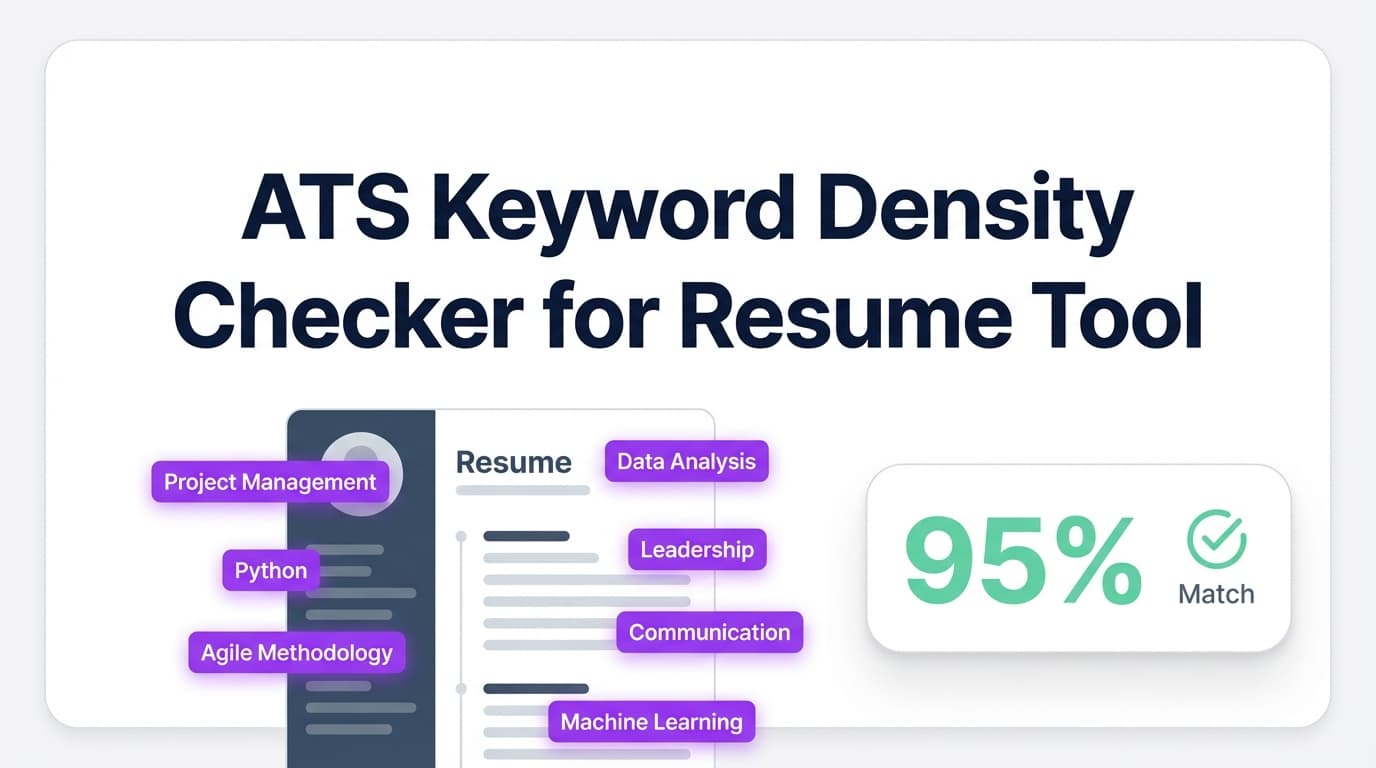
- present keywords vs missing keywords
- recommendations to tailor
Pro tip: Use job-specific analysis for roles you truly want. For high-volume applying, keep one ATS-clean “base resume” and only tailor the top 5–10 applications.
Features of Our Resume ATS Formatting Checker
Formatting Score (layout & structure health)
JobShinobi produces a formatting_score as part of the resume analysis.
Why it matters: Even strong content can underperform if the ATS can’t consistently parse experience entries, dates, or section boundaries.
ATS Compatibility Score (ATS readiness)
You’ll also receive an ats_score as part of the same analysis.
Why it matters: ATS readiness is not only keywords—it’s also whether the system can reliably read your resume.
ATS Issues List (specific flags you can act on)
JobShinobi returns ats_issues in the detailed feedback.
Why it matters: This turns “make it ATS-friendly” into a concrete checklist you can work through.
Re-analyze after edits (and caching for speed)
If your resume hasn’t changed since the last run, JobShinobi may return cached results. You can also use Re-analyze to force a fresh check after edits.
Why it matters: Iteration is the real advantage: analyze → fix → re-check until your report is clean.
Optional job description input (for job-specific feedback)
Paste a job description to get more tailored guidance, including keyword alignment and recommendations.
Why it matters: ATS isn’t only about parsing—it’s also about matching. Job-specific feedback helps you compete in stricter keyword environments.
Resume ATS Formatting Checker Use Cases
For job seekers getting “rejected instantly”
If you apply and rarely hear back, your resume may have parsing problems or weak alignment. Start with formatting and ATS issues, then move to job matching.
For candidates using designed/graphic resumes
If your resume was built in a design tool, it may look great but parse poorly. Use JobShinobi’s checker to identify ATS risks, then rebuild your resume in a simpler structure.
For career changers consolidating messy experience
Career changers often have inconsistent titles, dates, and sections across different industries. The checker helps you standardize structure and reduce ambiguity.
Why Choose JobShinobi’s Resume ATS Formatting Checker?
| JobShinobi | Other “free” checkers |
|---|---|
| Integrated into a resume editor workflow (analyze → edit → re-analyze) | Often a one-off scan with limited iteration |
| Provides a Formatting Score + ATS Compatibility Score + ATS issues list | May provide generic advice without a clear issues checklist |
| Supports optional job-specific analysis and resume-to-job matching | Often separates formatting checks from tailoring tools |
Important: No ATS checker can guarantee results across every employer. ATS behavior varies by system, configuration, and file handling. The goal is to reduce avoidable formatting risk and improve clarity.
Related Tools (Inside JobShinobi)
- Resume Analysis: Full score breakdown (overall, content, keywords, formatting, completeness, ATS) plus detailed feedback.
- Job Description Extractor: Paste a job URL or text to extract job details.
- Resume-to-Job Match: Get a match score, missing keywords, and recommendations.
- AI Resume Agent: Chat-based help to improve your resume content and structure inside Resume Studio.
- LaTeX Resume Builder + PDF Export: Build with structured LaTeX and export a PDF.
FAQ
Is this Resume ATS Formatting Checker free?
JobShinobi is a paid subscription product ($20/month or $199.99/year). The site advertises a 7-day free trial, which you can use to try the checker.
Do I need an account?
Yes. The checker runs within JobShinobi’s resume experience, so you’ll need to sign in to open a resume and run analysis.
Can I upload a PDF/DOCX and check it here?
This tool is designed to analyze resumes created/stored inside JobShinobi (LaTeX-based). If you have an existing resume from another builder, you’ll get the most accurate experience by moving your content into a JobShinobi resume first.
Will this guarantee my resume “passes ATS”?
No. It provides scores and flagged ATS issues to help reduce parsing/formatting risk and improve clarity—but outcomes vary across employers and systems.
Why re-analyze after changes?
Because small formatting adjustments can have outsized effects on parsing. The fastest way to improve is to change one thing, re-run the checker, and confirm the report improves.
Start Using the Resume ATS Formatting Checker Now
If you want a resume that’s easier for ATS systems to parse—and easier for recruiters to skim—run JobShinobi’s Resume ATS Formatting Checker, fix the flagged issues, and re-analyze until you’re confident in the structure.
HowTo (for schema / rich results)
What you’ll need
- A JobShinobi account
- A resume created in JobShinobi Resume Studio
Steps
- Open Resume Studio and select your resume.
- Click Analyze Resume to generate the ATS report.
- Review your Formatting Score and ATS Compatibility Score.
- Fix items in the ATS issues list.
- Click Re-analyze to confirm improvements.
- (Optional) Paste a job description and re-run for job-specific feedback.