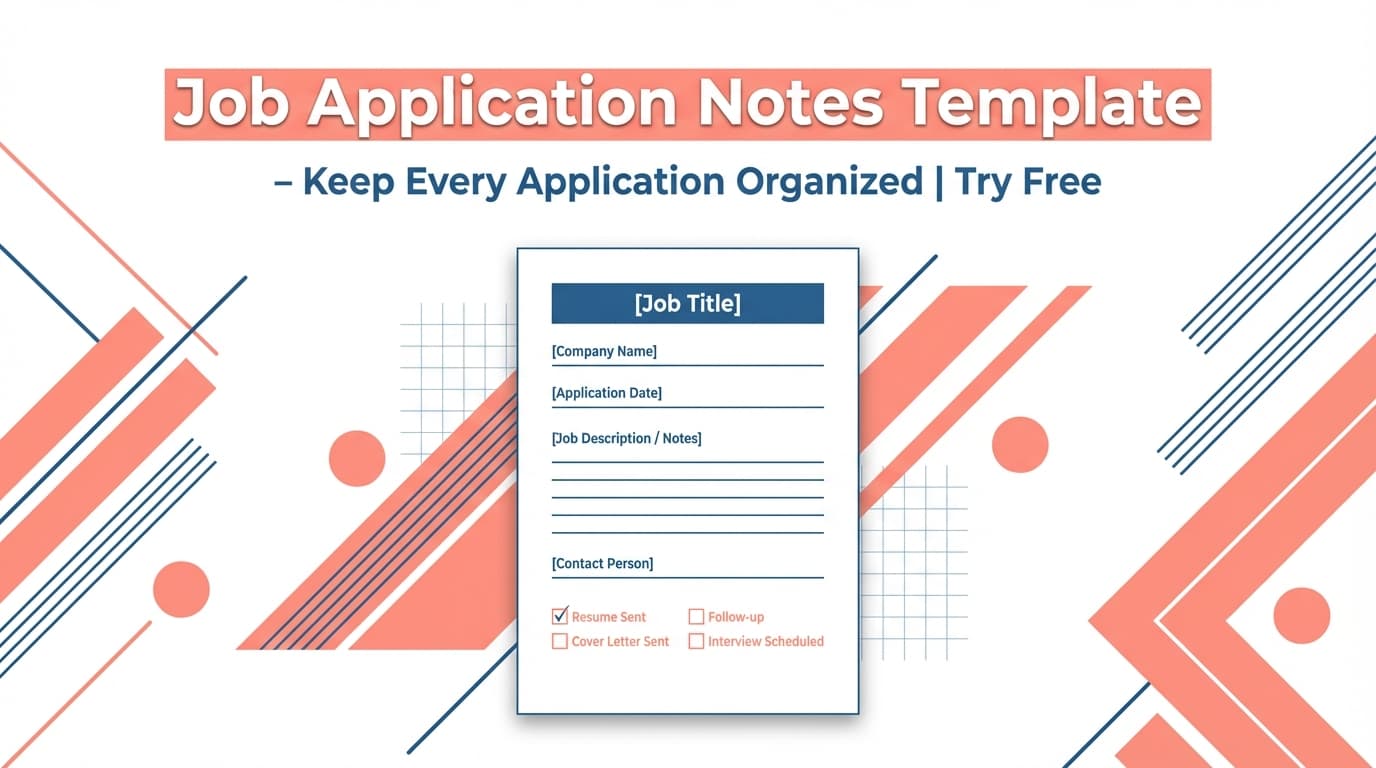
The Job Tracking Interview Notes Template helps you record what actually happened in each interview—questions, your answers, key signals, and next steps—so you don’t lose details as your job search speeds up.
What is a Job Tracking Interview Notes Template?
A job tracking interview notes template is a repeatable format you use after every interview to capture the same core information (who, what, when, outcomes, and follow-ups). The goal isn’t to write perfect notes—it’s to create consistent, comparable notes that help you:
- Prepare better for the next round (by reviewing gaps)
- Send sharper follow-ups (thank-you emails that reference specifics)
- Avoid mixing up companies, interviewers, and requirements
- Make better decisions when offers come in (based on signals you documented)
Where JobShinobi fits in (important for accuracy)
JobShinobi includes a Job Application Tracker where you can add/edit/delete applications and set a status like Applied, Interview, Offer, Rejected, Accepted, plus export your applications to Excel (.xlsx).
However, the current tracker UI does not include a dedicated “interview notes” field. This template is built to work alongside the tracker: keep your detailed interview notes in your preferred notes app/doc, and keep your pipeline status clean inside JobShinobi.
How to Use JobShinobi’s Job Tracking Interview Notes Template
Step 1: Open the template tool and copy the template
Go to Job Tracking Interview Notes Template and copy the template into your notes system (Google Docs, Notion, Apple Notes, etc.).
Tip: Use one note per interview and name it consistently:
Company — Role — Round — YYYY-MM-DD
Step 2: Fill in the “Fast Facts” during the interview
During the call, you’ll usually only have time for quick bullets. Prioritize:
- Interviewer names/roles
- Questions asked
- Any timeline (“we’ll get back to you by…”)
Tip: If you can’t type full answers, write keywords you’ll recognize later (tools mentioned, constraints, “ownership,” “latency,” “stakeholders,” etc.).
Step 3: Right after the interview, complete the “Signals + Next Steps” sections
Within 10–15 minutes, finish:
- Signals (positive + red flags)
- My questions + their answers
- Follow-up actions checklist
This is where most candidates lose leverage—because they forget specifics by the next day.
Step 4: Update the application status in JobShinobi’s Job Application Tracker
In JobShinobi, keep the pipeline accurate:
- Open Dashboard → Job Application Tracker
- Add the role (or find it if it’s already there)
- Set Status → Interview (or update to Offer/Rejected/Accepted later)
This makes your tracker reflect reality even if your detailed notes live elsewhere.
Step 5 (Optional): Export your tracker to Excel
If you want a spreadsheet copy for sharing or analysis:
- In the Job Application Tracker, click Export
- Download the
.xlsxfile
Pro tip: Pair the template with JobShinobi’s tracker statuses. Your notes stay detailed; your pipeline stays measurable.
The Job Tracking Interview Notes Template (Copy/Paste)
Copy this template into your notes app and reuse it for each interview: