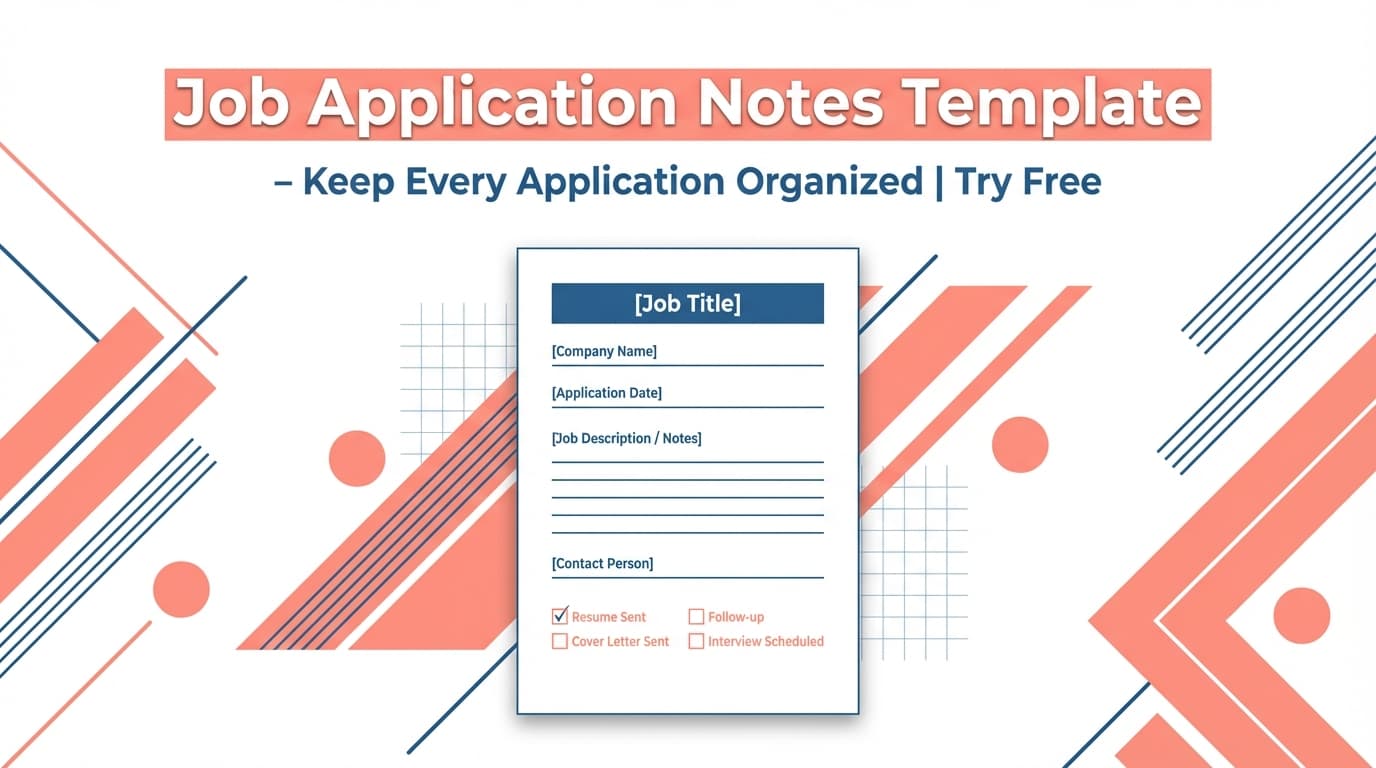
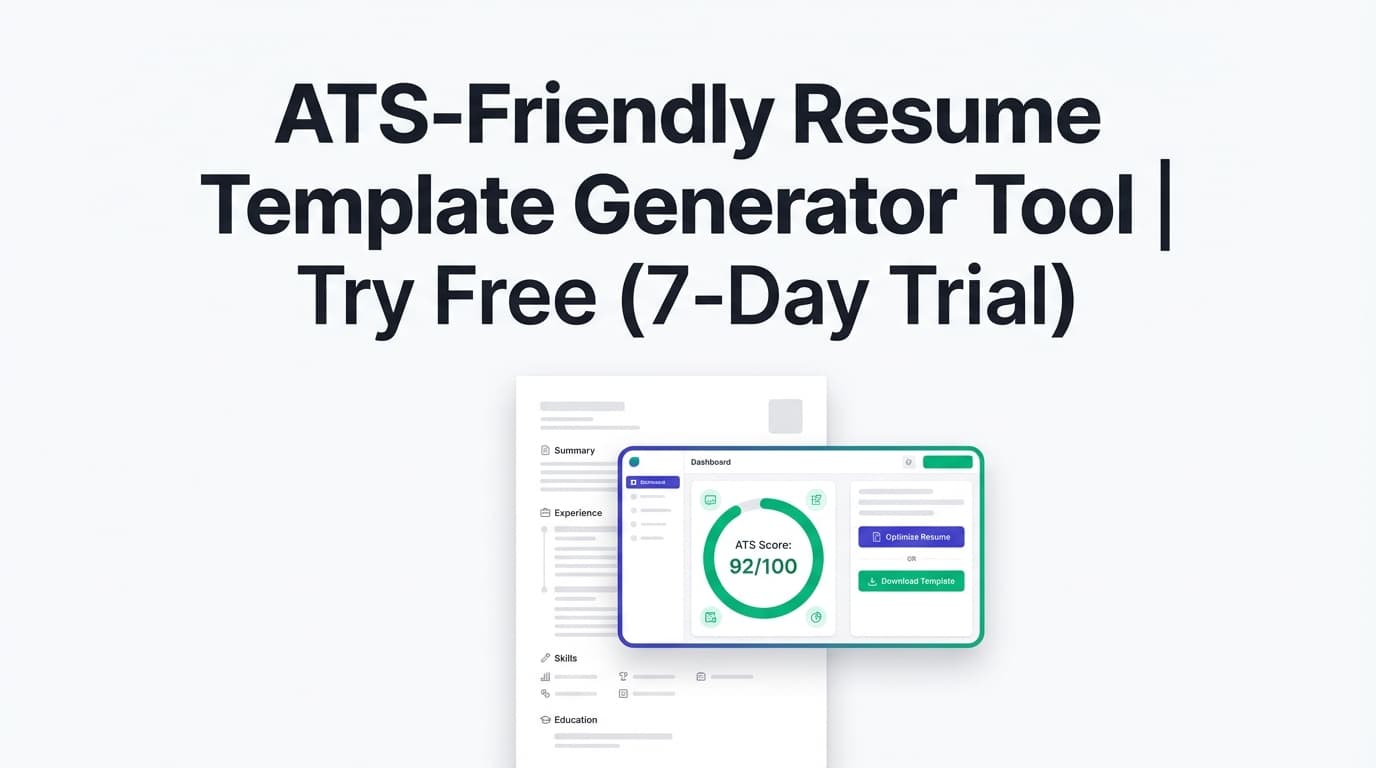
Interviews move quickly—and scattered notes lead to missed follow-ups, forgotten names, and fuzzy takeaways. The Job Tracking Interview Notes Template gives you a repeatable structure for prep, live note-taking, and post-interview debrief, so you stay organized across multiple applications.
Try it now → or keep reading to see the full template and how to use it alongside JobShinobi’s Job Application Tracker.
What is the Job Tracking Interview Notes Template?
This “generator tool” provides a ready-to-copy interview notes template you can paste into Google Docs, Notion, Apple Notes, or your preferred note app. It’s built for job seekers who want to consistently capture:
- Who you met (and what mattered to them)
- What the role actually involves (beyond the posting)
- Questions you were asked and how you answered
- Signals (green flags / red flags)
- Follow-up actions and next steps
How it fits with JobShinobi: JobShinobi includes a Job Application Tracker where you can manage applications (add/edit/delete), set statuses like Applied / Interview / Offer / Rejected, and export to Excel (.xlsx). Pro members can also use email forwarding to automatically log job application updates from emails.
How to Use JobShinobi’s Job Tracking Interview Notes Template (HowTo)
Step 1: Open the template tool
Go to /tools/job-tracking-interview-notes-template-generator-tool.
You’ll see a structured template on this page. Copy it into your notes app and save it as a reusable “master.”
Tip: Name your file something like Interview Notes - Master Template so you can duplicate it quickly.
Step 2: Duplicate the template for each interview
Before each interview, create a new copy and rename it:
Company – Role – Stage – Date
Example: Acme – Product Analyst – HM Round – 2026-01-18
This prevents interviews from blending together—especially when you’re in multiple processes at once.
Step 3: Do a 5-minute pre-interview fill
Complete the “Before the Interview” fields:
- Company + role
- Interview stage (screen, hiring manager, technical, panel)
- 2–3 stories you want to use (STAR examples)
- A short list of questions you plan to ask
Pro tip: Pre-writing your strongest examples makes your answers sharper and reduces rambling.
Step 4: Take live notes with short bullets
During the interview, use the template prompts to capture keywords and specifics:
- Team goals, constraints, stakeholders
- “Success in 30/60/90 days”
- Tools/stack/process mentioned
- Concerns or gaps the interviewer hints at
Tip: Don’t try to write everything. Capture decision-making details and follow-up hooks.
Step 5: Debrief immediately after the call (3 minutes)
Right after the interview, fill the “After the Interview” section:
- Your overall impression
- Green flags / red flags
- What you did well
- What to improve next time
- Concrete follow-up actions
This is where the template pays off—your recall drops fast if you wait.
Step 6: Update the application status in JobShinobi
In JobShinobi’s Job Application Tracker, update the application to match reality:
- Applied → Interview when an interview is scheduled
- Interview → Offer (or Rejected) when you receive a decision
JobShinobi’s tracker supports:
- Manual add/edit/delete of applications
- Status management (Applied, Interview, Offer, Rejected, Accepted)
- Exporting your tracked applications to Excel (.xlsx)
The Job Tracking Interview Notes Template (Copy/Paste)
Copy the template below and reuse it for each interview.
Interview Notes — Job Tracking
Company:
Role / Job Title:
Job Posting URL (optional):
Stage: (Recruiter screen / Hiring manager / Technical / Panel / Final)
Date & Time:
Interviewer(s): (Name + title + LinkedIn if available)
Before the Interview (Prep)
- What this team does (1–2 bullets):
- Role must-haves (top 3):
- My matching strengths (top 3):
- My risk areas / gaps (be honest):
- 2–3 stories I can use (STAR bullets):
- Story 1:
- Story 2:
- Story 3:
- Questions I want to ask them: 1. 2. 3.
Notes During the Interview
- Key responsibilities mentioned:
- Tools / tech / workflow mentioned:
- Success looks like (30/60/90 days):
- Challenges the team is facing:
- What they liked about my background:
- Concerns they hinted at (if any):
- Questions they asked (with my answer bullets):
- Q1:
- Q2:
- Q3:
After the Interview (Debrief)
- Overall impression (1–3 sentences):
- Green flags:
- Red flags / unknowns:
- What I did well:
- What to improve before next round:
- Follow-up actions:
- Thank-you email sent? (Y/N)
- Anything I promised to send? (links, portfolio, writing sample)
- Next step + expected timeline:
- Decision notes: (Strong yes / yes / neutral / no)
Features of Our Job Tracking Interview Notes Template
Interview-stage structure (prep → notes → debrief)
The template is organized exactly in the order you use it.
Why it matters: You don’t waste time figuring out what to write while you’re on a call.
Follow-up-focused prompts
It nudges you to capture details that fuel strong follow-ups: success criteria, priorities, and open questions.
Why it matters: Specific follow-ups beat generic “Thanks for your time” messages.
Works with any note app
Copy it into Google Docs, Notion, a Markdown editor, or a printed notebook.
Why it matters: No forced workflow—use what’s fastest for you.
Job Tracking Interview Notes Template Use Cases
For candidates managing multiple applications
When you’re interviewing at 5–15 companies, it’s easy to confuse details. One template per interview keeps processes separated.
For career switchers
Track repeated patterns in feedback (e.g., domain gaps), then proactively address them in later interviews.
For technical interviews
Capture constraints and topics discussed so your next-round prep is targeted (and not generic grinding).
Why Choose JobShinobi’s Template + Tracker?
| JobShinobi Template + Tracker | Other “free templates” |
|---|---|
| Notes template built for job seekers | Many templates are designed for hiring teams evaluating candidates |
| Track pipeline status in JobShinobi (Applied/Interview/Offer/Rejected) | Notes live in a doc, but pipeline tracking stays messy |
| Export tracked applications to Excel (.xlsx) | Often stuck in a single format with limited exporting |
Related Tools
Explore more from JobShinobi:
- Job Application Tracker: Track job title, company, status, and date in a dashboard.
- Email forwarding for automatic tracking (Pro): Forward job-related emails to a unique
@parse.jobshinobi.comaddress to log applications automatically (Pro required). - Job Search Analytics: See response rate, offer rate, and recent trends based on your tracked applications.
- Export to Excel (.xlsx): Download your job tracking data for reporting and planning.
FAQ
Is this tool really free?
JobShinobi is a paid subscription product. The site advertises a 7-day free trial, and plans shown in the app include $20/month or $199.99/year.
Do I need an account to use it?
To use JobShinobi’s dashboard features (like the Job Application Tracker), you’ll need to sign in (Google sign-in is supported). This template itself can be copied and used in any notes app.
Does JobShinobi automatically track job applications?
JobShinobi supports manual tracking in the dashboard. It also supports email-based automatic tracking via forwarding emails, but email processing is Pro-only.
Does JobShinobi store my interview notes?
This template is designed for copy/paste into your own note system. JobShinobi’s job tracker focuses on tracking applications and statuses.
Start Using the Job Tracking Interview Notes Template Now
Better notes lead to better follow-ups—and better follow-ups lead to more momentum. Copy the template, use it for your next interview, and keep your pipeline clean in JobShinobi.