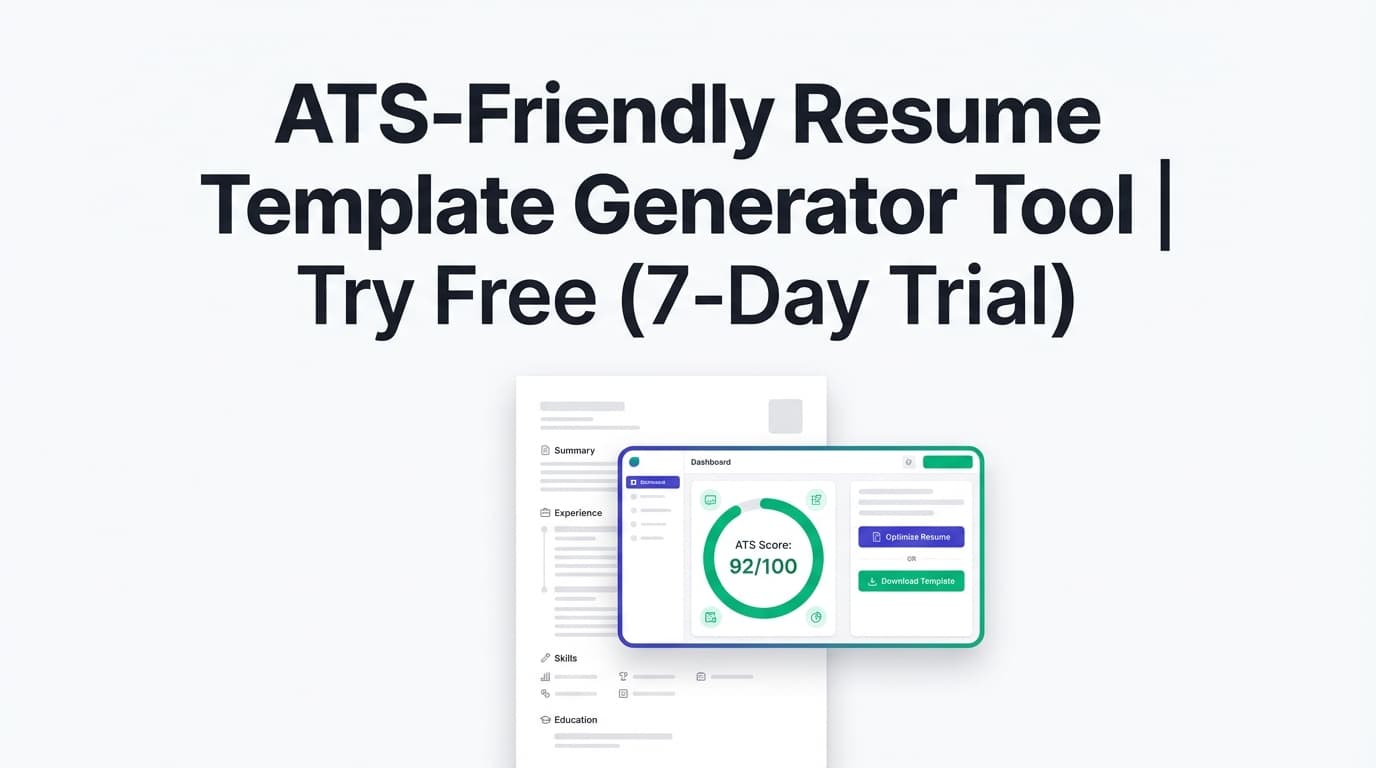
JobShinobi’s ATS Resume Tracker helps you measure your resume’s ATS-relevant quality and track improvement over time by re-running analysis after edits. You’ll see an overall score plus category scores (including ATS compatibility), keyword feedback, and (optionally) job-specific matching.
What is an ATS Resume Tracker?
An ATS resume tracker is a workflow that lets you answer questions like:
- “Did my resume get more ATS-friendly after I changed formatting?”
- “Which keywords am I missing for this specific job?”
- “Am I improving the right things—or just rewriting randomly?”
JobShinobi’s ATS Resume Tracker is designed for job seekers who iterate a lot: tailoring resumes for different roles, refining bullet points, and re-checking results until the resume is both readable and aligned with the job description.
Important note: No tool can guarantee you’ll “pass ATS” for every employer. ATS behavior varies by company, configuration, and recruiter process. This tool helps you improve common factors that affect screening—especially clarity, keywords, and structure.
How to Use JobShinobi’s ATS Resume Tracker (Step-by-Step)
Step 1: Create or open your resume
- Sign in to JobShinobi.
- Open Resume Builder and either:
- start from a template, or
- open an existing saved resume.
JobShinobi resumes are edited in a LaTeX-based editor with a PDF preview, so you can make clean structural changes and immediately see the output.
Tip: Keep one “base” resume and duplicate it when you tailor for a specific role. That way, you’re tracking progress per version instead of mixing changes across unrelated jobs.
Step 2: Run ATS resume analysis (your baseline)
Run a resume analysis to generate your baseline report. JobShinobi provides:
- Overall score (0–100)
- Category scores:
- Content
- Keywords
- Formatting
- Completeness
- ATS compatibility
- Detailed feedback (varies by resume), such as:
- strengths and weaknesses
- missing sections
- keyword analysis (present/missing/overused) and related metrics when available
- ATS issues
If your resume hasn’t changed since the last analysis, JobShinobi may return a cached analysis to save time.
Tip: If you just made changes and the results look the same, use the Re-analyze option so the analysis reflects your latest version.
Step 3: Add a job description for job-specific tracking (recommended)
ATS performance is job-dependent. To track for a specific role, add a job description and run job matching.
In JobShinobi you can provide:
- a job posting URL, or
- the job description as pasted text.
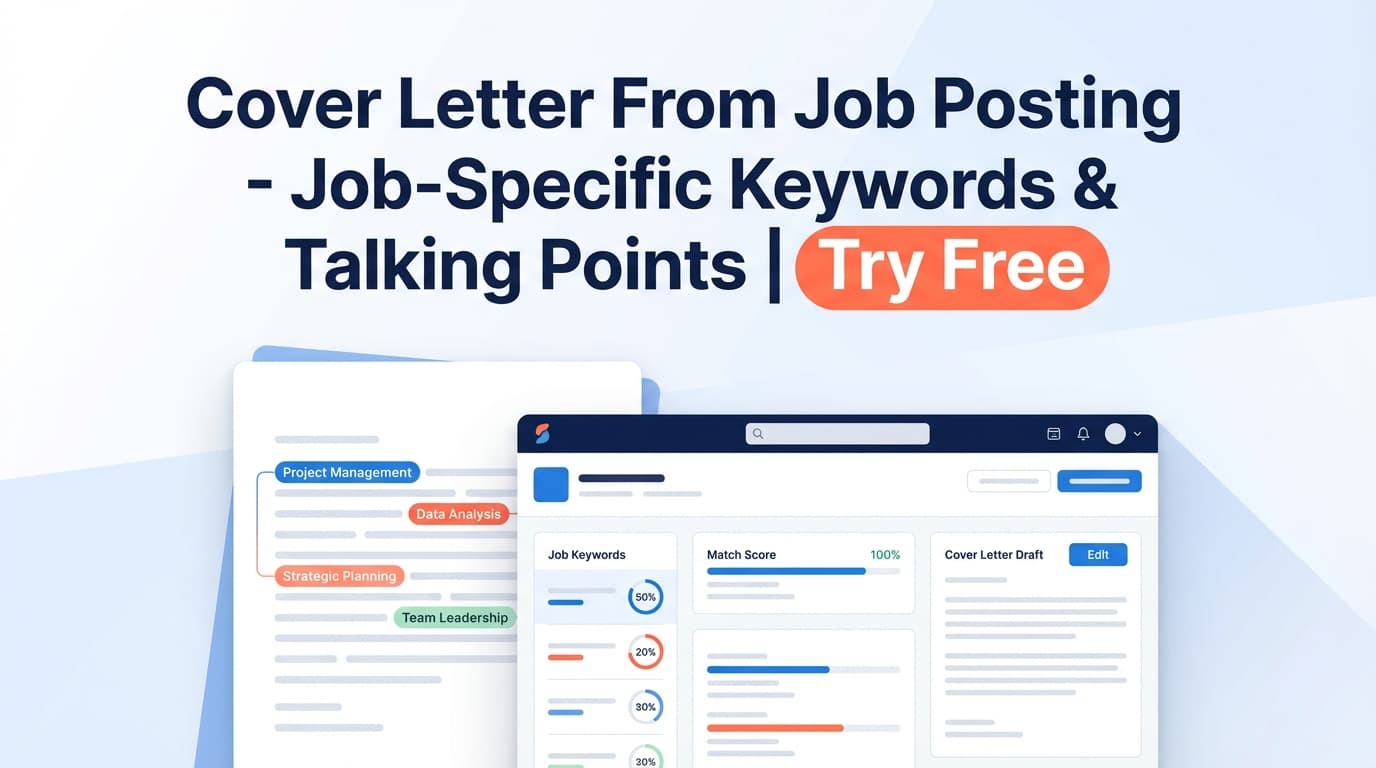
JobShinobi extracts key job details and skills, then generates a job match analysis that includes:
- a match score (%)
- present keywords (already in your resume)
- missing keywords (found in the job posting but not in your resume text)
- recommendations to tailor your resume
Step 4: Apply changes in the editor and re-check
Use the analysis and job match output as your action plan:
- Edit your resume in the LaTeX editor.
- Save your changes (JobShinobi maintains resume version history).
- Re-run analysis and/or job matching to confirm improvements.
Pro tip: Don’t keyword-stuff. Add keywords by rewriting bullets to reflect real experience (tools used, outcomes, metrics). The goal is relevance and clarity, not repetition.
Features of JobShinobi’s ATS Resume Tracker
ATS score + category breakdown (not just a single grade)
JobShinobi scores your resume across multiple dimensions, including an explicit ATS compatibility score.
Why it matters: If your keyword score is fine but formatting/completeness is low, you know exactly what to fix instead of guessing.
Keyword tracking for a specific job: present vs. missing
When you run job matching, JobShinobi identifies:
- keywords from the job posting that are present in your resume text
- keywords that are missing
Why it matters: This is the fastest way to tailor each version of your resume to the job you’re applying to—without rewriting from scratch.
Job description input via URL or pasted text
You can analyze against a posting from LinkedIn, Indeed, or a company careers page by using the job URL, or simply paste the full job description text.
Why it matters: It reduces friction—so you actually run the check before you apply.
Recommendations you can act on immediately
Job match results include recommendations and an Apply Suggestions flow that takes you back to editing so you can implement changes quickly.
Why it matters: A tracker only works if it shortens the loop between “feedback” and “fix.”
Resume version history for iterative improvement
When you save, JobShinobi stores versions of your resume so you can iterate without losing earlier drafts.
Why it matters: “Tracking” improvements requires comparing versions and being able to revert when a change doesn’t help.
ATS Resume Tracker Use Cases
For tailoring a resume to each job (without over-editing)
- Run baseline analysis once
- Run job match for each job you care about
- Make small, targeted edits
- Re-check until the match score and keyword gaps look solid
For candidates getting screened out early
If you’re not getting callbacks, use the tracker to systematically improve:
- completeness (missing sections, unclear role context)
- keyword alignment (tools, systems, role-specific terminology)
- content quality (stronger bullets with outcomes/metrics)
For organized job seekers tracking applications too
JobShinobi also includes a job tracker dashboard and can export your tracked applications to .xlsx.
Additionally, JobShinobi supports email-forwarding based job application logging (parsing confirmations and interview emails). This automation is Pro-only.
Why Choose JobShinobi’s ATS Resume Tracker?
| JobShinobi | Other “Free” Tools |
|---|---|
| ATS score breakdown + job match workflow in one product | Often either “score only” or “job match only” |
| URL or text job description input | Some tools require only paste, or only upload |
| Built for iteration with resume version history | Feedback is disconnected from editing, so tracking changes is harder |
| Job tracking + Excel export available | Many tools don’t connect resume optimization to your job search workflow |
Related Tools
Explore more from JobShinobi:
- Resume Builder (LaTeX + PDF preview): Create and edit resumes with precise formatting.
- Resume Analysis: Get ATS-focused scoring and detailed feedback.
- Job Description Extractor: Extract structured details from a job URL or pasted text.
- Resume-to-Job Matching: Generate a match score, missing keywords, and recommendations.
- Job Application Tracker: Track applications and export them to Excel; email-forwarding automation is available for Pro members.
FAQ
Is the ATS Resume Tracker free?
JobShinobi is a paid subscription product (plans shown as $20/month or $199.99/year), and the site advertises a 7-day free trial.
Some features—especially email ingestion for automatic job tracking—require Pro membership.
Do I need an account to use it?
Yes. You’ll need to sign in so JobShinobi can save your resumes, analysis results, and version history.
Can JobShinobi automatically apply to jobs for me?
No. JobShinobi does not submit applications to job boards or auto-apply on your behalf.
Can I analyze my resume for a specific job posting?
Yes. You can input a job posting URL or paste the job description text to generate job-specific match insights (match score, missing/present keywords, and recommendations).
Will this guarantee I pass ATS?
No. ATS systems vary, and hiring decisions involve more than scanning. This tool helps you improve common screening factors (keywords, completeness, formatting clarity, and job alignment) and track progress as you revise.
Start Using the ATS Resume Tracker
If you’re editing your resume without a feedback loop, it’s easy to waste time. Use JobShinobi’s ATS Resume Tracker to measure what changed, tailor to each job, and keep improving with every saved version.