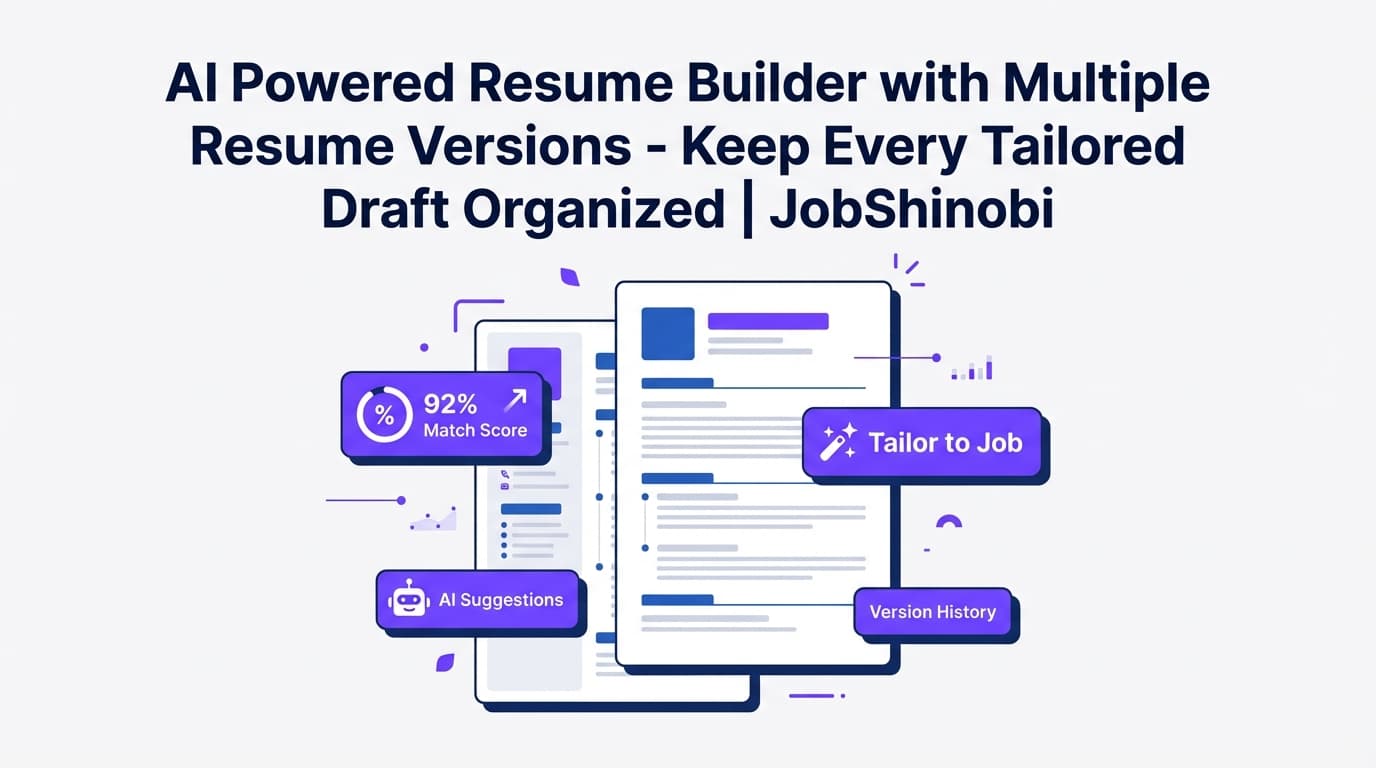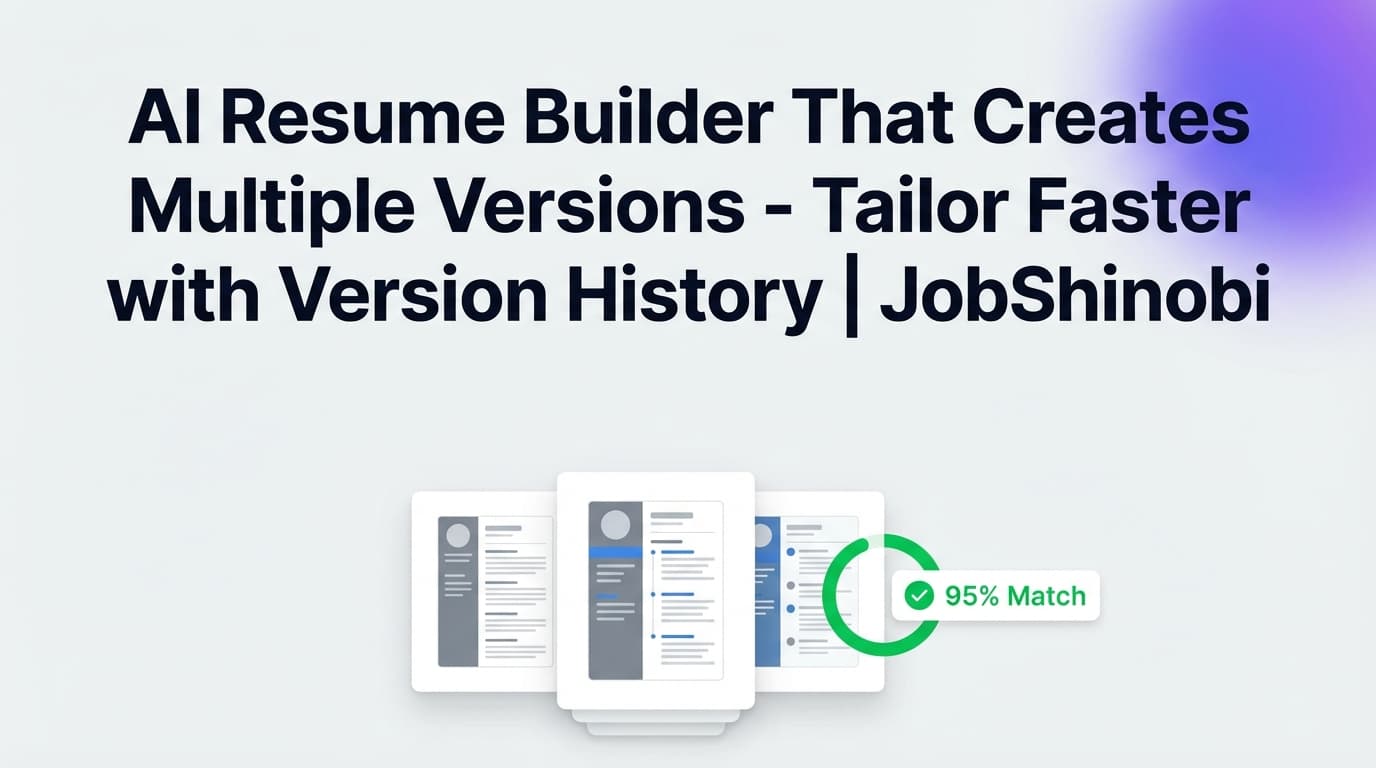
If you’re applying to different roles (or even the same role at different companies), you quickly end up with a mess: “Resume-Final.pdf,” “Resume-Final-ReallyFinal.pdf,” and ten slightly different copies you can’t compare or confidently reuse.
JobShinobi is an AI resume builder that creates multiple versions—built around a LaTeX resume workflow with saved resumes, resume duplication, and resume version history, so you can tailor faster and always know which version you sent.
Get started: sign in with Google at /login and open the Resume Builder inside your dashboard.
Why Choose JobShinobi for Multiple Resume Versions?
Most resume builders treat “multiple versions” as a side feature. JobShinobi is designed for the reality of job searching: you need a base resume, several role-specific variants, and the ability to experiment safely—without breaking formatting or losing your best bullets.
Here’s what makes JobShinobi different for version-heavy job seekers:
- A real version history system (not just duplicate files). Your resume changes are saved as versions, so you can iterate and revert when needed.
- LaTeX-first formatting + PDF preview. You edit structured LaTeX and compile to a PDF preview—helpful when you’re making many small tailored edits and want consistency.
- AI assistance that edits the resume itself. Use the AI resume chat to request edits and apply changes, while keeping your resume content under your control.
Built for “one base resume → many tailored resumes”
A practical workflow for most job seekers is:
- Maintain 1–3 core resumes (e.g., Product Manager, Program Manager, BizOps)
- Create job-specific versions when a posting is high priority
- Keep changes organized so your best accomplishments don’t get lost
JobShinobi supports this directly: create a resume from a template, then duplicate and tailor it for each role type or job.
How JobShinobi’s Multiple-Version Resume Workflow Works
Step 1: Start from a LaTeX template (or open an existing resume)
From the dashboard resume area (/dashboard/resume), you can:
- Start from Template (template library with categories)
- Open My Resumes (your saved resumes)
This sets you up with a clean structure you can reuse across versions.
Step 2: Create a new version when you make changes
When you save your resume, JobShinobi can store changes into resume version history. This is useful when you’re doing lots of micro-edits (keywords, bullet rewrites, skill ordering) and want a clear trail of what changed.
What this gives you in practice:
- You can refine the same resume over time without overwriting your best prior draft.
- You can confidently test improvements (e.g., stronger impact bullets) knowing you can roll back.
Step 3: Duplicate a resume to create separate role-specific variants
Need a separate resume for:
- “Backend Engineer” vs “Full-Stack Engineer”
- “Data Analyst” vs “Business Analyst”
- “Startup generalist” vs “Enterprise specialist”
JobShinobi lets you duplicate a saved resume and then tailor that copy. This creates clear separation between variants while keeping them organized in one place.
Step 4: Use AI to edit and tailor (without starting over)
Inside the resume editor, you can switch to AI mode and ask the assistant to help with tasks like:
- “Make these achievements more quantified”
- “Tailor this for a frontend role”
- “Summarize my experience in 3 bullet points”
The assistant operates in an editing workflow that updates your LaTeX resume content and can check compilation, making it easier to iterate quickly.
Step 5: Analyze your resume and match it to a job description
JobShinobi includes:
- Resume Analysis (scores + structured feedback)
- Job Description extraction + resume-to-job matching
This helps when creating multiple versions because you can confirm which keywords are present/missing and what to adjust for a specific posting.
Step 6: Export your finished version
Once you’re happy with a version, you can export:
- PDF download
- .tex download
So you can submit the exact version you tailored.
Key Features for an AI Resume Builder That Creates Multiple Versions
| Feature | What It Does | Why It Matters |
|---|---|---|
| Saved Resumes (“My Resumes”) | Keeps multiple resumes in your account | You can maintain separate resumes for different role targets |
| Duplicate Resume | Creates a copy of an existing resume | Faster than rebuilding structure from scratch for each role |
| Resume Version History | Stores saved changes as versions | Lets you iterate confidently and preserve previous drafts |
| AI Resume Chat (Streaming) | AI-assisted editing of your resume content | Speeds up rewrites and tailoring requests |
| LaTeX Editor + PDF Preview | Edit structured LaTeX and compile to a PDF preview | Consistent formatting across many resume variants |
| Resume Analysis (with caching) | Generates scores + feedback; can reuse cached results if unchanged | Helps you validate improvements while iterating |
| Job Matching (JD → match + keyword gaps) | Extract job details and compare against your resume | Creates targeted versions based on what the job actually asks for |
Multiple Resume Versions Without the Usual Headaches
Problem: Too many copies, no organization
When you keep resumes as separate documents in a folder, you lose:
- Which version was used for which job
- Which bullet point was “the good one”
- Which resume is your current best
JobShinobi solves this with saved resumes + version history so you can keep variants and revisions organized inside one system.
Problem: Tailoring breaks formatting
Many job seekers are afraid to tailor because it can mess up spacing, alignment, or section flow.
JobShinobi is LaTeX-based, and you can compile to a PDF preview to confirm the resume still looks right after edits.
Problem: You don’t know what to change
Tailoring isn’t just “add keywords.” You want to preserve truth and clarity while aligning to the job.
JobShinobi helps with:
- Resume analysis feedback
- Job matching (present keywords vs missing keywords)
- AI-assisted editing for rewriting bullets and summaries
JobShinobi vs. The “Duplicate a Google Doc” Approach
Duplicate-a-doc workflow (common):
- Pros: Easy to start
- Cons: Version chaos, no structured analysis, hard to compare, easy to overwrite your best content
JobShinobi workflow:
- Saved resumes + duplication for clean role-specific variants
- Version history to track iterative improvements
- Resume analysis + job matching to guide what to change
- LaTeX + PDF preview to protect formatting consistency
If you’re applying seriously, you don’t need more files—you need a system that makes multiple versions manageable.
Bonus: Keep Your Applications Organized While You Create Multiple Resume Versions
When you’re tailoring multiple resume versions, you’re usually also managing a high-volume pipeline (applied, interview, offer, rejected).
JobShinobi includes a Job Tracker (/dashboard/job-tracker) where you can:
- Track applications in a dashboard table
- Get realtime updates
- Export your job tracker to Excel (.xlsx)
And if you’re a Pro member, you can use the email-forwarding workflow to help log applications from forwarded emails (processing is gated to Pro membership).
Pricing
JobShinobi offers paid subscriptions via Stripe:
- Monthly: $20.00
- Yearly: $199.99
See pricing on the homepage: /#pricing.
Frequently Asked Questions
Should I have multiple versions of my resume?
If you’re applying to different role types (or different seniority levels), multiple versions can help you stay relevant. A common approach is to maintain 1–3 core resumes (your “base” versions), then create job-specific variants for high-priority applications.
JobShinobi supports this with saved resumes, duplication, and version history so you can tailor without losing track.
How does JobShinobi create multiple resume versions?
JobShinobi supports multiple versions in two practical ways:
- Duplicate a resume to create a separate variant (e.g., “PM - B2B” vs “PM - Growth”).
- Save versions within a resume so changes are tracked over time (useful for iterative improvements).
Can I tailor my resume to a job description in JobShinobi?
Yes. JobShinobi includes job description extraction and resume-to-job matching, which compares your resume against a job and surfaces alignment insights (like present vs missing keywords). You can then apply changes in the editor.
Does JobShinobi include an AI resume editor?
Yes. JobShinobi includes an AI-powered resume chat that can help you rewrite and refine sections, with streaming responses and an editing workflow that updates your resume content.
Do I need to upload a PDF to use JobShinobi?
JobShinobi is built around creating and editing LaTeX resume content in the editor, compiling to a PDF preview, and exporting the finished PDF/.tex. (It is not positioned as an OCR/PDF “image parsing” tool.)
Can I download my resume?
Yes—JobShinobi supports downloading your resume as PDF and downloading the .tex source.
Is JobShinobi free?
JobShinobi is subscription-based (Monthly and Yearly plans). You can sign in with Google to access the app, and paid plans unlock Pro features (including email processing for job tracking).
Can JobShinobi auto-apply to jobs on LinkedIn or Indeed?
No. JobShinobi is focused on resume building, resume analysis/matching, and job application tracking—it does not auto-apply to jobs or integrate directly with job boards for applying.
Get Started with JobShinobi Today
Stop juggling “final-final” files. Create a base resume, duplicate it into role-specific variants, tailor with AI, and keep every iteration organized.
- Sign in: /login
- Build and manage versions: /dashboard/resume
- Track applications alongside your versions: /dashboard/job-tracker
- View plans: /#pricing