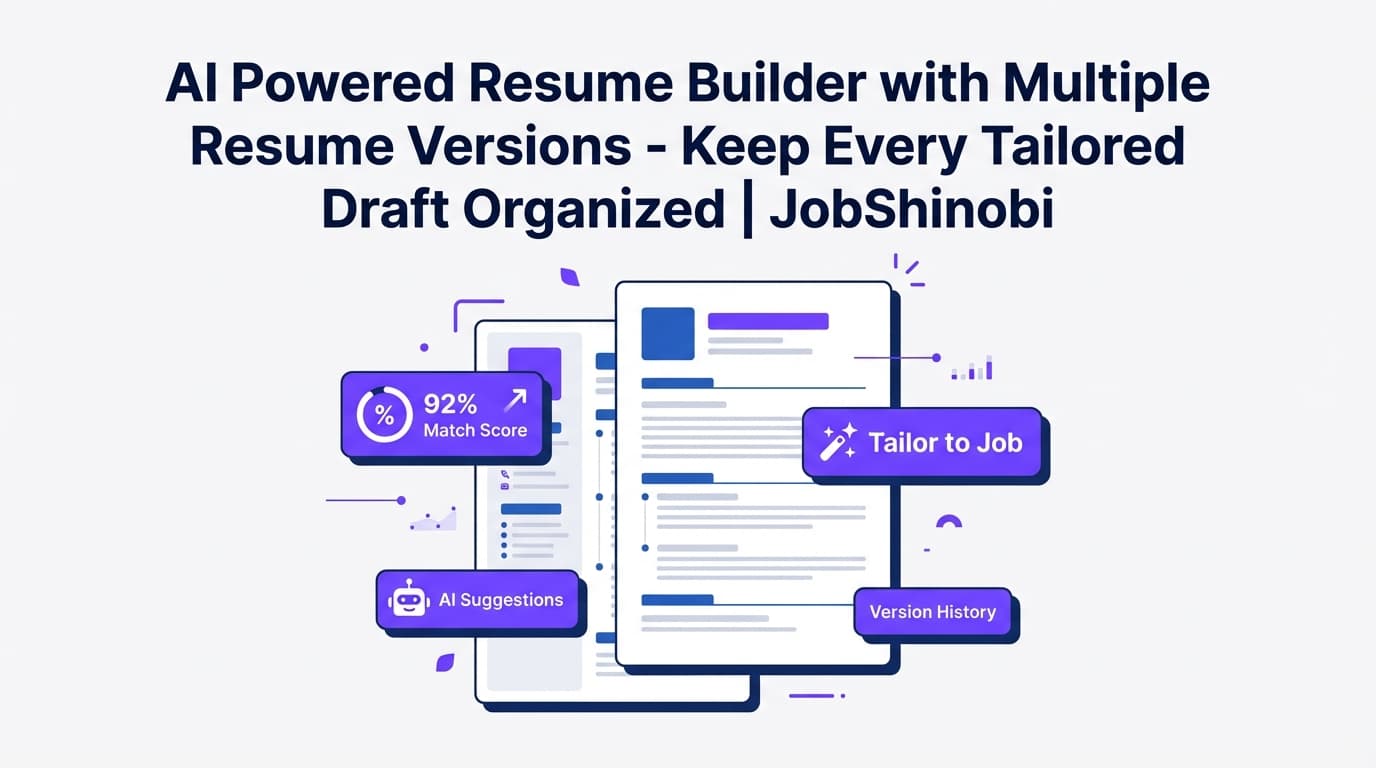
JobShinobi gives you a job application tracker and a resume editor with version history, built for the reality of modern job searching: you tailor your resume repeatedly while managing dozens of applications across different statuses.
Use JobShinobi to:
- Track applications (Applied → Interview → Offer → Rejected)
- Keep a resume version history as you edit (manual saves and AI-assisted edits)
- Run ATS/keyword-focused resume analysis
- Match your resume to a job description (URL or text) to find keyword gaps
- Export your job tracker to Excel (.xlsx)
- (Pro) Forward job-related emails to automatically create/update applications
Why Choose JobShinobi for a Job Application Tracker with Resume Versions?
Most “job trackers” solve one problem: logging companies and statuses. Most “resume tools” solve a different problem: writing a document. But the pain you’re actually trying to eliminate is the combination:
- “Which jobs did I apply to, and what’s the status?”
- “Which resume did I send, and what changed between versions?”
- “How do I tailor faster—without breaking formatting or losing my best draft?”
- “How do I stop re-entering the same data in spreadsheets?”
JobShinobi is designed to support that combined workflow with two connected systems:
- a Job Tracker dashboard for applications, and
- a Resume Builder (LaTeX-based) with resume version history, AI editing, PDF preview, and ATS/keyword analysis.
Built for high-volume applicants who tailor often
If you’re applying frequently, tailoring isn’t optional—it’s the difference between getting filtered out and getting a human to read your resume. JobShinobi helps you stay organized while you iterate:
- Create multiple resumes for different target roles (e.g., “Data Analyst”, “Backend SWE”, “PM”)
- Make targeted edits as you tailor
- Save versions so you can revert or compare changes later
- Track applications and statuses in one place
Resume versions that are more reliable than “duplicate files”
Instead of juggling folders like:
resume_final.pdfresume_final_FINAL.pdfresume_final_really_final_companyname.pdf
…JobShinobi stores resume changes as versions and loads the latest version automatically in the editor. That means your “current” resume is truly current—and your older work is still recoverable.
Job tracking that doesn’t require you to live in a spreadsheet
JobShinobi’s job tracker supports:
- manual add/edit/delete of applications
- realtime updates (so your tracker stays current while you’re working)
- export to Excel (.xlsx) when you need to share, report, or archive
How JobShinobi’s Workflow Works (End-to-End)
Step 1: Log in and open your Job Tracker
Sign in and go to the Job Tracker to view and manage your applications:
- Company
- Job title
- Status
- Timestamp
You can add applications manually in seconds—and update status as your pipeline changes.
Direct link: /dashboard/job-tracker
Step 2: Create a resume from a LaTeX template
Go to the Resume Builder, choose a template, and start a resume with a structured LaTeX source. You can keep multiple saved resumes (helpful if you apply across different role “lanes”).
Direct link: /dashboard/resume
Step 3: Edit in the LaTeX editor (with PDF preview)
In the resume editor you can:
- Edit the LaTeX source
- Compile and preview a PDF
- Download your resume as PDF and download the .tex source
This is useful when you want formatting you can control and a consistent export workflow.
Step 4: Use the AI resume editor (optional) for faster tailoring
JobShinobi includes a streaming AI resume editor that can:
- read your current resume LaTeX
- propose targeted edits
- update sections
- check compilation to catch errors
This is particularly useful for:
- rewriting bullet points to be clearer
- improving action verbs and impact
- restructuring sections (when needed)
Step 5: Save and keep a resume version history
When you save, JobShinobi stores resume content as versions (including versions created during AI chat workflows). This gives you a practical “version history” so you can roll back if a change makes the resume worse or breaks formatting.
Step 6: Analyze your resume for ATS/keyword fit
Run resume analysis to get structured feedback and scoring. JobShinobi can also return cached analysis if the resume hasn’t changed since the last run—useful when you’re iterating quickly and don’t want to re-run the same analysis repeatedly.
Step 7: Match your resume to a job description (URL or text)
Paste a job description or a job URL. JobShinobi can extract structured job details and then create a match analysis that highlights:
- match score
- keywords present vs missing
- recommendations and tailored suggestions
This makes your “tailor per job” process more systematic and less guesswork.
Step 8: Export your tracker to Excel when needed
Need a shareable tracker for a coach, mentor, or accountability partner? Export your applications to .xlsx directly from the tracker.
Key Features for “Job Application Tracker with Resume Versions”
| Feature | What It Does | Why It Matters |
|---|---|---|
| Job Application Tracker dashboard | Track applications with company, job title, status, timestamps | Keeps your pipeline visible so follow-ups and status changes don’t slip |
| Realtime tracker updates | Updates the tracker when job application rows change | Useful when you’re actively editing and want the UI to stay in sync |
| Export to Excel (.xlsx) | Downloads your job applications as an Excel file | Easy sharing, reporting, backup, and spreadsheet workflows |
| Resume templates library | Start a resume from a template catalog (LaTeX-based) | Faster setup and consistent structure |
| Resume editor with PDF preview | Compile LaTeX and preview the resulting PDF | Immediate formatting feedback (no “mystery” exports) |
| Resume version history | Stores versions so the latest LaTeX is retrievable and older edits remain accessible | Confidence while tailoring; easier to undo changes |
| AI resume editor (streaming) | Chat-based editing workflow that can update resume sections and check compilation | Faster iteration without manual copy/paste rewriting |
| Resume analysis (comprehensive + enhanced modes) | ATS/keyword-focused scoring and structured feedback; supports caching if unchanged | Helps you improve content and keyword alignment efficiently |
| Job description extraction | Accepts job URL or job description text to extract structured job info | Speeds up tailoring and match analysis setup |
| Resume-to-job matching | Saves match score, missing/present keywords, and recommendations | Gives you a repeatable tailoring checklist |
| (Pro) Email forwarding automation | Forward job-related emails; AI extracts details and updates/creates applications with fuzzy matching | Reduces manual tracking and keeps statuses current |
How to Use Resume Versions With Your Job Tracker (A Practical System)
The keyword “job application tracker with resume versions” usually implies one of two needs:
- You want to keep multiple resume variants organized (and not lose what changed).
- You want to know which resume you used as you apply to different roles.
JobShinobi supports (1) directly through resume version history, and supports (2) through a clean workflow that pairs your tracker with your resume library.
Here’s a system that works well inside JobShinobi:
Create “lane resumes” (a few saved resumes, not dozens)
Instead of making a brand-new resume file for every single job, create a handful of saved resumes based on your target lanes, such as:
- “Software Engineer — Backend”
- “Software Engineer — Full Stack”
- “Data Analyst”
- “Project Manager”
Use version history for each lane as you tailor
When you tailor for a specific job, open the lane resume and make targeted edits (manual or AI-assisted), then save. This creates version history so you can:
- keep improving your lane resume over time,
- roll back changes that don’t work,
- avoid “copy/paste drift” between documents.
Track the application in your job tracker
Log the company, job title, and status in the job tracker. If you want more automation, use email forwarding (Pro) to update your tracker based on job-related emails.
Important accuracy note: JobShinobi does not claim a dedicated “attach a specific resume version to an application record” field inside the job tracker UI. The product strength is the combination of a job tracker plus a resume editor that maintains version history—so you can manage both sides of the workflow without file chaos.
(Pro) Automatically Update Your Tracker by Forwarding Job Emails
Manual tracking breaks down when your inbox becomes the “source of truth.”
JobShinobi supports inbound email processing:
- You get a unique forwarding address visible in your settings.
- Forward application confirmations, interview invites, rejections, and updates.
- JobShinobi uses AI to extract structured job details and uses fuzzy matching to update an existing application when appropriate (rather than duplicating).
This is especially helpful when you’re applying at scale and want your tracker to stay current without constant manual updates.
Where to find your forwarding address: /dashboard/settings
Job Application Tracker with Resume Versions vs. Spreadsheets
Spreadsheets are flexible—but brittle for resume versioning
A spreadsheet can hold a “Resume Version” column, but it can’t reliably manage the underlying problem:
- the content changes
- the “correct file” gets lost
- you forget what you changed and why
JobShinobi adds version control for your resume, plus a real tracker UI
With JobShinobi, you can:
- keep structured resume version history in the resume editor
- keep applications organized in a dedicated tracker
- export to Excel when you want the sheet format
This reduces the two biggest failure modes:
- your tracker becomes outdated, and
- your resume versions become unmanageable.
Pricing
JobShinobi offers paid subscriptions via Stripe:
- Monthly: $20.00
- Yearly: $199.99
Frequently Asked Questions
What does “job application tracker with resume versions” mean in practice?
Usually it means you want to track applications and avoid losing track of which resume changes you made over time. JobShinobi supports this by pairing:
- a job application tracker dashboard (statuses + timestamps + export), and
- a resume editor that keeps resume content in version history as you save and iterate.
Does JobShinobi keep a resume version history?
Yes. JobShinobi stores resume content as versions and loads the latest version in the editor. This is designed to help you iterate safely while tailoring.
Can I export my job applications to Excel?
Yes. The job tracker includes an export to .xlsx (Excel) so you can download your applications.
Can I sync the tracker to Google Sheets?
Direct Google Sheets syncing isn’t supported. If you want a Sheets workflow, export to .xlsx and import into Google Sheets.
Can JobShinobi automatically track applications from emails?
Yes—JobShinobi supports inbound email processing that can create/update job applications from forwarded job-related emails. Email processing requires Pro membership.
Does JobShinobi auto-apply to jobs or integrate directly with job boards?
No. Job board auto-apply and direct job board integrations are not supported.
Can I match my resume to a job description?
Yes. You can paste a job description (or a job URL), extract job details, and run resume-to-job matching to see missing/present keywords plus recommendations.
Get Started with JobShinobi Today
If you’re tailoring frequently, you don’t just need a tracker—you need a system that keeps your applications organized and your resume iterations recoverable.
- Track applications and statuses
- Maintain resume version history as you tailor
- Analyze ATS/keyword fit and match to job descriptions
- Export to Excel anytime
- (Pro) Forward emails to reduce manual tracking