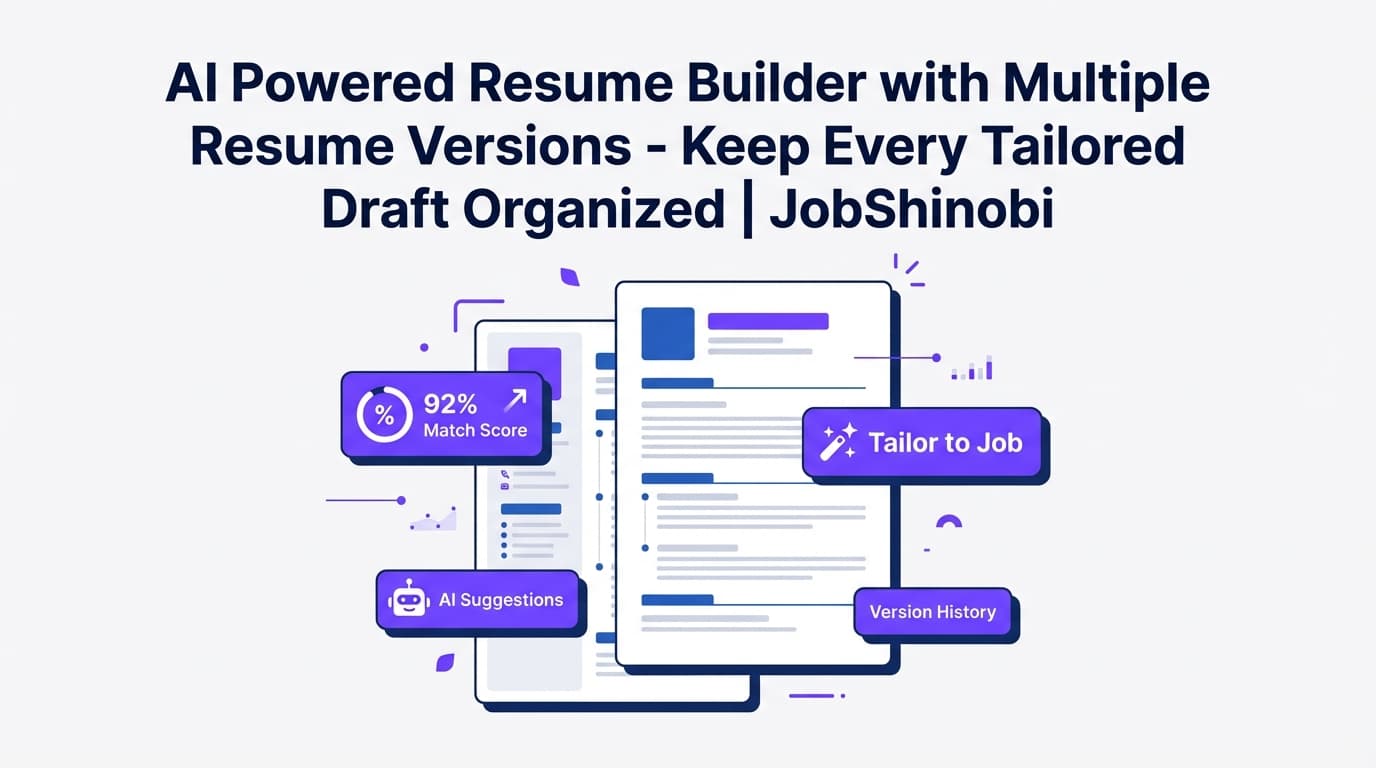
JobShinobi is an AI powered resume builder with multiple resume versions—built for job seekers who tailor frequently and want a clean way to manage every variant.
Instead of juggling Resume_Final.pdf, Resume_Final_REAL.pdf, and Resume_Final_CompanyX.pdf, JobShinobi gives you:
- Multiple saved resumes (separate resumes for different role tracks)
- Resume version history (versions stored as you save and iterate)
- A streaming AI Resume Agent that edits your LaTeX resume and can run a LaTeX compilation check to help you avoid broken formatting
- Built-in resume analysis with ATS/keyword feedback and score breakdowns
- PDF + .tex downloads so you can apply and still keep full control of the source
Primary CTA: Sign in with Google
Secondary CTA: Jump into your resume dashboard: /dashboard/resume
Why Choose JobShinobi for Multiple Resume Versions?
Most “resume versioning” is really just file management. You copy a document, rename it, and hope you remember which one you sent.
JobShinobi turns resume tailoring into an intentional workflow—multiple resumes + version history + AI editing—so you can create targeted drafts quickly without losing what worked.
Built for job seekers who apply to different role types
If you’re targeting different roles (or even different levels of the same role), you usually need different emphasis:
- Frontend vs Backend vs Full Stack
- Data Analyst (BI) vs Data Analyst (Product)
- PM (Technical) vs PM (Go-to-market)
- Marketing (Lifecycle) vs Marketing (Performance)
JobShinobi helps you keep each direction clean by letting you maintain separate saved resumes, not just “one giant resume” that becomes generic.
Version history that supports real iteration
JobShinobi stores versions in a resume_versions history. Practically, that means you can:
- Make a change, save it, and know you can go back
- Iterate with the AI agent and keep the “good” versions
- Avoid losing a strong bullet set while experimenting with a new angle
AI editing that updates the real resume source (LaTeX)
JobShinobi’s AI Resume Agent is designed to work on the actual resume source content (LaTeX), not just offer generic advice.
It supports a tool-driven workflow (e.g., fetch current resume, edit sections, update resume, compile check) and streams progress while it works—useful when you’re creating multiple versions and want fast, controlled changes.
The Two Types of “Multiple Resume Versions” (and How JobShinobi Supports Both)
When people search “ai powered resume builder with multiple resume versions”, they usually mean one (or both) of these:
1) Multiple saved resumes (separate resume files for separate targets)
This is the cleanest way to stay organized.
Example structure:
- Resume A: “Software Engineer — Frontend”
- Resume B: “Software Engineer — Backend”
- Resume C: “Product Engineer”
- Resume D: “Technical Program Manager”
JobShinobi supports this with a “My Resumes” area where you can create and manage multiple resumes, and duplicate a resume to start a new track faster.
2) Version history inside one resume (iterations over time)
This is about tracking changes as you refine one resume.
Example:
- Version 1: Base resume
- Version 2: Rewritten summary + stronger metrics
- Version 3: Tailored keywords for a target role
- Version 4: Cleaner formatting + reorganized sections
JobShinobi supports this by saving versions to resume_versions during manual saves and also through AI chat version saves tied to conversation/message context.
How JobShinobi’s Multiple-Resume Workflow Works
Step 1: Start from a LaTeX template (templates library)
Open the Resume Builder and start from a template. JobShinobi includes a template catalog with categories and previews, so you can choose a layout quickly and keep formatting consistent across versions.
Why it matters: consistent structure is harder to break when you’re tailoring at high volume.
Step 2: Create your “base” resume and Save (creates version history)
In the editor, write your base resume in LaTeX. When you Save, JobShinobi can create a new version entry (e.g., “Initial version” or “Manual save”) and increment the version number.
Why it matters: your base becomes a stable foundation you can reliably branch from.
Step 3: Duplicate your resume to create a new version track
Need a new resume for a different role direction?
Duplicate your existing resume (for example, copy your “Base SWE” into “SWE — Frontend” and “SWE — Backend”). This is faster and safer than rewriting from scratch.
Why it matters: multiple versions work best when they share a strong core—and differ only where the role demands it.
Step 4: Use the AI Resume Agent (streaming) to tailor targeted sections
Switch to AI mode and prompt the agent with highly specific instructions, such as:
- “Make my Experience bullets more quantified where possible.”
- “Tailor my summary for a backend role emphasizing scalability and reliability.”
- “Rewrite this project to highlight impact, not tasks.”
JobShinobi’s AI agent can fetch the latest resume content, apply edits, and run a compile check to reduce broken-output surprises.
Why it matters: you get speed and control—critical when you’re managing multiple versions.
Step 5: Run resume analysis (ATS + keyword feedback + scoring)
For each version, run resume analysis to get:
- Score breakdowns (overall, content, keyword, formatting, completeness, ATS)
- Strengths and improvement areas
- Keyword findings (present/missing/overused) and ATS issues
The analysis endpoint can also return cached results when your resume hasn’t changed—so re-checking a stable version doesn’t waste time.
Why it matters: each resume version should be strong on its own. Analysis helps you avoid letting one version “drift” into weaker content.
Step 6: Download as PDF (and keep the .tex source)
When a version is ready:
- Download the PDF for applications
- Download the .tex source for portability and long-term ownership
Why it matters: you can apply fast while keeping your resume editable and structured.
Key Features for an AI Powered Resume Builder with Multiple Resume Versions
| Feature | What It Does | Why It Matters When You Maintain Multiple Versions |
|---|---|---|
| Multiple saved resumes | Create and manage separate resumes | Keeps role tracks separate (no Franken-resume) |
| Duplicate resume | Create a copy of an existing resume | Fast “branching” for new role directions |
Resume version history (resume_versions) |
Stores iterative saves as numbered versions | Experiment freely and revert to a known-good draft |
| AI Resume Agent (streaming chat) | AI-guided editing of LaTeX resume content | Faster tailoring while keeping structure intact |
| LaTeX editor + PDF preview | Edit in LaTeX and compile to preview output | Reduces formatting drift between versions |
| LaTeX compilation check | Helps catch compile-breaking edits | Prevents broken PDFs during rapid iteration |
| Resume analysis (ATS/keywords + scores) | Generates scoring + structured feedback | Sanity-check each version before applying |
| Job matching (job description input) | Extract job details and compute match feedback | Helps you tailor a version to a specific posting |
| Export your work | Download PDF and .tex | Apply anywhere while retaining source control |
AI Powered Resume Builder with Multiple Resume Versions vs. Manual “Save As” Files
Alternative approach: folders full of PDFs
Pros
- Easy to start
- No learning curve
Cons
- Hard to track what changed
- Easy to lose your best draft
- Easy to accidentally apply with the wrong version
- No consistent way to measure quality across versions
JobShinobi’s approach: multiple resumes + version history + AI editing
Pros
- Multiple saved resumes for different targets
- Version history for controlled iteration
- AI agent to tailor quickly
- Built-in analysis for ATS/keyword alignment
- PDF + .tex exports
Tradeoff
- You’re using a structured, LaTeX-first workflow (which is ideal for consistency, but different from a typical word-processor builder)
Best Practices: How Many Resume Versions Should You Maintain?
A practical setup for most job searches:
- 2–4 “role track” resumes
Example: Frontend / Backend / Full Stack / Platform - 1 “general” resume (optional)
For referrals or roles that don’t match a clean category - Job-specific tweaks only for top targets
For high-priority applications, create a tailored version and keep it stored—so you can reuse patterns later.
JobShinobi supports this by letting you keep multiple saved resumes and preserve version history within each resume as you iterate.
Pricing
JobShinobi offers paid subscriptions via Stripe:
- Monthly: $20.00
- Yearly: $199.99
See plan details here: /subscription
Note: JobShinobi uses Stripe for payments and subscription status updates. (Avoid “free” or “free trial” assumptions—only rely on the pricing shown above.)
Frequently Asked Questions
Should I have multiple versions of my resume?
If you’re applying to meaningfully different role types, yes. Multiple versions let you emphasize the right skills, keywords, and accomplishments for each direction—without watering down your strongest points.
JobShinobi supports this with multiple saved resumes and resume version history, so your “best draft” doesn’t get overwritten during tailoring.
How does JobShinobi support multiple resume versions?
JobShinobi supports “multiple versions” in two ways:
- Multiple saved resumes (separate resumes you can name and manage)
- Version history stored in
resume_versionswhen you save and when AI chat saves versions tied to a conversation/message
Can I revert if I don’t like an edit?
JobShinobi stores version history, and the AI chat experience includes a revert/undo-style workflow tied to saved versions—so you can iterate without fear of losing a working draft.
Does JobShinobi export DOCX/Word?
JobShinobi supports downloading your resume as PDF and as .tex (LaTeX source). DOCX export is not a supported feature in the current product.
Is JobShinobi a resume scanner too?
JobShinobi includes resume analysis that returns score breakdowns and structured feedback (including ATS/keyword-related data). You can use this to compare the strength of different resume versions before you apply.
Can JobShinobi tailor my resume to a job description?
JobShinobi supports job description input and matching analysis (job details extraction + match feedback). You can then use the editor/AI workflow to apply changes to your resume version.
Get Started with JobShinobi Today
If you’re serious about tailoring, you need more than “Save As.”
JobShinobi gives you an AI powered resume builder with multiple resume versions—plus the tooling to iterate safely:
- Create multiple resumes for different role tracks
- Save versions as you refine
- Use an AI Resume Agent to edit your LaTeX resume
- Preview and download a polished PDF
- Run ATS/keyword-focused analysis to improve each version
CTA: Sign in with Google to create your first resume version


