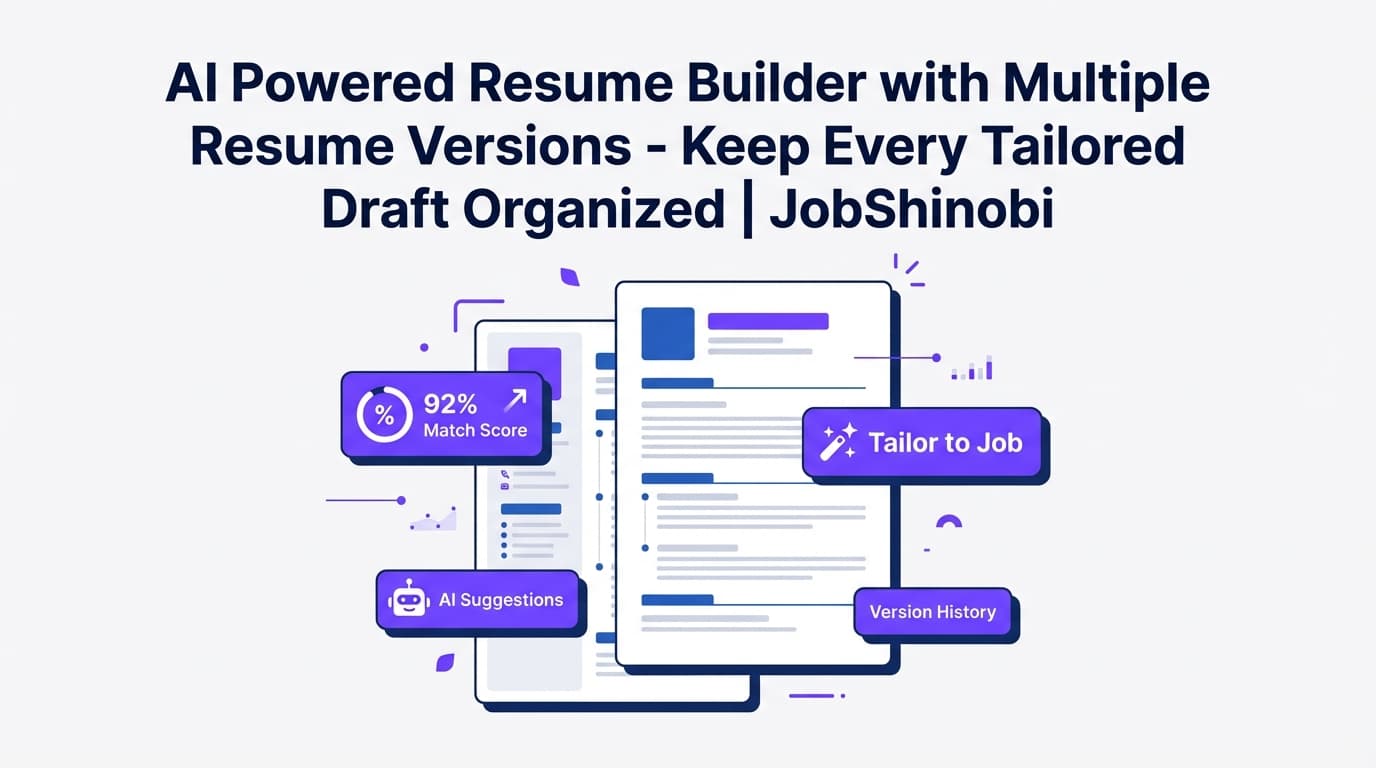
JobShinobi is built for job seekers who tailor their resume for every role—and then struggle to remember which version went with which application. With JobShinobi, you get two things job search tools often split apart: an ATS-focused resume workflow with full version history and a job application tracker you can keep up to date (including realtime updates and Excel export).
If you’re applying at volume, you don’t just need “a resume.” You need a system:
- Resume version control so you can iterate safely (and undo confidently)
- ATS + keyword feedback so tailoring is based on signal, not guesses
- A job tracker so your pipeline doesn’t live in scattered tabs and spreadsheets
Why Choose JobShinobi for an ATS Resume Tracker with Resume Version Control?
Most job trackers help you record where you applied. Most resume tools help you generate a document. The pain happens in between: tailoring quickly, keeping versions straight, and improving ATS fit without breaking formatting.
JobShinobi is designed around that reality with:
- A LaTeX-based Resume Builder (templates + editor + PDF preview)
- Full Resume Version History saved to
resume_versions(manual saves and AI-assisted edits) - An AI Resume Agent (streaming) that can propose edits and check LaTeX compilation
- Resume Analysis (AI) with structured scores (including an ATS score) and cached results when your resume hasn’t changed
- A Job Application Tracker with realtime updates and Export to Excel (.xlsx)
Built for “I’m applying to 50 roles and tailoring each one”
If you’ve ever:
- overwritten your “final_FINAL_v7.pdf”
- forgotten what you changed between two versions
- chased an ATS score without understanding what to fix
- lost track of interview stages because your tracker wasn’t current
…JobShinobi is built to replace that chaos with a repeatable workflow.
Resume version control you can actually use
JobShinobi stores your resume changes as versions:
- Manual Save creates a new version entry (source:
manual) - AI chat workflows can create versions tied to conversation/messages (source:
chat) - You can undo/redo while editing and move through your version history confidently
ATS-aware feedback that stays fast (even when you re-check)
JobShinobi’s Resume Analysis produces a structured breakdown including:
- Overall score
- Content score
- Keyword score
- Formatting score
- Completeness score
- ATS score
- Strengths + weaknesses
- Keyword analysis (present, missing, overused, density signals)
- Optional enhanced analysis objects (when enabled)
When you re-run analysis without changing your resume, JobShinobi can return cached results—so you’re not waiting on the same report repeatedly.
Track applications without living in a spreadsheet
JobShinobi’s Job Application Tracker supports:
- Viewing and managing applications in a dashboard table
- Realtime updates (Supabase Realtime)
- Export to Excel (.xlsx) for offline sorting, filtering, and adding custom columns
How JobShinobi’s Resume Version Control Works
Here’s a practical workflow inside JobShinobi for an ATS resume tracker with resume version control.
Step 1: Start from a template (or open an existing resume)
Go to the Resume Builder and choose:
- Start from Template (LaTeX templates library, categorized)
- or My Resumes to open an existing resume
The editor loads the latest version from your resume history when available.
Step 2: Edit in LaTeX with live PDF preview (structure stays consistent)
In the editor you can:
- Edit your resume as LaTeX
- Compile to generate a PDF preview
- Download your PDF and .tex file
This is ideal for repeated tailoring because your layout stays stable while your content evolves.
Step 3: Save a version before each tailoring pass
Whenever you hit Save, JobShinobi creates/extends your version history. A clean pattern that works:
- Save “Base resume”
- Save “Role-focused: Backend”
- Save “Company-specific: Acme – Platform”
- Save “Interview update: Acme – Platform (rev 2)”
You’re building a timeline you can revert to, not just filenames.
Step 4: Run Resume Analysis (ATS + keywords + formatting signals)
From your resume workflow, run analysis to get:
- ATS-focused feedback
- Keyword signals (what’s missing, what’s overused)
- Structured strengths/improvements/recommendations
You can also paste a job description for job-specific feedback.
Step 5: Use the AI Resume Agent to implement changes faster
JobShinobi includes an AI resume editor that:
- Streams responses (fast feedback loop)
- Uses tool-driven workflows (fetch current resume, edit sections, update resume, compile checks)
You’re iterating quickly while still validating the resume compiles cleanly.
Step 6: Track the application in the Job Tracker (and export when needed)
Use the Job Application Tracker to keep your pipeline current. If you want a single “everything” sheet, export your tracker to Excel.
Important accuracy note: JobShinobi provides resume version history and a job application tracker. If you want a per-application “resume version attached” field inside the tracker UI itself, that is not a supported built-in feature today. You can track “resume version sent” by adding a column in your exported Excel file.
Key Features for an ATS Resume Tracker with Resume Version Control
| Feature | What It Does | Why It Matters |
|---|---|---|
| Job Application Tracker | Track applications in a dashboard table with realtime updates | Keeps your pipeline current without manual refresh |
| Export to Excel (.xlsx) | Export job applications to an Excel file | Add custom columns like “resume version sent,” sort/filter, share |
| Resume Builder (LaTeX-based) | Create and manage resumes stored as LaTeX source | Consistent structure across iterations; ideal for versioning |
| Resume Templates Library | Start from categorized templates | Faster setup, less formatting drift |
Resume Version History (resume_versions) |
Saves versions from manual saves and AI workflows | True “version control” for your resume |
| AI Resume Agent (Streaming) | AI-assisted editing with compilation checks | Faster iteration without breaking LaTeX |
| Resume Analysis (AI) | Generates ATS + keyword + formatting scoring and feedback | Tailor with a clear checklist instead of guessing |
| Cached Resume Analysis | Returns cached analysis when resume hasn’t changed | Saves time during repeated checks |
ATS Resume Tracker + Version Control: Common Use Cases JobShinobi Supports
“I tailor my resume for every job description”
- Save a baseline version
- Tailor with AI suggestions
- Re-run analysis
- Save a new version
- Download and submit
“I’m applying to multiple role types”
Maintain separate version tracks:
- SWE versions
- Data/Analytics versions
- Ops/PM versions
“I want ATS improvements without breaking formatting”
Use analysis (ATS + keyword + formatting categories) to guide targeted edits, then re-check.
“I need a job tracker that exports cleanly”
Export your applications to Excel and make it your “source of truth” for follow-ups, recruiter notes, and a resume-version column.
ATS Resume Tracker with Resume Version Control vs. Spreadsheets + “final_v9.pdf”
Spreadsheet tracking: good for columns, bad for iteration
Spreadsheets can track statuses, but they don’t solve:
- resume version control for actual content changes
- ATS/keyword improvement loops
- safe iteration over time
Folder naming: a system until it collapses
Folders like /Job Search/Acme/Resume_v2.pdf work—until you’re applying broadly and can’t remember what changed.
JobShinobi: version history + ATS feedback + tracker export
JobShinobi keeps:
- resume versions stored and retrievable
- ATS/keyword feedback tied to your resume content
- applications tracked in a dashboard (plus Excel export)
Pricing
JobShinobi offers paid subscriptions via Stripe:
- Monthly: $20.00
- Yearly: $199.99
Internal links:
- Subscribe: /subscription
- Sign in: /login
Frequently Asked Questions
What is an “ATS resume tracker with resume version control”?
It’s a workflow that combines:
- job application tracking, and
- resume version history (so you can tailor per role and know what changed over time).
JobShinobi supports both: a Job Application Tracker plus resume version history stored as versions.
Does JobShinobi track resume versions?
Yes. JobShinobi stores resume versions in a version history (including versions created by manual saves and AI-assisted workflows).
Can I see an ATS score for my resume?
Yes. JobShinobi’s Resume Analysis includes an ATS score along with other categories (overall, content, keyword, formatting, completeness).
Can JobShinobi tell me which resume version I sent to each application?
JobShinobi provides resume version history and a job tracker, and you can export applications to Excel to add a “Resume Version Sent” column. A built-in per-application resume-version attachment field in the tracker UI is not supported today.
Can I export my job applications?
Yes. You can export your job applications to Excel (.xlsx).
Does JobShinobi integrate with LinkedIn or auto-apply to jobs?
No. Job board integrations and auto-apply features are not supported.
Is there a free tier or free trial?
JobShinobi’s verified pricing model is paid subscriptions (Monthly and Yearly). Do not assume a free trial unless explicitly provided at checkout.
Get Started with JobShinobi Today
If you’re searching for an ats resume tracker with resume version control, you’re not looking for another generic resume builder—you’re looking for a workflow you can trust under pressure.
Start here:
- Sign in and create your baseline resume
- Save Version 1
- Tailor, analyze, and save new versions as you apply
- Track applications, export to Excel when you need a single view
Next steps:
- Sign in: /login
- Resume Builder: /dashboard/resume
- Job Tracker: /dashboard/job-tracker
- Subscribe: /subscription