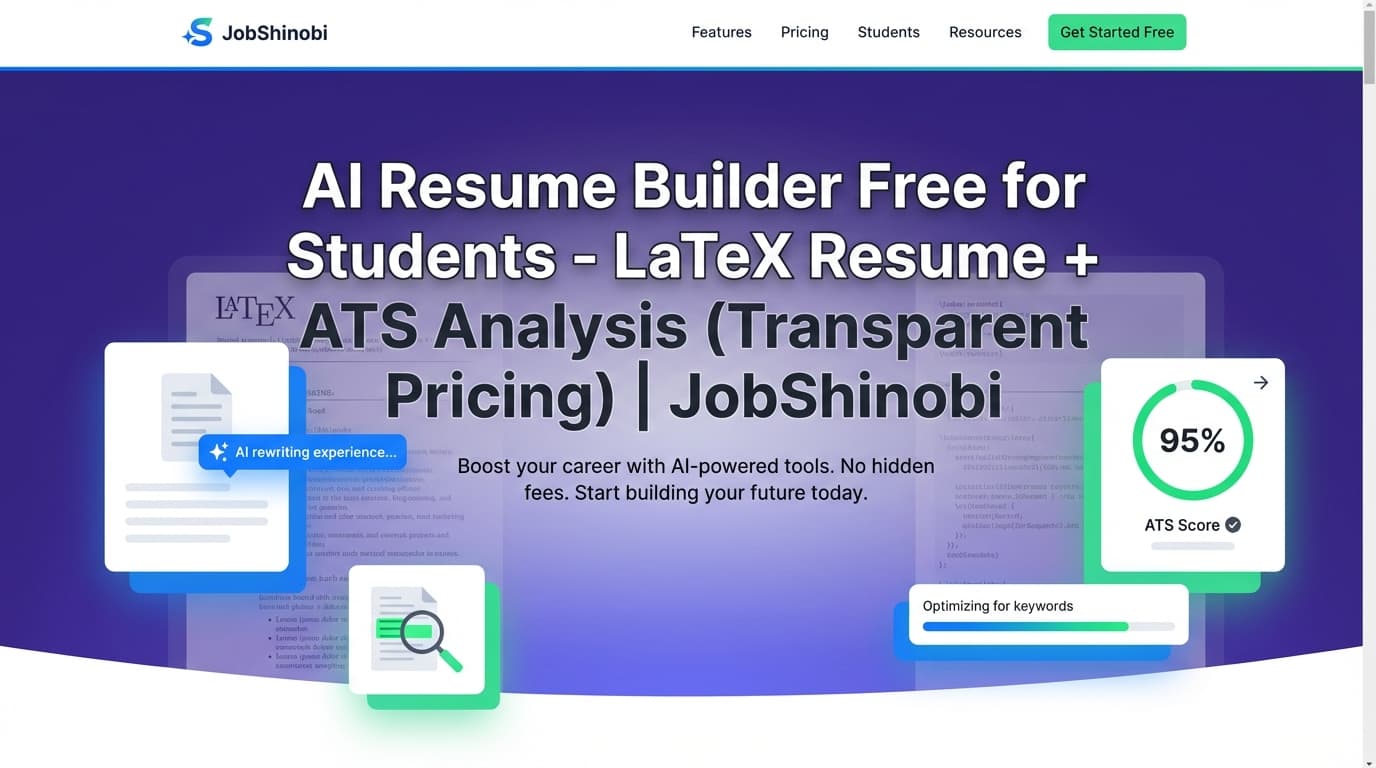
JobShinobi is an AI resume builder for students that combines LaTeX-based resume templates, a live PDF preview, and AI-driven resume analysis + job matching—so you can turn projects, coursework, and part-time roles into an internship-ready resume that’s structured, clean, and easy to tailor.
If you’re applying to internships, co-ops, entry-level roles, research positions, or campus jobs, your biggest problems are usually the same: not enough experience, not sure what to write, and not sure how ATS/recruiters will read it. JobShinobi is built to help you write better bullets, find missing keywords, and iterate quickly—without losing formatting or copying versions into 12 different files.
CTA: Sign in with Google to start a resume from a template and run your first analysis.
Why Choose JobShinobi for Student Resumes?
Most “student resume builders” are great at layout but weak at the real job: tailoring your content to a specific internship posting while keeping the resume ATS-readable.
JobShinobi is different because it’s LaTeX-first (structured source + consistent formatting) and includes tooling that matches how students actually apply:
- You iterate quickly (new roles every week, new keywords every posting)
- You need a clean one-page format
- You want to show impact from projects even if you haven’t had a “real job” yet
- You’re juggling 20–200 applications and need a system, not a folder full of PDFs
Built around a LaTeX resume workflow (structure you can trust)
JobShinobi resumes are stored as LaTeX source and compiled into a PDF preview. That means:
- predictable formatting (especially for one-page student resumes)
- fewer “template quirks” that can break readability
- a workflow optimized for iteration: edit → compile → analyze → tailor → save version
AI that helps you tailor (not just “generate fluff”)
JobShinobi includes:
- Resume Analysis (comprehensive + optional enhanced mode) with structured feedback like strengths, weaknesses, ATS issues, and keyword analysis
- Job Description Extraction (paste a URL or text) to pull out structured job details and keywords
- Resume-to-Job Matching that creates a match score with missing keywords, present keywords, and recommendations
- A streaming AI Resume Agent that can help rewrite sections and update the LaTeX
A job tracker that matches student recruiting reality
Internship recruiting is a pipeline: applied → interview → offer → rejected. JobShinobi includes:
- a Job Application Tracker in your dashboard
- realtime updates in the tracker UI
- Excel (.xlsx) export for sharing with mentors, career services, or keeping your own backups
Student-Focused Outcomes (What You’ll Actually Use It For)
Turn “no experience” into real resume content
Students often do have relevant experience—it’s just not labeled correctly. JobShinobi helps you present:
- class projects as outcome-driven bullets
- research as structured experience
- leadership + campus org work as evidence of ownership
- part-time work as reliability + customer-facing impact
- hackathons as proof of execution and teamwork
Tailor faster for internships (without rewriting everything)
Instead of rebuilding from scratch:
- extract keywords from the posting
- run job match + resume analysis
- apply suggestions in the LaTeX editor (manual or AI Agent mode)
- save a version for that specific company/role
Keep everything organized (resume versions + applications)
When you’re applying to multiple roles, you need:
- versions you can revert to (so you don’t “ruin” a strong base resume)
- a tracker for applications and status changes
- an export when you want to share progress or move tools
How JobShinobi’s Student Resume Builder Works
Step 1: Start from a resume template
In your Resume dashboard, choose a template and open it in the editor. JobShinobi supports a template library with categories, and your resume is created/stored with its LaTeX source.
What students get: a clean starting structure for one-page resumes with sections you can adapt (Education, Projects, Experience, Skills, etc.).
CTA: Start a resume from templates
Step 2: Edit your resume in two modes (AI or code)
Inside the resume editor, you can switch between:
- AI mode (chat-driven editing)
- Code mode (direct LaTeX editing)
The AI mode streams responses and is designed to help with tasks students ask for constantly, like:
- “Make my project bullets more quantified”
- “Rewrite this for a data analyst internship”
- “Make my resume more concise”
- “Improve my summary/objective”
Step 3: Compile LaTeX and preview your PDF
As you edit, JobShinobi can compile your LaTeX and render a PDF preview, so you can immediately see layout and spacing changes before exporting.
Student advantage: you can keep a tight one-page layout while still improving content.
Step 4: Run Resume Analysis (ATS + keyword feedback)
Use the built-in resume analysis to generate a structured report including:
- overall score (out of 100)
- section scores (content, keywords, formatting, completeness, ATS)
- strengths and weaknesses
- ATS issues
- keyword analysis (present, missing, overused; plus deeper keyword metrics when available)
- optional enhanced analysis outputs when enabled
JobShinobi also caches analyses when your resume hasn’t changed, so you’re not repeating the same scan unnecessarily.
Step 5: Paste a job URL (or job description text) to extract requirements + keywords
In the job analysis flow you can:
- paste a job posting URL (LinkedIn, Indeed, company pages, etc.)
- or paste the full job description text
JobShinobi extracts structured job details and key skills/keywords—then you can match your resume against it.
Step 6: Run Resume-to-Job Matching (and apply suggestions)
JobShinobi generates:
- a job match score
- present keywords (what you already have)
- missing keywords (what you should add if it’s truthful)
- recommendations (what to improve next)
Then you can jump back into editing and apply those suggestions in your resume.
Step 7: Save versions (and roll back when needed)
JobShinobi saves resume versions (manual saves and AI-driven saves) so you can:
- keep a “Base Internship Resume”
- create variants per role (e.g., Frontend Intern vs Data Intern)
- revert if a version goes in the wrong direction
Step 8: Track applications in the Job Tracker
Log applications with statuses like Applied / Interview / Offer / Rejected, update them as you go, and export to Excel (.xlsx) when you want a portable spreadsheet.
CTA: Open Job Tracker
Key Features for Students (Not Generic “AI Resume Builder” Claims)
| Feature | What It Does | Why It Matters for Students |
|---|---|---|
| LaTeX Resume Templates | Start from a template and edit the underlying LaTeX | Clean, structured formatting for one-page internship resumes |
| Live PDF Preview (LaTeX compilation) | Compiles LaTeX and shows your resume as a PDF | See spacing/layout changes instantly while iterating |
| AI Resume Agent (streaming chat) | Helps edit sections and improve content in real time | Faster rewrites for projects, bullets, and summaries |
| Resume Analysis (Comprehensive + Enhanced mode) | Scores and audits ATS/keyword/formatting/completeness | Know what to fix before you apply |
| Job Description Extraction (URL or text) | Extracts job details + keywords from a posting | Convert postings into a concrete tailoring checklist |
| Resume-to-Job Matching | Produces match score + missing/present keywords + recommendations | Tailor without guessing what matters |
| Resume Version History | Stores versions tied to manual and AI edits | Keep variants per internship/company without chaos |
| Job Application Tracker + Realtime Updates | Track applications and status changes in dashboard UI | Manage high-volume internship applications clearly |
| Export to Excel (.xlsx) | Downloads your tracker data into an .xlsx file | Share with mentors/career services; upload to Sheets if you want |
What Makes a Student Resume “ATS-Ready” (And How JobShinobi Helps)
Student resumes fail screening less because of talent and more because of presentation + matching. Three common issues:
1) The resume doesn’t match the posting’s language
Internship postings are loaded with repeated terms (tools, frameworks, soft skills). If the posting says:
- “SQL, dashboards, stakeholder communication” and your resume says:
- “worked with data and made charts”
You’re describing the same thing, but ATS/recruiters may not connect it.
How JobShinobi helps: Resume-to-job matching highlights missing keywords and gives recommendations so you know what to rewrite.
2) Bullets are vague, not measurable, and not scoped
Students write:
- “Worked on a project using Python” Recruiters want:
- what you built, why it mattered, how it performed, and what tools you used
How JobShinobi helps: The AI agent can help rewrite bullets into impact-focused statements, and analysis surfaces content weaknesses and suggestions.
3) Formatting breaks parsing or reduces readability
Some resumes look great visually but are inconsistent and hard to scan quickly.
How JobShinobi helps: A LaTeX-first workflow encourages clean structure and consistent formatting, while analysis includes ATS-focused feedback and issues.
Use Cases: How Students Actually Use JobShinobi
“I’m applying to internships and I only have projects”
JobShinobi helps you present projects as credible experience:
- start from a template that includes Projects + Skills + Education sections
- use AI edits to make bullets more impact-focused
- use job matching to align tools/keywords with the posting
“I’m switching targets (Data → SWE or SWE → Product)”
You can keep role-specific variants:
- create a “Data Intern” version and a “SWE Intern” version
- tailor each to a job description and save versions for each track
“I’m doing high-volume applications and losing track”
Use the job tracker to log:
- company, role, status
- updates over time
- export to Excel when you want to review your pipeline
AI Resume Builder for Students vs. Common Alternatives
JobShinobi vs. “one resume for everything”
A single generic resume forces recruiters to guess your fit.
JobShinobi approach: match your resume to the job description, identify missing keywords, and create a saved version per role type.
JobShinobi vs. manual spreadsheets + copy/paste documents
Spreadsheets help track applications, but they don’t help you:
- tailor resumes to postings
- keep clean version history
- improve ATS/keyword fit systematically
JobShinobi approach: resume versioning + analysis + job tracker (and export to Excel when you need it).
JobShinobi vs. using ChatGPT alone
ChatGPT can help writing, but it won’t automatically:
- maintain a consistent LaTeX resume structure
- compile and preview your resume as a PDF
- give you structured resume scoring + ATS issues + keyword analysis
- generate a repeatable job match output (match score, missing keywords, present keywords)
JobShinobi approach: AI editing is integrated into the resume workflow, with analysis + job matching built in.
Pricing
JobShinobi is a paid subscription product sold via Stripe payment links:
- Monthly: $20.00 — https://buy.stripe.com/7sYeV61P10GS310eTy0VO02
- Yearly: $199.99 — https://buy.stripe.com/6oU9AM0KXexIdFE5iY0VO03
Note: Some areas of the app may reference subscription flows, but the verified checkout links above are the reliable path to purchase.
Bonus: Tracking Applications by Forwarding Emails (For Pro Members)
If you’re applying at scale, manual updates are annoying. JobShinobi supports an email-forwarding workflow where you can forward job-related emails and have the system parse them and update application records.
What’s supported in the backend:
- parsing job application emails to extract company, job title, status, and optional fields like location/job URL
- fuzzy matching to associate emails with existing applications rather than duplicating
- processing is gated to Pro membership
- a unique forwarding email is generated for your account (on
parse.jobshinobi.com)
If you want to keep your internship pipeline updated without constant manual entry, this is the fastest workflow once you’re set up.
CTA: Manage forwarding preferences in Settings.
Frequently Asked Questions
Is JobShinobi a good AI resume builder for students with no experience?
Yes—because it’s designed to help you turn projects, coursework, leadership, and part-time work into a structured, internship-ready resume. The resume analysis + job matching are especially useful when you’re unsure what matters most in a posting.
Can I tailor my student resume to a specific internship posting?
Yes. You can paste a job URL or job description text, extract the posting’s key skills/keywords, then run resume-to-job matching to get a match score, missing keywords, and recommendations.
Does JobShinobi export my resume as a PDF?
The resume editor compiles your LaTeX into a PDF preview, and you can download your resume from the editor.
Does JobShinobi support Google Sheets integration?
JobShinobi supports exporting your job tracker to Excel (.xlsx). If you want it in Google Sheets, you can upload the exported .xlsx file into Sheets.
Is there a completely free AI resume builder for students?
JobShinobi is a paid subscription (Monthly $20, Yearly $199.99). If you’re comparing tools, focus on whether the tool supports the workflow you need: reliable formatting, iterative tailoring, and structured feedback.
Can employers detect that I used AI on my resume?
Employers can sometimes recognize generic, over-polished language—especially when bullets sound vague or inflated. JobShinobi is best used as an editor and tailoring assistant: you provide the real details, and the AI helps you present them clearly and concisely.
Is LaTeX ATS-friendly?
ATS-friendliness depends on structure and clarity. A LaTeX workflow can help maintain consistent formatting, and JobShinobi’s resume analysis includes ATS-focused feedback so you can fix issues before applying.
Get Started with JobShinobi Today
If you want an AI resume builder for students that’s built for real internship recruiting—templates, LaTeX structure, PDF preview, resume scoring, job matching, version history, and application tracking—JobShinobi is the workflow.
- Start from a template: Resume Dashboard
- Build and iterate: Sign in
- Track your internship applications: Job Tracker