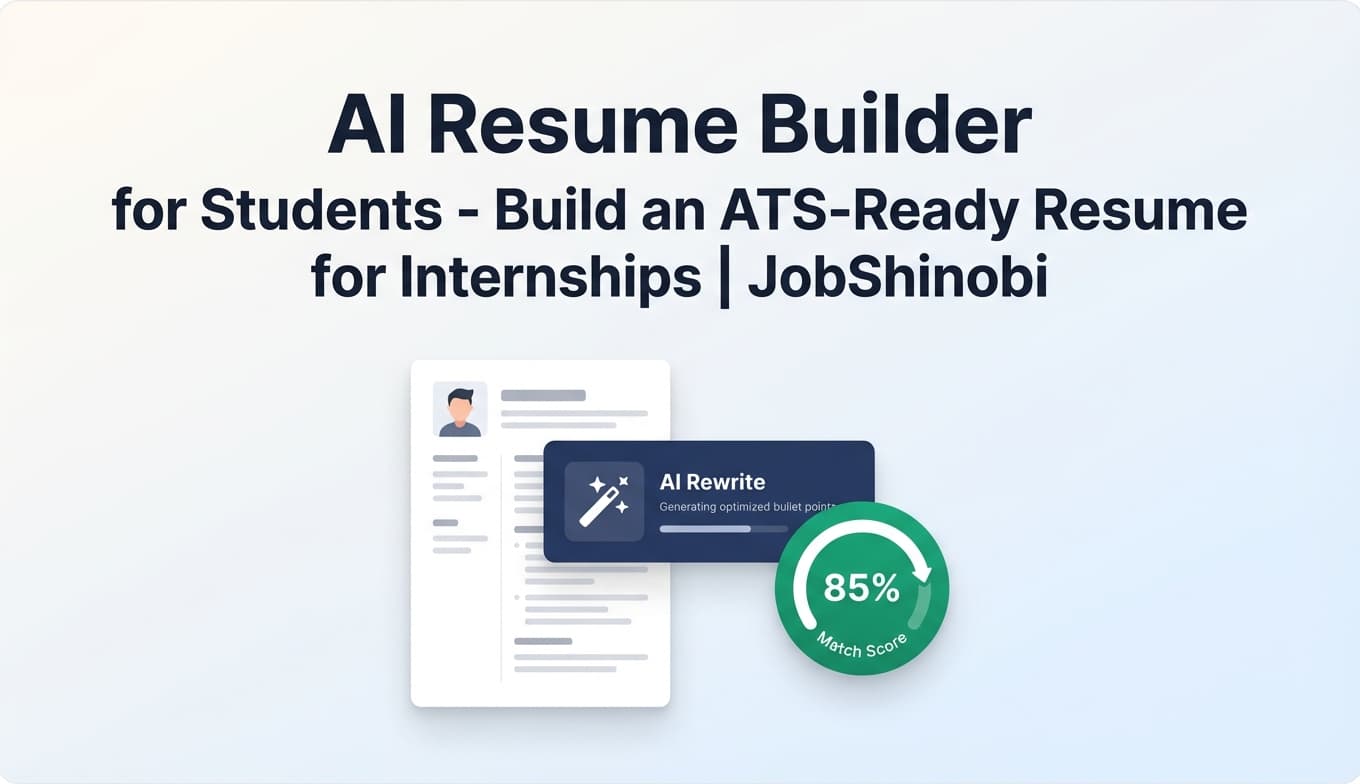
JobShinobi is an ATS resume tracker for students built for internship and new‑grad recruiting—where you’re applying fast, tailoring often, and trying not to lose track of replies.
It combines:
- a Job Application Tracker (with realtime updates and Excel export), and
- AI resume analysis + job matching (ATS/keyword feedback + match insights), and
- a LaTeX-based resume builder with templates and version history (so you can tailor without breaking formatting or losing your “best” resume).
If you’re currently juggling spreadsheets, resume checkers, and inbox chaos, JobShinobi is designed to bring it into one workflow.
Get started: Sign in with Google →
Why Choose JobShinobi for an ATS Resume Tracker for Students?
Students don’t just need “a score.” You need a system that supports how recruiting actually works:
- You apply to dozens (sometimes hundreds) of roles.
- Each role has a slightly different keyword profile and requirements.
- Your resume evolves weekly (projects, coursework, leadership, internships).
- Most of the “truth” of your job search lives in your inbox (confirmations, interview invites, rejections, next steps).
JobShinobi connects the moving parts:
1) Track applications in one dashboard (and keep it updated)
Use the Job Tracker to log roles by company, job title, and status (e.g., Applied / Interview / Offer / Rejected). Your tracker updates in realtime—useful when you’re editing applications quickly during career fairs or recruiting sprints.
2) Improve ATS readiness with AI resume analysis (stored + repeatable)
Run Resume Analysis on your resume and get structured feedback, including ATS- and keyword-related insights. If your resume hasn’t changed, JobShinobi can return cached results—so you’re not repeating the same analysis loop.
3) Match your resume to a posting (job URL or job description)
Paste a job description (or job URL) and run resume-to-job matching. You’ll see match insights and keyword guidance you can act on—then jump back into editing.
4) Reduce manual tracking by forwarding job emails (Pro)
Instead of copying every application confirmation into a spreadsheet, Pro users can forward job-related emails to a unique forwarding address. JobShinobi attempts to parse key details and create/update your application entry automatically.
What “ATS Resume Tracker” Means (Student-Friendly Explanation)
When students search “ats resume tracker for students,” they’re usually looking for two outcomes:
- Get past ATS parsing/screening more reliably (clean structure, relevant keywords, fewer formatting traps)
- Stay organized across internship/new‑grad recruiting (statuses, follow-ups, responses, outcomes)
JobShinobi addresses both:
- ATS side: resume analysis + job matching + editor workflow that preserves structured formatting
- Tracker side: job tracker dashboard + analytics + export to Excel + (Pro) email-forwarding automation
Why Students Use Trackers (And Why Most Trackers Still Fail)
Career centers commonly recommend trackers because recruiting has too many moving parts:
- role links
- deadlines
- submission dates
- contact names
- follow-up dates
- status changes
- notes from interviews
The problem: manual entry doesn’t scale. After 30–50 applications, spreadsheets become the bottleneck.
JobShinobi’s approach is to keep the tracker easy (manual entry when you want control) and reduce repetitive work (email-forwarding automation for Pro users), while also giving you the resume optimization layer most trackers lack.
How JobShinobi Works (End-to-End Student Workflow)
Step 1: Start tracking applications in the Job Tracker
Open the job tracker and log the basics:
- Job title
- Company
- Status (Applied, Interview, Offer, Rejected)
You can add, edit, and update entries as you go.
Go to: Job Tracker →
Step 2: (Pro) Forward job emails to log applications automatically
In Settings, you’ll see Your Unique Forwarding Email. Forward emails like:
- “Thanks for applying…”
- interview scheduling invites
- rejection or next-step updates
JobShinobi’s system attempts to:
- identify the relevant company and job title,
- classify the status (Applied / Interview / Offer / Rejected / Other),
- and create or update the correct entry using fuzzy matching.
Go to: Settings →
Important: Email processing is gated to Pro membership.
Step 3: Create and manage resumes with templates (LaTeX-based)
Use JobShinobi’s resume templates library and save resumes as LaTeX source. This makes it easier to keep structure consistent while tailoring content.
Go to: Resume Hub →
Step 4: Analyze your resume (Comprehensive or Enhanced mode)
Run Resume Analysis to get structured results such as:
- scores (overall + multiple components)
- strengths/weaknesses
- missing sections
- keyword feedback (present/missing/overused, density/coverage signals)
- ATS issues
If your resume hasn’t changed since the last run, JobShinobi may return a cached analysis (faster loop while you’re iterating).
Step 5: Match your resume to a job description (URL or paste)
On the resume analysis page, paste a job description (or use a job URL) and run matching. JobShinobi stores the results so you can revisit what you learned.
Then click Apply Suggestions to return to editing.
Step 6: Measure progress with job search analytics
JobShinobi includes a dashboard that calculates metrics like:
- response rate
- offer rate
- interview conversion
- monthly application trend
This is especially helpful for students who want to answer: “Is my resume improving?” and “Is my targeting working?”
Go to: Analytics →
Key Features for an ATS Resume Tracker for Students
| Feature | What It Does | Why It Matters for Students |
|---|---|---|
| Job Application Tracker | Track applications by company, title, and status | Avoid losing track of dozens of internship/new‑grad apps |
| Realtime Updates | Keeps your tracker current without manual refresh | Useful during fast recruiting cycles and frequent edits |
| Excel Export (.xlsx) | Export your applications to an Excel file | Share with mentors/career services; keep backups |
| Email Forwarding (Pro) | Forward job emails to auto-create/update tracker entries | Cuts down the #1 tracker pain: manual data entry |
| Resume Templates (LaTeX-based) | Start from structured templates and save resumes | Keep formatting consistent while tailoring |
| AI Resume Analysis | Generates ATS/keyword feedback and structured results | Improve ATS readiness with actionable guidance |
| Enhanced Analysis Mode | A deeper analysis option when you need more detail | Stronger feedback when you’re close and want to refine |
| Resume-to-Job Matching | Match score + missing/present keywords + suggestions | Tailor faster for specific internships |
| AI Resume Editor (Streaming) | Chat-driven edits that update your LaTeX and verify compilation | Faster rewriting without breaking structure |
| Resume Version History | Save iterations from manual edits and AI editing | Keep a “master” + tailored variants without losing work |
The Student Recruiting Problem JobShinobi Solves (Without the Hype)
Problem 1: “I’m applying a lot, but I don’t know what’s working.”
JobShinobi helps by combining a tracker + analytics so you can see trends (applications, interviews, offers) instead of guessing.
Problem 2: “I keep rewriting my resume, but ATS tools give inconsistent results.”
JobShinobi provides a consistent workflow:
- analyze resume
- match to a posting
- implement changes
- re-run analysis (or use cached results if unchanged)
- keep versions
Problem 3: “I lose track of replies because everything is scattered in email.”
JobShinobi offers a Pro workflow where forwarding emails can update your tracker—so interview invites and rejections don’t get buried.
ATS Resume Tracker for Students: Best Practices (Built Into the Workflow)
Keep statuses simple—and update them often
Students often overcomplicate trackers with too many columns. A simple status ladder works:
- Applied
- Interview
- Offer
- Rejected
- Other
That matches what JobShinobi tracks and what analytics can interpret cleanly.
Track the resume version you used (without file chaos)
Instead of saving “Resume_Final_REAL_Final_v7.pdf,” use resume version history. JobShinobi stores resume versions so you can revert and reuse what performed well.
Tailor for keywords—but avoid keyword stuffing
A higher “match” is not a guarantee of interviews. Use keyword guidance to improve relevance, but keep bullets truthful and readable.
Don’t chase a perfect score
Different tools simulate ATS differently. The goal is clarity, relevance, and a clean parse—not gaming a single number.
JobShinobi vs. Other Student Job Search Approaches
ATS resume tracker for students vs. spreadsheets
Spreadsheets are fine for:
- 10–20 applications
- simple tracking
- one resume version
They break down when:
- you’re applying at volume
- you’re tailoring frequently
- you need to measure outcomes
- you’re constantly copying details from emails
JobShinobi adds:
- a job tracker UI with statuses + realtime updates
- Excel export when you want portability
- resume analysis + job matching (the part spreadsheets can’t do)
- (Pro) email-forwarding automation to reduce manual entry
ATS resume tracker for students vs. “resume scanner only” tools
Resume scanners focus on “improve this document,” but students also need to manage the pipeline:
- what you applied to
- what stage it’s in
- what outcomes you’re getting
JobShinobi is built as a workflow: resume creation → analysis → job match → edit → track application → review analytics → iterate.
ATS resume tracker for students vs. internship-only trackers
Some internship trackers are intentionally minimal (great for organization), but they usually don’t include:
- ATS/keyword feedback
- job-match analysis
- resume versioning
JobShinobi is designed for students who want organization and iterative resume improvement.
Example: A Student Internship Sprint Workflow (14 Days)
If you’re doing a focused sprint (common during internship season):
Day 1–2: Build your baseline
- Create a master resume from a template
- Run resume analysis
- Fix obvious missing sections/formatting issues
Day 3–10: Apply at volume
- Log roles in the tracker
- (Pro) forward application confirmation emails so entries appear automatically
- Use job matching for top-priority roles (your best targets)
Day 11–14: Improve conversion
- Review analytics: response rate, interview conversion, offer rate
- Identify patterns: which resume variant and role types are performing
- Iterate on bullets and skills section using AI editor + version history
Pricing
JobShinobi offers paid subscriptions via Stripe:
- Monthly: $20.00
- Yearly: $199.99
Pro membership is required for email-processing automation (forwarded emails → application updates).
See pricing: Subscription →
Frequently Asked Questions
Is a 70% ATS score good?
There isn’t a universal ATS score standard—different tools and different job descriptions produce different results. Use scores as directional feedback, not a guarantee. In JobShinobi, the most useful approach is:
- match your resume to the specific job description, and
- address missing keywords and ATS issues without keyword stuffing.
Do internships use ATS?
Many companies use ATS platforms for internships and entry-level roles too—especially larger organizations and roles that get high application volume. That’s why students benefit from clean formatting, relevant keywords, and consistent tailoring.
Can JobShinobi track my internship applications automatically?
Yes, via email forwarding for Pro users. You forward job-related emails to your unique forwarding address; JobShinobi attempts to parse details (company, job title, status) and create/update the matching tracker entry.
Can I export my applications to Excel?
Yes. JobShinobi supports exporting your job tracker to an Excel (.xlsx) file.
Can I match my resume to a job posting?
Yes. JobShinobi supports job description extraction (from a URL or pasted text) and resume-to-job matching, including match score and keyword guidance.
Does JobShinobi support auto-applying to jobs or job board integrations?
No. JobShinobi is designed for tracking, analysis, and tailoring workflows—not automated applying or job board integrations.
Does JobShinobi OCR my resume from a PDF image?
JobShinobi’s resume workflow is LaTeX-based and centers on editing and analyzing resume content directly. It is not an OCR/image-based resume scanner.
Get Started with JobShinobi Today
Build a repeatable system for internship/new‑grad recruiting:
- track every application (without spreadsheet chaos)
- improve ATS fit with resume analysis + job matching
- tailor faster with an AI LaTeX editor and version history
- export your tracker to Excel whenever you need
Start now: Sign in with Google →