If you’re looking for Jobscan resume scanner alternatives in 2026, you likely fall into one of two camps:
- You like the idea of an ATS-focused match score, but Jobscan feels expensive (or too limited on the free tier).
- You’ve realized job search isn’t only about tailoring—it’s also about tracking applications, follow-ups, and iterations without burning hours in spreadsheets.
This comparison is designed to help you pick confidently.
Quick Verdict:
- Choose Jobscan if you want a widely known resume scanner, a free scan allowance, and extras like a Chrome extension and LinkedIn optimization.
- Choose JobShinobi if you want an all-in-one system that combines ATS analysis + job matching + resume editing with a standout automation feature: forward job emails to automatically track your applications.
Verification note (important): Several Jobscan pages returned HTTP 403 during direct page analysis on 2026-01-21. Where first-party pages were not accessible for analysis, this page relies on (a) publicly visible search snippets from Jobscan-owned domains (e.g.,
app.jobscan.co), and (b) accessible third-party sources such as the Chrome Web Store listing and Trustpilot.
TL;DR Comparison
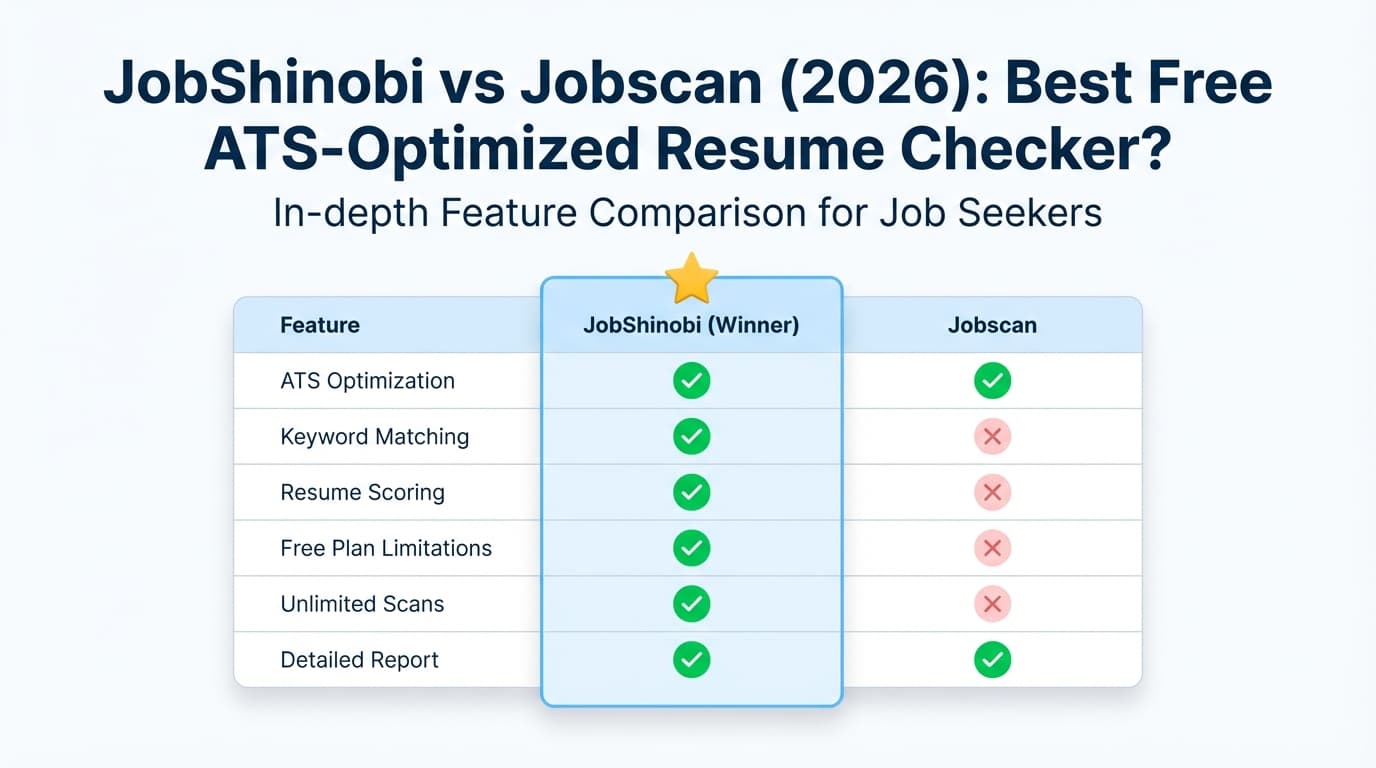
| Feature | JobShinobi | Jobscan |
|---|---|---|
| Resume scan vs job description | ✅ Yes (resume scoring + job match + keyword gaps) | ✅ Yes (“resume scanner” + “Match Rate” positioning widely stated in Jobscan snippets) |
| ATS/formatting feedback | ✅ Yes (ATS/formatting scoring + analysis) | ✅ Yes (snippets mention formatting checks and “ATS & Recruiter Findings”) |
| AI resume editing | ✅ Yes (chat-based AI agent edits resume + versions) | ✅ Yes (snippets mention “One-Click AI Optimizations” and AI generators; depth varies) |
| Resume version history | ✅ Yes (version history + revert) | ⚠️ Not clearly verifiable from accessible sources |
| Job application tracking | ✅ Yes (tracker + analytics + Excel export) | ✅ Yes (Jobscan markets a Job Tracker; extension supports saving jobs) |
| Automatic tracking from forwarded emails | ✅ Yes (forward emails → tracker updates) | ❌ Not advertised (as of 2026-01-21) |
| Chrome extension | ❌ Not advertised | ✅ Yes (Chrome Web Store listing: “Jobscan: Job Search Tracker”) |
| LinkedIn optimization | ⚠️ Not a core feature | ✅ Yes (Jobscan markets LinkedIn optimization tool in search results) |
| Starting paid price | $20/mo | $49.95/mo (monthly plan pricing shown in app.jobscan.co snippets) |
| Free plan | ⚠️ Limited (key automation is Pro) | ✅ Yes (snippets indicate 5 free scans on signup + 5 free scans monthly) |
| Best for | Automation + structured resume workflow + tracking | Resume-scanning + extension + LinkedIn-focused workflow |
JobShinobi Overview
JobShinobi is an AI resume builder and ATS resume analyzer that also works as a job-search command center. It’s built for job seekers who are:
- tailoring constantly,
- losing track of application status changes,
- and tired of manually updating trackers.
The most distinctive feature is the email-forwarding workflow: you get a unique forwarding address, forward job-related emails (application confirmations, interview scheduling, rejections), and JobShinobi uses AI to extract details (company, role, status) and automatically creates/updates entries in your job tracker.
JobShinobi also uses a LaTeX-based resume editor with PDF compilation/preview and includes resume scoring, job matching, and an AI agent for guided edits.
Key Strengths
- Email-forwarding → automatic job tracking: Forward job emails; JobShinobi parses and updates your tracker automatically.
- LaTeX resume editor + PDF preview: Keeps formatting consistent and controlled.
- AI agent + scoring + job matching: Chat-based edits, scoring breakdowns, and keyword gap analysis against a target job.
Limitations (Honest)
- LaTeX learning curve: If you want a Word-like editor, LaTeX can feel unfamiliar at first.
- Automation is Pro-only: The email parsing/automation is gated behind Pro.
- No browser extension (currently): If you rely heavily on extension-based saving from job boards, that’s a gap.
Jobscan Overview (Verified Where Possible)
Jobscan is one of the best-known ATS-focused resume scanners. The core workflow is to compare your resume with a specific job description and get a Match Rate / match score and recommendations. Jobscan also promotes a broader suite of job search tools beyond scanning, including:
- a Job Tracker workflow,
- a LinkedIn optimization tool,
- AI writing helpers (e.g., cover letter generator, bullet point generator),
- and a Chrome extension for saving/tracking jobs across the web.
Key Strengths
- Free plan exists: Public snippets from Jobscan’s plan pages indicate 5 free scans on signup + 5 free scans monthly.
- Chrome extension: Jobscan has an official extension (“Jobscan: Job Search Tracker”) on the Chrome Web Store.
- LinkedIn optimization: Jobscan markets a LinkedIn optimization tool (discoverable via Jobscan URLs in search results).
- Strong user sentiment overall: Trustpilot shows Jobscan with an “Excellent” aggregate rating and a meaningful volume of reviews at time of verification.
Limitations (From Reviews & Common Feedback Themes)
- Higher price for unlimited use: Once you need unlimited scans, cost becomes a common friction point.
- Scoring can encourage “keyword chasing”: Like many resume scanners, Jobscan can push you toward optimizing for the score, not necessarily readability.
- Billing/cancellation frustrations show up in reviews: Some Trustpilot review snippets and community discussions mention cancellation/billing concerns (varies by user).
Feature-by-Feature Comparison
1) Resume Scanning & Match Score
JobShinobi:
JobShinobi provides resume scoring with structured feedback and supports job-description-based matching to identify gaps (missing keywords, alignment issues) and suggest improvements. It’s designed for iterative tailoring.
Jobscan:
Jobscan is purpose-built around the resume scanner experience and is widely referenced for its Match Rate concept. Jobscan’s positioning emphasizes aligning your resume to a specific job posting and improving the match.
Winner: Tie
- Jobscan is the recognizable “scanner-first” option.
- JobShinobi is competitive on scanning, with the added benefit of deeper editing workflows and an integrated system.
2) Formatting / ATS Compatibility Checks
JobShinobi:
JobShinobi’s LaTeX workflow is designed to keep resume structure clean and consistent, and its analysis includes ATS/formatting categories.
Jobscan:
Jobscan publicly describes ATS formatting checks and “ATS & Recruiter Findings” in plan-related snippets, along with formatting guidance (fonts, margins, layout, etc. are referenced in tutorial-related snippets).
Winner: Slight edge to Jobscan for accessibility
Jobscan’s formatting guidance is more “mainstream” for the average user. JobShinobi can be excellent here too, especially if you value strict structure control—but LaTeX isn’t for everyone.
3) AI Writing & Optimization Tools
JobShinobi:
- Chat-based AI resume agent that can propose edits, update resume content, and keep versions.
- Resume scoring and job matching to guide what to change.
Jobscan:
Jobscan plan snippets reference AI tools such as:
- One-Click AI Optimizations (noted as “desktop only” in plan snippets),
- AI cover letter generator,
- AI bullet point generator (also “desktop only” in plan snippets),
- plus LinkedIn optimization tooling.
Winner: Depends on your workflow
- If you want guided, iterative editing with version history, JobShinobi tends to be the better fit.
- If you want a suite of separate AI helpers (cover letters, bullets, LinkedIn) in one brand ecosystem, Jobscan can win.
4) Job Tracking (and how much work it creates)
JobShinobi:
JobShinobi includes a job tracker plus analytics, and supports exporting your job applications. The standout is reducing manual updates via automation.
Jobscan:
Jobscan markets a Job Tracker and also offers a Chrome extension that states it can “collect, track and manage your job applications from across the web” (Chrome Web Store listing).
Winner: JobShinobi for automation; Jobscan for extension convenience
- Jobscan’s extension is a real advantage if your workflow starts on job boards.
- JobShinobi’s email-forwarding automation is a major advantage if your workflow lives in email after you apply.
5) Automation: Email Forwarding vs Extension-Based Saving
JobShinobi:
- Forward emails → tracker updates automatically (application status changes included).
- This is especially valuable once interviews start (where email becomes the “source of truth”).
Jobscan:
- Chrome extension for capturing jobs and organizing applications across the web.
- No verifiable indication (as of 2026-01-21) of an email-forwarding-based auto-log feature.
Winner: Tie (different philosophies)
- Choose Jobscan if you live in browser tabs and want to save postings quickly.
- Choose JobShinobi if you want status tracking to happen naturally from your inbox.
Pricing Comparison (Verified as of 2026-01-21)
Jobscan pricing verification note: Key Jobscan marketing pages returned HTTP 403 for direct analysis. Pricing details below are based on publicly visible snippets from Jobscan-owned plan pages (e.g.,
app.jobscan.co/plan) and related Jobscan snippets.
| Plan | JobShinobi | Jobscan |
|---|---|---|
| Free | Limited free access; key email automation requires Pro | $0 plan referenced; snippets indicate 5 free scans on signup + 5 free scans monthly |
| Monthly | $20.00/mo | $49.95/mo (monthly plan shown in app.jobscan.co/plan snippets) |
| Quarterly | — | $89.95 every 3 months (≈ $29.98/mo) |
| Yearly | $199.99/yr | ⚠️ Jobscan content snippets suggest yearly may not be offered in some contexts (e.g., “Yearly: Not currently offered” appears in a Jobscan “vs” article snippet); verify in-account |
| Trial | Marketing references a 7-day free trial (confirm at checkout) | 2-week free trial is promoted for quarterly plan in promo/plan snippets |
Value analysis:
- If you only need a few scans/month, Jobscan’s free tier can be a reasonable starting point.
- If you’re applying heavily and need unlimited iteration, JobShinobi’s $20/mo is dramatically lower than Jobscan’s $49.95/mo—and you’re also getting tracking automation.
Who Should Choose JobShinobi?
You’ll prefer JobShinobi if you:
- want an alternative to Jobscan that covers tailoring + tracking + analytics in one workflow,
- are overwhelmed by job search admin and want automation (forward emails, stop manual updates),
- like having version history so you can iterate confidently,
- want a lower-cost paid plan for an active search.
Who Should Choose Jobscan?
You’ll prefer Jobscan if you:
- want a well-known resume scanner with an established “Match Rate” style workflow,
- value having a Chrome extension that supports capturing jobs from job boards,
- want LinkedIn optimization as part of your routine,
- only need a few scans per month and can stay within the free scan limits.
Switching from Jobscan to JobShinobi
Data migration:
- JobShinobi supports a job tracker and exporting your applications (useful if you want a backup or to move tools later).
- There’s no publicly advertised “import from Jobscan” button—so if you have historical tracker data in Jobscan, expect some manual transfer unless you can export from Jobscan.
Learning curve:
- The biggest adjustment is LaTeX. Many users find it manageable because templates and the AI agent reduce how much “raw LaTeX” you need to touch.
Support/workflow tip:
Run a real A/B test: pick one target job and do 2–3 iterations in each product. Compare:
- how quickly you can improve alignment,
- whether the suggestions stay readable (not keyword-stuffed),
- and how easy it is to stay organized across multiple applications.
FAQ
Is JobShinobi really better than Jobscan?
Not for everyone. Jobscan wins on free scan access, Chrome extension availability, and LinkedIn optimization. JobShinobi wins on automation (email-forwarding tracking), a tighter iteration workflow (versions + AI agent), and significantly lower pricing for active job seekers.
Can I migrate from Jobscan to JobShinobi?
Yes—at least at the workflow level. You can start using JobShinobi immediately for resume creation, scoring, and matching. Migrating historical job tracker entries depends on whether you can export them from Jobscan and how much history you want to preserve.
Which is cheaper in 2026?
For paid plans, JobShinobi is cheaper based on verified pricing: $20/month vs Jobscan’s $49.95/month. If you stay on Jobscan’s free plan and only need a few scans, Jobscan can be cheaper (free).
Are ATS match scores something I should trust?
Treat them as signals, not guarantees. They’re helpful for spotting missing keywords, obvious formatting issues, and role misalignment—but they don’t fully replicate how every ATS and recruiter evaluates candidates. The goal is “more relevant and readable,” not “perfect score.”