If you’ve been applying for weeks (or months) and hearing nothing, it’s easy to assume an algorithm is blocking you. Sometimes it is—at least indirectly. But even when software is involved, the end goal doesn’t change: a human still has to believe your resume is worth an interview.
Here’s the reality check that explains why the “resume scanner vs human resume review” decision matters:
- Recruiters skim fast. The Ladders’ eye-tracking study found the average initial screen is 7.4 seconds. (High confidence) Source: The Ladders PDF: https://www.theladders.com/static/images/basicSite/pdfs/TheLadders-EyeTracking-StudyC2.pdf
HR Dive summary (secondary): https://www.hrdive.com/news/eye-tracking-study-shows-recruiters-look-at-resumes-for-7-seconds/541582/ - ATS usage is widespread in large companies. Jobscan says more than 98% of Fortune 500 companies use an ATS. (Medium confidence) Source: https://www.jobscan.co/applicant-tracking-systems
MIT CAPD cites “about 99% of Fortune 500” similarly. (Medium confidence) Source: https://capd.mit.edu/resources/make-your-resume-ats-friendly/
So the real question isn’t “scanner or human?” It’s: How do you pass the system and win the skim?
In this guide, you’ll learn:
- What resume scanners can accurately catch (and where they mislead)
- What human reviewers spot instantly (that scanners miss)
- When to use each—based on your job search situation
- A hybrid workflow that prevents you from over-optimizing for an ATS score
- A repeatable checklist + examples you can apply to every job
What Is a Resume Scanner (and What Counts as a Human Review)?
What is a resume scanner?
A resume scanner is a tool that analyzes your resume for things like:
- ATS parseability (can software extract text cleanly?)
- Keyword matching against a job description (skills, tools, titles, certifications)
- Formatting heuristics (sections, dates, headers)
- Sometimes: a score/match rate meant to reflect “fit” or “ATS readiness”
Important caveat: scanners can be helpful, but they don’t replicate every employer’s ATS, and they don’t know what a specific recruiter will prioritize.
What is a human resume review?
A human resume review is feedback from a recruiter, hiring manager, career coach, or experienced peer. It focuses on:
- Clarity and credibility (“Do I trust these claims?”)
- Prioritization (“What should appear in the top third of page 1?”)
- Role alignment (“What job is this person actually targeting?”)
- Story and strategy (especially for pivots, gaps, senior roles)
Humans are better at nuance. Humans can also be inconsistent or biased. That’s why the hybrid approach works.
Why “Resume Scanner vs Human Resume Review” Isn’t an Either/Or in 2026
Most hiring processes have two gates:
- Software gate (ATS + filtering + search): Your resume must be readable and findable.
- Human gate (recruiter skim + hiring manager): Your resume must be convincing quickly.
The 7.4-second data point is the clearest illustration of the human gate. (High confidence)
Source: https://www.theladders.com/static/images/basicSite/pdfs/TheLadders-EyeTracking-StudyC2.pdf
And ATS prevalence (especially in larger orgs) explains why the software gate is common. (Medium confidence)
Sources: https://www.jobscan.co/applicant-tracking-systems, https://capd.mit.edu/resources/make-your-resume-ats-friendly/
Practical takeaway:
- Use scanners to prevent invisible failures (parsing + keyword coverage).
- Use humans to fix visible failures (message + credibility + skim-readability).
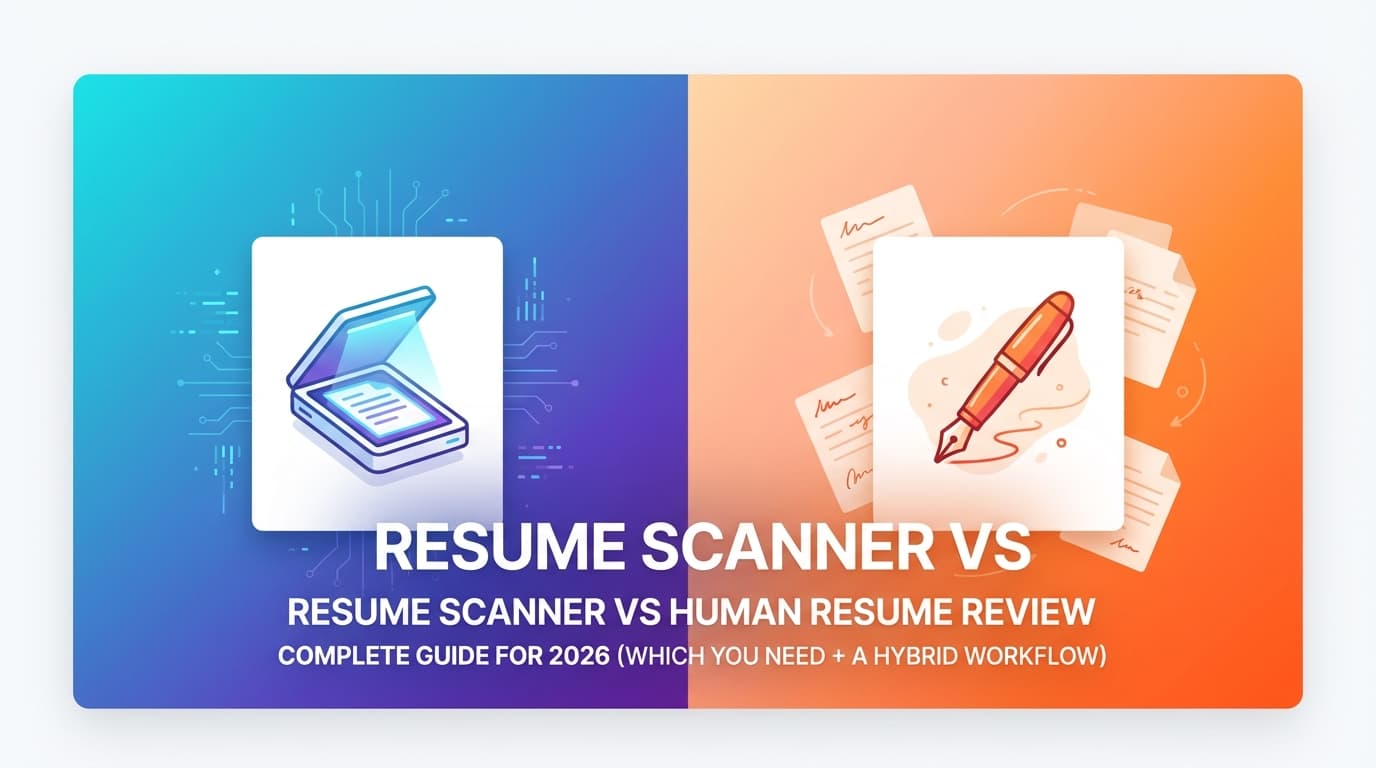
Resume Scanner vs Human Resume Review: Side-by-Side Comparison
| Factor | Resume Scanner | Human Resume Review |
|---|---|---|
| Speed | Seconds–minutes | Hours–days |
| Cost | Often cheaper per iteration | Often more expensive |
| Strength | Parsing + keyword gaps + consistency | Clarity + credibility + strategy |
| Weakness | Over-indexing on “score” | Reviewer bias, inconsistent advice |
| Best for | High-volume applying, QA, tailoring | Senior roles, pivots, final polish |
| Biggest risk | “Keyword soup” that reads poorly | Pretty edits that break ATS parsing |
What Resume Scanners Are Good At (The Real Wins)
1) Catching parsing/formatting problems
Scanners often detect (or hint at) issues that cause ATS text extraction failures—like:
- Columns/tables that reorder text
- Icons/images/text boxes that don’t parse well
- Over-designed templates that look great but extract badly
- Inconsistent dates that confuse parsing
Career centers consistently recommend conservative formatting to improve ATS readability (e.g., avoid tables/graphics). (Medium confidence)
Source: MIT CAPD: https://capd.mit.edu/resources/make-your-resume-ats-friendly/
2) Identifying keyword gaps quickly
If you’re tailoring to many job posts, scanners help you surface missing terms like:
- Tools (Snowflake, Terraform, HubSpot)
- Skills (forecasting, stakeholder management)
- Certifications (PMP, AWS Solutions Architect)
Why this matters: ATS and recruiters often use search filters (“must include SQL,” “must include Kubernetes”). Being “qualified” isn’t enough if you’re not discoverable.
3) Providing repeatable QA at scale
If you’re applying to 50+ roles, scanners are useful because they’re consistent:
- Same checks every time
- Fast iteration loop
- Easy to confirm you didn’t break formatting while tailoring
Where Resume Scanners Mislead (What They Can’t Know)
1) They can’t verify credibility
A scanner can’t tell if your metric is believable:
- “Increased revenue 300%” might be true—or inflated.
Humans will judge believability instantly.
2) They can’t infer real seniority or scope
A scanner might reward keywords that make you look senior—while a recruiter thinks the resume reads inflated or generic.
3) Their “ATS score” is not universal
Different tools calculate scores differently, and employers use different ATS configurations.
A useful benchmark (as a guideline, not a promise): Jobscan recommends aiming around 80% match rate and notes some users succeed with ~75%. (Medium confidence)
Source (Jobscan snippet in search results; direct page may be gated for some users): https://www.jobscan.co/blog/what-jobscan-match-rate-should-i-aim-for/
Important: Treat any “target score” as a directional check, not a guarantee.
What Human Resume Reviewers Catch That Scanners Miss
1) The “7.4-second skim” reality
Humans can tell you whether your resume works in a skim:
- Is the target role obvious immediately?
- Are the best outcomes visible on page 1?
- Is the top third crowded with fluff (or strong proof)?
Stat: 7.4 seconds average initial screen. (High confidence)
Source: https://www.theladders.com/static/images/basicSite/pdfs/TheLadders-EyeTracking-StudyC2.pdf
2) Role positioning and narrative
Humans will pick up quickly if your resume reads like:
- “I’ll take anything” (no positioning)
- “I’m pivoting but didn’t explain it”
- “I’m qualified but the story is buried”
3) Proof quality (impact, ownership, outcomes)
Humans recognize:
- Task bullets (“responsible for…”) vs achievement bullets (“reduced cycle time 18%…”)
- Ownership language (“led,” “owned,” “shipped,” “implemented”)
- Whether results are relevant to the job
4) Human bias (yes, it’s a factor)
Human review is powerful, but humans can be inconsistent. This is exactly why many organizations use structured processes and tools.
On the broader topic of automated tools and fairness: the EEOC warns that AI/technology can potentially violate anti-discrimination laws when used in employment decisions. (High confidence)
Source: EEOC PDF: https://www.eeoc.gov/sites/default/files/2024-04/20240429_Employment%20Discrimination%20and%20AI%20for%20Workers.pdf
A Practical Decision Framework: When to Use a Resume Scanner vs Human Review
Use a resume scanner FIRST if…
- You suspect ATS issues (designed templates, columns, icons, graphics)
- You’re applying at volume and need consistent QA
- You’re not sure what keywords you’re missing
- Your resume hasn’t been updated in years and needs baseline hygiene
Use a human resume review FIRST if…
- You’re senior-level and need positioning strategy
- You’re pivoting industries or functions (story matters)
- You have complexity (gaps, freelancing, multiple concurrent roles)
- You’re getting some interviews but not the right ones (alignment problem)
Use BOTH (recommended) if…
- You want the highest chance across ATS + recruiter skim
- You’re applying consistently (10+ applications/month)
- You tailor per role and need version control + repeatable feedback loops
How to Combine Both: The Hybrid Workflow That Actually Works
This workflow is designed for the “high-volume applicant” reality: lots of applications, lots of tailoring, and lots of ways to accidentally break your resume.
Step 1: Build (or rebuild) a clean ATS-safe base resume
Your base resume should be:
- Single column (safer across parsers)
- Standard section headings (Summary, Experience, Skills, Education)
- Minimal graphics (avoid icons/text boxes)
- Consistent date formatting
Reference: MIT CAPD recommends “boring is better” for ATS. (Medium confidence)
Source: https://capd.mit.edu/resources/make-your-resume-ats-friendly/
Pro tip: Keep one “networking design” resume separate from your ATS resume. Don’t mix goals.
Step 2: Tailor to the job description (without copying it)
Goal: mirror the employer’s language truthfully.
A repeatable method:
- Pull 10–20 high-signal terms from the job post:
- Hard skills/tools (SQL, Salesforce, Kubernetes)
- Role outputs (forecasting, pipeline management, A/B testing)
- Domain terms (HIPAA, SOC 2, fintech)
- Place the top 3–5 in:
- Your summary
- Your skills section
- The most relevant bullets (with proof)
Avoid: pasting the job description or stuffing keywords in a hidden block. It can backfire in human review and may trigger detection.
Step 3: Scan the tailored version (mechanics + gap check)
Use the scanner to answer:
- Does it parse cleanly?
- Did I accidentally remove a core keyword?
- Did tailoring introduce formatting issues?
Where JobShinobi fits (natural tool mention, accurate claims)
If you want one workflow for building + iterating, JobShinobi supports:
- LaTeX resume builder with templates and an in-app PDF preview/compilation workflow
- AI resume analysis (scores + detailed feedback with ATS-focused categories)
- Resume-to-job matching (compare resume to a job description/URL and get match insights)
- Resume version history (helpful when you tailor per job)
Pricing: JobShinobi Pro is $20/month or $199.99/year.
The marketing mentions a 7-day free trial, but trial enforcement isn’t clearly verified in code—treat trial availability as unverified.
Internal link: /subscription
Step 4: Get human review—but ask for high-leverage feedback
Don’t ask “Any thoughts?” Ask questions that simulate real decision-making:
- “What role do you think I’m targeting from the first 5 seconds?”
- “What’s the strongest proof on page 1—and what’s the weakest?”
- “If you had to cut 20%, what would you delete first?”
- “What feels inflated or vague?”
- “Which bullet makes you want to interview me?”
Pro tip: Provide the job description. Otherwise reviewers default to generic advice.
Step 5: Re-scan after human edits (quick QA loop)
Human edits can accidentally:
- remove keywords
- introduce formatting issues
- weaken scannability
A final scan is cheap insurance.
Best Practices to Satisfy BOTH Scanners and Humans
-
Make the target role obvious immediately.
Title + summary should align with the job. -
Earn the top third of page 1.
Treat it like prime real estate—your best proof goes there. -
Use standard headings.
“Experience” beats “Where I’ve Been” every time. -
Write achievement bullets, not task bullets.
Use: action + scope + outcome (metric) + tools (when relevant). -
Use keywords where you prove them.
Skills lists are fine; proof in bullets is stronger. -
Avoid keyword stuffing.
Humans notice. It reduces trust. -
Be conservative with formatting.
Multiple sources warn complex layouts can cause parsing problems. (Medium confidence)
Example: MIT CAPD: https://capd.mit.edu/resources/make-your-resume-ats-friendly/ -
Keep dates consistent and readable.
Parsing errors often start with messy chronology. -
Prefer clarity over cleverness.
Cute titles and fancy section names can hurt searchability. -
Quantify where it’s meaningful.
Not every bullet needs a metric, but your strongest ones should. -
Version your resume per role family.
Create stable versions for “Data Analyst,” “Product Ops,” etc. -
Remember the real goal: interviews, not scores.
A score is useful only if it improves discoverability and readability.
Common Mistakes to Avoid (And How to Fix Them)
Mistake 1: Treating the scanner score like the truth
Why it hurts: Different scanners score differently. Employers use different ATS.
Fix: Use scanners as QA and gap detection, not as a final judge.
Mistake 2: Using a design template that breaks parsing
Why it hurts: Columns, tables, text boxes, icons can scramble extraction.
Fix: Maintain an ATS-safe version and keep design minimal.
Mistake 3: Copying the job description into your resume (or hiding it)
Why it hurts: It reads dishonest and can trigger detection patterns. It also creates interview risk—you may be unable to defend the “match.”
Fix: Translate requirements into your real outcomes and tools used.
Mistake 4: Paying for human review but getting generic feedback
Why it hurts: “Looks good” doesn’t move your callback rate.
Fix: Ask targeted questions + provide the job post + request cuts/reorders, not just wording.
Mistake 5: Assuming AI/automation is always fair (or always unfair)
Bias can exist in both human and automated processes. Research and regulators are actively focused on this area.
- EEOC guidance: AI systems can potentially violate anti-discrimination laws. (High confidence)
Source: https://www.eeoc.gov/sites/default/files/2024-04/20240429_Employment%20Discrimination%20and%20AI%20for%20Workers.pdf - Brookings discussion of bias in AI resume screening (policy/research framing). (Medium confidence)
Source: https://www.brookings.edu/articles/gender-race-and-intersectional-bias-in-ai-resume-screening-via-language-model-retrieval/ - University of Washington write-up on research into bias in ranking applicants (summary article). (Medium confidence)
Source: https://www.washington.edu/news/2024/10/31/ai-bias-resume-screening-race-gender/
Fix: Build for clarity, proof, and relevance—then test across multiple reviewers/tools.
Examples: Scanner-Friendly vs Human-Friendly (and “Both-Friendly”)
Example 1: Vague task bullet → proof-based bullet
Before (weak for humans, OK-ish for scanners)
- Responsible for creating dashboards and reporting on KPIs.
After (good for both)
- Built Looker dashboards for activation and retention KPIs, reducing weekly reporting time by 6 hours and improving decision speed for Product and Marketing.
Why it works:
- Scanner sees relevant tools + keywords
- Human sees scope and impact
Example 2: Keyword list → achievement bullet
Before (scanner bait, human turn-off)
- Python, SQL, ETL, AWS, Snowflake, dbt, Airflow, Tableau.
After (good for both)
- Developed Python + SQL pipelines and dbt models in Snowflake, improving data freshness from daily to hourly and enabling near-real-time Tableau reporting.
Example 3: “Good story” but unscannable formatting
Before
- Two-column layout, icons for contact info, skill bars, text boxes
After
- Single column, plain-text skills, standard headings, consistent dates
- If you want design, keep a separate networking PDF
Tools to Help (Without Turning This Into a Tool Collecting Hobby)
Resume scanners / matching tools
- JobShinobi: LaTeX resume building + PDF preview/compile workflow, AI resume analysis, resume-to-job matching, version history.
Pricing: $20/month or $199.99/year. Trial mention exists but is unverified.
Links: /login, /subscription - General ATS parsing guidance: Rezi’s ATS parse-failure guide is one of the more detailed public references. (Medium confidence)
Source: https://www.rezi.ai/posts/why-your-ats-parse-failed - Keyword match tools: Jobscan, Resume Worded, Teal, SkillSyncer, etc. (Verify pricing and feature limits directly.)
Human review options
- A recruiter/manager in your target function (best signal)
- A strong peer who screens resumes regularly
- Career services (quality varies)
- Paid resume writer/coach (vet carefully)
Reality check on cost (so you can budget intelligently)
Pricing varies widely:
- Forbes notes resume writing services can range $150–$700 depending on service depth. (Medium confidence)
Source: https://www.forbes.com/sites/forbes-personal-shopper/article/best-resume-writing-services/ - ZipJob states ~$400 average for professional resume services (varies by level). (Medium confidence)
Source: https://zipjob.com/blog/professional-resume-writing-costs/
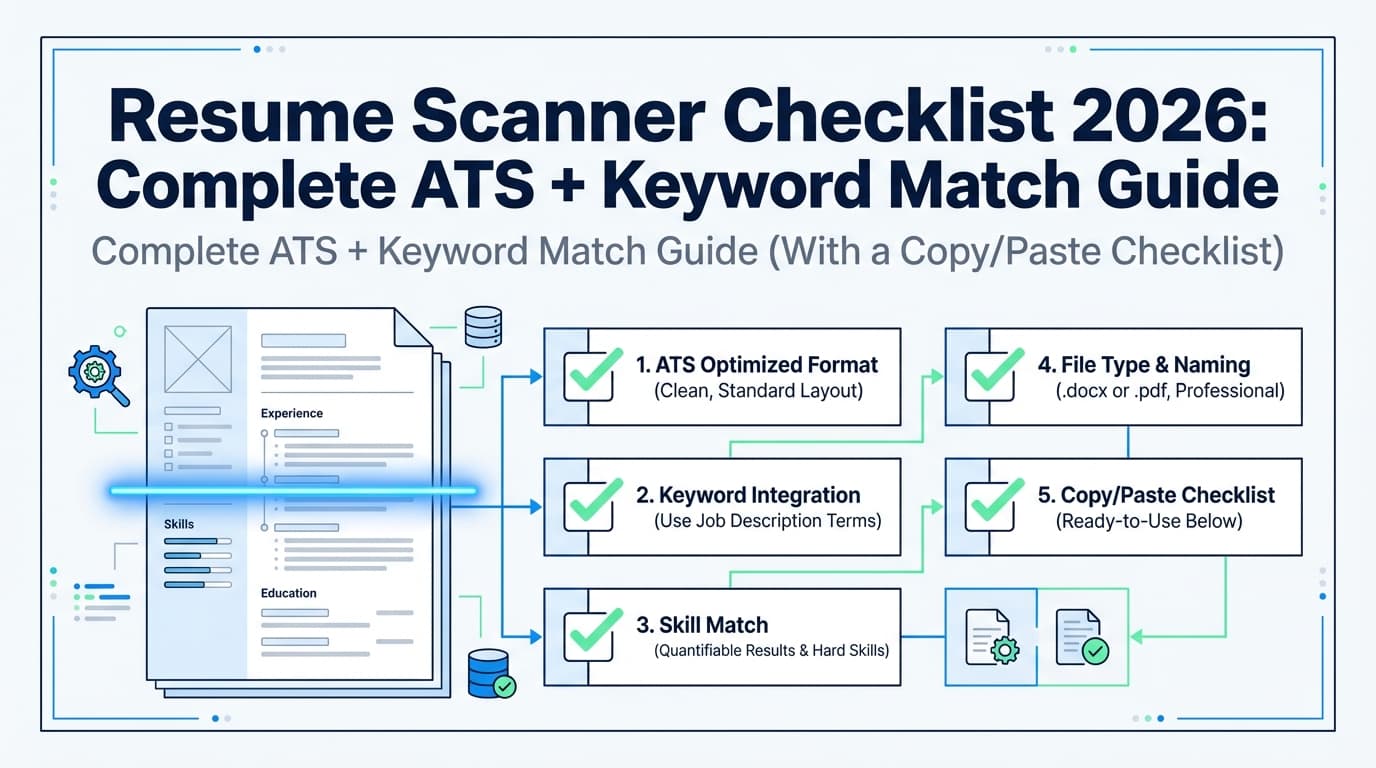
A Repeatable Checklist: Pass the Scanner, Win the Human
ATS / scanner checklist (mechanics)
- Single-column layout
- Standard headings (Summary, Experience, Skills, Education)
- Consistent date format (e.g., MMM YYYY)
- No critical info only in header/footer (some parsers drop it)
- Minimal graphics/icons/text boxes
- Keywords included naturally in:
- Summary (top 3–5)
- Skills (supporting list)
- Experience bullets (proof)
Human checklist (persuasion)
- Target role is obvious in first glance
- Top third of page 1 contains your strongest proof
- Bullets show outcomes, not just tasks
- Metrics are credible and contextual
- Language is specific, not cliché-heavy (“results-driven,” “dynamic,” etc.)
Final sanity check
- Can you defend every keyword in an interview?
- Would someone understand your value in ~7–10 seconds? (Ladders 7.4s benchmark, High confidence)
Source: https://www.theladders.com/static/images/basicSite/pdfs/TheLadders-EyeTracking-StudyC2.pdf
Key Takeaways
- A resume scanner helps with parseability, keyword coverage, and repeatable QA.
- A human review helps with clarity, credibility, and winning the skim.
- The best approach is hybrid: base resume → tailor → scan → human review → re-scan.
- Don’t optimize for a score. Optimize for discoverability + persuasion.
FAQ (People Also Ask)
How accurate are resume scanners?
They’re useful but imperfect. They’re generally good at surfacing formatting and keyword gaps, but they can’t replicate every employer’s ATS or replace human judgment about credibility and fit.
What is a good ATS score or match rate?
Many tools cite targets like 75–80% as a reasonable range, but it’s not a guarantee. Use match rate as a diagnostic (are you missing key terms?) rather than a success predictor. (Medium confidence)
Source: Jobscan guidance snippet: https://www.jobscan.co/blog/what-jobscan-match-rate-should-i-aim-for/
Should you have your resume reviewed by AI?
AI feedback can be helpful for fast iteration (keywords, bullet rewrites, structure). It’s strongest when you still validate with a human for clarity, tone, and credibility.
Do employers know I used an AI resume builder?
A resume file doesn’t normally announce it was AI-generated. What employers can notice is generic phrasing, inflated claims, or keyword stuffing. Keep everything specific and defensible.
Do ATS systems reject resumes automatically?
Sometimes there are auto-rejections (often via knockout questions), but many ATS platforms primarily store, parse, and help filter/search resumes. Humans still decide who moves forward in most workflows.
Is paying for a human resume review worth it?
It’s most worth it when you need strategy: senior roles, pivots, complexity, or high-stakes targets. If you mainly need mechanical cleanup, a scanner + checklist can be enough.
How do I make sure my resume works for both ATS and humans?
Use the hybrid workflow:
- ATS-safe base resume
- Tailor with truthful keywords
- Scan for gaps and parsing
- Human review for clarity and persuasion
- Re-scan as QA