Recruiters skim fast. One widely cited eye‑tracking study update reported recruiters spend about 7.4 seconds on an initial resume screen.
Sources:
- The Ladders: https://www.theladders.com/career-advice/why-do-recruiters-spend-only-7-4-seconds-on-resumes
- HR Dive coverage: https://www.hrdive.com/news/eye-tracking-study-shows-recruiters-look-at-resumes-for-7-seconds/541582/
That speed is exactly why ATS compatibility matters: if your resume doesn’t parse cleanly, it can lose key details before a human ever gets that 7.4-second glance.
If you’ve searched “LaTeX resume ATS,” you’ve probably found two extremes:
- “LaTeX is always ATS-friendly.”
- “Never use LaTeX—ATS will reject it.”
Reality is more useful (and more annoying):
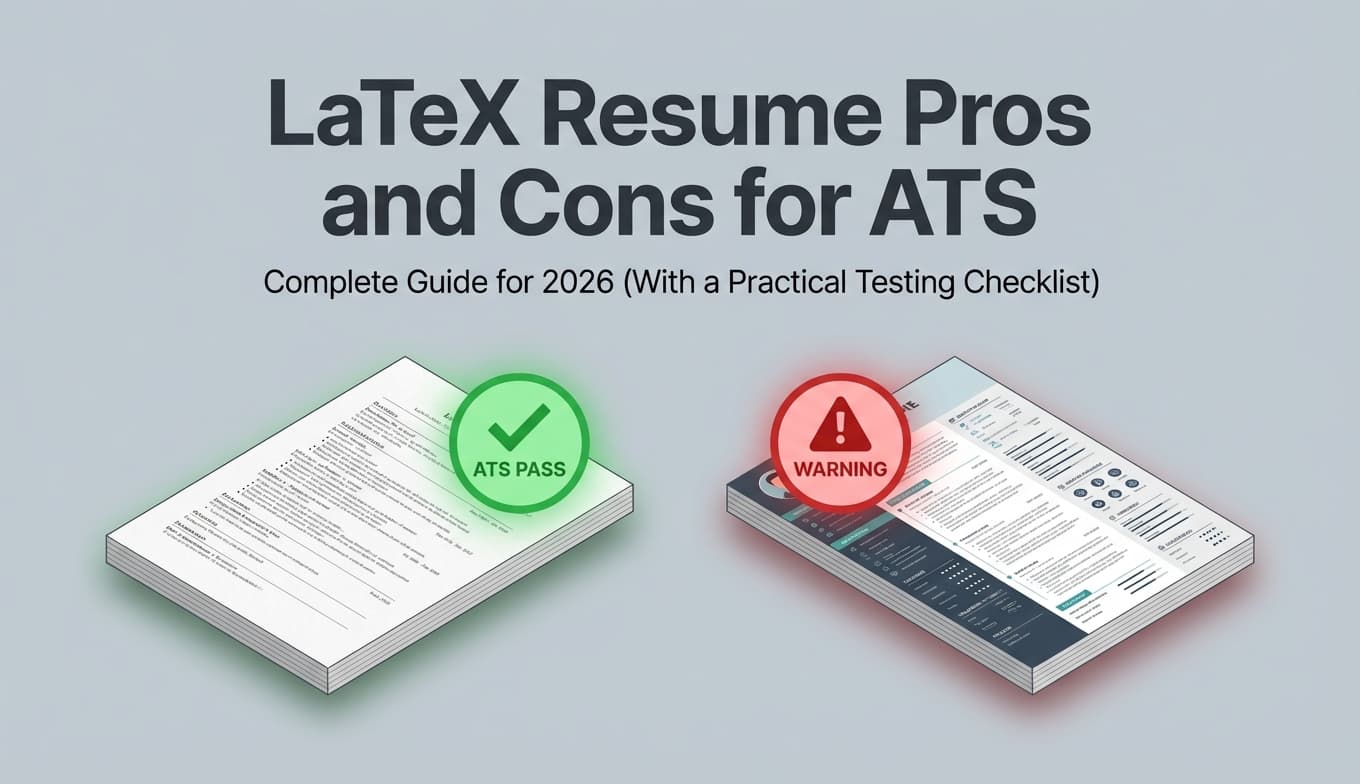
LaTeX can be excellent for ATS—or it can quietly break parsing—depending on how your PDF is produced and how your template is structured.
In this guide, you’ll learn:
- What ATS systems actually do with your resume file (and why LaTeX is a special case)
- The real pros and cons of LaTeX resumes specifically for ATS
- A 15-minute ATS testing checklist
- ATS-safe LaTeX formatting patterns (and what to avoid)
- When to use LaTeX vs Word, based on your application situation
What “ATS-friendly” actually means (and what it doesn’t)
An Applicant Tracking System (ATS) is software employers use to collect, store, and search candidate applications.
ATS usage is extremely common—often cited as nearly 98% of Fortune 500 companies.
Source: U.S. Chamber of Commerce: https://www.uschamber.com/co/run/human-resources/applicant-tracking-systems-explained
Confidence: Medium (widely repeated statistic; exact measurement varies by methodology).
When people say “ATS-friendly,” they usually mean:
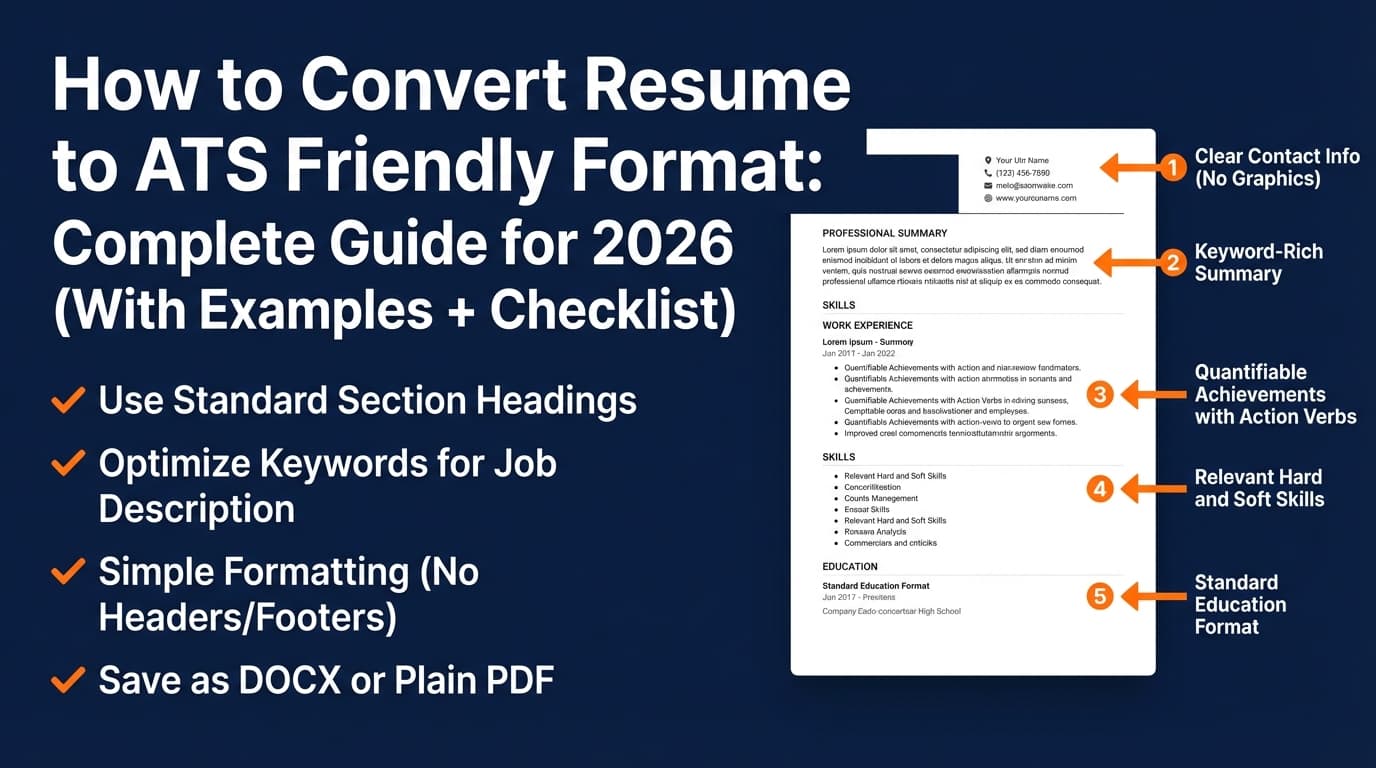
- Parsable: The ATS can extract your text correctly (name, contact info, job titles, dates, skills).
- Searchable: Recruiters can find you when they search keywords inside the ATS.
- Stable formatting: Uploading doesn’t scramble or drop important content.
- Human-readable: Once your resume reaches a recruiter, it’s skimmable.
What ATS-friendly does not mean:
- It doesn’t guarantee interviews.
- It doesn’t mean keyword stuffing.
- It doesn’t mean every company’s ATS will behave the same way.
The truth about LaTeX resumes and ATS: it’s not LaTeX—it’s the output file
LaTeX is a typesetting system. ATS platforms don’t “read LaTeX.” They read the file you upload, usually PDF or DOC/DOCX.
So the real question is:
How machine-readable is the PDF (or DOCX) produced by your LaTeX workflow?
This explains why advice conflicts:
-
Some career services warn against LaTeX for ATS contexts (UT Austin explicitly lists “coding your resume in LaTeX” under formatting to avoid).
Source: https://careerservices.cns.utexas.edu/resources/resumes/applicant-tracking-systems
Confidence: High (direct guidance from a university career site). -
Technical communities describe specific ways LaTeX PDFs can produce poor text extraction and how to improve it (e.g., encoding/font issues, spacing, machine readability).
Source: TeX Stack Exchange discussion: https://tex.stackexchange.com/questions/439907/how-to-improve-machine-readability-of-a-cv-created-in-latex-with-moderncv
Confidence: High (strong practitioner detail; still varies by template/toolchain).
Bottom line: LaTeX is neither automatically ATS-safe nor automatically ATS-hostile. Your template + PDF text layer + reading order determine success.
LaTeX resume pros for ATS (when done correctly)
1) Consistent formatting (fewer accidental layout glitches)
LaTeX produces consistent output. If you’ve had Word shift spacing, move dates, or change bullet indentation right before export, you know those last‑minute changes can create parsing issues.
ATS benefit: Consistent structure reduces the chance of “random formatting surprises” that can break extraction.
2) Clean, minimalist templates can be naturally “plain-text forward”
Many popular technical LaTeX resumes are minimalist: headings, bullets, clear sections.
ATS benefit: ATS parsing generally does better with straightforward layouts than with heavily designed ones.
3) Faster tailoring and versioning (especially for high-volume applicants)
If you’re applying to many roles, version discipline is a competitive advantage. LaTeX makes it easy to:
- fork a base resume,
- swap project bullets,
- keep structure consistent.
Practical tip: Maintain a “master” resume and generate role-specific .tex variants (e.g., resume-data-analyst.tex, resume-product-ops.tex).
4) Strong fit for technical/academic audiences
In research/engineering/academia, LaTeX is common and accepted. That doesn’t guarantee ATS perfection, but it can reduce the “human skepticism” factor.
LaTeX resume cons for ATS (the risks you need to plan for)
1) PDF parsing variability across ATS platforms
Some systems parse PDFs well; others don’t. Some employers explicitly prefer DOCX uploads.
A common career-guidance framing is: DOCX is often safer for parsing, while PDF preserves formatting best for humans.
Source: iHire on PDF vs Word: https://www.ihire.com/resourcecenter/jobseeker/pages/is-it-better-to-send-a-resume-as-a-pdf-or-a-word-doc
Confidence: Medium (credible guidance, but not universal).
LaTeX-specific issue: LaTeX users usually submit PDF. If the ATS struggles with PDF or with your PDF’s internal structure, you can lose information invisibly.
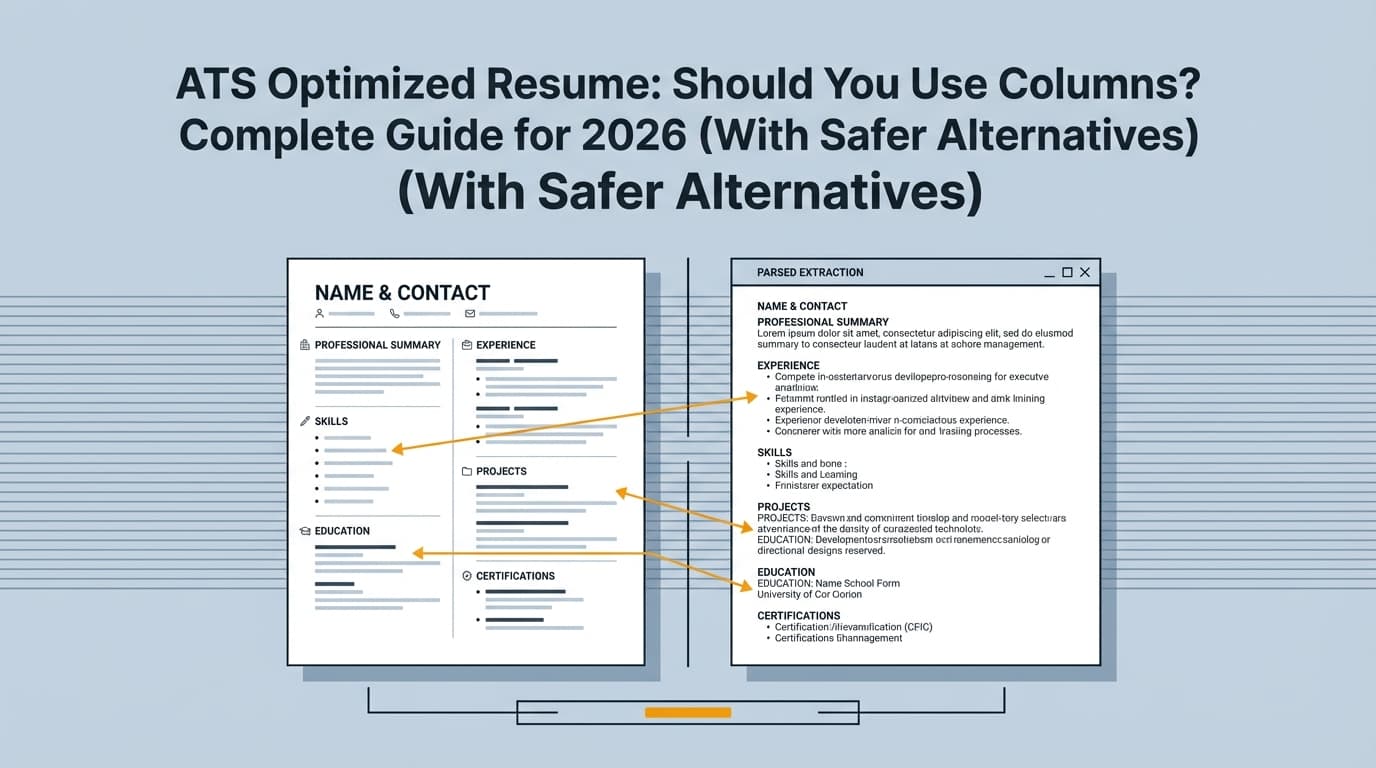
2) Reading order problems (two columns, sidebars, complex headers)
Many LaTeX templates use:
- two columns (skills sidebar),
- tabular alignment for dates,
- custom header blocks with icons/links.
These can look great—and still import into an ATS in the wrong order (or with missing pieces).
3) Text extraction quirks (font encoding, ligatures, spacing)
This is the “silent failure” category: the PDF looks perfect visually, but copy/paste produces weird characters, missing spaces, or broken text.
Example of a LaTeX/PDF text extraction issue thread:
- TeX Stack Exchange: “Creating PDF (resume) suitable for automated text extraction” https://tex.stackexchange.com/questions/127291/creating-pdf-resume-suitable-for-automated-text-extraction
Confidence: High (directly about extraction behavior).
4) File-type requirements (some portals force DOCX)
Some portals and employers strongly prefer DOCX. If your workflow is PDF-only, you may end up doing last-minute conversions that introduce errors.
Quick decision guide: Should you use LaTeX for an ATS-heavy job search?
Use LaTeX if:
- You can keep your layout single-column and linear
- You’re willing to test parsing and adjust the template
- Your target employers accept PDF (or you keep a DOCX fallback)
- You benefit from fast versioning/tailoring
Avoid LaTeX (or keep Word as primary) if:
- Your target portals frequently require DOCX
- You rely on multi-column templates and tables
- You can’t/don’t want to test parsing regularly
- Your career center explicitly discourages it (some do)
How to test a LaTeX resume for ATS compatibility (15-minute checklist)
Most articles talk about theory. This is the practical part: don’t guess—test.
Step 1: The copy/paste extraction test
- Open your PDF
- Select all text
- Paste into a plain text editor (Notepad/TextEdit) or Google Docs
Look for:
- Is the order correct (top-to-bottom)?
- Do headings remain recognizable?
- Do job titles/dates stay paired correctly?
- Any weird characters or missing spaces?
MIT Career Advising explicitly recommends testing your resume by focusing on how an ATS reads text and doing a plain-text style test.
Source: https://capd.mit.edu/resources/make-your-resume-ats-friendly/
Confidence: High.
Step 2: Upload-and-preview in the actual portal (when possible)
If the application portal shows a parsed preview or auto-fills fields, check:
- contact info imported correctly
- Experience entries are in the right order
- dates and companies are aligned
If it’s wrong, fix the template before applying widely.
Step 3: Use an ATS-style resume checker / analyzer
Use a tool that flags:
- formatting risks
- missing standard headings
- keyword gaps versus the job description
If you use JobShinobi, you can:
- build/edit your resume in LaTeX
- compile to PDF with preview
- run AI resume analysis (including ATS/formatting and keyword-focused feedback)
- run resume-to-job matching to identify missing keywords from a job description
Internal links:
- Resume builder:
/dashboard/resume - Subscription:
/subscription
Pricing note (must be accurate): JobShinobi Pro is $20/month or $199.99/year. The marketing mentions a 7-day free trial, but trial mechanics aren’t clearly verifiable in code—so treat it as “mentioned,” not guaranteed.
Step 4: Stress-test the highest-risk sections
Specifically test these after any layout change:
- header/contact row (icons + links)
- Skills section (tables, columns)
- date alignment (tabular tricks)
- Projects with lots of links
ATS-safe LaTeX formatting: what to do (and what to avoid)
Do: Use a single-column, linear reading order
This is the #1 structural choice that reduces ATS parsing errors.
Do: Use standard section headings
Prefer:
- Experience
- Education
- Skills
- Projects
- Certifications
Avoid clever headings like “Toolbox” or “My Journey.”
Do: Keep skills readable as text (not tables)
Safer patterns:
Skills: Python, SQL, Tableau, dbt, SnowflakeLanguages: Python, JavaScript | Tools: Docker, Git, AWS
Riskier patterns:
- multi-column skill grids
- tables for alignment
Do: Keep links ATS-robust
Some ATS may strip hyperlinks or fail to preserve them. A safer approach is to spell out the URL in text (and optionally hyperlink it).
Related discussion on links and ATS parsing:
- Teal: https://www.tealhq.com/post/links-in-resume
Confidence: Medium (practical guidance; ATS behavior varies).
Avoid: Tables, sidebars, and decorative elements that aren’t text
Common culprits:
- icons for phone/email without text labels
- graphics/skill bars
- text boxes
- heavy two-column designs
PDF vs DOCX for ATS (and where LaTeX fits)
When PDF is usually fine
- Portal accepts PDF and doesn’t show parsing errors
- Your PDF passes the copy/paste test
- You’re emailing a recruiter directly (PDF preserves layout)
When DOCX is safer
- The portal/ATS consistently parses PDF poorly
- The employer requests Word format
- You’re seeing scrambled fields in autofill
Some ATS vendors publicly note which file types they parse. For example, Lever’s help center states it can parse PDFs and Word files (among others).
Source: https://help.lever.co/hc/en-us/articles/20087345054749-Understanding-Resume-Parsing
Confidence: High (vendor documentation).
Greenhouse also documents causes of unsuccessful parsing (e.g., file constraints like size), which is a reminder that failures aren’t always “your fault,” but you still have to handle them.
Source: https://support.greenhouse.io/hc/en-us/articles/200989175-Unsuccessful-resume-parse
Confidence: High (vendor documentation).
Practical takeaway for LaTeX users: Keep a fallback plan for DOCX-required portals, even if your main workflow is LaTeX → PDF.
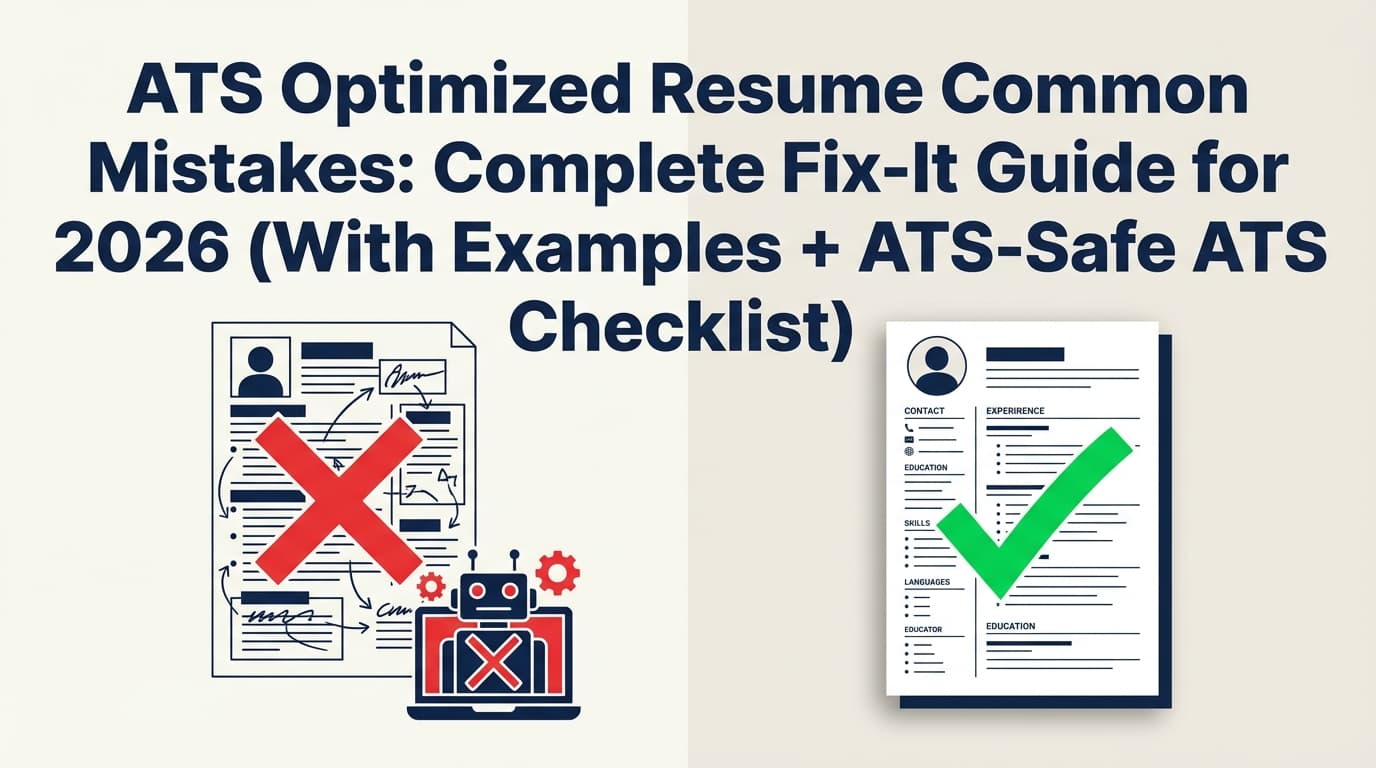
Common mistakes that make LaTeX resumes fail ATS
Mistake 1: Using a popular template without testing
Popularity doesn’t equal ATS-safe. Always do the copy/paste test and at least one portal preview test.
Mistake 2: Putting key content in a sidebar
If Experience is in the main column but Skills/contact are in a sidebar, the ATS may reorder or misread them.
Mistake 3: Aligning everything with tables
Tables may cause scrambled reading order. Use simpler alignment wherever possible.
Mistake 4: Assuming “PDF readable” means “ATS readable”
A PDF can look perfect and still have poor text extraction.
Mistake 5: Over-optimizing for ATS and forgetting the human skim
Remember the 7.4-second skim reality (The Ladders/HR Dive). You still need:
- strong first lines (titles, companies, outcomes)
- clear sectioning
- readable spacing
Tools to help with LaTeX + ATS optimization
Use tools for two jobs:
- Production (editing/compiling/exporting)
- Validation (parsing checks, keyword matching, formatting feedback)
-
JobShinobi: LaTeX resume builder + PDF compile/preview + AI resume analysis + resume-to-job matching.
Pricing: $20/month or $199.99/year (Pro). Pricing UI mentions a 7-day free trial, but it’s not clearly verifiable from code—avoid promising it. -
Overleaf: Cloud LaTeX editor + huge template gallery (great for iterating).
Templates: https://www.overleaf.com/gallery/tagged/cv -
ATS portal preview/autofill: the closest thing to a “real-world test” when available.
Key takeaways
- LaTeX isn’t the problem; PDF structure and layout choices are.
- Biggest ATS risks: two columns, tables, complex headers, and text extraction quirks.
- A simple checklist (copy/paste + analyzer + portal preview) prevents “silent” parsing failures.
- Keep a fallback for DOCX-required portals.
- Optimize for both ATS parsing and the human skim.
FAQ (People Also Ask–style)
Are LaTeX resumes ATS friendly?
They can be. ATS systems don’t read LaTeX source; they read your uploaded file (often PDF). If your PDF has clean text extraction and correct reading order—and you avoid columns/tables—LaTeX can be ATS-friendly.
Are LaTeX resumes bad for ATS?
Not inherently, but they’re higher risk if your template uses multi-column layouts, tables, or produces PDFs with poor text extraction. Some career centers explicitly advise avoiding LaTeX in ATS contexts (e.g., UT Austin Career Services).
Source: https://careerservices.cns.utexas.edu/resources/resumes/applicant-tracking-systems
Does ATS prefer PDF or DOCX?
It depends. Many career resources suggest DOCX can be safer for parsing, while PDF preserves formatting best. Your best move is to follow the employer’s instructions and validate via portal preview when possible.
Source: https://www.ihire.com/resourcecenter/jobseeker/pages/is-it-better-to-send-a-resume-as-a-pdf-or-a-word-doc
How do I know if my LaTeX PDF will parse correctly?
- Copy/paste into plain text—check order and spacing.
- Upload to the application portal and review autofill/preview.
- Run an ATS-style analyzer to flag formatting issues and missing keywords.
MIT also recommends testing your resume with a text-focused approach because ATS reads the text layer.
Source: https://capd.mit.edu/resources/make-your-resume-ats-friendly/
What’s the safest LaTeX resume layout for ATS?
A single-column layout with standard headings, plain-text skills (no tables), and minimal decorative elements.
Can ATS read PDF resumes today?
Often yes, but not always—and not always correctly. Some ATS platforms accept/parse PDFs explicitly (example: Lever documentation).
Source: https://help.lever.co/hc/en-us/articles/20087345054749-Understanding-Resume-Parsing