Federal applications are stressful for a specific reason: you’re not just “submitting a resume”—you’re trying to prove eligibility and specialized experience while following strict instructions, often inside USAJOBS and agency systems.
And now there’s an extra constraint to plan around:
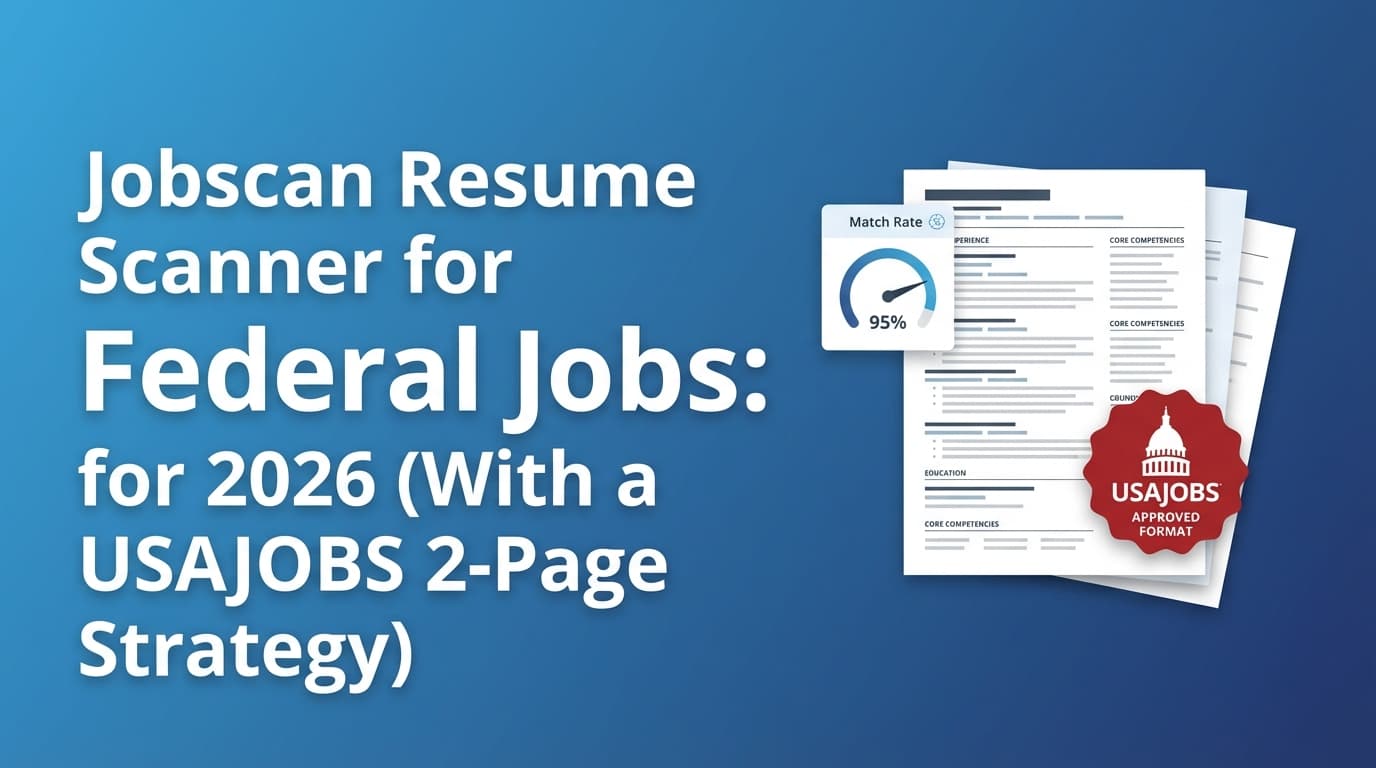
- USAJOBS will restrict resumes to two pages starting September 27, 2025 (per USAJOBS and OPM guidance). (High confidence)
- USAJOBS page limit notice: https://help.usajobs.gov/faq/application/documents/resume/page-limit
- OPM applicant guidance: https://www.opm.gov/policy-data-oversight/hiring-information/merit-hiring-plan-resources/applicant-guidance-on-the-two-page-resume-limit/
So where does the Jobscan resume scanner for federal jobs fit in?
Use it as a structured keyword + qualification alignment check—not as a magic pass/fail gate. This guide shows you exactly how, including a 2-page optimization strategy that doesn’t sacrifice the proof federal reviewers look for.
In this guide, you’ll learn:
- What resume scanners can and can’t do for federal hiring
- How to translate a USAJOBS announcement into a keyword plan you can implement
- A step-by-step Jobscan workflow designed for federal vacancy announcements
- Common mistakes federal applicants make (and how to fix them fast)
- Tools that reduce manual work (without pretending to guarantee referrals)
What is the Jobscan resume scanner (in plain English)?
Jobscan is a resume scanner that compares:
- Your resume, and
- A specific job posting / vacancy announcement
…and returns an alignment report (often framed as a “match rate” or “score”), plus recommendations for missing keywords and formatting considerations.
The key federal twist: “ATS” isn’t always the main gate
USAJOBS directly addresses a common myth:
- “Are resumes for federal jobs scanned for keywords by an automated system?” → “This is partially true.” USAJOBS notes that real people (HR specialists) do look at resumes and some agencies also use an automated system to review applications. (High confidence)
Source: https://help.usajobs.gov/working-in-government/myths/resume-scanned-for-keywords
So in federal hiring, treat Jobscan like:
- A consistency tool (did you mirror the announcement language?)
- A coverage tool (did you address minimum qualifications + specialized experience?)
- A clarity tool (would a human reviewer quickly see you’re qualified?)
Not a guarantee.
Why this matters in 2026 (and what changed)
1) The USAJOBS two-page resume limit is real (starting Sept 27, 2025)
USAJOBS states:
- USAJOBS will not allow you to upload or build resumes longer than two pages and you’ll need to update resumes stored in your profile. (High confidence)
Source: https://help.usajobs.gov/faq/application/documents/resume/page-limit
OPM published detailed applicant guidance as well. (High confidence)
Source: https://www.opm.gov/policy-data-oversight/hiring-information/merit-hiring-plan-resources/applicant-guidance-on-the-two-page-resume-limit/
Implication: You can’t solve federal resumes by adding pages. You need a tighter strategy: better prioritization, stronger evidence density, and ruthless relevance.
2) Specialized experience is the make-or-break variable
USAJOBS emphasizes specialized experience for GS-7 and above:
- To qualify for many roles, you must have specialized experience, often one year equivalent to the next lower grade level. (High confidence)
Source: https://help.usajobs.gov/faq/application/qualifications/experience
OPM defines specialized experience as experience that equipped the applicant with the knowledge/skills/abilities to perform the work. (High confidence)
Source: https://www.opm.gov/policy-data-oversight/classification-qualifications/general-schedule-qualification-standards/
Practical takeaway: Your resume must prove specialized experience in plain language—not just imply it.
3) Some roles have exceptions—don’t assume one rule fits all
For example, VA Careers describes exceptions for specific roles:
- The two-page limit begins Sept 27, 2025, with exceptions for Title 38 and Hybrid Title 38 positions (per VA Careers). (Medium confidence)
Source: https://vacareers.va.gov/job-news-advice/what-to-know-about-new-federal-resume-requirements/
Always follow the vacancy announcement instructions first.
4) ATS use is still widespread in the broader market (why scanners exist)
SelectSoftwareReviews compiles ATS adoption stats including:
- 70% of large companies use an ATS and 20% of small/mid-sized businesses use an ATS (as reported in their roundup). (Medium confidence)
Source: https://www.selectsoftwarereviews.com/blog/applicant-tracking-system-statistics
Federal hiring isn’t identical—but resume scanners borrow these keyword-alignment ideas.
What top “competing” content misses (and how this guide is different)
Many pages in this space fall into one of two buckets:
- Too generic (“tailor your resume, use keywords”) without federal specifics.
- Overconfident about automation (“ATS will reject you unless you hit X%”).
This guide is built around federal-specific realities:
- USAJOBS’ “partially true” stance on automation (humans matter)
- Specialized experience + grade equivalency
- The two-page constraint and how to keep proof without bloat
- Questionnaire alignment (one of the most overlooked “silent” filters)
How to use the Jobscan resume scanner for federal jobs (step-by-step workflow)
Step 1: Build your “truth inventory” first (so you don’t optimize into exaggeration)
Before scanning anything, write a quick inventory of:
- Projects you can defend in an interview
- Tools you actually used
- Outcomes (time saved, cost reduced, quality improved)
- Compliance/security/regulatory work (if relevant)
- Writing/briefing/training experience (often valuable in federal roles)
Pro tip: Federal screeners often look for level and scope. Capture notes like: budgets, team size, stakeholders, frequency, complexity, risk.
Step 2: Turn the vacancy announcement into a “keyword + proof” map
Don’t paste the whole announcement and chase a number. Extract these sections:
- Specialized Experience (highest priority)
- Qualifications
- How You Will Be Evaluated (often mirrors questionnaire competencies)
- Duties (useful, but not always what they score)
Now make a two-column map:
| Announcement phrase (copy exact wording) | Proof you can show in your resume |
|---|---|
| “Analyze program data to identify trends…” | “Built KPI dashboard, ran weekly trend analysis, briefed leadership…” |
| “Develops policy guidance…” | “Drafted SOPs/policy memos, aligned to standards, implemented…” |
This keeps your resume honest and aligned.
Step 3: Run Jobscan and interpret the output like a federal reviewer (not like a gamer)
When the scanner highlights “missing keywords,” prioritize in this order:
- Missing specialized experience language
- Missing evaluation competencies / KSAs
- Missing job-specific tools/terms (only if real)
- Job titles/role labels (only if accurate)
Important: In federal hiring, keywords without proof aren’t just useless—they can make you look sloppy or inflated.
Step 4: Update the right resume sections (the ones that impact eligibility)
In a two-page world, you can’t sprinkle keywords everywhere. Use this structure:
- Summary (3–5 lines): role alignment + top competencies
- Core competencies (6–10 items): a tight list
- Experience bullets: where the evidence lives
Keep the top relevant bullets near the top of each job.
Step 5: Align your resume with the occupational questionnaire (quietly powerful)
USAJOBS notes you may need to complete an occupational questionnaire as part of applying. (High confidence)
Source: https://help.usajobs.gov/faq/application/process
Best practice: Your resume must support your questionnaire answers. If you select high proficiency, your resume should show evidence.
Quick method: Pull 6–12 questionnaire themes/competencies and ensure each one is supported by at least one bullet somewhere.
Step 6: Re-scan and stop at “qualified + clear,” not “perfect score”
Some Jobscan-related content recommends aiming for a specific match rate.
- Jobscan states they generally recommend an 80% match rate, while some users see success at 75%. (Medium confidence) (single vendor source)
Source: https://www.jobscan.co/blog/what-jobscan-match-rate-should-i-aim-for/
Federal reality: Don’t trade clarity for score. Stop when:
- Specialized experience is clearly proven
- Evaluation competencies are covered
- The resume reads naturally to humans
- You’re within the page limit and formatting is stable
A federal-friendly 2-page resume strategy (what scanners won’t tell you)
The two-page limit changes the game: you must increase proof density.
Principle 1: Keep what proves eligibility + top evaluation factors
From the announcement, identify:
- Minimum qualifications (must-have)
- Specialized experience (must-have)
- Top competencies in “How You Will Be Evaluated” (likely scored)
Everything else is optional.
Principle 2: Use “evidence compression” bullets
Merge weak bullets into one strong bullet that includes:
- Action + tool + scope + outcome
Instead of:
- “Created reports.”
- “Worked with stakeholders.”
- “Used Excel.”
Write:
- “Built weekly performance reporting in Excel; aligned KPIs with 6 stakeholders; reduced manual reporting time by 30%.”
Principle 3: Show hours/week when it matters for “amount of experience”
The Department of the Interior resume handout explicitly notes:
- Number of hours worked per week is critical in determining amount of experience. (High confidence)
Source (PDF): https://www.doi.gov/sites/default/files/resume-handout-508-compliant.pdf
This is particularly important if you have part-time roles or overlapping timelines.
Best practices for using a resume scanner on USAJOBS announcements
-
Scan against the specialized experience block first
If you do one scan, do it here. -
Mirror the announcement’s verbs (truthfully)
If it says “develops,” “implements,” “evaluates,” and you did it—use that wording. -
Avoid formatting that breaks parsing Across ATS guidance, complex formatting can scramble content. For a government-published overview of ATS-friendly tips, see SSA’s Ticket to Work guidance. (High confidence)
Source: https://choosework.ssa.gov/blog/2024-08-08-how-to-make-your-resume-applicant-tracking-system-friendly.html -
Treat scanner output as a checklist, not a judge Federal review isn’t a single algorithm. USAJOBS explicitly points to human review and agency variance. (High confidence)
Source: https://help.usajobs.gov/working-in-government/myths/resume-scanned-for-keywords
Common mistakes to avoid (especially in federal applications)
Mistake 1: Not tailoring to the job announcement
A U.S. Government Publishing Office (GPO) handout lists “Not tailoring the resume to the job announcement” as a top job application mistake. (High confidence)
Source (PDF): https://www.gpo.gov/docs/default-source/how-to-apply-pdf-files/top-job-application-mistakes.pdf
Fix: Tailor to specialized experience + evaluation criteria first.
Mistake 2: Confusing duties with specialized experience
Duties can be generic; specialized experience is often written as qualification proof.
Fix: Write bullets that map directly to specialized experience phrasing (with evidence).
Mistake 3: Keyword stuffing (especially under a two-page limit)
Stuffing consumes space you need for proof and can reduce readability.
Fix: Every keyword should be anchored to a bullet that demonstrates it.
Mistake 4: Leaving out “amount of experience” cues
Hours/week can matter for determining experience amount. (High confidence)
Source: https://www.doi.gov/sites/default/files/resume-handout-508-compliant.pdf
Fix: Add hours/week where needed, especially for part-time or mixed schedules.
Mistake 5: Resume and questionnaire don’t match
If your resume doesn’t support your questionnaire answers, you can get screened out later—even if you’re actually qualified.
Fix: Ensure every major questionnaire competency appears in your resume with proof.
Example: Turn vacancy language into a scanner-friendly (and human-friendly) bullet
Vacancy language (typical): “Analyze program data to identify trends and recommend process improvements.”
Weak bullet:
- “Responsible for analyzing data and improving processes.”
Strong bullet (keywords + proof):
- “Analyzed program data to identify performance trends; presented findings to leadership and implemented two process improvements that reduced cycle time by 18%.”
Tools that can help (honest recommendations)
1) Jobscan
Best use for federal jobs:
- Compare resume text vs. vacancy announcement language
- Identify missing terms and mismatched phrasing
- Sanity-check alignment
Be careful with:
- Over-optimizing for a score instead of proving specialized experience
- Treating vendor-recommended scores as universal hiring rules
2) Primary-source federal guidance (don’t skip this)
-
Keyword scanning myth (partial truth):
https://help.usajobs.gov/working-in-government/myths/resume-scanned-for-keywords -
USAJOBS two-page limit notice:
https://help.usajobs.gov/faq/application/documents/resume/page-limit -
OPM applicant guidance:
https://www.opm.gov/policy-data-oversight/hiring-information/merit-hiring-plan-resources/applicant-guidance-on-the-two-page-resume-limit/ -
Specialized experience definition (OPM):
https://www.opm.gov/policy-data-oversight/classification-qualifications/general-schedule-qualification-standards/
3) JobShinobi (resume analysis + job matching + job tracking)
If you want a workflow that combines tailoring with organization:
- AI resume analysis that generates scoring and detailed feedback (including ATS-focused components)
- Resume-to-job matching: paste a job description or URL; extract job details; generate match analysis
- LaTeX resume builder + PDF compilation for a consistent, controlled format
- Job application tracker, including an email-forwarding workflow that can auto-log applications from forwarded emails (note: email processing is Pro-gated)
Pricing (accurate): JobShinobi Pro is $20/month or $199.99/year.
The marketing site mentions a “7-day free trial,” but trial mechanics are not clearly verified in code—confirm during checkout.
Internal: If you’re exploring, start here: /subscription.
If you’re tracking applications: /dashboard/job-tracker.
Key takeaways
- Jobscan can help you spot keyword and competency gaps, but federal hiring is not purely an ATS game.
- USAJOBS says automated keyword scanning is “partially true”—humans review, and agency systems vary. (High confidence)
https://help.usajobs.gov/working-in-government/myths/resume-scanned-for-keywords - The two-page limit (starting Sept 27, 2025) means you must maximize proof density. (High confidence)
https://help.usajobs.gov/faq/application/documents/resume/page-limit - Specialized experience isn’t about buzzwords—it’s about verifiable proof aligned to the announcement.
FAQ
Are federal resumes scanned for keywords by an automated system?
Partially. USAJOBS says HR specialists review resumes and some agencies also use automated systems. (High confidence)
Source: https://help.usajobs.gov/working-in-government/myths/resume-scanned-for-keywords
What is “specialized experience” on USAJOBS?
USAJOBS explains that for many GS roles, you need specialized experience—often one year equivalent to the next lower grade. (High confidence)
Source: https://help.usajobs.gov/faq/application/qualifications/experience
OPM also defines specialized experience in its qualification standards. (High confidence)
Source: https://www.opm.gov/policy-data-oversight/classification-qualifications/general-schedule-qualification-standards/
What match rate should I aim for in Jobscan for federal jobs?
Jobscan suggests aiming around 80%, with some success reported at 75%. (Medium confidence)
Source: https://www.jobscan.co/blog/what-jobscan-match-rate-should-i-aim-for/
For federal jobs, treat this as a diagnostic, not a rule. Prioritize proving specialized experience and aligning with evaluation factors.
What is the best resume format for USAJOBS in 2026?
A format that is:
- Easy for humans to review quickly
- Clear on dates, roles, and proof of specialized experience
- Compliant with the two-page limit (effective Sept 27, 2025)
Source: https://help.usajobs.gov/faq/application/documents/resume/page-limit
Should I include hours per week on a federal resume?
It can matter for determining the amount of experience, especially for part-time roles. The DOI resume handout explicitly states hours/week are critical for amount-of-experience determinations. (High confidence)
Source: https://www.doi.gov/sites/default/files/resume-handout-508-compliant.pdf