If you’re applying to dozens (or hundreds) of jobs and hearing nothing back, it’s easy to assume you’re “not qualified.”
More often, it’s this: your resume and the job description are describing the same skills using different language—and the first reader might not even be human.
Jobscan reports 98.4% of Fortune 500 companies used a detectable ATS in 2024. (Confidence: High — Jobscan ATS usage report: https://www.jobscan.co/blog/fortune-500-use-applicant-tracking-systems/)
And recruiters still skim quickly. An eye‑tracking study found recruiters spent about 7.4 seconds on an initial resume scan. (Confidence: High — TheLadders PDF and HR Dive coverage: https://www.theladders.com/static/images/basicSite/pdfs/TheLadders-EyeTracking-StudyC2.pdf and https://www.hrdive.com/news/eye-tracking-study-shows-recruiters-look-at-resumes-for-7-seconds/541582/)
That’s why “keywords” matter—but not in the simplistic, spammy way most people think.
In this guide, you’ll learn:
- What “keywords” mean inside an AI-powered resume builder (ATS vs semantic keywords)
- How keyword scanners and match scores are typically calculated
- How to pull the right keywords from a job posting (fast)
- Where to place keywords so they’re counted and believed
- Real examples + templates you can copy
- Mistakes that can hurt you (including “hidden text” hacks)
What are “keywords” in an AI-powered resume builder?
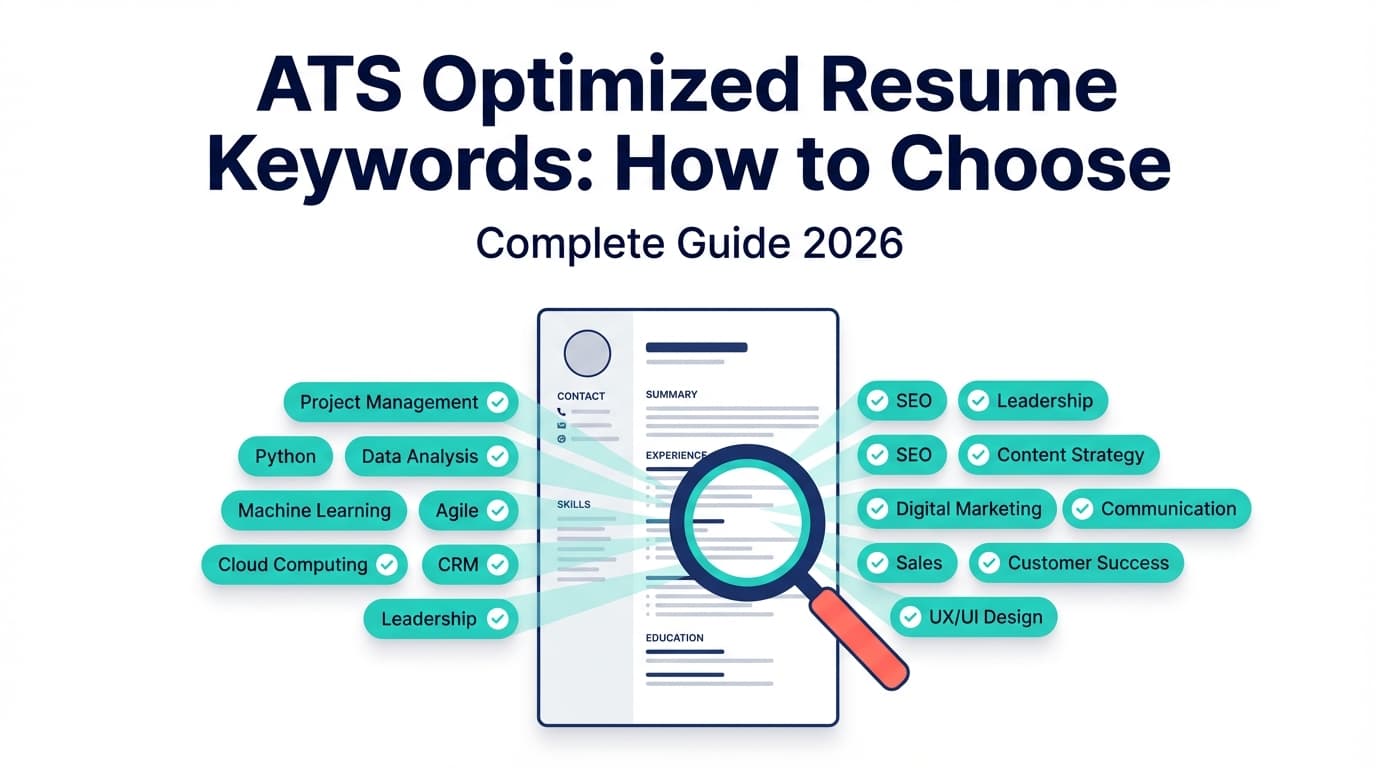
In plain English, resume keywords are the job-relevant words and phrases that signal fit—to both software and humans.
They typically fall into five buckets:
- Role keywords (titles and scope)
- “Data Analyst,” “Marketing Ops,” “Product Manager,” “Customer Success”
- Hard skills / tools
- “SQL,” “GA4,” “Tableau,” “Salesforce,” “Workday,” “Python”
- Methods / frameworks
- “A/B testing,” “Agile,” “OKRs,” “forecasting,” “ETL”
- Domain keywords (industry context)
- “B2B SaaS,” “HIPAA,” “payments risk,” “K-12 curriculum”
- Outcome keywords (business metrics & impact)
- “conversion rate,” “pipeline,” “retention,” “CAC,” “churn,” “time-to-fill”
The confusing part: “keywords” aren’t just single words anymore
Most modern AI resume tools talk about keywords, but they’re usually doing two different kinds of matching:
1) Exact-match keywords (classic ATS / literal matching)
These are terms the employer uses verbatim, and some systems or filters may look for them exactly.
Examples:
- “Tableau”
- “SOC 2”
- “stakeholder management”
- “Google Analytics 4”
2) Semantic keywords (meaning-based matching)
These are concepts that match even if wording differs.
Examples:
- Job description: “build KPI dashboards”
Resume: “created executive reporting in Looker to track weekly KPIs” - Job description: “manage stakeholders”
Resume: “partnered with Sales and Product to align requirements”
Why this matters: if you only chase exact words, you risk writing a resume that reads like a glossary. Your goal is alignment + credibility, not keyword stuffing.
Why resume keywords matter in 2026 (ATS reality check)
ATS is common—especially at larger employers
- 98.4% of Fortune 500 used a detectable ATS in 2024. (Confidence: High — Jobscan: https://www.jobscan.co/blog/fortune-500-use-applicant-tracking-systems/)
- Select Software Reviews summarizes that 70% of large companies use an ATS, and 75% of recruiters use an ATS or other recruiting tech. (Confidence: Medium — credible aggregator, but underlying primary sources vary: https://www.selectsoftwarereviews.com/blog/applicant-tracking-system-statistics)
Humans still decide—fast
- Recruiters’ initial skim averaged ~7.4 seconds in the eye-tracking study. (Confidence: High — TheLadders + HR Dive sources above.)
AI-assisted resumes are mainstream (and raising the bar)
- Forbes cites iCIMS stating 47% of college seniors are already using AI to write their resumes. (Confidence: Medium–High — Forbes and Business Insider both reference iCIMS research: https://www.forbes.com/sites/chriswestfall/2024/01/23/top-5-resume-trends-for-2024-with-ai-prompts-to-reshape-your-cv/ and https://www.businessinsider.com/employers-can-tell-use-chatgpt-ai-job-application-cover-letter-2024-7)
Implication: hiring teams are seeing more “optimized” resumes, which means:
- basic keyword matching is table stakes
- proof and clarity matter more than ever
How AI-powered resume builders “find” keywords (and what they’re really doing)
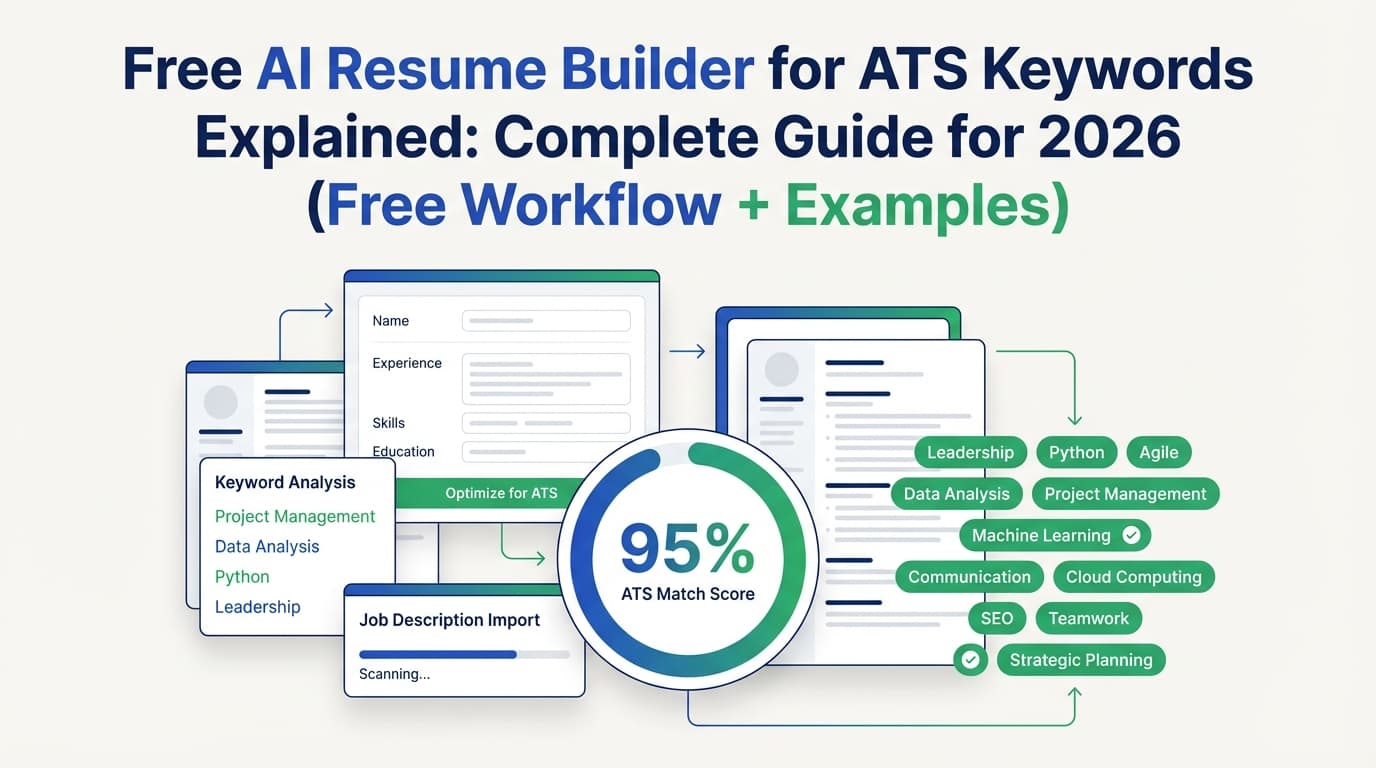
Most AI resume tools follow a pipeline like this:
- Ingest the job description (paste text or URL)
- Extract entities: skills, tools, certifications, requirements, verbs
- Group into clusters (e.g., “data analytics” cluster: SQL + dashboards + KPI + experiments)
- Compare your resume vs job description:
- present keywords
- missing keywords
- weak keywords (mentioned but not supported)
- repetition/overuse signals
- Score the match (a heuristic—not a universal truth)
- Suggest edits (rewrite bullets, add skills, adjust summary)
What a “match score” usually means (and what it doesn’t)
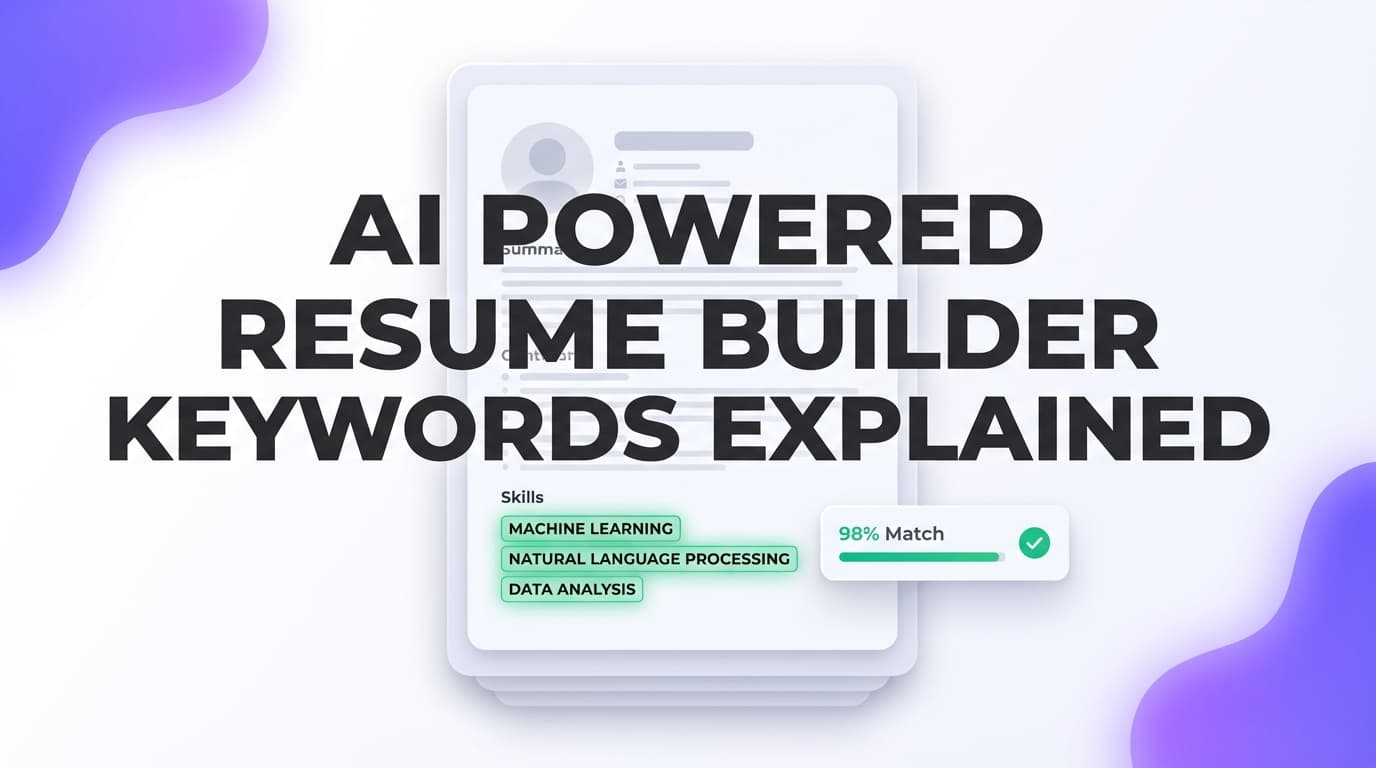
A match score is typically a tool-specific estimate of alignment based on keyword overlap + formatting assumptions.
Some tools recommend targets like 75–80% match rates:
- Jobscan says they generally recommend 80%, and users may see success around 75%. (Confidence: Medium — direct Jobscan claim visible in search snippets, but we couldn’t fully analyze the page due to access restrictions.)
Use match scores as diagnostics, not guarantees.
ATS formatting: keywords won’t help if parsing breaks
Before you optimize keywords, make sure your resume is readable by parsing systems.
Common formatting that can reduce ATS readability
- Multiple columns, tables, text boxes
- Icons and graphics
- Important info in headers/footers
- “Designer” PDFs (especially image-based exports)
A university career services handout recommends a single-column format and avoiding tables/text boxes for ATS readability. (Confidence: Medium — UIC PDF: https://careerservices.uic.edu/wp-content/uploads/sites/26/2017/08/Ensure-Your-Resume-Is-Read-ATS.pdf)
Quick self-test: copy/paste your resume into a plain-text editor. If the order is scrambled, an ATS may misread it too.
How to find the right resume keywords (the 15-minute method)
You can do this for every application, even if you’re applying at scale.
Step 1: Build a “Keyword Bank” from the job description
Copy the job post into a doc and extract terms into these buckets:
- Role/title terms: exact job title + close variants
- Tools/tech: software, platforms, programming languages
- Core responsibilities: “reporting,” “pipeline management,” “stakeholder management”
- Methods: “A/B testing,” “forecasting,” “Agile,” “OKRs”
- Outcomes/metrics: “conversion,” “retention,” “ARR,” “cycle time”
- Domain: industry-specific terms
Step 2: Separate must-haves vs nice-to-haves
Rules of thumb:
- If it appears in Requirements and multiple times elsewhere → must-have
- If it’s a long list of tools and appears once → likely nice-to-have
Step 3: Add synonyms you actually use
Use both when helpful:
- “CRM (Customer Relationship Management)”
- “GA4 (Google Analytics 4)”
Step 4: Prefer keywords that are both frequent and specific
High-value keywords tend to be:
- specific tools (Snowflake, Workday, Tableau)
- specific methods (cohort analysis, A/B testing)
- specific domain terms (HIPAA, SOC 2)
Where to put keywords on your resume (so they count and convert)
Use this hierarchy.
1) Headline / target title (top of resume)
If the job is “Marketing Operations Manager,” don’t headline yourself as “Marketing Specialist” unless that’s truly accurate.
Better:
Marketing Operations Manager | HubSpot, Salesforce, Lifecycle Automation
2) Summary (2–4 lines)
Put the core cluster of your fit here: role + tools + domain + outcomes.
Example:
Data Analyst with 5+ years in product analytics, SQL, and Tableau. Built KPI dashboards and retention reporting for B2B SaaS teams and partnered with stakeholders to improve funnel conversion.
3) Skills section (structured and honest)
Use categories:
- Analytics: SQL, Excel, Python
- BI: Tableau, Looker
- Methods: A/B testing, cohort analysis
4) Experience bullets (the highest-trust placement)
Keywords in bullets are stronger because they’re attached to proof.
Use this formula: Action verb + tool/skill + scope + outcome
How to tailor your resume keywords with AI (step-by-step)
Step 1: Extract job keywords from URL or pasted text
Choose tools that can handle either method so you’re not blocked by a job board page.
Step 2: Compare “present vs missing” keywords
Decide what’s missing:
- Are you missing the skill entirely? (don’t fake it)
- Do you have the skill but used different language? (translate it)
- Do you have it in a project but not on the resume? (add proof)
Step 3: Rewrite bullets to include proof (not stuffing)
Before (generic):
- “Responsible for dashboards and reporting.”
After (keyword-rich and credible):
- “Built Tableau dashboards and SQL reporting to monitor weekly retention; reduced ad-hoc reporting requests by 25%.”
Step 4: Re-check readability for humans
If your resume reads like a keyword list, you went too far. Your resume must still work for the 7‑second skim.
Step 5: Save a version per job (so tailoring doesn’t become chaos)
A simple naming system:
- Resume_Base
- Resume_DataAnalyst_CompanyA
- Resume_DataAnalyst_CompanyB
Examples: turning job-description keywords into resume bullets
Example 1: Data Analyst keyword mapping
Job requires: SQL, Tableau, KPI dashboards, stakeholder management, A/B testing, funnel conversion
Better bullets:
- “Created SQL models powering Tableau KPI dashboards for activation and retention; reduced manual reporting by 6 hours/week.”
- “Partnered with Product and Growth stakeholders to define funnel KPIs and run A/B tests; increased onboarding conversion by 8% over two quarters.”
Example 2: Product Manager keyword mapping
Job requires: roadmap, stakeholder alignment, requirements, GTM, metrics
Better bullets:
- “Owned roadmap for onboarding improvements; aligned stakeholders across Product, Eng, and Support and shipped 6 releases tied to activation metrics.”
- “Partnered with Marketing on GTM for a new feature; improved adoption by 12% in first 60 days.”
Example 3: Marketing keyword mapping
Job requires: lifecycle, segmentation, HubSpot, reporting, conversion
Better bullets:
- “Built HubSpot lifecycle journeys using segmentation and behavioral triggers; improved trial-to-paid conversion by 9%.”
- “Created weekly performance reporting dashboards and campaign insights for stakeholders.”
Common mistakes to avoid (especially with AI tools)
Mistake 1: Keyword stuffing (visible or hidden)
Stuffing makes your resume harder to read and less credible. Worse, “hidden prompt”/white-text tricks can backfire.
Built In reports recruiters say hidden prompts don’t work, and that ATS often strips formatting (which can reveal “invisible” text). (Confidence: Medium — strong journalism source, but implementation varies by ATS: https://builtin.com/articles/hidden-ai-prompts-in-resume)
Mistake 2: Adding keywords you can’t defend
If you list it, expect questions about it.
Mistake 3: Letting AI replace specificity with buzzwords
Swap “results-driven” with measurable outcomes.
Mistake 4: Chasing 100% match scores
Scores are heuristics. Over-optimizing can make your resume robotic.
Mistake 5: Ignoring parsing/formatting
A clean, structured resume often outperforms a “pretty” one in ATS systems.
Best practices: the keyword strategy that actually works
- Mirror the job title (truthfully)
- Use exact-match terms for must-haves
- Use synonyms for readability
- Put top keywords in the top third (title + summary)
- Prove keywords in bullets (skills + outcome)
- Use both acronym + long-form once
- Don’t list soft skills without evidence
- Tailor the summary + top 3 bullets first for speed
- Version your resume so you don’t lose your base
Tools to help with keyword optimization (honest recommendations)
JobShinobi (resume analysis + job match + AI editing)
If you want a workflow centered on keyword gap analysis + tailoring + structured resume editing, JobShinobi supports:
- AI resume analysis (scores + detailed feedback saved to your account)
- Enhanced analysis mode that includes deeper fields (including semantic/keyword-oriented analysis objects)
- Job description extraction from a URL or pasted text
- Resume-to-job matching that identifies present/missing keywords and tailoring suggestions
- AI chat-based resume editing agent (streaming and non-streaming options)
- LaTeX resume editor with PDF preview (compile LaTeX to PDF inside the app)
- Resume version history for iterative tailoring
Pricing (be precise):
- JobShinobi Pro is $20/month or $199.99/year.
- Marketing mentions a 7‑day free trial, but trial enforcement isn’t clearly verifiable from product logic alone—so treat it as “mentioned,” not guaranteed.
Internal links:
- Sign in: /login (Google OAuth)
- Subscription: /subscription
Other useful options
- Resume Worded (PDF/ATS guidance & keyword targeting content) for learning about formatting and keyword alignment (content resource).
- Manual plain-text test: paste resume into a text editor to validate parsing order (free).
Key takeaways
- “Keywords” in AI resume builders include exact-match terms and semantic concepts.
- The best keyword use is proof-based: embed keywords into measurable bullets.
- Formatting/parsability comes first—columns/tables can create keyword loss.
- Match scores are useful directionally, but they’re not guarantees.
- Tailor the headline, summary, and top bullets for the highest ROI.
FAQ
What are good keywords for a resume?
Good keywords are the specific skills, tools, role terms, methods, and outcomes in the job posting—especially items repeated in requirements and responsibilities. Prioritize keywords you can prove with real experience.
What is the AI tool to find keywords in a job description?
Many AI resume tools can extract keywords from a pasted job description or a URL and then compare them to your resume. Look for “job description extraction” and “match analysis” features.
How many keywords should I include in my resume?
There’s no perfect number. Aim to cover the must-have keyword clusters (often ~8–15 core terms) across your summary, skills, and bullets—without making the resume read unnaturally.
Should I copy keywords exactly from the job description?
Use exact phrases where accurate and natural (especially tool names and certifications). Use synonyms where needed for readability, but keep alignment.
Can ATS read tables or two-column resumes?
Not reliably across systems. Many career services offices recommend a single-column layout and avoiding tables/text boxes for best compatibility. (See UIC PDF: https://careerservices.uic.edu/wp-content/uploads/sites/26/2017/08/Ensure-Your-Resume-Is-Read-ATS.pdf)
Are PDFs OK for ATS?
Often yes, especially if they’re text-based (not scanned/image PDFs). But ATS behavior varies. If a PDF’s text can’t be selected cleanly, parsing may fail.
Do hidden keywords (white text) help you pass ATS?
They can backfire. Some systems strip formatting, potentially exposing hidden text, and recruiters may see it as deceptive. (Built In discussion: https://builtin.com/articles/hidden-ai-prompts-in-resume)
What’s a “good” ATS match score?
Many tools cite targets around 75–80% as a practical goal, but it’s not universal. Use scores to find gaps and improve clarity—not as a guarantee of interviews.