If you’ve ever uploaded a resume into an iCIMS application and watched the fields auto-fill incorrectly (job titles in the wrong place, dates scrambled, skills missing), you’ve already experienced the real problem:
Your resume isn’t just being “read.” It’s being parsed and converted into structured data.
That matters more than ever because ATS usage is nearly universal in large employers. Jobscan reports that 98.4% of Fortune 500 companies use an ATS (492 out of 500) in its State of the Job Search in 2025 report. (Confidence: Medium — strong primary source, but not independently replicated in the same methodology.)
Source: https://www.jobscan.co/state-of-the-job-search
And if recruiters are filtering inside the ATS, being “searchable” matters too. Jobscan also reports over 99.7% of 384 recruiters surveyed use filters in their ATS or similar system. (Confidence: Medium — Jobscan is the primary source for this survey statistic.)
Source: https://www.jobscan.co/state-of-the-job-search
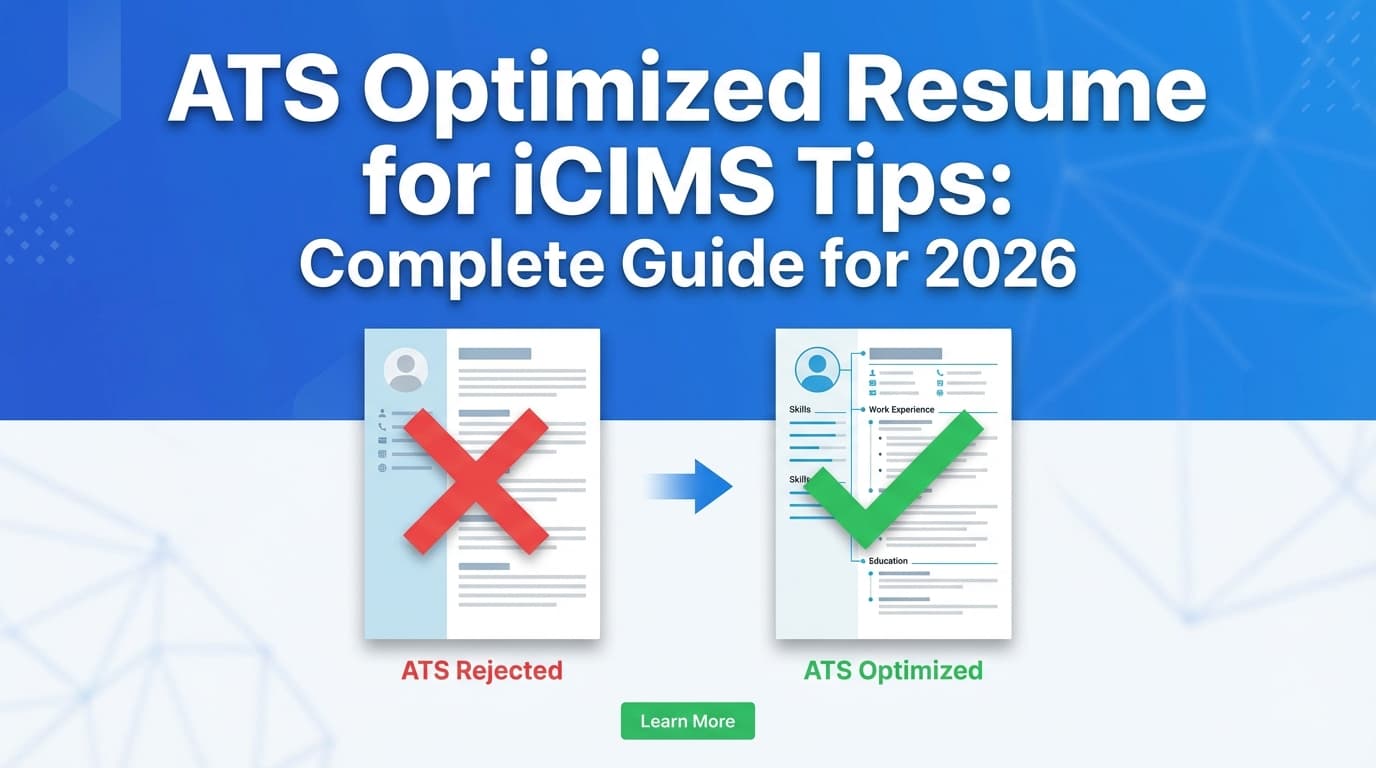
This guide is focused specifically on ATS optimized resume for iCIMS tips—with practical formatting rules, keyword strategy, and a pre-submit test process you can repeat for every application.
In this guide, you’ll learn:
- What iCIMS resume parsing is and why resumes “break”
- The safest iCIMS resume format (layout, headings, dates, bullets)
- How to tailor keywords without stuffing or gimmicks
- A field-by-field “mapping method” that improves parsing accuracy
- Tools and workflows to speed up tailoring and tracking applications
What is an ATS-optimized resume for iCIMS?
An ATS-optimized resume for iCIMS is a resume designed to do two things at once:
- Parse cleanly (iCIMS correctly extracts your name, contact info, roles, employers, dates, education, and skills)
- Search well (your resume contains job-relevant keywords recruiters filter for)
iCIMS itself defines resume parsing as technology that extracts data—usually from a Word or PDF document—and converts it into a structured way, often self-completing an application. (Confidence: High — direct iCIMS explanation.)
Source: https://www.icims.com/blog/what-is-cv-resume-parsing/
So “ATS optimized” isn’t about gaming the system. It’s about making your resume:
- easy for software to interpret, and
- easy for recruiters to search.
How iCIMS reads your resume (the simplified workflow)
Most iCIMS portals follow this flow:
1) You upload a resume → iCIMS parses it
Parsing turns your document into structured fields.
2) The system creates a candidate record
That record can be searched, filtered, and sorted by recruiters.
3) Recruiters search/filter before reading
Even when recruiters do read resumes, they often start by filtering down the pool.
Implication: If parsing fails, you can become hard to find (or your application looks sloppy). If keyword alignment is weak, you can be filtered out even if parsing is perfect.
Why optimizing for iCIMS matters in 2026
Recruiters are using more automation (and saving time doing it)
iCIMS research says that using AI saves talent pros an average of 2.39 hours a week. (Confidence: Medium — cited in iCIMS content and industry coverage; methodology varies.)
Sources:
- https://www.icims.com/blog/talent-experience-report-how-ta-pros-can-prepare-for-the-future/
- https://hrexecutive.com/why-90-of-chros-think-recruiters-need-to-become-strategic-talent-advisors/
Candidate experience is a business issue (and it affects process design)
iCIMS’ 2024 Talent Experience Report states 51% of people are less likely to be a consumer of a brand after a negative job application or interview experience. (Confidence: High — consistent across multiple reputable sources.)
Sources:
- https://www.icims.com/company/newsroom/2024talentexperiencereport/
- https://www.prnewswire.com/news-releases/more-than-half-of-people-are-less-likely-to-be-a-consumer-of-a-brand-following-a-negative-job-application-experience-new-icims-research-reveals-302255989.html
- https://www.hrdive.com/news/job-seekers-less-likely-to-consume-brand-after-negative-hiring-experience/728297/
Why does that matter for you? Because employers pressure ATS workflows to be efficient, consistent, and searchable. That makes resume parsing quality (your ability to upload cleanly) and keyword findability even more important.
How to build an ATS optimized resume for iCIMS: Step-by-step
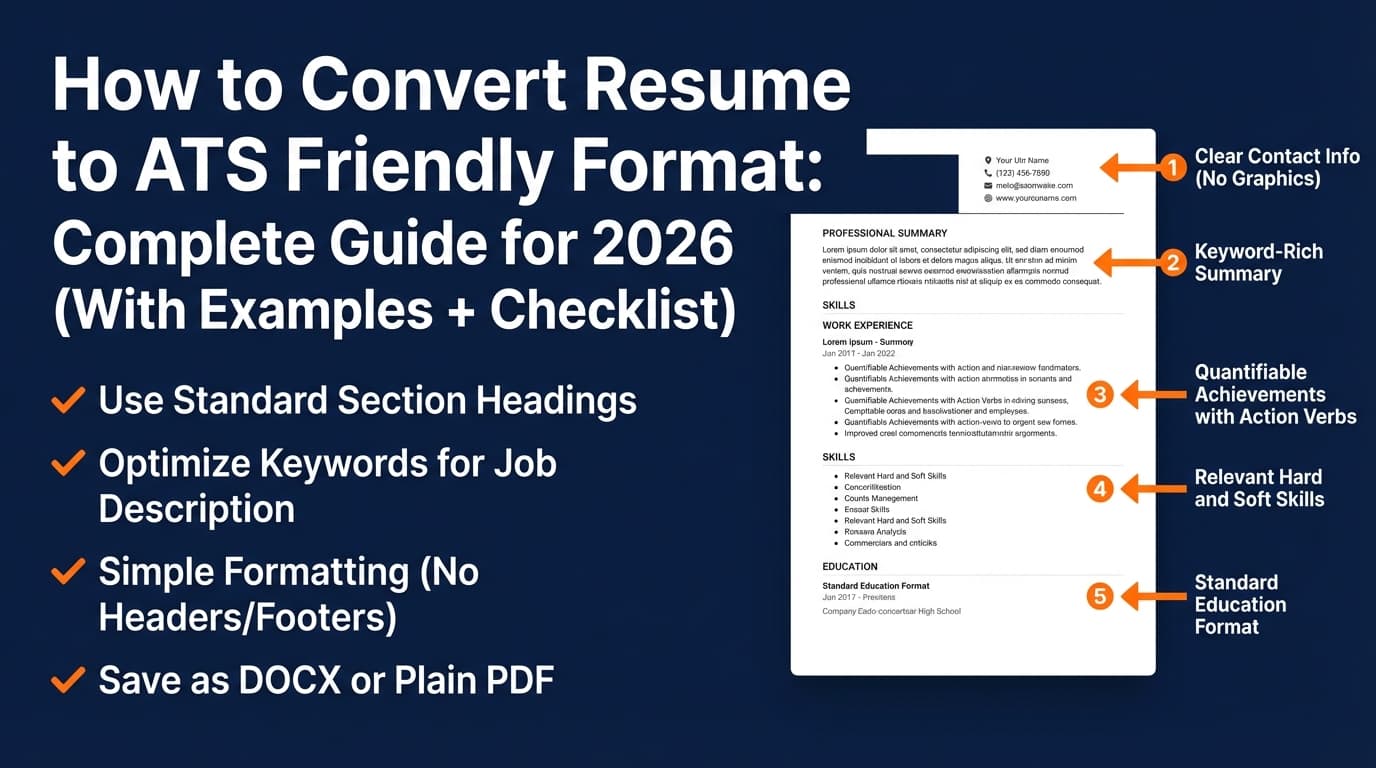
Step 1: Use an iCIMS-safe resume layout (single column, standard headings)
Use a layout that assumes the parser reads top-to-bottom, left-to-right.
Recommended structure:
- Name
- Phone | Email | City, State | LinkedIn | Portfolio
- Summary (optional)
- Skills
- Experience
- Education
- Certifications (optional)
- Projects (optional)
Use standard headings:
- Summary
- Skills
- Experience (or Professional Experience)
- Education
- Certifications
- Projects
Avoid clever headings like “My Journey” or “What I Bring.” They can confuse parsing and reduce recruiter scan speed.
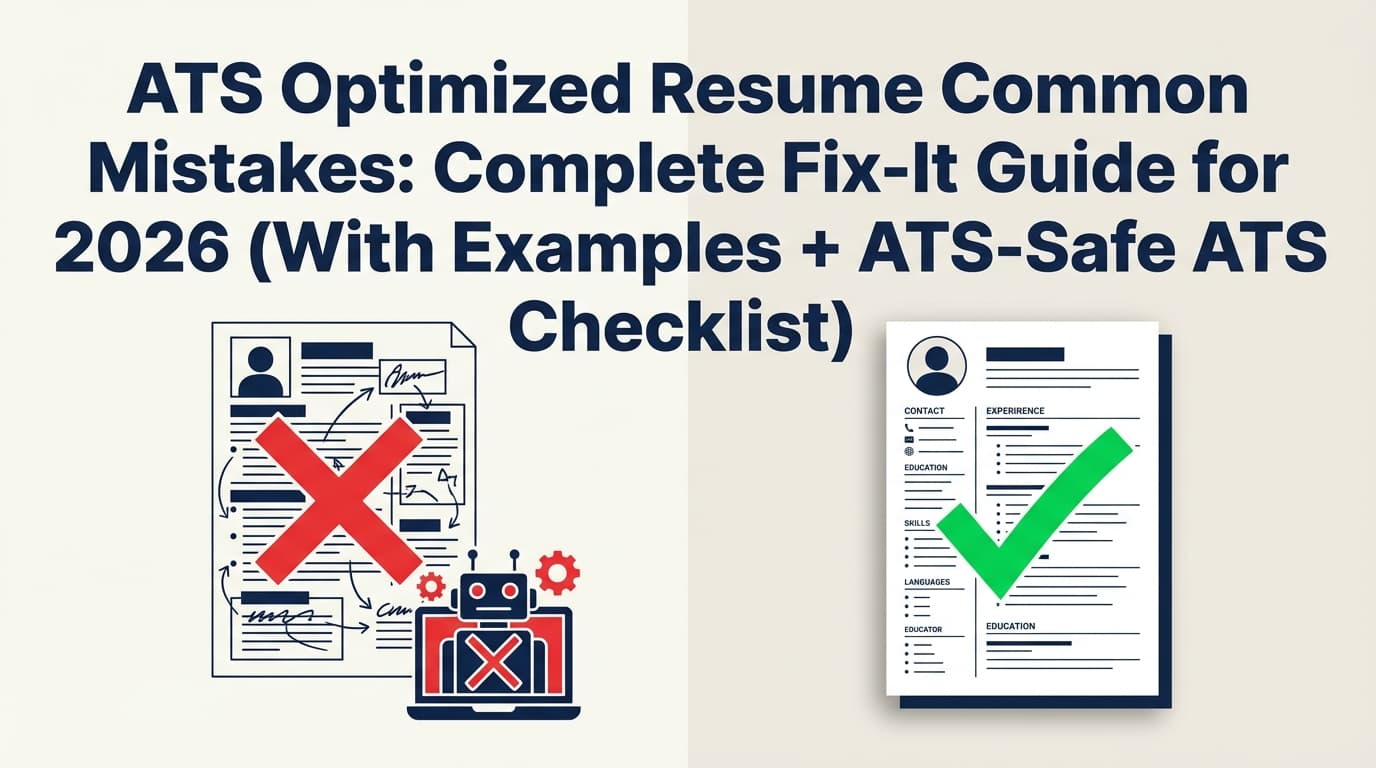
Step 2: Remove the top parsing landmines (headers, footers, columns, tables)
Don’t put contact info in headers or footers
Santa Clara University’s career toolkit notes: ATS systems typically do not read headers and footers.
Source: https://www.scu.edu/careercenter/toolkit/job-scan-common-ats-resume-formatting-mistakes/
Workable also advises avoiding headers/footers because they can be interspersed with the body text.
Source: https://resources.workable.com/stories-and-insights/how-ATS-reads-resumes
Fix: Put contact info as normal body text at the top of page 1.
Avoid tables and multi-column templates
Robert Half recommends avoiding tables and columns because they can cause parsing errors.
Source: https://www.roberthalf.com/us/en/insights/landing-job/get-your-resume-past-the-robots-5-tips-to-conquer-applicant-screening-systems
Fix: Use single-column formatting. If you need visual hierarchy, use bolding and spacing—not tables.
Avoid icons, graphics, charts, skill bars
These may not convert into searchable text.
Fix: Replace skill visuals with a Skills list.
Step 3: Pick the best file type for iCIMS (PDF vs DOCX) using a practical rule
There is no universal “always PDF” or “always DOCX.” Different employers configure portals differently.
Ground truth: iCIMS describes parsing as extracting data usually from a Word or PDF document.
Source: https://www.icims.com/blog/what-is-cv-resume-parsing/
Decision rule:
- If the posting specifies a format, follow it.
- If not specified:
- DOCX is often the safest for parsing because it’s structured text.
- A text-based PDF (exported from Word/Docs/LaTeX) can also parse well.
- Avoid scanned PDFs (image-based).
SmartRecruiters recommends submitting as .docx for maximum parsing compatibility, and if using PDF, exporting from a word processor (and not scanning).
Source: https://www.smartrecruiters.com/resources/glossary/resume-parsing/
Quick self-test:
- Open your PDF and try to select/copy text.
- If copying produces clean text, it’s likely a text-based PDF.
- If you can’t copy text, it may be image-based (bad for parsing).
Step 4: Use the “Field-Mapping Method” for iCIMS (optimize for the database, not just the document)
Most ATS advice stops at “add keywords.” Here’s the stronger approach:
Think like the ATS: what fields does it store?
Even if you don’t see the recruiter view, ATS records commonly store structured elements such as:
- Job title
- Employer name
- Dates employed
- Skills/keywords
- Education
- Location
Field-Mapping Method (repeatable process)
For each job you apply to:
- Identify 5–10 filter keywords from the job description:
- Tools (e.g., SQL, Salesforce, Tableau)
- Core skills (e.g., forecasting, stakeholder management)
- Certifications (e.g., PMP, CPA)
- Place those keywords where parsers and recruiters both expect them:
- Skills section (exact terms)
- Experience bullets (proof)
- Summary (2–4 of the most important terms)
- Make job titles readable and searchable:
- If your internal title is unusual, use: Official Title (Market Title)
This increases the odds you’re both parsed correctly and retrievable in recruiter searches.
Step 5: Build a keyword map from the job description (without stuffing)
5A) Extract keywords in categories
From the iCIMS posting, highlight:
- Role title keywords: e.g., “Data Analyst,” “Customer Success Manager”
- Tools/tech: e.g., Excel, SQL, Python, Jira
- Competencies: e.g., stakeholder management, reporting, QA
- Frameworks/processes: e.g., Agile, ITIL, SOC 2
- Credentials: e.g., CPA, PMP
5B) Create a 3-tier list
- Tier 1 (must-have): repeated or central requirements
- Tier 2 (valuable): helpful but not core
- Tier 3 (context): industry terms, adjacent tools
5C) Place keywords naturally in “high-signal” spots
- Summary: 2–4 Tier 1 items
- Skills: Tier 1 and Tier 2 tools/skills
- Experience: keywords + outcomes
- Education/Certifications: credentials and relevant coursework
Avoid hacks like hidden/white text or dumping the entire job description into your resume. Besides being unethical, these tricks can backfire in human review and potentially violate application terms.
Step 6: Write bullets that both parse well and rank in searches
Use this bullet formula:
Action + scope + tool/skill + outcome
Examples:
- “Built SQL queries and dashboards to consolidate weekly KPI reporting, reducing manual analysis time by 30%.”
- “Managed a cross-functional launch with Agile ceremonies and stakeholder updates, delivering milestones 2 weeks early.”
Acronym tip (searchability): Include both acronym and long-form at least once when it’s common (e.g., “Search Engine Optimization (SEO)”). Robert Half specifically recommends including both forms.
Source: https://www.roberthalf.com/us/en/insights/landing-job/get-your-resume-past-the-robots-5-tips-to-conquer-applicant-screening-systems
Step 7: Fix the #1 iCIMS complaint—autofill gone wrong—before you submit
A surprising amount of “ATS failure” happens at the moment you upload.
Pre-submit parsing test (do this every time):
- Upload your resume into the iCIMS portal
- Review every auto-filled field:
- Are employers correct?
- Are job titles in the right roles?
- Are dates correct and aligned with the right job?
- Is education separated from experience?
- If it’s wrong, stop and adjust the resume formatting (often headings, spacing, or date placement), then re-upload.
Extra safety test: Paste your resume into a plain-text editor. If it becomes unreadable (columns collapse, bullets break), that’s a strong signal your formatting may parse inconsistently.
iCIMS resume formatting checklist (copy/paste)
Layout
- Single column (no sidebars)
- No tables, text boxes, or charts
- No icons used as bullets
- Standard font (Calibri/Arial/Times) and consistent sizing
Contact info
- Contact info is in body text (not header/footer)
- Email and phone are plain text (no special formatting)
- LinkedIn URL is clean and readable
Headings
- Standard headings: Summary, Skills, Experience, Education
- Headings are consistent across sections
Experience formatting
- Each role includes: Title | Company | Location | Dates
- Dates use a consistent format (e.g., Jan 2022 – Mar 2025)
- Bullets use standard round bullets (•) or hyphens (-)
Keywords
- Tier 1 keywords appear in Summary + Skills + Experience
- Keywords are backed by proof in bullets (not just listed)
- No keyword stuffing or hidden text
File format
- Follow posting’s requested format
- If unsure: DOCX or text-based PDF (not scanned)
- Simple filename:
FirstLast_Resume_JobTitle.pdf
Common mistakes to avoid (with fixes)
Mistake 1: Using headers/footers for contact info
Why it’s a problem: Some ATS systems skip or scramble headers/footers.
Sources:
- https://www.scu.edu/careercenter/toolkit/job-scan-common-ats-resume-formatting-mistakes/
- https://resources.workable.com/stories-and-insights/how-ATS-reads-resumes
Fix: Move contact info into the main body at the top.
Mistake 2: Two-column “modern” templates
Why it’s a problem: Columns can change reading order when parsed.
Fix: Single column + spacing + bold headings.
Mistake 3: Tables for skills or job history
Why it’s a problem: Tables frequently flatten unpredictably.
Fix: Convert tables into plain text lists and clearly labeled lines.
Mistake 4: Keyword dumping instead of keyword proof
Why it’s a problem: Recruiters can spot it, and it reduces credibility.
Fix: Prove skills in bullets with tools + outcomes.
Mistake 5: Using a scanned PDF
Why it’s a problem: Image-based PDFs don’t parse reliably.
Fix: Export from the original editable file.
Tools to help with ATS optimized resumes for iCIMS
JobShinobi (resume building + ATS-focused analysis + job tracking)
JobShinobi can support an iCIMS-optimization workflow in three practical ways:
- LaTeX resume builder with in-app PDF preview: Build a clean resume layout and compile it to a PDF inside the app.
- AI resume analysis (ATS-focused scoring + feedback): Analyze your resume and get structured feedback, including ATS/formatting and keyword-focused guidance.
- Resume-to-job matching: Paste a job description (or job URL) to generate a match analysis that helps identify keyword gaps and tailoring opportunities.
If you’re applying to many roles, JobShinobi also offers an email-forwarding job application tracker that can automatically log job application emails into your tracker. Important: email processing is restricted to Pro users.
Pricing (verified): JobShinobi Pro is $20/month or $199.99/year. Marketing copy mentions a 7-day free trial, but trial mechanics are not clearly verifiable from enforcement logic—so don’t assume it applies in every case.
Internal links:
Other resources worth using
- Workable’s explanation of resume parsing (helpful visuals and FAQs): https://resources.workable.com/stories-and-insights/how-ATS-reads-resumes
- University career centers (often very specific about formatting pitfalls): https://www.scu.edu/careercenter/toolkit/job-scan-common-ats-resume-formatting-mistakes/
Key takeaways
- iCIMS uses resume parsing to convert your document into structured fields—so formatting clarity is non-negotiable.
- Your best results come from combining:
- a single-column, standard-heading resume format, and
- a keyword strategy that proves skills in context.
- Always do a pre-submit upload test and fix autofill errors before submitting.
- Use tools to speed up tailoring and tracking—but rely on fundamentals to avoid “resume bot” failure.
FAQ (People Also Ask)
Does iCIMS prefer PDF or Word (DOCX)?
iCIMS parsing commonly works with Word and PDF documents. If the posting specifies a format, use that. If it doesn’t, DOCX is often the safest for parsing; a text-based PDF can also work well. Avoid scanned PDFs.
Sources:
- https://www.icims.com/blog/what-is-cv-resume-parsing/
- https://www.smartrecruiters.com/resources/glossary/resume-parsing/
What is resume parsing in iCIMS?
Resume parsing extracts information from your resume (often Word/PDF) and converts it into structured fields that can auto-fill an application and make your profile searchable.
Source: https://www.icims.com/blog/what-is-cv-resume-parsing/
Can iCIMS read two-column resumes?
Two-column resumes increase parsing risk because the reading order can collapse. If you want reliability, use one column and simple formatting.
Do ATS systems struggle with tables, headers, and footers?
Yes, these frequently cause parsing issues. Multiple guidance sources recommend avoiding them—especially headers/footers for critical info.
Sources:
- https://www.scu.edu/careercenter/toolkit/job-scan-common-ats-resume-formatting-mistakes/
- https://www.roberthalf.com/us/en/insights/landing-job/get-your-resume-past-the-robots-5-tips-to-conquer-applicant-screening-systems
- https://resources.workable.com/stories-and-insights/how-ATS-reads-resumes
How do I test whether my resume is ATS-friendly for iCIMS?
Upload it in the iCIMS portal and inspect how fields auto-fill. If experience, education, or dates populate incorrectly, revise formatting and re-upload. Also run a plain-text paste test.
How do I optimize my resume for ATS keyword searches without stuffing?
Build a Tier 1–3 keyword list from the job description. Put Tier 1 keywords in Summary, Skills, and Experience—and prove them with accomplishments (tools + outcomes), not repetition.