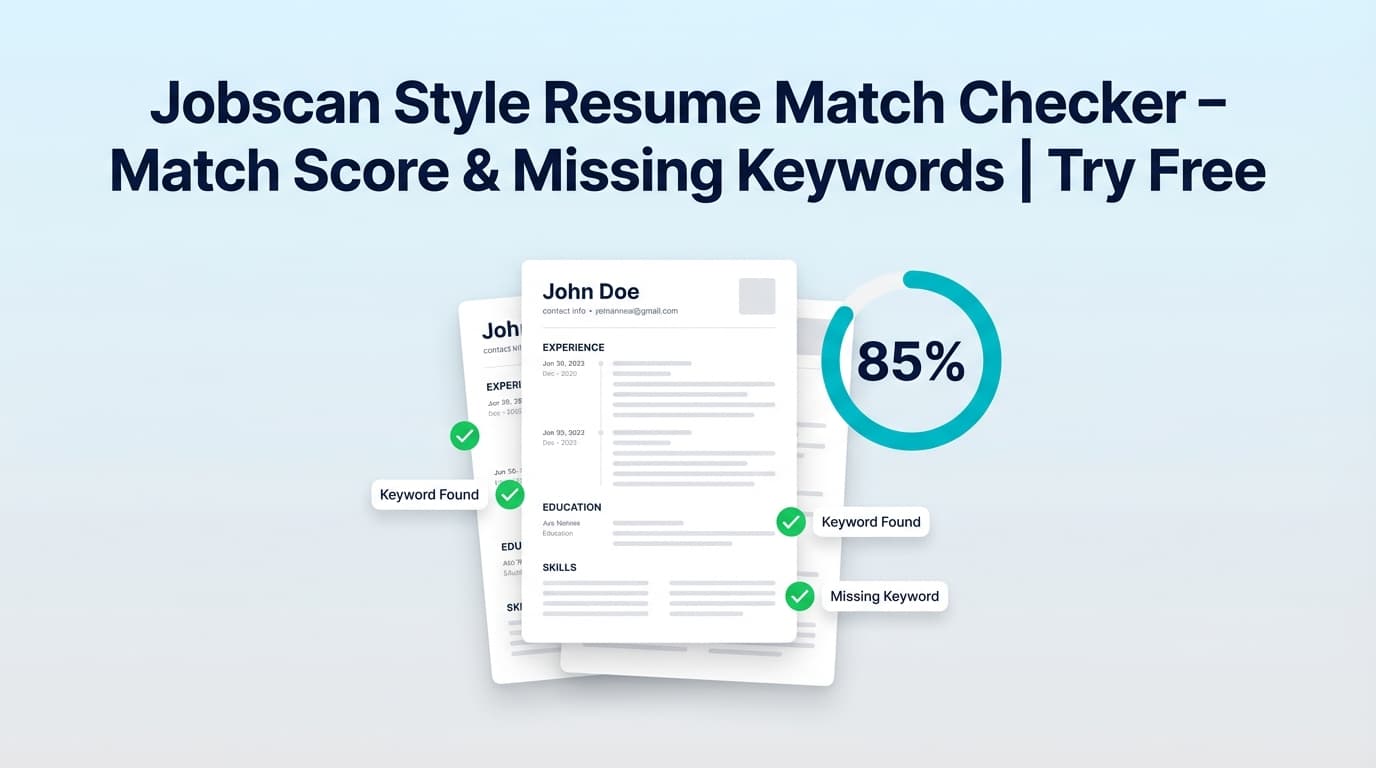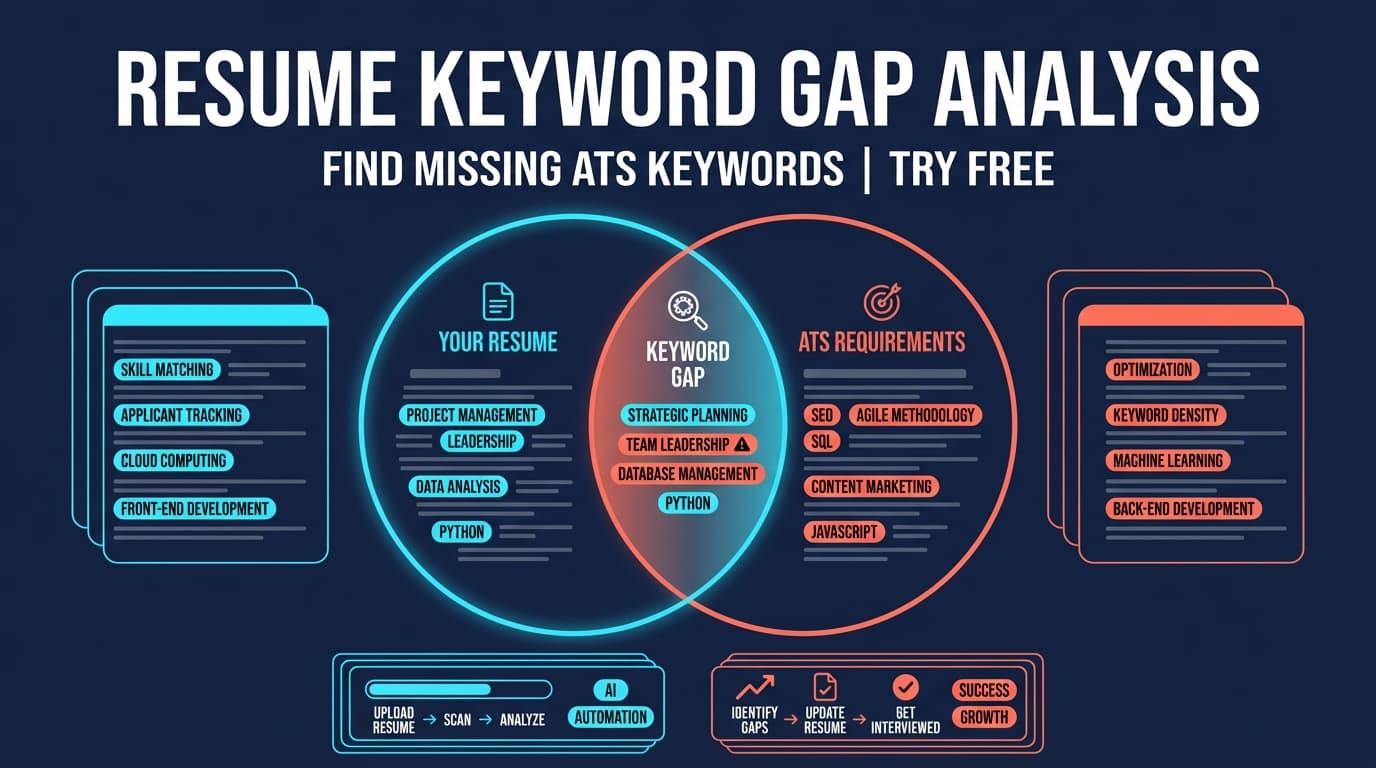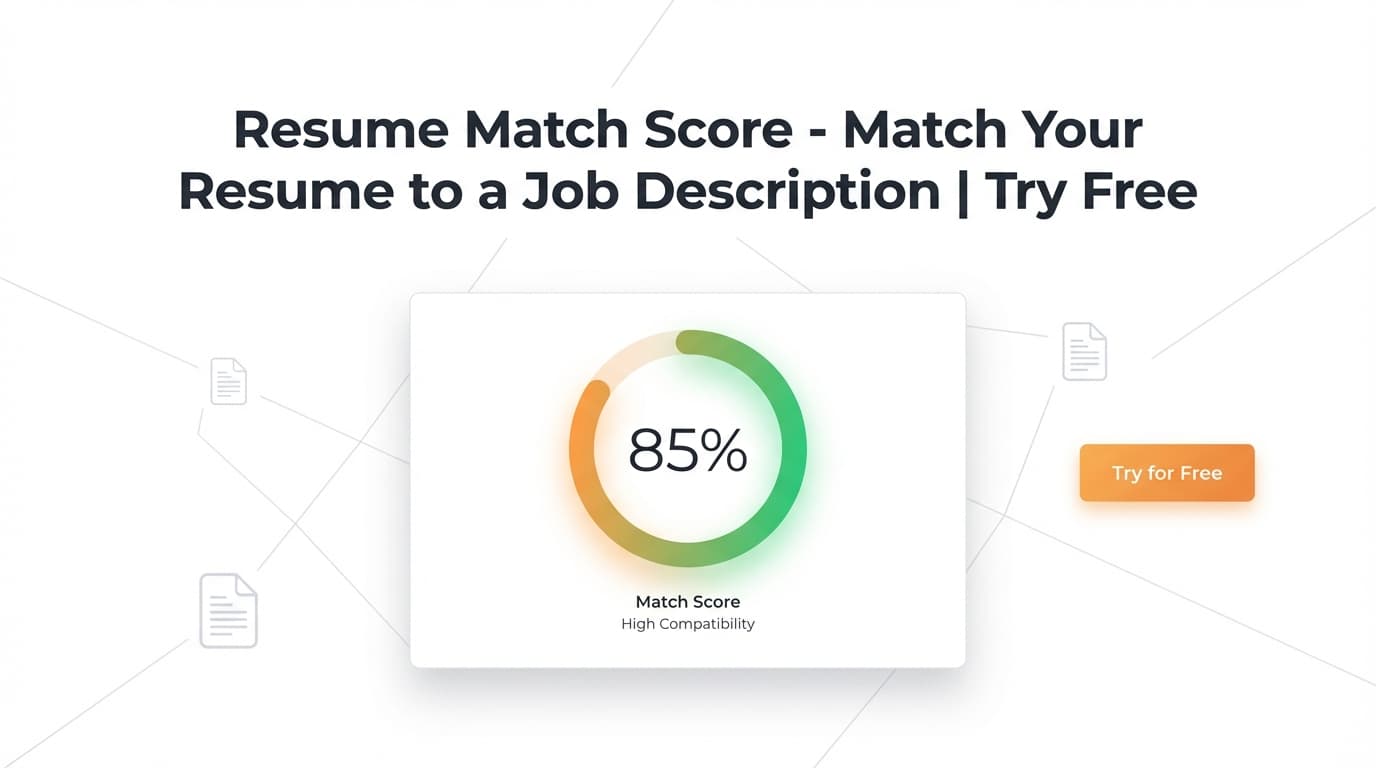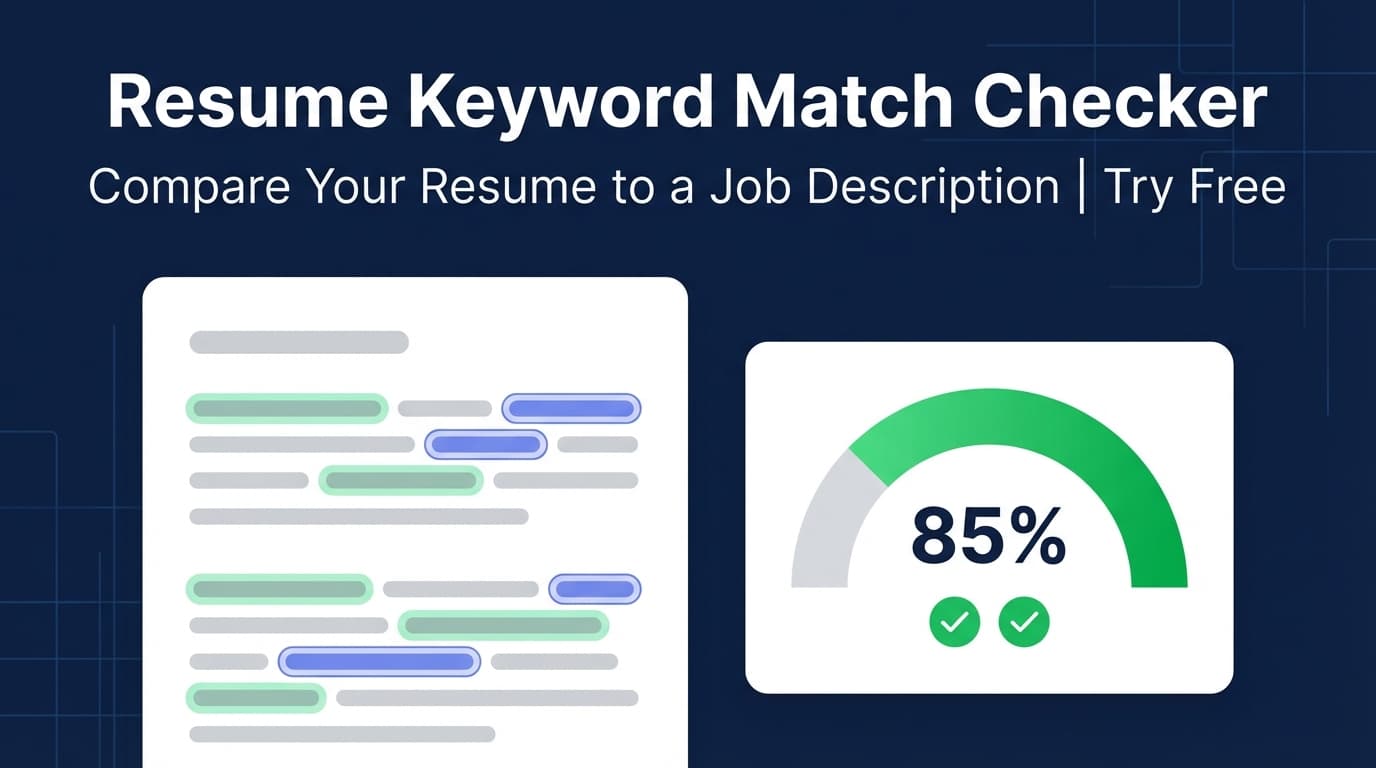
JobShinobi’s Resume Keyword Match Checker compares your saved resume against a job posting and highlights matching keywords, missing keywords, and an overall match score (0–100)—so you can tailor your resume faster without guessing.
Try it now → (JobShinobi is a paid subscription product; the site advertises a 7‑day free trial.)
What is a Resume Keyword Match Checker?
A resume keyword match checker tool answers a practical question:
Do the skills and keywords in my resume line up with the skills in this job description?
Many applicant tracking systems (ATS) and recruiter screens rely heavily on skills, tools, and role-specific language. If your resume doesn’t include relevant terms (truthfully), your experience can be overlooked—even when you’re a strong candidate.
JobShinobi’s Resume Keyword Match Checker is built into the resume workflow:
- You start with a resume saved inside JobShinobi
- You provide a job posting as a URL or pasted text
- JobShinobi extracts job details and keywords, then returns:
- a Job Match Score
- Matching Keywords (present)
- Missing Keywords (not found in your resume text)
- Recommendations for improving alignment
Who it’s for
- Job seekers tailoring resumes for each application
- Career changers who need to translate experience into the employer’s terminology
- Anyone who wants “keyword gap analysis” plus actionable next steps (not just a list)
How to Use JobShinobi’s Resume Keyword Match Checker
This checker is designed to work with a resume you’ve created/saved in JobShinobi (LaTeX-based). It’s not a generic “upload any PDF and scan it” tool.
Step 1: Create or open a resume in JobShinobi
- Go to the Resume Builder in your dashboard.
- Choose Start from Template or open an existing resume from My Resumes.
- Make sure your resume is saved so it can be analyzed.
Tip: If you’re applying to multiple roles, duplicate your resume first so each tailored version stays clean.
Step 2: Open Resume Analysis and go to “Job Matching”
- Open your resume’s Resume Analysis page.
- Select the Job Matching tab.
This is where the keyword match checker experience lives in the product.
Step 3: Add a job posting (URL or pasted text)
JobShinobi supports two input modes:
- URL mode: paste a job posting link (LinkedIn, Indeed, or a company careers page).
- Text mode: paste the full job description.
Then click Extract Job Details.
JobShinobi extracts structured job info including:
- company (when available)
- position/title (when available)
- a short description
- requirements
- a list of keywords (skills, tools, qualifications)
Tip for better results: Some job pages are blocked or heavily script-rendered. If URL extraction fails or looks incomplete, use Text mode and paste the job description.
Step 4: Review your keyword match results
After matching runs, you’ll see:
- Job Match Score (0–100%)
- Matching Keywords: job keywords that appear in your resume text
- Missing Keywords: job keywords not found in your resume text
- Recommendations: suggested improvements for better alignment
Pro tip: Missing keywords are not automatically “keywords you should add.” Treat them as a prompt to verify:
- Do you actually have that skill/experience?
- If yes, can you describe it more directly (with proof)?
- If no, don’t add it.
Step 5: Apply suggestions (then edit your resume)
If recommendations are available, click Apply Suggestions to jump back into the resume editor and make changes.
This doesn’t auto-edit your resume for you—it’s a fast way to go from analysis → editing in one flow.
Features of Our Resume Keyword Match Checker
Job description input via URL or text
Use a link when it’s convenient, or paste text when the page is hard to parse.
Why it matters: You can tailor from almost any job posting source.
Keyword match score (0–100)
JobShinobi generates a match score so you can quantify alignment and track improvement as you revise.
Why it matters: A numeric score helps you prioritize which resumes need the most work.
Matching vs missing keyword lists
The tool separates keywords into:
- present (already in your resume text)
- missing (not found in your resume text)
Why it matters: This is the core “keyword gap analysis” that makes tailoring faster.
Recommendations to improve alignment
Alongside keywords, JobShinobi provides recommendations (actionable suggestions) to improve the resume for that job.
Why it matters: Lists are helpful—guidance is better. Recommendations help you decide where and how to update your resume.
Resume Keyword Match Checker Use Cases
For technical roles (engineering, data, IT)
Quickly catch gaps like:
- tools (e.g., Docker, Kubernetes)
- languages (e.g., Python, TypeScript)
- platforms (e.g., AWS, GCP) Then decide what’s truthful to add—and where (skills section vs experience bullets).
For non-technical roles (PM, Ops, Marketing)
Spot missing role language such as:
- “stakeholder management”
- “cross-functional collaboration”
- “roadmaps,” “OKRs,” “GTM” Then strengthen your bullets so the keywords are supported by outcomes.
For career changers
Job postings often use “native” terminology for that field. The checker helps you identify the terms employers expect so you can reframe transferable experience more clearly.
Why Choose JobShinobi’s Resume Keyword Match Checker?
| JobShinobi | Other “Free” Keyword Match Tools |
|---|---|
| Built into a resume builder + editor workflow | Often separate tools with copy/paste between platforms |
| Job posting input via URL or pasted text | Many are limited to one input method |
| Clear output: score + present/missing keywords + recommendations | Some only provide a keyword list without guidance |
| One click back to editing via Apply Suggestions | Usually no connected editor workflow |
Important: No keyword tool can guarantee ATS success or an interview. Use this to improve clarity and relevance—not to game the system.
Related Tools (Inside JobShinobi)
Explore more JobShinobi features that pair well with keyword matching:
- Resume Analyzer (ATS-focused scoring): Overall score plus category breakdown (content, keywords, formatting, completeness, ATS compatibility).
- Job Details Extraction: Convert a job URL or text into structured job details and keywords.
- LaTeX Resume Builder + PDF Preview: Edit in LaTeX and compile to a PDF preview.
- AI Resume Assistant (chat-based editing): Get help rewriting and improving your resume content within the editor.
- Job Application Tracker: Track applications in a dashboard and export to Excel.
FAQ
Is the Resume Keyword Match Checker free?
JobShinobi is a paid subscription product (pricing shown in the app as $20/month or $199.99/year), and the site advertises a 7‑day free trial.
Avoid assuming this is a permanently free standalone tool.
Do I need an account to use it?
Yes. The checker compares against a resume saved in your JobShinobi account, so you’ll need to sign in and have a resume available.
Can I upload a PDF or DOCX resume?
This checker is designed to work with the resume content stored in JobShinobi (LaTeX-based resume source). If you want to use the tool, create or save your resume in JobShinobi first.
What if the job URL doesn’t extract correctly?
Some job sites block automated fetching or render content dynamically. If URL mode fails, switch to Text and paste the job description.
Should I add every missing keyword?
No. Only add keywords that are true for you—and ideally supported by evidence (projects, metrics, tools used). Keyword stuffing can hurt readability and credibility.
Start Using the Resume Keyword Match Checker Now
Tailoring your resume doesn’t need to be a time sink. Run a check, identify gaps, apply the recommendations, and update your resume for the role—faster and more confidently.