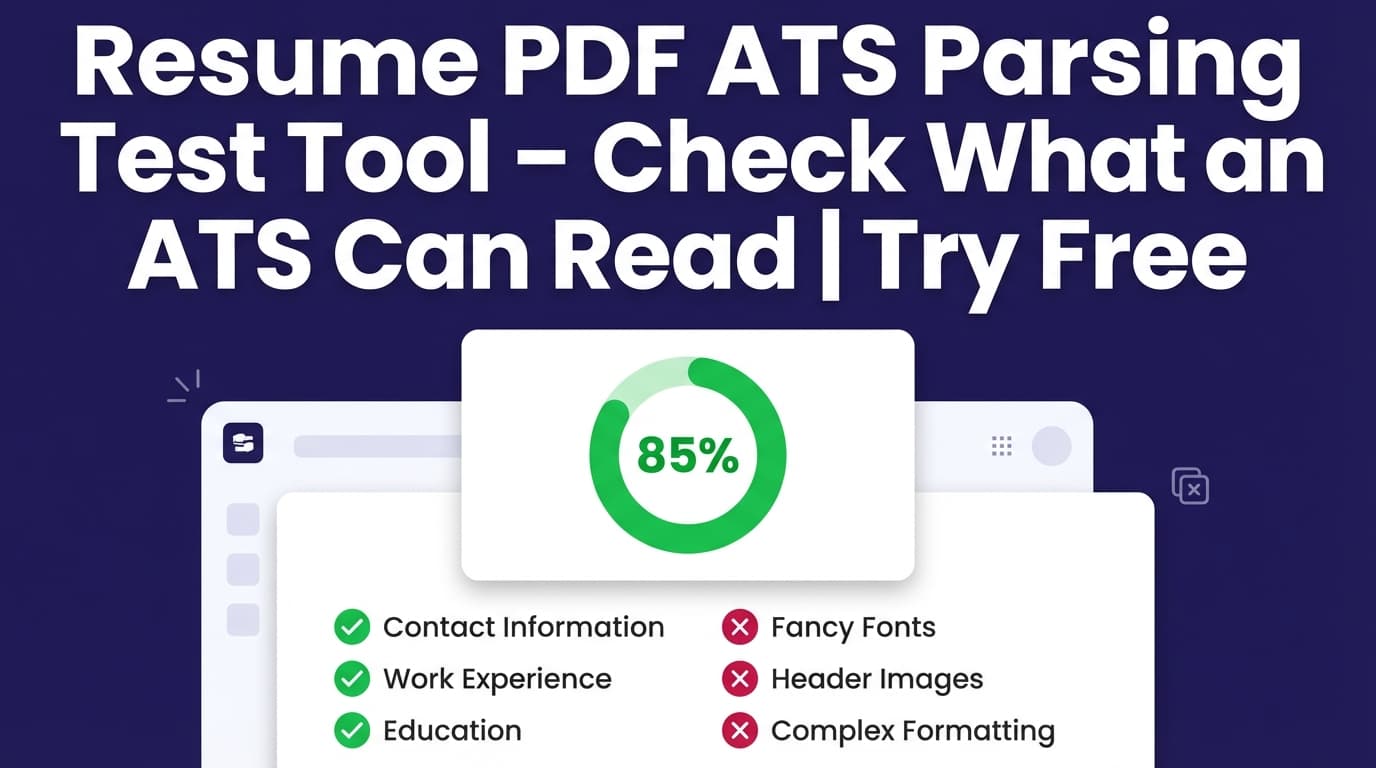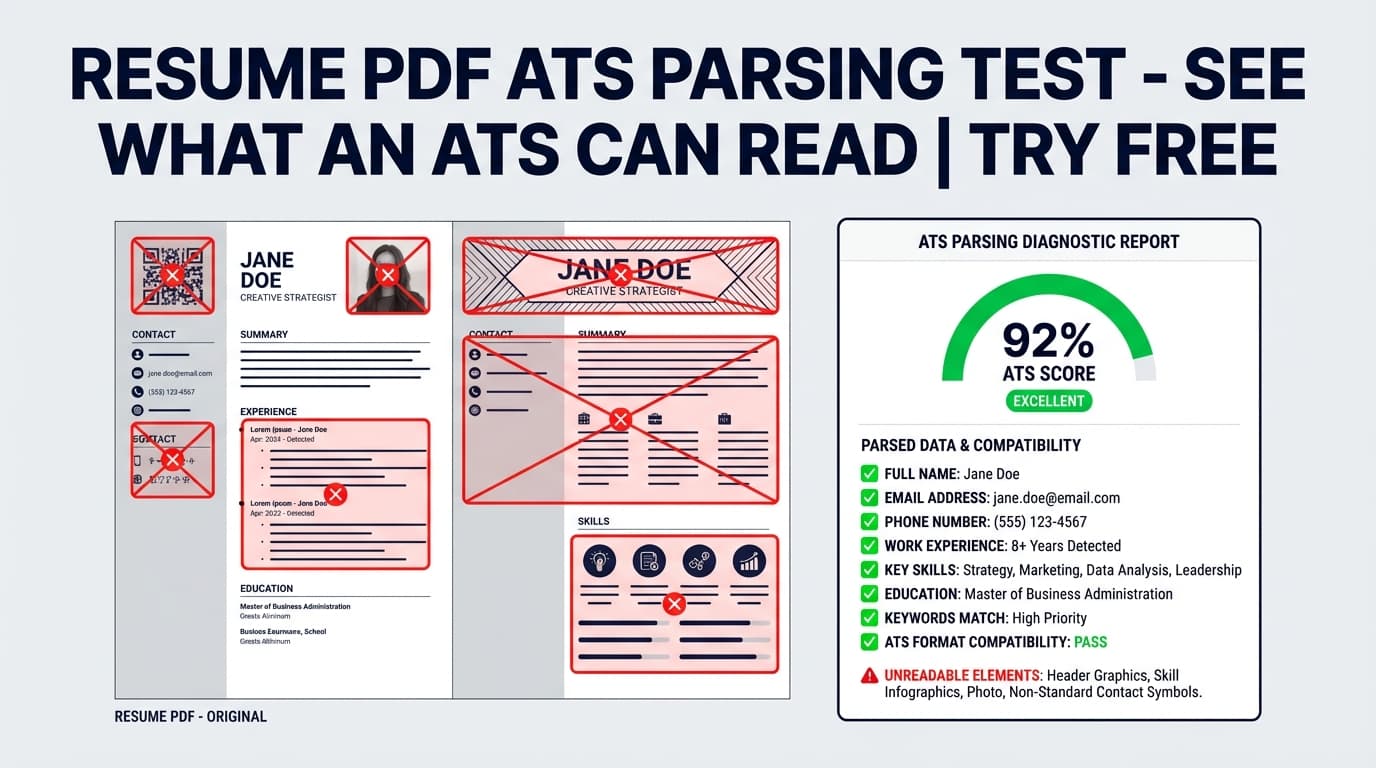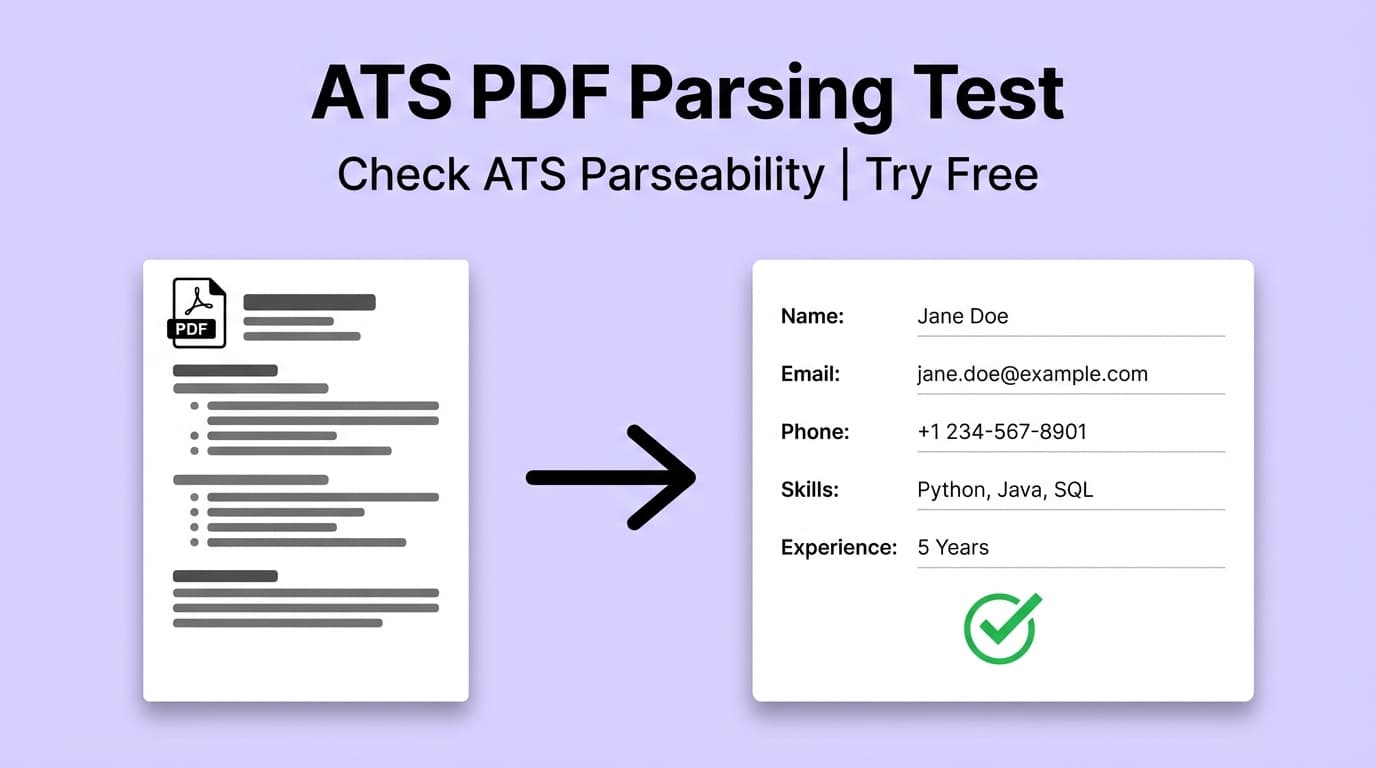
Ats Pdf Parsing Test For Resume helps you catch the most common ATS parsing problems that show up when a resume is exported to PDF—like non-standard headings, inconsistent dates, special symbols, and column/table layouts that can scramble reading order.
Accuracy note: JobShinobi’s test analyzes your resume content (built in JobShinobi’s LaTeX-based resume builder) and returns ATS/parseability feedback. It does not claim to emulate every ATS vendor’s exact parser, and it does not guarantee you’ll “pass ATS.”
What is an “ATS PDF parsing test” for a resume?
An ATS (Applicant Tracking System) typically needs to extract text and structure from your resume so recruiters can search it and so the system can populate fields like job titles, dates, and skills. PDFs can be perfectly ATS-readable—but certain formatting choices increase the risk of “garbled” parsing, including:
- Multi-column layouts that read in the wrong order
- Tables that flatten into one long line
- Decorative symbols/special characters that don’t extract cleanly
- Creative section headings that ATS or recruiters don’t recognize
- Inconsistent date formats that confuse timelines
JobShinobi’s Ats Pdf Parsing Test For Resume is designed to highlight those risks and give you fix-it recommendations—so the resume you export as a PDF stays clean and readable when it hits an ATS.
Who this tool is for
- Job seekers submitting PDF resumes and worried about parsing accuracy
- Candidates using templates (especially with columns, tables, icons, or dense formatting)
- Anyone who wants a clear “what to change” checklist—not just a score
- People tailoring resumes who want to re-check formatting and ATS readiness quickly
How to Use JobShinobi’s Ats Pdf Parsing Test For Resume (Step-by-Step)
Step 1: Sign in and open your resume
To run the test, you’ll need an account so JobShinobi can load your saved resume. Open your resume in the Resume Studio (the LaTeX editor + PDF preview workspace).
Tip: If you’re starting from scratch, pick a clean, ATS-friendly template and keep your structure simple (clear headings, consistent spacing, minimal visual elements).
Step 2: Compile your resume to PDF (optional but recommended)
JobShinobi includes a built-in PDF preview by compiling your LaTeX.
- Click Compile to generate a fresh PDF preview.
- Use Export PDF once it compiles successfully.
Why this matters: Even if your content is strong, parsing issues often come from layout. A quick compile/preview helps you validate that your formatting is stable before you analyze and apply.
Step 3: Run “Analyze Resume”
In the editor, click Analyze Resume (or Re-analyze). JobShinobi generates a score breakdown including:
overall_scorecontent_scorekeyword_scoreformatting_scorecompleteness_scoreats_score
You can open the detailed report from the score widget.
Tip: JobShinobi may return a cached analysis if your resume hasn’t changed since the last run. If you’ve made edits and want fresh results, use Re-analyze after saving changes.
Step 4: Review ATS/parseability findings (the “PDF parsing test” part)
In your analysis report, focus on the ATS-specific outputs such as:
overall_ats_scoreparseable_sectionsproblematic_elements(each with severity + fix)date_format_consistent+date_format_issuescontact_info_complete+contact_info_issuesuses_standard_headings+heading_issuesspecial_characters_foundtables_or_columns_detectedats_friendly_format
These fields are built to answer: “What might break when an ATS tries to read my resume PDF, and how do I fix it?”
Step 5: Fix issues and re-test
Apply changes in the editor, then run Re-analyze until you’re happy with the results.
Pro tip: Fix structure and parsing first (headings, dates, columns/tables, symbols). Then optimize keywords for the specific job. A perfectly parseable resume that doesn’t match the job’s terminology can still underperform.
Features of Our Ats Pdf Parsing Test For Resume
ATS Score + Parseability Checklist
You’ll get an ATS-focused score and a clear list of issues that can impact ATS readability—especially when exporting to PDF.
Why it matters: You’re not guessing whether columns or non-standard headings are “fine.” You get concrete feedback you can act on.
“Problematic Elements” with Severity + Fixes
The tool flags risky elements and labels them as high / medium / low severity, along with a recommended fix.
Why it matters: Not every suggestion is equally important. This helps you prioritize what to change first.
Date Format & Contact Info Validation
The analysis checks whether your dates are consistent and whether your contact info appears complete.
Why it matters: These are two of the most common “silent failures” in ATS parsing—especially when resumes are heavily formatted.
Special Character Detection
The tool reports special characters it notices (for example, bullets or arrows).
Why it matters: Some ATS pipelines normalize these well; others don’t. If your resume relies on symbols for meaning, it’s safer to simplify.
Optional Job-Specific Analysis (Keyword Alignment)
You can add a job description for more tailored feedback and keyword matching.
Why it matters: ATS readiness isn’t only about parsing—matching is often where candidates lose out. Job-specific analysis helps you close keyword gaps without stuffing.
Ats Pdf Parsing Test For Resume: Practical Use Cases
For two-column or “designed” resumes
If your resume includes two columns, tables, or dense visual sections, run the test to check for layout risk indicators (like tables_or_columns_detected) and fix what could cause reading-order problems.
For resumes exported from different tools
Resumes created in design tools (or heavily styled templates) often look great to humans but may parse unpredictably. Use the test to standardize headings, dates, and section structure before submitting as PDF.
For frequent tailoring
Each time you tailor a resume, formatting drift can creep in (changed headings, broken consistency, awkward symbols). Re-run the test after significant edits.
Why Choose JobShinobi’s Ats Pdf Parsing Test For Resume?
| JobShinobi | Other “Free” resume scanners |
|---|---|
ATS-focused outputs like problematic_elements, heading_issues, and tables_or_columns_detected |
Often give a vague score without pinpointing what breaks parsing |
| Built into a LaTeX → PDF workflow with live preview and export | Many tools analyze an upload but don’t help you iteratively fix structure in a controlled editor |
| Supports job-specific matching to improve present vs missing keywords | Many tools focus only on generic checks, not role alignment |
Related Tools in JobShinobi
Explore more from JobShinobi:
- Resume Builder (LaTeX + PDF Preview): Write structured LaTeX and compile to a clean PDF.
- Job Description Extraction: Paste a job URL or job text to extract structured job details.
- Resume-to-Job Matching: Get a match score plus missing/present keywords and recommendations.
- Job Tracker + Email Forwarding (Pro feature): Forward application emails to automatically log applications (Pro required).
FAQ
Is Ats Pdf Parsing Test For Resume really free?
JobShinobi is a paid subscription product. The site advertises a 7-day free trial, and the paid plans shown in the app are $20/month or $199.99/year.
Do I need an account?
Yes. You must sign in so JobShinobi can access your resume and store your analysis results.
Does this tool upload my PDF and show exactly how a specific ATS parses it?
This tool provides ATS/parseability analysis of your resume content inside JobShinobi and flags common formatting risks that can affect PDF parsing. It does not claim to replicate a specific ATS vendor’s exact parsing engine.
Will this guarantee I pass ATS?
No. It helps you reduce common parsing/formatting issues and improve clarity, but outcomes vary by ATS configuration, employer workflows, and job-fit signals.
Start Using Ats Pdf Parsing Test For Resume Now
If you’re applying with a PDF resume, you want two things: (1) the ATS can read it cleanly, and (2) your content matches the role. Run the parsing test, fix the flagged issues, and re-check until your resume is structured, consistent, and easy to interpret.