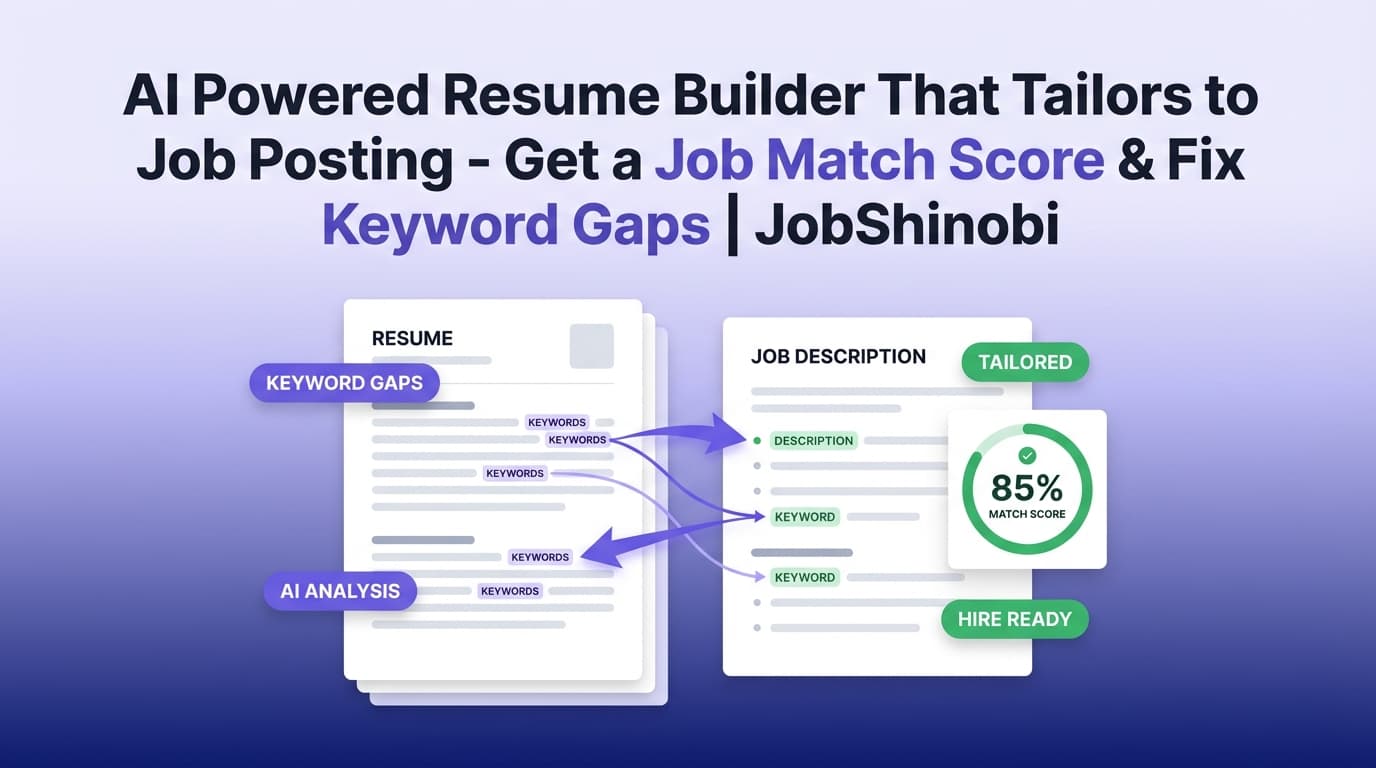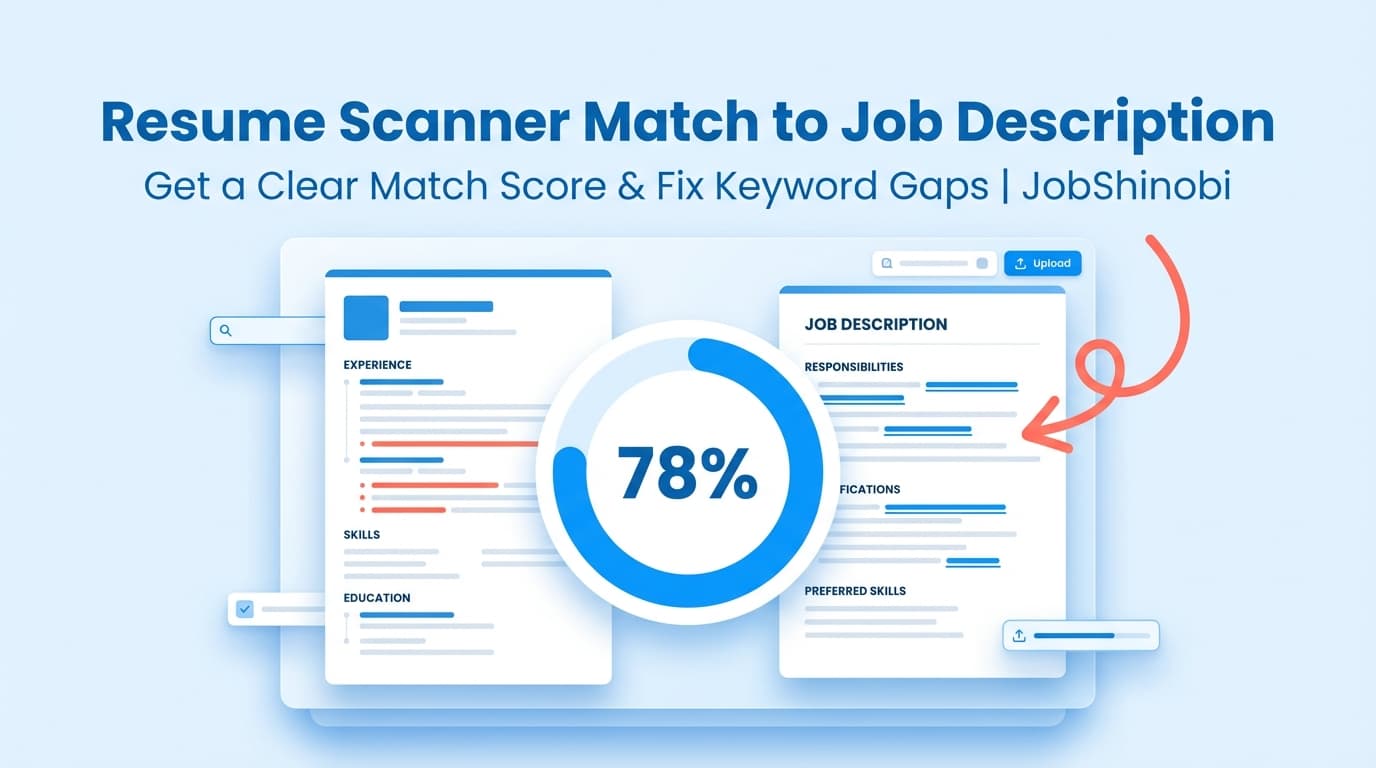
JobShinobi helps you scan your resume against a job description and turn “I think I’m a fit” into a measurable match score, a keyword gap list, and specific recommendations you can implement inside a LaTeX resume editor (with PDF preview and version history). Paste a job posting URL or the full job text, extract key requirements, then run a resume-to-job match.
If you’re applying to dozens of roles and getting silence, this is the workflow: match → diagnose → tailor → re-check.
Primary use case: resume scanner match to job description
What you get: match score, present keywords, missing keywords, and actionable recommendations.
Why Choose JobShinobi for Resume-to-Job Description Matching?
Most “resume scanners” stop at generic advice or force you into formatting you can’t control. JobShinobi is built for job seekers who want two things at the same time:
- A clear job match score + keyword gaps
- A resume editing workflow that keeps structure stable (LaTeX-first) with a reliable PDF preview
Under the hood, JobShinobi includes a Job Matching flow inside the resume analysis experience:
- Job Description Input supports URL or Text
- Extract Job Details turns the posting into structured data (company, position, description, requirements, keywords)
- Match Resume with Job returns:
- a match score
- present keywords (already in your resume)
- missing keywords (in the job posting but not in your resume content)
- recommendations to improve alignment
Then you can open your resume in the editor and update it—with a PDF preview generated from LaTeX compilation and resume version history.
Benefit 1: Match to a real job posting (URL or full text)
JobShinobi doesn’t require you to guess what matters in a listing. You can:
- paste a job posting URL (LinkedIn, Indeed, company career pages, etc.)
- or paste the full job description text
JobShinobi extracts structured job details so your scan is anchored to the actual requirements and keywords from the role you’re applying to.
Benefit 2: Get a match score plus “missing vs matching keywords”
A “resume scan” is only useful if it tells you exactly what to do next. JobShinobi’s job match analysis shows:
- your Job Match Score
- Matching Keywords (what you already have)
- Missing Keywords (what you may need to add—only if it’s true for you)
- a recommendations list to guide edits
This makes tailoring faster and more intentional than rewriting blindly.
Benefit 3: Tailor inside a LaTeX resume workflow (with PDF preview)
JobShinobi resumes are stored as LaTeX (latex_source). That means:
- your structure is explicit (sections like
\section{Experience}/\section{Skills}) - you can compile and preview a PDF while you edit
- you can download a PDF and your .tex source
If you’ve ever had a resume builder “reformat” your content unexpectedly, LaTeX gives you more predictable control over structure.
How JobShinobi’s Resume-to-Job Match Works
This is the exact flow you’ll use to scan your resume and match it to a job description.
Step 1: Create or open a resume in JobShinobi
Inside the dashboard, you can create a resume from the template library and save it. JobShinobi stores your resume as LaTeX, and you can manage multiple resumes.
Tip: If you apply to different role types (e.g., Data Analyst vs Product Analyst), keep separate resume versions and match each one to the right postings.
Step 2: Add a job posting (URL or text)
In the Job Matching tab, you’ll see Job Description Input with two options:
- URL: paste the job posting link
- Text: paste the full job description
Then click Extract Job Details.
What’s extracted: structured job information like company, position, description, requirements, and a keyword list.
Step 3: Run the match scan (resume scanner match to job description)
After extraction, JobShinobi matches your resume against that job data and produces an analysis that includes:
- Job Match Score (percentage match)
- Present keywords (keywords from the job that are already found in your resume content)
- Missing keywords (keywords from the job that do not appear in your resume content)
- Recommendations (how to improve alignment)
This is the core output people want when they search “resume scanner match to job description.”
Step 4: Implement changes in the resume editor (and keep versions)
When you’re ready to apply changes, use the editor workflow:
- open your resume in the LaTeX editor
- update relevant sections (Summary, Skills, Experience, Projects)
- compile for a PDF preview
- save a new version
JobShinobi maintains resume version history, so you can revert if you over-tailor or want to reuse a prior version for another application.
Step 5: Re-run the scan and confirm improvements
Tailoring is iterative. After updates, run the job match scan again to verify:
- your match score increased
- missing keywords decreased
- recommendations are addressed
Key Features for Resume Scanner Matching (Job Description → Resume)
| Feature | What It Does | Why It Matters |
|---|---|---|
| Job Description Input (URL or Text) | Accepts a job URL or pasted job description | Lets you scan against the real posting you’re applying to |
| Job Details Extraction | Extracts structured job info (company, position, requirements, keywords) | Makes matching more consistent than manual keyword guessing |
| Job Match Score | Returns a percentage match score | Gives you a quick “how close am I?” indicator |
| Present vs Missing Keywords | Lists keywords found vs not found in your resume content | Turns “tailor it” into a concrete checklist |
| Recommendations | Provides guidance on improving alignment | Helps you prioritize changes instead of rewriting everything |
| LaTeX Resume Editor + PDF Preview | Edit LaTeX and compile to preview your resume | Keeps formatting stable while you tailor content |
| Resume Version History | Stores versions of your resume changes over time | Supports experimentation and “undo” without losing progress |
| Resume Analysis (separate from job match) | Provides a broader resume score breakdown and feedback | Helps you fix baseline issues before job-specific tuning |
| Job Application Tracker (optional) | Track applications with realtime updates and export to Excel (.xlsx) | Keeps your job search organized alongside your resume work |
What a “Resume Scanner Match to Job Description” Should Actually Tell You
A lot of tools give you a score and vague advice. A useful scanner should answer four questions:
- Which keywords from the job description are already on my resume?
- Which important keywords are missing (and where should they go)?
- What should I change first to increase relevance without keyword stuffing?
- How do I apply changes without breaking formatting or losing versions?
JobShinobi’s match analysis is built around those outputs: match score + missing/present keywords + recommendations, with a workflow to implement changes in a controlled resume editor.
Job Match Score: How to Use It Without Over-Optimizing
A match score is a directional signal—not a guarantee. Use it to guide edits, not to force your resume into an unnatural keyword dump.
Here’s a practical way to interpret your results:
-
If your match score is low:
Your resume likely isn’t speaking the language of the role. Look first at missing keywords, then check whether your bullet points demonstrate the underlying skill (not just the term). -
If your match score is moderate:
You might already be qualified, but the resume may be under-communicating key requirements. Use the recommendations to tighten alignment—especially in Skills and the first few bullets under your most relevant roles. -
If your match score is high:
Great. Now focus on clarity and impact: quantify outcomes, emphasize scope, and keep keywords contextual (inside accomplishments).
Important: A higher score is not always better if it creates redundancy or hurts readability.
JobShinobi vs. Typical Resume Scanner Tools
Many resume scanners are built around a simple workflow: upload → score → upsell → export. JobShinobi is different in two key ways:
1) URL-based job extraction + structured matching
Instead of requiring you to manually summarize a posting, JobShinobi can extract job details from:
- a job posting URL
- or pasted job description text
Then it matches your resume to that structured job data and returns the match outputs you actually need.
2) A resume editing environment designed for iteration
Once you see missing keywords and recommendations, you need a place to implement changes:
- JobShinobi uses a LaTeX resume editor
- includes PDF preview via compilation
- and maintains resume versions
That supports real tailoring workflows: role-specific resumes, controlled formatting, and reversible edits.
Common weaknesses you can avoid with JobShinobi
- “Score-only” feedback: A number without a plan doesn’t help. JobShinobi provides missing/present keywords and recommendations.
- Formatting chaos after tailoring: Editing inside a stable LaTeX workflow reduces the “builder changed my resume” problem.
- No system to manage the job search: If you want to track applications, JobShinobi also includes a job tracker with realtime updates and Excel export.
How to Tailor Your Resume to a Job Description (A Practical Checklist)
Use this checklist alongside your job match scan results.
1) Start with the job’s “must-have” requirements
From the extracted job details, identify:
- core tools/technologies (e.g., SQL, Python, Tableau)
- core responsibilities (e.g., stakeholder reporting, experimentation, pipeline automation)
- role-specific terms (e.g., “A/B testing,” “data modeling,” “forecasting”)
Then compare to your missing keywords list.
2) Add missing keywords only when you can support them
If a keyword is missing, ask:
- Have I actually used this tool/skill?
- Can I prove it in a bullet point (project, metric, outcome)?
- Is there a synonym I already use that should be adjusted to match the job’s language?
A good scanner helps you spot gaps; good tailoring means adding proof.
3) Place keywords where they matter most
Common high-signal sections:
- Skills
- the first 2–3 bullets of your most relevant Experience
- Projects (especially for career switchers or early-career roles)
- Summary / Objective (if used)
4) Keep keywords contextual (avoid stuffing)
Keyword stuffing can backfire with humans and can make your resume feel inflated. Better pattern:
- Instead of: “Python, Python, Python, SQL, SQL”
- Use: “Built a Python pipeline that cleaned and transformed raw SQL extracts, reducing reporting time by 30%.”
5) Re-run your job match scan
After edits, scan again. The goal isn’t perfection—it’s to ensure:
- your resume reflects the job’s language
- the keywords appear naturally
- you didn’t miss an obvious requirement
6) Save versions for each target role type
Job matching is easier when your resume variants are organized:
- “Data Analyst – BI”
- “Data Analyst – Product”
- “Operations Analyst”
- “PM – Technical”
JobShinobi’s versioning helps you iterate without losing a strong baseline.
Use Job Matching Together with Resume Analysis (Best Results)
Job matching works best when your resume foundation is strong. JobShinobi also includes Resume Analysis that can produce:
- overall and category scores (content, keyword, formatting, completeness, ATS)
- strengths and areas to improve
- additional keyword feedback
A simple workflow:
- Run Resume Analysis first to fix baseline issues
- Then run Job Matching to tailor to a specific role
- Edit and re-check
This sequence prevents you from “tailoring around” deeper problems.
Pricing
JobShinobi offers paid subscriptions via Stripe:
- Monthly: $20.00
- Yearly: $199.99
You can access plan checkout via Stripe payment links.
If you need to manage billing, JobShinobi includes a billing portal link in settings.
Frequently Asked Questions
How do I use a resume scanner to match to a job description?
In JobShinobi, you:
- Open your resume
- Go to Job Matching
- Paste a job posting URL or the job text
- Click Extract Job Details
- Run the match to get a match score, missing keywords, matching keywords, and recommendations
- Update your resume in the editor and re-run the scan
Can I paste a LinkedIn or Indeed job URL?
Yes—JobShinobi’s job input supports a URL option for job postings (including major job boards and company career pages). If a URL doesn’t work for a particular posting, you can paste the full job description text instead.
What does the match score mean?
The match score is a percentage that reflects how closely your resume aligns with the job’s extracted requirements and keywords. It’s best used as a guide to identify gaps (especially missing keywords) and prioritize edits—not as a guarantee of interview outcomes.
Does JobShinobi tell me which keywords are missing?
Yes. The job match analysis includes:
- present keywords (matching keywords)
- missing keywords along with recommendations for improving fit.
Does JobShinobi automatically rewrite my resume for the job?
JobShinobi provides recommendations and a tailored analysis, and it includes an AI-powered resume editing experience you can use while working in the LaTeX editor. You stay in control of what changes are made, and you can save versions as you iterate.
Can I upload a PDF resume for scanning?
JobShinobi’s resume workflow is centered on resumes you create and manage in the app as LaTeX. You can compile and download a PDF from your LaTeX resume, but PDF upload/OCR-based scanning is not part of the supported workflow.
Are ATS resume scanners accurate?
Resume scanners can be useful for:
- highlighting missing keywords
- spotting alignment gaps
- improving readability and structure
But no scanner can perfectly simulate every ATS configuration. Use scanners to improve relevance, then ensure your resume is still clear, truthful, and easy to read for recruiters and hiring managers.
Can JobShinobi track my job applications too?
Yes. JobShinobi includes a job application tracker in the dashboard with realtime updates and an option to export your applications to Excel (.xlsx).
Get Started with JobShinobi Today
If you’re searching for a resume scanner match to job description, you’re likely trying to answer one urgent question: “Why isn’t my resume getting interviews for roles I’m qualified for?”
JobShinobi gives you a repeatable system:
- extract the job requirements
- scan your resume for match score and keyword gaps
- apply changes in a LaTeX editor with PDF preview
- save versions and iterate confidently
Next step: Sign in to create a resume, run Job Matching, and start tailoring with a clear, job-specific plan.