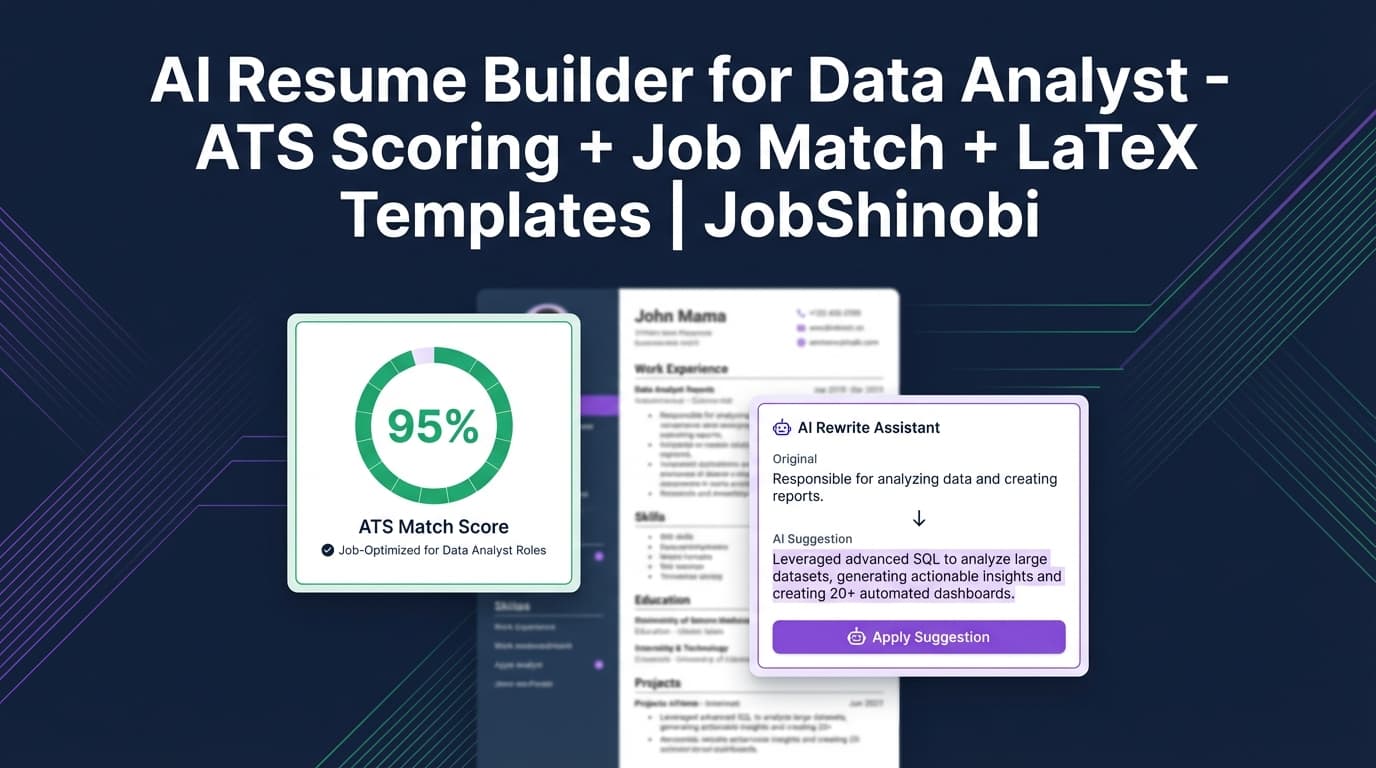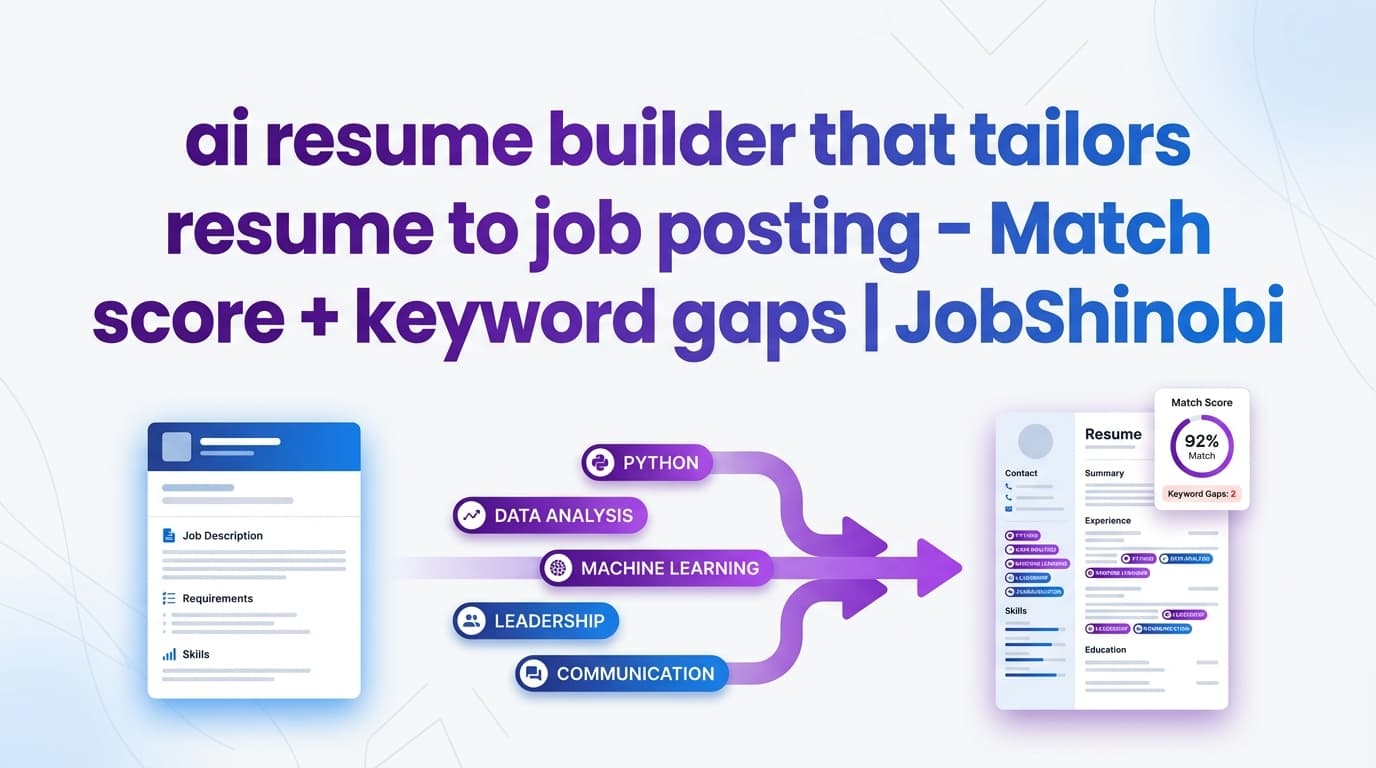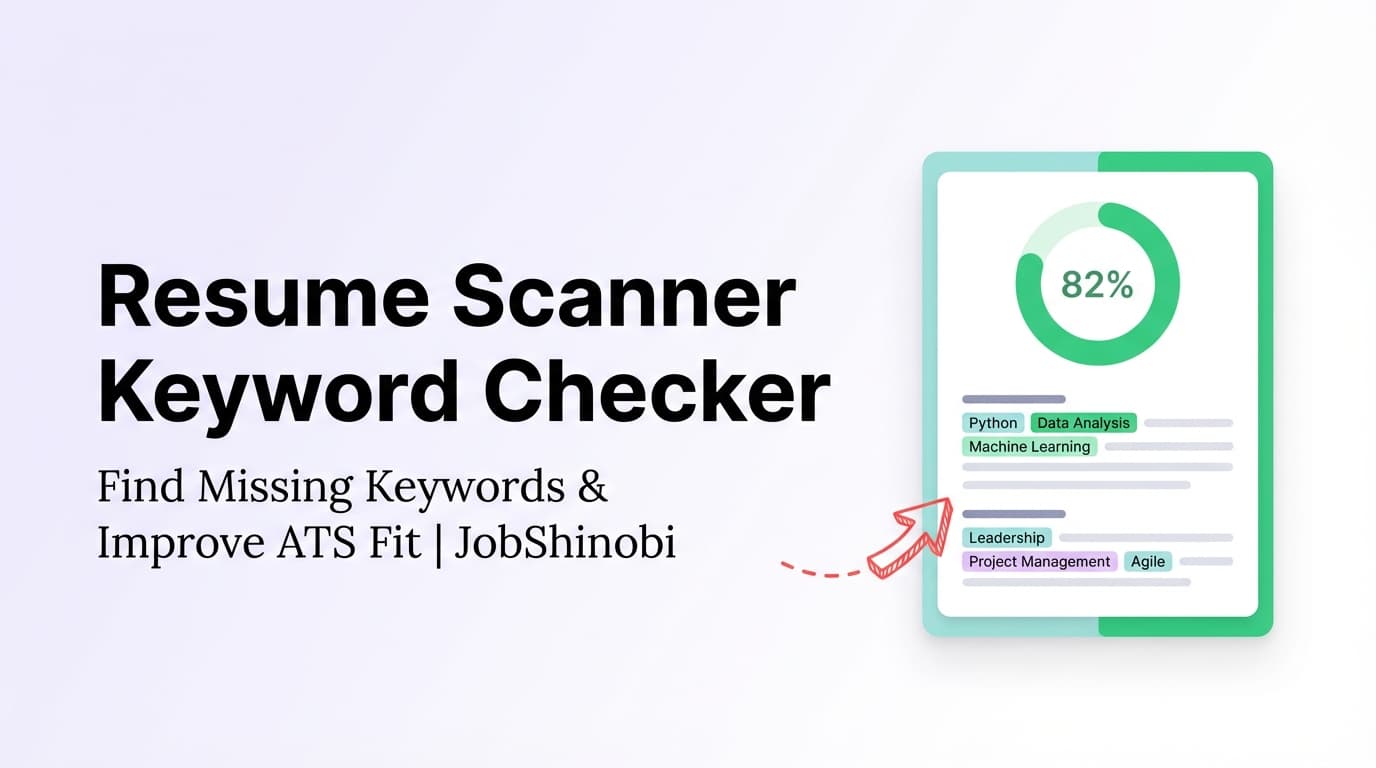
JobShinobi is a resume scanner keyword checker built for job seekers who want more interviews—not more guessing. Create (or paste in) your LaTeX resume, run an AI-powered analysis, and get clear keyword feedback like missing keywords, present keywords, overused keywords, and ATS issues. Then, compare your resume to a specific job posting to generate a match score and recommendations you can apply in your editor.
No “mystery score.” No generic advice. Just actionable keyword and ATS-focused insights tied to your resume and the job you want.
Why Choose JobShinobi for Resume Keyword Checking?
Most “resume scanners” stop at highlighting words. JobShinobi goes further by connecting keyword feedback to an end-to-end workflow:
- You build and edit your resume in LaTeX, so structure stays consistent and controllable.
- You run Resume Analysis, which returns a score breakdown plus keyword insights and ATS-related issues.
- You run Job Matching, where you paste a job URL or job description text, extract key details, and get a match score plus missing vs. matching keywords.
- You implement improvements immediately (manual edits or AI-assisted editing) while keeping a resume version history so you can safely iterate.
If you’re applying broadly, JobShinobi also includes a job tracker—so your keyword optimization and your job search system live in one place.
Benefit 1: Keyword feedback that’s actually usable
JobShinobi’s resume analysis returns structured keyword insights, including:
- Present keywords (what you’re already covering)
- Missing keywords (what the job likely expects that your resume doesn’t show)
- Overused keywords (terms you may be repeating too often)
- Keyword density + contextual usage signals (helpful for balancing relevance without stuffing)
This helps you stop playing keyword whack-a-mole and start making targeted, credible edits.
Benefit 2: Match your resume to a job description (URL or pasted text)
Instead of checking your resume “in general,” JobShinobi supports a job-specific workflow:
- Paste a job posting URL or the job description text
- Extract key job details
- Generate a job match score
- See matching keywords and missing keywords
- Get recommendations you can apply to improve alignment
That’s the core intent behind searches like “resume scanner keyword checker”—and it’s exactly what this workflow is designed to do.
Benefit 3: Iterate safely with version history (so you can tailor faster)
Keyword tailoring often takes multiple passes. JobShinobi keeps versions of your resume content so you can:
- Run analysis
- Make edits
- Re-analyze
- Revert if needed
This is especially useful when you’re tailoring for multiple roles (e.g., “Data Analyst” vs “Analytics Engineer”) and want distinct versions without losing your baseline resume.
How JobShinobi’s Resume Scanner Keyword Checker Works
Step 1: Create or open your resume in the Resume Dashboard
Go to your resume hub and open your resume editor:
- Choose a template from the resume template library
- Or open an existing resume you’ve already created
You’ll be working with LaTeX source, which the system can analyze directly.
Internal shortcut: Resume dashboard
Step 2: Run “Resume Analysis” to get ATS + keyword feedback
From the Resume Analysis area, run the analysis to generate a structured report, including:
- Overall score plus sub-scores (content, keywords, formatting, completeness, ATS)
- Strengths and weaknesses
- Missing sections
- Keyword analysis (present/missing/overused + density-related fields)
- ATS issues
Tip: If your resume hasn’t changed since the last run, JobShinobi can return a cached analysis instead of re-running everything—useful when you’re reviewing results or switching between tabs.
Step 3: Add a job description (URL or text) for job-specific keyword checking
In the Job Matching tab, you can provide:
- A job posting URL, or
- The full job description text
JobShinobi extracts job details and key terms, then prepares them for matching.
Step 4: Get a match score + missing and matching keywords
After extraction, JobShinobi generates:
- A Job Match Score (percentage)
- Matching keywords (present in your resume)
- Missing keywords (found in the job keywords but not in your resume text)
- Recommendations to improve alignment
Step 5: Apply recommendations and re-check
Use the “Apply Suggestions” flow to jump back into editing and implement changes. Then re-run analysis and job matching to confirm the impact.
Key Features for Resume Scanner Keyword Checking
| Feature | What It Does | Why It Matters |
|---|---|---|
| Resume Analysis (AI) | Generates score breakdown + ATS issues + keyword analysis (present/missing/overused + density-related fields) | Helps you prioritize the edits that move the needle |
| Job Description Extraction | Accepts a job URL or pasted job description text and extracts structured job details and keywords | Saves time and reduces guesswork when tailoring |
| Resume-to-Job Matching | Produces a match score plus missing vs. matching keywords and recommendations | Turns keyword checking into a clear action leading to better fit |
| LaTeX Resume Editor + PDF Preview | Edit LaTeX and compile/preview a PDF | Lets you refine content without losing layout control |
| Resume Version History | Stores versions as you save and edit | Tailor confidently—revert if a change hurts clarity |
| Job Tracker + Excel Export | Track applications and export to .xlsx |
Keeps your keyword work connected to your actual job search |
Resume Scanner Keyword Checker vs. The “Manual” Approach
Manual approach (copy/paste + highlight keywords)
A lot of job seekers try this:
- Copy job description into a document
- Highlight terms
- Search for them in the resume
- Try to “add the missing ones”
It works… but it’s slow, inconsistent, and usually leads to two common problems:
- Keyword stuffing: adding terms without showing evidence (projects, outcomes, tools used)
- Unfocused edits: tweaking everything at once without knowing what matters most
JobShinobi approach (analysis + matching + controlled edits)
JobShinobi helps you move from “keyword collecting” to “keyword proof”:
- Identify missing keywords
- Add them where they belong (skills, experience bullets, projects, summaries)
- Keep your resume readable while improving alignment
- Re-check quickly after edits
And because you’re editing in a LaTeX workflow with version history, you can tailor repeatedly without constantly rebuilding formatting.
What Keyword Feedback You’ll See (and How to Use It)
Missing keywords: what to add (and where)
“Missing keywords” should guide where to strengthen evidence, not where to paste buzzwords.
Good places to incorporate missing keywords naturally:
- Skills section: tools/technologies you truly use
- Experience bullets: show the keyword in context (“Built X using Y to achieve Z”)
- Projects: ideal if you’re early-career or switching roles
- Summary (sparingly): reinforce your target role and core stack
Present keywords: what to reinforce with outcomes
If a keyword is present but weakly supported (mentioned once with no detail), strengthen it by:
- Adding measurable impact
- Including scope (scale, users, data volume, timelines)
- Naming the system/tool clearly
Overused keywords: what to simplify
If a term is repeated too often, it can look unnatural. Overuse can also hide your differentiators.
A simple fix: replace repetition with specifics (tool names, metrics, context) and vary language while preserving meaning.
Match score: how to interpret it responsibly
A match score is a directional signal, not a guarantee.
Use it to:
- Spot obvious gaps fast (missing skills/tools)
- Compare versions (“Tailored v1 vs Tailored v2”)
- Decide where you’ll spend time (high-fit roles vs low-fit roles)
Avoid chasing 100%. Instead, aim for a resume that is:
- Credible
- Job-aligned
- Easy to read
- Supported by proof (projects/results)
Pricing
JobShinobi offers paid subscriptions via Stripe:
- Monthly: $20.00
- Yearly: $199.99
Choose a plan via Stripe payment links:
- Monthly: https://buy.stripe.com/7sYeV61P10GS310eTy0VO02
- Yearly: https://buy.stripe.com/6oU9AM0KXexIdFE5iY0VO03
Frequently Asked Questions
What is a resume scanner keyword checker?
A resume scanner keyword checker compares your resume text to common role requirements or to a specific job description to identify:
- Missing keywords
- Matching keywords
- Overused terms
JobShinobi combines keyword checking with ATS-focused resume analysis and job-to-resume matching.
Can JobShinobi compare my resume against a job description?
Yes. You can paste a job posting URL or the job description text, extract job details, then generate a match score along with missing and matching keywords.
Does JobShinobi tell me which keywords are missing from my resume?
Yes. In job matching, JobShinobi identifies missing keywords by checking which extracted job keywords do not appear in your resume text, and it also shows present keywords.
Is a 70% (or 75%) match score “good”?
A match score is best used as a benchmark for iteration, not a final judgment. A “good” score depends on:
- Role competitiveness
- How specialized the job is
- How accurately your resume reflects your real experience
Use the score to guide improvements, but prioritize clarity and credibility over chasing a perfect percentage.
Will JobShinobi upload and scan my PDF resume?
JobShinobi’s resume workflow is built around LaTeX resumes you create and edit inside the app. The analysis is performed on your resume content (LaTeX source). If you need a PDF, you can compile and preview a PDF from your LaTeX editor.
Can I re-run the scan after I make edits?
Yes. You can re-analyze your resume and re-run job matching after updates. If your resume hasn’t changed since the last analysis, JobShinobi may return cached results for faster feedback.
Does JobShinobi help me apply the changes, or just show the issues?
JobShinobi is designed so you can act immediately:
- Run analysis and job matching
- Review missing/matching keywords and recommendations
- Jump back into the resume editor to implement changes
- Keep versions so you can revert if needed
Get Started with JobShinobi Today
If you searched for a “resume scanner keyword checker,” you’re likely trying to answer one question:
“Why isn’t my resume getting interviews—and what do I change?”
JobShinobi helps you answer that with:
- Keyword analysis (missing/present/overused)
- ATS-focused resume feedback
- Job description matching (URL or text)
- A LaTeX resume editor with PDF preview
- Version history so tailoring doesn’t become a mess
Sign in to start scanning your resume →