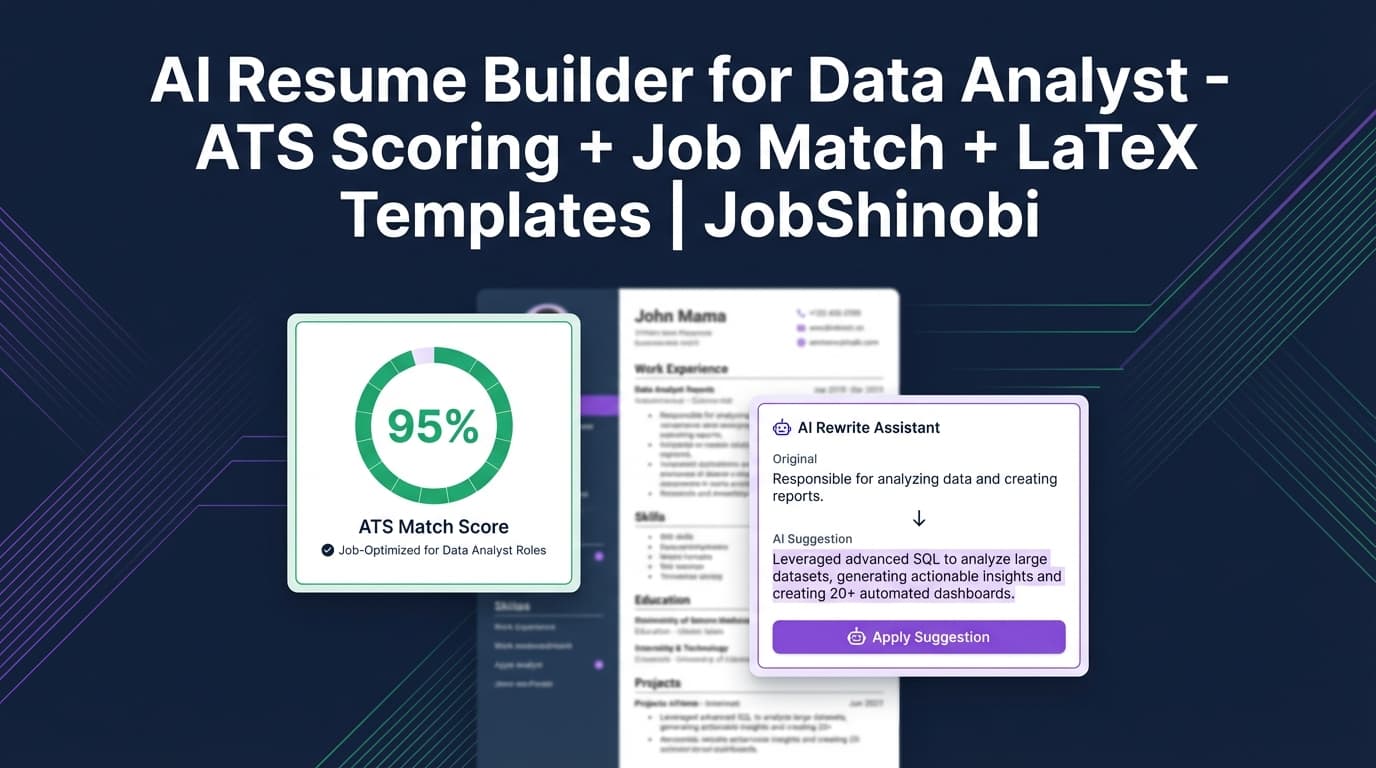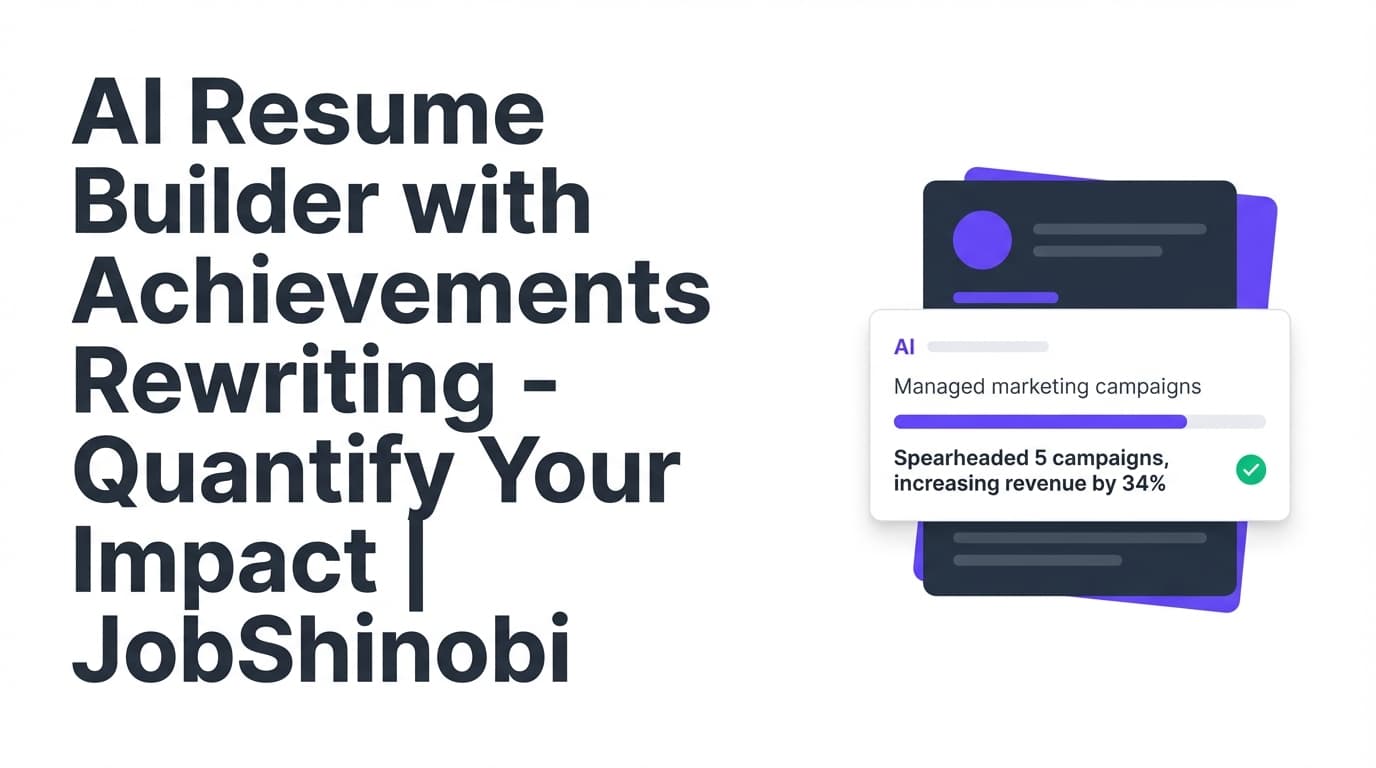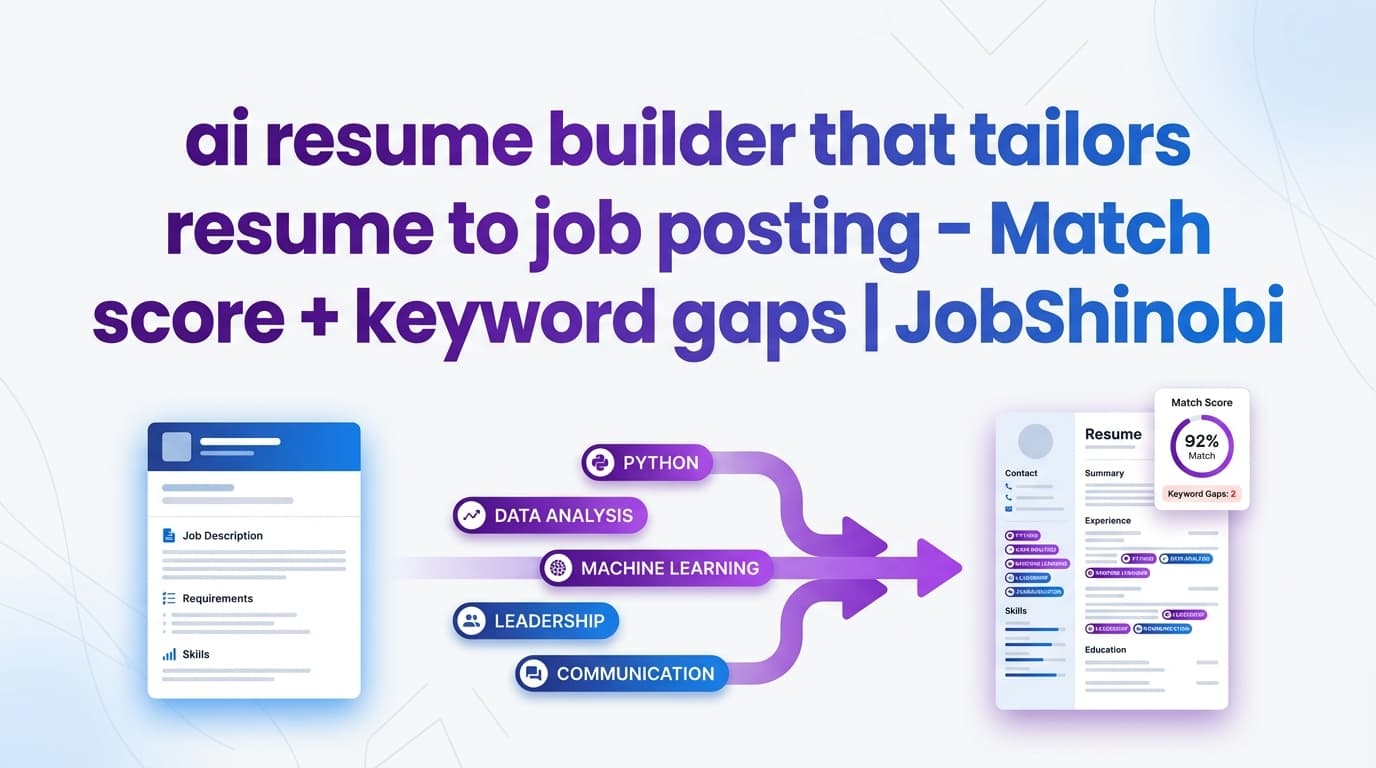
JobShinobi is an AI resume builder that tailors your resume to a job posting using a workflow built for real applications: create your resume in a LaTeX-based resume editor, paste a job posting URL or job description text, get a job match score plus matching vs. missing keywords and recommendations, then use the AI Resume Agent (streaming chat) to rewrite sections and polish bullets—while keeping your formatting stable with PDF preview + LaTeX compilation checks.
CTA: Sign in with Google to start a resume, run a job match, and tailor with AI.
Why Choose JobShinobi for tailoring your resume to a job posting?
Most “tailor my resume” tools stop at generic rewrites. JobShinobi is built around job-specific analysis + controlled editing so you can tailor quickly without losing structure.
Here’s what makes JobShinobi different for this use case:
-
Job Description Extraction (URL or text) → structured job details
- In the Resume Analysis area, you can paste a job posting URL or the full job description text and JobShinobi will extract structured details (like company, position, description, requirements, and keywords).
- This gives your tailoring workflow clean inputs—so you’re not guessing what matters in the posting.
-
Resume-to-job matching with a clear output you can act on
- JobShinobi generates a job match score, highlights present keywords (already in your resume) and missing keywords (keywords from the job posting that aren’t in your resume yet), and provides recommendations you can implement.
-
AI Resume Agent (streaming) for controlled, section-level changes
- Instead of dumping a brand-new resume, JobShinobi’s AI editing workflow is designed to make targeted resume edits and verify the result using LaTeX compilation checks—helpful when you’re tailoring quickly and can’t afford formatting breaks.
-
Version history + undo/redo while tailoring
- Tailoring often involves experimenting (different summaries, different emphasis, different keyword placement). JobShinobi stores resume versions and provides undo/redo + version history, so you can try changes confidently.
Benefit 1: Tailor without breaking formatting (LaTeX + PDF preview)
When you’re tailoring multiple resumes, formatting issues are a time sink. JobShinobi is LaTeX-based, with PDF preview so you can see exactly what you’ll send—and it performs LaTeX compilation checks during AI-assisted edits to catch errors early.
What this means in practice: you can focus on tailoring content to the posting (keywords, responsibilities, measurable impact) while keeping layout consistent.
Benefit 2: Match score + missing keywords (so you know what to add)
If your goal is “tailor my resume to this job posting,” you need more than vibes. JobShinobi gives you:
- A match score
- Matching keywords detected in your resume
- Missing keywords from the job posting that aren’t present in your resume text
- A set of recommendations to improve alignment
This turns tailoring into a checklist instead of a guessing game.
Benefit 3: Tailoring workflow that fits real job searching (resume + tracking)
JobShinobi also includes a Job Tracker with realtime updates and Excel (.xlsx) export. And for Pro members, there’s an automation workflow where you can forward job-related emails (application confirmations, interview invites, etc.) to your unique forwarding address so JobShinobi can parse and log them into your tracker.
If you’re applying at volume, that operational layer matters.
How JobShinobi’s tailoring workflow works (real product flow)
Step 1: Create your resume from a template (LaTeX-based)
- Go to the resume area: Dashboard → Resume (template library + saved resumes).
- Choose a template to start (JobShinobi loads templates and lets you begin editing immediately).
- Open the Resume Editor to edit your LaTeX resume with PDF preview.
Result: you have a stable “base resume” that’s easy to tailor repeatedly.
Step 2: Add a job posting (URL or job description text)
In the Resume Analysis experience, you can provide job details in two ways:
- Job posting URL, or
- Full job description text
JobShinobi will extract structured job details and surface key information (like company/position and a keyword list) to use for matching.
Tip: If a job site blocks automated reading or the posting is behind a login, pasting the full job description text is often the most reliable input.
Step 3: Get your job match score + keyword gaps
After the job is extracted, JobShinobi runs resume-to-job matching and returns:
- Job Match Score (percentage match)
- Matching Keywords (keywords already present in your resume)
- Missing Keywords (keywords found in the job posting that aren’t present in your resume text)
- Recommendations (actionable suggestions for improving fit)
This is the core of “AI resume builder that tailors resume to job posting”: it tells you what’s missing and what to change before you edit.
Step 4: Tailor your resume with the AI Resume Agent (streaming)
Now you implement the recommendations—fast—using JobShinobi’s AI chat editor inside the resume editor.
You can ask the agent to:
- Rewrite a summary for a specific role direction (e.g., “Tailor this for a frontend role”)
- Improve bullet quality (clear action + measurable impact)
- Refocus sections (e.g., highlight relevant projects)
- Make targeted edits while preserving LaTeX structure
JobShinobi’s AI editing workflow is designed to:
- Fetch your current resume LaTeX before editing
- Apply edits in a controlled way
- Perform a LaTeX compilation check to reduce broken PDF issues
- Stream changes back to you
Step 5: Export what you need (PDF + .tex)
When you’re ready to apply:
- Download PDF
- Download the .tex source
This makes it easy to submit applications while keeping your “source of truth” resume editable for the next posting.
Key Features for tailoring your resume to a job posting
| Feature | What It Does | Why It Matters |
|---|---|---|
| Job Description Input (URL or Text) | Lets you paste a job posting URL or job description text and extract structured job details | Faster tailoring and less guessing about what the posting emphasizes |
| Resume-to-Job Matching | Produces a match score, identifies missing vs present keywords, and generates recommendations | Turns tailoring into a checklist you can execute quickly |
| LaTeX Resume Builder + Templates | Create and manage resumes stored as LaTeX, starting from templates | Stable formatting across versions and roles |
| AI Resume Agent (Streaming Chat) | Helps you rewrite and refine resume content with streaming responses and tool-based editing workflows | Speeds up tailoring while keeping edits targeted |
| LaTeX compilation checks + PDF preview | Compiles your resume and shows a live PDF preview | Helps catch formatting/LaTeX issues before you export |
| Resume Analysis (AI scoring) | Generates score breakdowns (ATS, content, keywords, formatting, completeness) and saves results | Useful when you want broader feedback beyond one job posting |
| Version History + Undo/Redo | Stores resume versions and supports undo/redo/revert workflows | Tailor confidently without losing your best version |
| Job Tracker + Realtime updates | Track job applications in a dashboard with realtime updates | Keeps your search organized as you tailor and apply |
| Export Job Tracker to Excel (.xlsx) | Export your job applications to an Excel file | Share, archive, or analyze your job search outside the app |
| Email forwarding automation (Pro) | Forward job-related emails to your unique address; JobShinobi parses and updates your job tracker | Reduces manual tracking when applying at scale |
What “tailoring to a job posting” actually means (and how JobShinobi supports it)
A tailored resume is not just “stuff the job description into your resume.” Good tailoring usually includes:
-
Keyword alignment (without keyword stuffing)
- Add missing technologies, tools, or competencies only if you genuinely have them.
- Place keywords where they naturally belong (Skills, Experience bullets, Projects).
-
Responsibility alignment
- Mirror the job posting’s core responsibilities using your real experience:
- If the posting emphasizes “cross-functional collaboration,” add bullets that show it.
- If it emphasizes “ownership,” highlight end-to-end delivery.
- Mirror the job posting’s core responsibilities using your real experience:
-
Evidence / impact
- Replace vague bullets (“Worked on dashboards”) with measurable outcomes (“Built dashboards that reduced reporting time by 30%”).
JobShinobi supports this by giving you a match score + keyword gaps + recommendations, and then giving you tools (AI editor + versioning) to implement changes quickly while keeping formatting stable.
How JobShinobi’s job match score + keyword lists help you tailor faster
When you’re tailoring manually, you’re often doing three time-consuming tasks:
- scanning the posting for keywords,
- searching your resume for those keywords,
- rewriting bullets to include the right terms naturally.
JobShinobi compresses that into a single workflow:
- You provide the job posting (URL or text).
- JobShinobi identifies keywords from the job info.
- JobShinobi checks whether those keywords appear in your resume text and surfaces:
- Present keywords
- Missing keywords
- JobShinobi provides recommendations to improve fit.
You still make the final call (as you should), but you’re no longer starting from scratch.
How to tailor each section of your resume to a job posting (practical checklist)
Use this structure while you work through JobShinobi’s match results and recommendations.
Summary / Headline
Tailor toward:
- the role level (mid/senior),
- the domain (B2B SaaS, fintech, healthcare),
- the core capabilities the job repeats.
Example prompt for JobShinobi’s AI Resume Agent:
- “Rewrite my summary for a Backend Engineer role emphasizing API design, Postgres, and reliability, using only my existing experience.”
Skills
Use the missing keyword list to:
- add relevant tools/technologies you truly have,
- group skills to mirror the posting (e.g., “Data: SQL, dbt, Snowflake” vs. “Backend: Node, Postgres, Redis”).
Experience bullets
Tailor bullets by:
- adding the specific tools/methods the job asks for (where accurate),
- reshaping bullets to match the job’s outcomes (performance, cost, reliability, growth),
- tightening to action + impact.
Example prompt:
- “Rewrite these 3 bullets to align with a job posting focused on performance, monitoring, and incident response. Keep claims accurate and quantify where possible.”
Projects
If the posting emphasizes certain skills, move relevant projects up (or add a project bullet that proves the skill). Tailoring is often as much about emphasis as it is about adding content.
ai resume builder that tailors resume to job posting vs. the common alternatives
Option 1: Manual tailoring (copy/paste + spreadsheet checklist)
Pros: Full control.
Cons: Slow, error-prone, easy to miss keywords or forget which version you sent.
JobShinobi advantage: match score + missing keywords + recommendations reduce the time spent on scanning and searching.
Option 2: Generic “rewrite my resume” AI prompts
Pros: Fast draft generation.
Cons: Can hallucinate, over-edit, or remove important details; easy to lose formatting consistency across versions.
JobShinobi advantage: the AI editor is built into a resume workflow with:
- version history
- LaTeX compilation checks
- a job matching output you can use as a guide
Option 3: One-size-fits-all resume builders
Pros: Easy templates.
Cons: Tailoring can be superficial; harder to maintain multiple role-specific versions cleanly.
JobShinobi advantage: the combination of a stable LaTeX resume base + job matching + AI editing makes repeated tailoring less painful.
Bonus workflow: Tailor + track applications (without drowning in admin)
Tailoring is only half the battle—especially if you’re applying at volume. JobShinobi includes a Job Tracker that helps you stay organized.
Track your applications in the dashboard
- Add/edit/delete job applications
- Realtime updates (so your tracker stays current)
Export your job tracker to Excel
Need to share your tracker with a coach, keep an archive, or do analysis? JobShinobi supports Excel (.xlsx) export.
Pro automation: forward job emails to track automatically
If you’re a Pro member, JobShinobi provides a unique forwarding email address in settings. You can forward job-related emails (confirmation, interview invites, rejections), and JobShinobi will:
- parse the email with AI,
- extract job title/company/status (Applied/Interview/Offer/Rejected/Other),
- create or update the matching job application entry.
This is especially helpful when your job search hits the “too many tabs” stage.
Pricing
JobShinobi is a paid subscription via Stripe:
- Monthly: $20.00
- Yearly: $199.99
You can purchase via Stripe payment links:
- Monthly: https://buy.stripe.com/7sYeV61P10GS310eTy0VO02
- Yearly: https://buy.stripe.com/6oU9AM0KXexIdFE5iY0VO03
Note: JobShinobi supports Stripe billing and membership activation via webhook. (A separate
/subscriptionpage exists, but it is not verified as fully wired to the live plan links.)
Frequently Asked Questions
Can AI rewrite my resume for a specific job?
AI can help you rewrite and refine resume sections for a specific job—but you should keep control of accuracy. JobShinobi supports job-specific tailoring by letting you:
- input a job posting (URL or text),
- get a match score + missing keywords + recommendations,
- use the AI Resume Agent to make targeted edits to your LaTeX resume.
Can ChatGPT tailor my resume to a job description?
It can, but you’ll often need to manage formatting, versioning, and consistency yourself. JobShinobi is built specifically for the tailoring workflow: job input → match analysis → AI editing → PDF export, with version history and compilation checks.
How do you tailor your resume to a job posting?
A reliable process is:
- Identify the posting’s required skills and repeated themes
- Add missing (relevant, truthful) keywords in the correct sections
- Rewrite bullets to mirror responsibilities and outcomes
- Emphasize the most relevant experience/projects
- Save a job-specific version and export
JobShinobi supports this end-to-end with job extraction, match analysis (including missing/present keywords), and AI-assisted editing.
Can employers detect AI resumes?
There’s no universal “AI detector” employers consistently use across all hiring stacks, and results can be unreliable. The safer approach is to use AI to improve clarity and alignment, then review carefully:
- keep claims truthful,
- ensure the resume reflects your real experience,
- avoid generic phrasing.
JobShinobi is designed to help you tailor and polish—while you remain the final editor.
Do you support auto-applying to jobs or LinkedIn/Indeed integrations?
No. JobShinobi focuses on resume creation, job matching, and job application tracking. It does not auto-apply to jobs or integrate directly with job boards for applications.
Can I paste a job URL instead of the full job description?
Yes—JobShinobi supports job description input via URL or text. If a posting is difficult to read from a URL (e.g., behind login), pasting the full text is a good fallback.
What file types can I export?
JobShinobi supports exporting your resume as:
- PDF, and
- .tex (LaTeX source)
Get Started with JobShinobi Today
If you want an ai resume builder that tailors resume to job posting with a workflow you can repeat for every application—start here:
- Sign in: Go to login
- Create a resume from templates and open the editor
- Add a job posting (URL or text) and run job matching
- Use the AI Resume Agent to implement recommendations
- Export PDF and apply with confidence