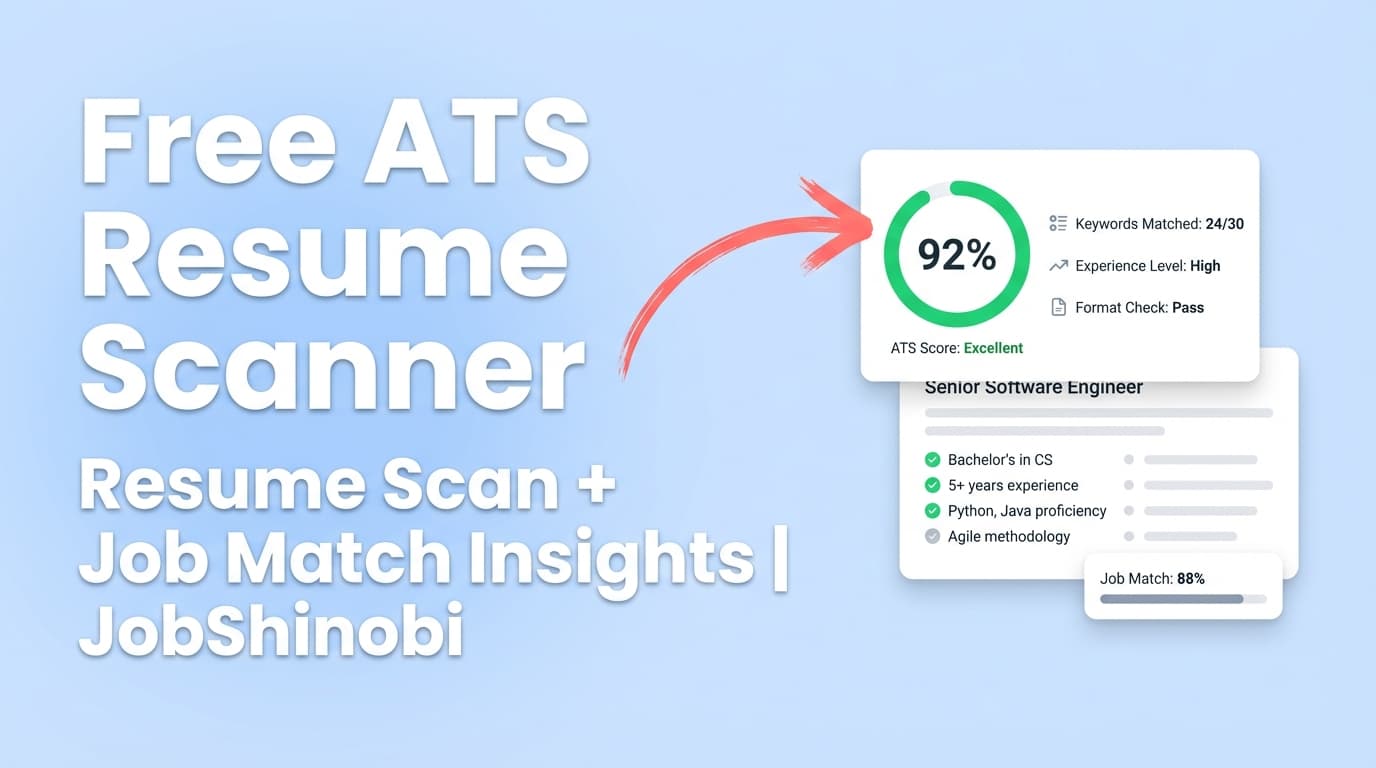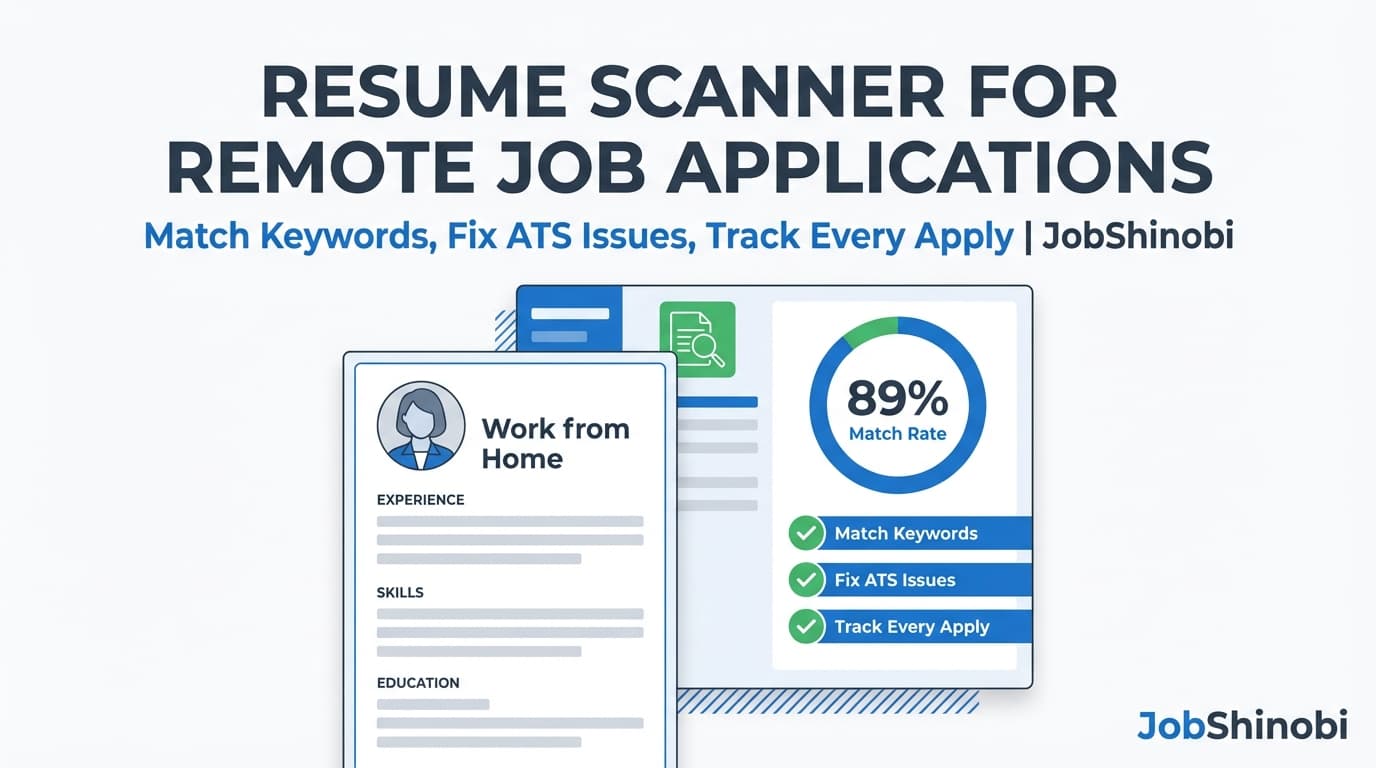
Remote roles are brutally competitive. You’re often up against hundreds (or thousands) of applicants, and many companies rely on Applicant Tracking Systems (ATS) plus fast recruiter reviews to narrow the list. That means your resume can be strong and still lose if it’s missing key terms, has unclear role alignment, or gets messy after you tailor it ten times in a week.
JobShinobi is a resume scanner for remote job applications built for the real workflow:
scan your resume → match it to a remote job description → apply improvements with AI (without breaking formatting) → export a clean PDF → track the application automatically (including updates from forwarded emails).
Why Choose JobShinobi for Resume Scanning in Remote Job Applications?
Most “resume scanners” stop at a score. JobShinobi is designed to turn scans into submitted applications—quickly and consistently.
A remote-job resume scanner that supports the full loop
Remote job seekers typically apply in volume, and each posting emphasizes different filters:
- “async communication,” “written updates,” “documentation-first”
- “timezone overlap,” “distributed teams,” “cross-functional collaboration”
- “stakeholder management,” “ownership,” “autonomy”
- “security,” “compliance,” “data privacy”
- specific tools (Jira, Notion, Slack, GitHub, SQL, AWS, etc.)
JobShinobi helps you identify the gaps, make controlled changes, and keep a record of what you applied where—so you’re not rewriting from scratch or losing track of follow-ups.
Built on a LaTeX resume workflow (so formatting stays stable)
Repeated tailoring is where resumes break. JobShinobi’s resume builder uses LaTeX-based resumes, which makes structure more consistent across edits and helps you avoid “format drift” after a bunch of revisions.
You can:
- choose a resume template
- edit the LaTeX content
- compile and preview as PDF
- download a submission-ready PDF (and your
.texsource)
AI Resume Analysis + Job Matching (URL or paste) to tailor for each remote posting
JobShinobi includes:
- AI Resume Analysis (with a comprehensive mode and an enhanced mode)
- Job Description Extraction from a job URL or pasted text
- Resume-to-Job Matching (match score + missing/present keywords + recommendations)
You don’t have to guess which terms matter—scan and match against the exact job you’re applying to.
Track remote applications without living in a spreadsheet
Remote searches become operational fast—multiple pipelines, multiple companies, lots of email updates.
JobShinobi includes:
- a Job Tracker with realtime updates
- Excel (.xlsx) export
- Email forwarding → automatic application updates (requires Pro membership for processing)
What “Resume Scanner for Remote Job Applications” Means (and What It Should Do)
When people search “resume scanner for remote job applications,” they’re usually looking for three things:
- ATS compatibility checks (formatting, structure, clear sections)
- Keyword alignment against a specific job description
- Actionable edits to improve match—without turning the resume into keyword soup
JobShinobi’s scanner experience is built around those needs:
- Analyze your resume and get structured feedback (strengths, weaknesses, missing sections, ATS issues, and keyword signals)
- Match your resume to the posting (job URL or text) and see keyword gaps
- Apply changes with an AI assistant that edits your LaTeX safely and checks compilation
Why Remote Job Applications Fail Even When You’re Qualified
Remote hiring processes often emphasize signals that aren’t always obvious on a resume. If you’re not getting callbacks, it’s often because your resume:
1) Doesn’t “mirror” the posting language enough
Remote postings frequently use specific phrasing that becomes a filter. If the job description repeats “documentation,” “async updates,” “cross-timezone collaboration,” and your resume never uses comparable language, you can look like a weaker fit—even if you’ve done the work.
JobShinobi helps by matching your resume to the job description and highlighting missing/present keywords so you can tailor intentionally.
2) Has unclear role alignment
Remote roles can be narrower or more hybrid than onsite roles. “Product Analyst” might mean SQL + experimentation + stakeholder comms at one company, and something totally different at another.
JobShinobi helps by letting you scan your resume with a target role and job description context (in analysis), then apply edits.
3) Gets messy after repeated tailoring
Lots of resume tools create formatting inconsistencies after frequent edits. Tiny structure issues can also complicate ATS parsing or reduce readability.
JobShinobi helps through a LaTeX-first workflow, PDF preview, and compilation checks.
4) You lose track of what you applied to (and when)
Remote searches involve many simultaneous pipelines. If you can’t quickly answer “What did I apply with?” and “What’s the latest status?” you miss follow-ups and waste time.
JobShinobi helps with a tracker dashboard, realtime updates, and optional email-forwarding automation.
How JobShinobi’s Resume Scanner Works
Step 1: Create your resume from a template (LaTeX-based)
In /dashboard/resume, pick a template from the template library and create a resume that JobShinobi stores as latex_source.
This gives you a stable foundation for tailoring across remote job applications without constantly reformatting.
Internal link: /dashboard/resume
Step 2: Run AI Resume Analysis (Comprehensive or Enhanced Mode)
When you analyze a resume, JobShinobi generates a structured report including:
- overall score + category scores (content, keywords, formatting, completeness, ATS)
- strengths / weaknesses
- missing sections
- ATS issues
- keyword analysis (present, missing, overused) plus additional keyword signals
JobShinobi can also return cached analysis results when the resume hasn’t changed, so you don’t waste time re-running identical scans.
Internal link: /dashboard/resume/analyze
Step 3: Add a remote job description (URL or paste) and extract job details
Remote job applications often begin with a URL on a job board or careers page. JobShinobi supports job description extraction from:
- a job URL, or
- pasted job description text
This extraction creates structured job data you can use for matching.
Step 4: Run Resume-to-Job Matching (match score + keyword gaps)
JobShinobi’s matching flow saves a job analysis and returns:
- a match score
- missing keywords (job keywords not found in your resume content)
- present keywords (job keywords already included)
- recommendations + tailored suggestions (added/removed keywords, reordered sections)
For remote job applications, this is where you quickly find gaps like:
- collaboration language (async updates, written communication)
- tooling terms (Slack, Jira, Notion, GitHub)
- role-specific requirements (SQL, dashboards, stakeholder management, etc.)
Step 5: Apply improvements with the AI Resume Agent (streaming)
Instead of manually rewriting every bullet, you can use JobShinobi’s AI resume editor chat to request targeted improvements. The editor:
- edits your resume content as LaTeX
- supports tool-based resume update workflows
- runs a LaTeX compilation check during the AI workflow to help keep output valid
This is ideal when you’re tailoring repeatedly for remote postings and want speed without breaking your resume structure.
Step 6: Export your final resume (PDF) and track the application
From the resume editor, you can download:
- .tex source
Then track the application:
- add it manually in the Job Tracker, or
- forward job-related emails to your unique forwarding address so JobShinobi can log and update the application automatically (Pro membership required for processing).
Internal links:
- /dashboard/job-tracker
- /dashboard/settings
Key Features for Resume Scanning + Remote Job Applications
| Feature | What It Does | Why It Matters for Remote Jobs |
|---|---|---|
| AI Resume Analysis (Comprehensive + Enhanced mode) | Generates scores and structured feedback (strengths, weaknesses, missing sections, ATS issues, keyword signals) and stores results | Helps you iterate quickly when you’re applying to many remote roles |
| Cached analysis when resume unchanged | Returns the most recent analysis if your resume hasn’t been updated | Saves time during high-volume remote applications |
| Job Description Extraction (URL or paste) | Extracts structured job details from a link or the raw text | Remote postings come from many sources; flexibility matters |
| Resume-to-Job Matching | Creates a match score and identifies missing/present keywords + recommendations | Remote postings vary by company; tailoring can’t be one-size-fits-all |
| AI Resume Agent (streaming) with tool workflows | Helps edit your resume content through chat-based requests | Faster tailoring without rewriting everything manually |
| LaTeX editor + PDF preview via compilation | Lets you maintain consistent structure while iterating | Prevents formatting drift across many remote applications |
| Resume version history | Saves versions from manual saves and chat edits | Reuse “winning” variants and revert changes confidently |
| Job Tracker dashboard (realtime) | Track applications and status updates in one place | Remote searches have long pipelines and many touchpoints |
| Email forwarding → automatic application updates | Forward confirmation/interview emails; JobShinobi parses and logs job details (company/title/status, etc.) | Reduces manual data entry when you apply at volume |
| Export job tracker to Excel (.xlsx) | Download your applications list to a spreadsheet | Useful for personal review or sharing with a coach |
Remote Job Application Use Cases (Where JobShinobi Helps Most)
Use case 1: “I’m applying to remote roles at volume and can’t tailor fast enough”
If you’re doing 20–50 applications per week, the bottleneck is usually tailoring time. JobShinobi streamlines the workflow:
- Run analysis on your base resume
- Extract job details from a URL or paste text
- Match your resume to the posting and get keyword gaps
- Use AI chat to apply focused improvements
- Export PDF and apply
You spend less time guessing and more time submitting higher-quality applications.
Use case 2: “My resume is strong, but remote roles keep rejecting me”
Remote hiring managers often look for evidence of:
- autonomy / ownership
- written communication
- cross-functional coordination
- operating in distributed teams
If those signals aren’t clearly present (or not phrased in a way that matches the posting), you may be filtered out early. JobShinobi’s match + keyword feedback helps you add the right language in context (not as random keywords).
Use case 3: “I keep losing track of where I applied and what happened”
JobShinobi’s tracker helps you manage your pipeline, and email forwarding can reduce manual updating:
- forward “thanks for applying” confirmations
- forward interview scheduling emails
- forward rejection emails
JobShinobi parses them and updates/creates job application records, using fuzzy matching to avoid duplicates when the company/title are similar.
How JobShinobi Compares to Typical Resume Scanners
JobShinobi vs. “score-only” resume scanners
Many scanners provide an ATS score and stop there. JobShinobi is built to move you to the next step:
- analysis → match → edit → export → track
That matters for remote job applications because you’ll repeat the process for many postings, and the “action loop” saves the most time.
JobShinobi vs. manual tailoring + spreadsheets
Spreadsheets can track status, but they can’t:
- extract job requirements from a URL
- compute a resume-to-job match score
- highlight missing keywords
- help you apply edits inside a controlled resume format
JobShinobi covers both resume optimization and application tracking—then still lets you export to Excel when you need it.
JobShinobi vs. editing in a doc that slowly breaks
Repeated edits in a typical doc can introduce formatting inconsistencies. JobShinobi’s LaTeX workflow is designed for stability, with PDF compilation preview and version history.
How to Get Better Results When Scanning for Remote Job Applications (Practical Checklist)
Use this checklist with JobShinobi’s analysis + matching:
1) Match the job title and level clearly
If the posting says “Senior Product Analyst,” but your resume headline says “Data Analyst,” you may look misaligned. Use your summary and recent experience titles to clarify fit (truthfully).
2) Mirror the posting’s core responsibilities
Remote roles often include recurring concepts like:
- async updates
- stakeholder management
- documentation
- cross-functional collaboration
You don’t need to copy the job description—but you should show evidence in your bullets that overlaps with the posting’s priorities.
3) Include tools and systems that matter (in context)
If a posting emphasizes a tool (e.g., Jira, Notion, SQL, AWS), include it where it’s relevant:
- “Built dashboards in SQL + Looker”
- “Managed sprint workflows in Jira”
- “Wrote async project updates and specs in Notion”
4) Avoid keyword stuffing
Over-optimizing for a “perfect score” can reduce readability. Use keyword feedback to guide improvements, then make sure bullets still read naturally.
5) Keep multiple “remote-ready” resume variants
Many candidates benefit from having a couple of stable variants (e.g., remote-first SWE vs remote platform role). JobShinobi supports multiple resumes + version history so you can reuse what works.
Pricing
JobShinobi offers paid subscriptions via Stripe:
- Monthly: $20.00
- Yearly: $199.99
Stripe payment links:
- Monthly: https://buy.stripe.com/7sYeV61P10GS310eTy0VO02
- Yearly: https://buy.stripe.com/6oU9AM0KXexIdFE5iY0VO03
You can also view the subscription page here: /subscription (note: pricing is available via Stripe payment links).
Frequently Asked Questions
What software does HR use to scan resumes?
Many employers use Applicant Tracking Systems (ATS) to parse resumes and help manage candidates. The specific ATS varies by company, but the common factors are consistent: clear structure, role alignment, and relevant keywords. JobShinobi helps by analyzing your resume content, surfacing ATS issues, and matching your resume to each job description.
Does JobShinobi support matching my resume to a remote job description?
Yes. JobShinobi supports job description input via URL or pasted text, then runs resume-to-job matching to produce a match score, missing/present keywords, and recommendations.
Can JobShinobi automatically apply to remote jobs for me?
No. JobShinobi focuses on resume analysis, job matching, editing, exporting, and tracking. It does not auto-apply to jobs or integrate directly with job boards for automatic applications.
Can I upload my existing PDF resume to scan it?
JobShinobi’s resume scanning and editing workflow is based on the LaTeX resume content you manage inside JobShinobi. If you currently have a PDF resume, the typical approach is to recreate the content in a JobShinobi template, then run analysis + matching from there.
How does email forwarding help with remote job applications?
Remote job searches generate a lot of emails (confirmations, interview invites, rejections, updates). JobShinobi provides a unique forwarding email address in your settings. When you forward job-related emails to it, JobShinobi parses the email and creates/updates your job application in the tracker. Email processing requires Pro membership.
Can I export my job application tracking data?
Yes. The job tracker supports exporting your applications to Excel (.xlsx).
Does JobShinobi save my results so I can track progress?
Yes. Resume analysis results are stored, and JobShinobi can return cached analysis if your resume hasn’t changed. Resume edits also support version history, so you can compare and revert changes over time.
Get Started with JobShinobi Today
If you’re serious about remote roles, you need more than a one-off score. You need a repeatable system you can run for every posting:
- Scan your resume with AI Resume Analysis
- Match it to the remote job description (URL or paste)
- Edit faster with the AI Resume Agent (LaTeX + compilation checks)
- Export a clean PDF
- Track every application (and optionally auto-update via forwarded emails)
Start here:
- Build/manage resumes: /dashboard/resume
- Analyze + match to a job description: /dashboard/resume/analyze
- Track applications: /dashboard/job-tracker
- Set up forwarding email: /dashboard/settings
- Review pipeline analytics: /dashboard/analytics