If you’re searching for a free resume builder AI with resume score, you’re probably trying to answer one question fast:
“Is my resume actually good enough to pass ATS screens and get interviews?”
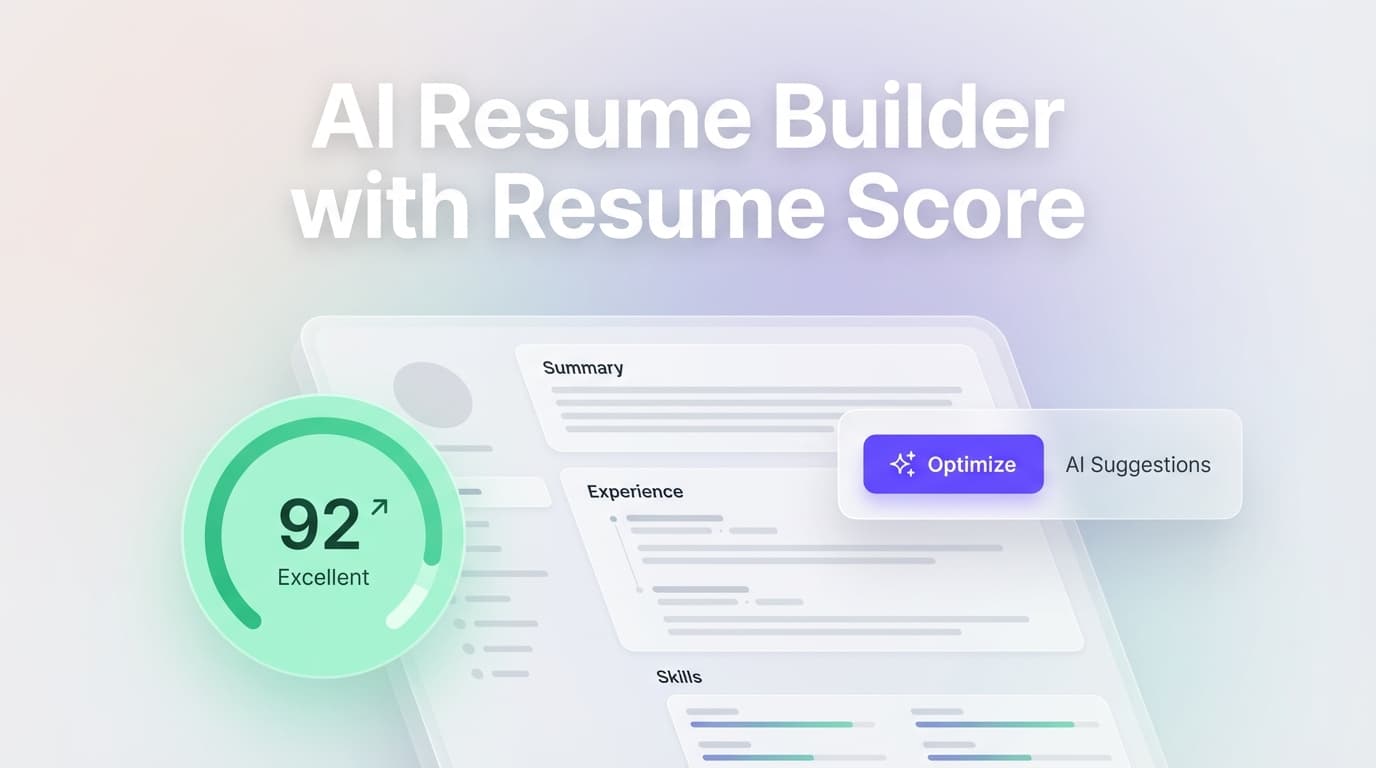
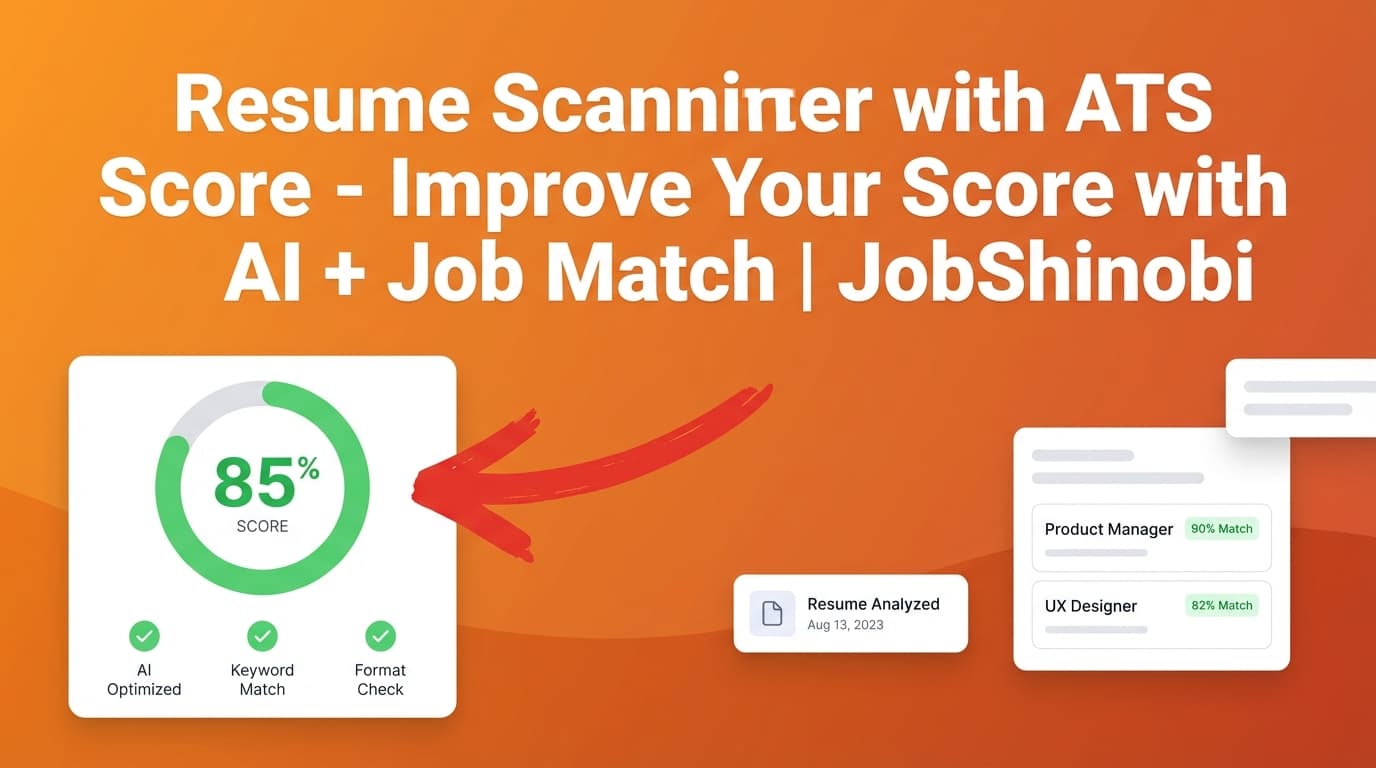
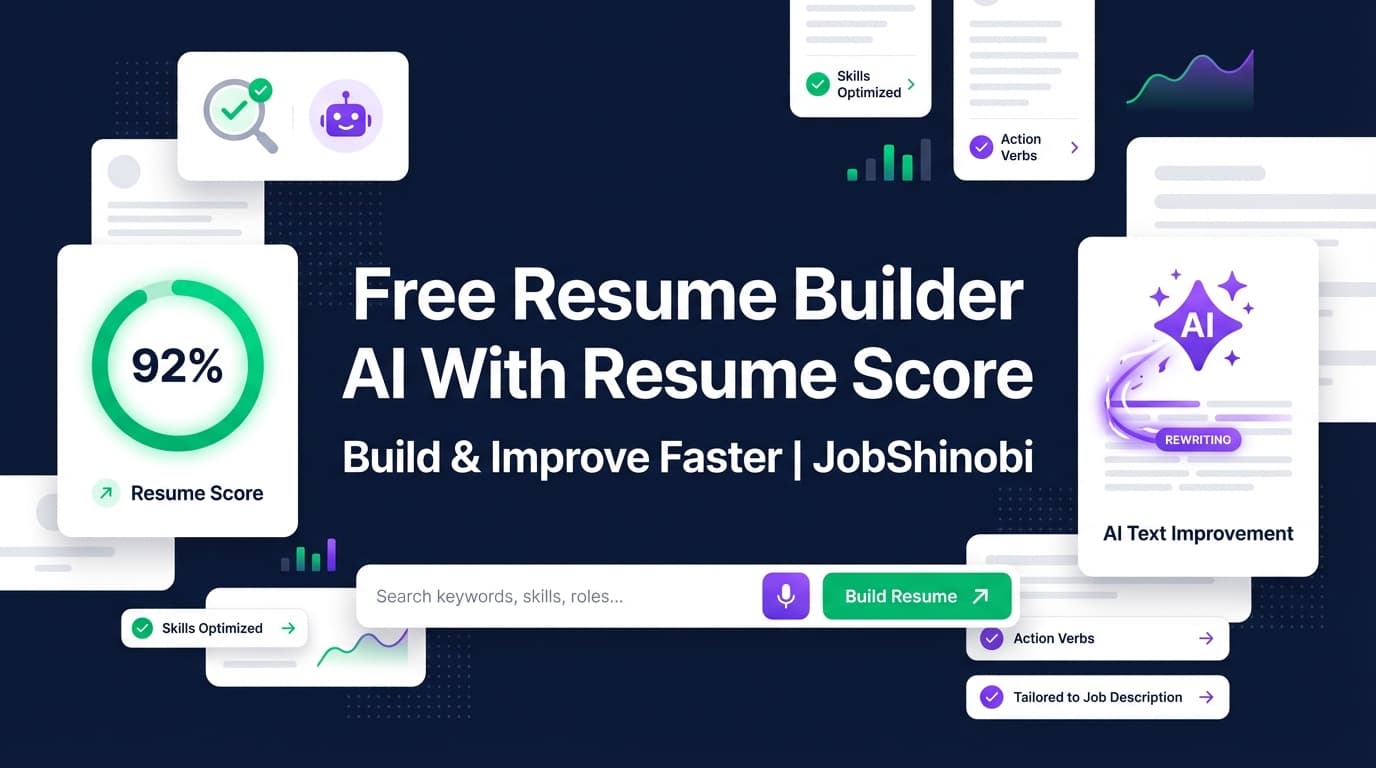
JobShinobi is an AI-powered LaTeX resume builder with a 0–100 resume score, detailed feedback (strengths, weaknesses, ATS issues, keyword analysis), and optional job description matching—so you can iterate quickly and see measurable progress.
Important pricing note (so you’re not misled): JobShinobi is a paid subscription (Monthly $20 / Yearly $199.99). We don’t claim a free tier or a free trial in this landing page. If you truly need “100% free,” you’ll find options in the market—but this page is for people who want credible scoring + an editor workflow that helps you fix what the score finds.
CTA: Sign in and start building your resume
Why Choose JobShinobi for a “Free Resume Builder AI With Resume Score” Use Case?
Most people don’t just want a number—they want a score that’s actionable, tied to real changes, and easy to improve without breaking formatting.
JobShinobi is built for that loop:
- Build in LaTeX templates (structured resumes you can control precisely).
- Get a resume score out of 100 with a clear breakdown (overall + content, keyword, formatting, completeness, and ATS-focused scoring).
- Use AI editing (streaming “Agent” mode) or manual editing to apply improvements.
- Re-analyze to validate the impact (with caching when the resume hasn’t changed).
And unlike tools that only “scan,” JobShinobi is also a job search workspace—with a job tracker that supports realtime updates and Excel export, plus optional email-forwarding automation for tracking (Pro membership required for inbound email processing).
Built for iteration, not just inspection
A resume score is only useful if you can improve it quickly. JobShinobi gives you:
- Resume Studio with two modes:
- Editor (manual LaTeX editing)
- Agent (AI chat that can suggest and apply changes, and even run compilation checks)
- PDF preview via cloud compilation so you can confirm your formatting as you edit
- Version history + “undo”-friendly workflow so you can try changes without fear
A score that comes with details (not just vibes)
JobShinobi’s analysis is structured and stored. That means you can see specific categories and feedback, including:
- Strengths and weaknesses
- Missing sections
- ATS issues
- Keyword analysis (present/missing/overused + density/contextual signals where available)
- Optional enhanced analysis objects (when enhanced mode is used)
What You Get: Resume Score + Builder + Improvements in One Workflow
Below is the exact “score → fix → score again” workflow that job seekers want when they search for a “free resume builder ai with resume score.”
Benefit 1: A true resume builder (templates + LaTeX control)
JobShinobi isn’t just a checker. You can:
- Start from a resume templates library (templates are stored and fetched from the product database)
- Create and manage multiple resumes
- Edit the LaTeX source directly (great if you want strict layout control and consistent formatting)
- Export your resume as:
- .tex source
This matters because a lot of “AI resume builders” abstract everything away—then you can’t fix edge cases, spacing, or structure without fighting the UI.
Benefit 2: A resume score that’s visible while you work
Inside the editor experience, JobShinobi can show a score widget with:
- A 0–100 score
- A grade label (A+ down to D)
- A one-click way to open detailed analysis
- A re-analyze action to refresh scoring after edits
So instead of uploading repeatedly to random tools, you can improve your resume in the same place you build it.
Benefit 3: Optional job description matching (so you’re not optimizing blindly)
A “good” resume depends on the job.
JobShinobi supports a workflow where you provide a job description (or job data), then it can generate:
- A match score
- Present vs missing keywords
- Tailoring recommendations you can apply back in the editor
This is designed for high-volume applicants who need to tailor quickly without rewriting from scratch every time.
How JobShinobi’s Resume Score Works (What It Measures)
When JobShinobi analyzes your resume, it produces an overall score plus category-level scoring and structured feedback.
Score categories you can expect
JobShinobi stores and returns multiple scoring fields, including:
- overall_score
- content_score
- keyword_score
- formatting_score
- completeness_score
- ats_score
It also returns structured feedback such as:
- strengths
- weaknesses
- missing_sections
- present / missing / overused keywords
- ATS issues
- Optional analysis objects (like section scores, bullet analysis, benchmarking, role alignment)
Practical takeaway: you’re not just chasing “100.” You’re seeing why the score is what it is, and what to do next.
A note about ATS “scores”
No third-party tool can see the exact rules inside every employer ATS instance. A score is best used as:
- A resume QA checklist
- A job-specific relevance check
- A way to spot formatting and keyword risks
JobShinobi is built to make that process faster—without pretending any single number is a guarantee.
How JobShinobi Works (Real Product Workflow)
Step 1: Sign in and open your Resume Hub
Start here: /login
Once you’re in:
- Go to your resume dashboard
- Choose a template or open an existing resume
Step 2: Build in Resume Studio (Editor or Agent)
In Resume Studio you can:
- Edit LaTeX manually (Editor mode), or
- Use the AI Agent (chat-based editing) to refine sections and content
You can compile your resume to preview the PDF output as you go.
Step 3: Compile to PDF to verify formatting
JobShinobi compiles the LaTeX and shows a PDF preview (so you can confirm spacing, alignment, and layout).
You can also export:
- PDF download
- .tex download
Step 4: Analyze to generate your resume score
Run the resume analysis to get:
- Your 0–100 resume score
- Strengths, weaknesses, ATS issues
- Keyword analysis and suggestions
JobShinobi can also cache the latest analysis when your resume hasn’t changed—so you don’t waste time re-running identical scoring.
Step 5 (Optional): Add a job description to get a match score
If you want a score that reflects a specific job, use the job matching flow:
- Provide job data / description
- Get match insights (keywords present vs missing, and recommendations)
- Apply suggestions back in the editor
Step 6 (Optional): Track your applications in the Job Tracker
JobShinobi also includes a job application tracker where you can:
- Add/edit/delete job applications
- See updates in realtime
- Export your tracker data to Excel (.xlsx)
If you’re a high-volume applicant, this keeps your search organized without spreadsheets.
Key Features for “Free Resume Builder AI With Resume Score” Intent
| Feature | What It Does | Why It Matters |
|---|---|---|
| LaTeX Resume Builder | Create and manage resumes stored as LaTeX source | Precise formatting control and consistent structure |
| Template Library | Start from templates with categories | Faster setup than building from scratch |
| PDF Preview (Compilation) | Compile LaTeX and preview as PDF | Verify layout and catch formatting issues early |
| Resume Score (0–100) | Generates overall and category-level scores | Gives you a measurable target for improvement |
| Detailed Feedback | Strengths, weaknesses, missing sections, ATS issues | You get “what to fix,” not just a number |
| Keyword Analysis | Present/missing/overused keywords + related data when available | Helps reduce keyword gaps and overstuffing |
| Enhanced Analysis Mode | Optional deeper analysis objects (when enabled) | More depth when you’re doing serious iteration |
| Job Description Matching | Match score + missing/present keywords vs a job | Tailor smarter for each application |
| AI Resume Agent (Streaming) | Chat-based editing workflow with tool-like actions | Faster rewrites, structured edits, and iteration |
| Version History | Saves versions so you can revert changes | Experiment safely without losing work |
| Job Tracker + Realtime | Track applications with realtime updates | Stop losing follow-ups in spreadsheets |
| Excel Export (.xlsx) | Export job applications to Excel | Share, analyze, or archive your search easily |
| Email Forwarding Automation (Pro) | Forward job emails to auto-update your tracker | Reduces manual tracking (processing requires Pro membership) |
JobShinobi vs. “Free Resume Builder AI With Resume Score” Tools
You searched for free. Here’s the honest comparison so you can decide quickly.
Where “free” resume score tools often fall short
Many tools in this category tend to:
- Show a score, then gate the fixes behind upgrades
- Focus on scanning, but not provide a strong editor workflow to apply changes
- Make it hard to keep formatting stable while you rewrite content
- Provide generic advice that isn’t connected to your resume structure
Why JobShinobi is different (even though it’s paid)
JobShinobi is designed around execution:
- Build (templates + LaTeX)
- Verify (compile and preview PDF)
- Measure (resume score out of 100 + breakdown)
- Improve (AI Agent or manual edits)
- Re-check (re-analyze; caching avoids wasted runs)
- Apply to jobs (job match insights)
- Track outcomes (job tracker + analytics)
If your goal is to land more interviews, this end-to-end loop is usually more valuable than a “free score” alone.
Pricing
JobShinobi is a paid subscription via Stripe:
- Monthly: $20.00
- Yearly: $199.99
You can review pricing on the site and proceed through Stripe checkout.
If you’re ready to start: Sign in here
Frequently Asked Questions
Is JobShinobi a free resume builder AI with resume score?
No. JobShinobi is a paid subscription (Monthly $20 / Yearly $199.99).
This page targets the “free resume builder ai with resume score” keyword because that’s what people search—but JobShinobi’s approach is to provide a full build + score + improve workflow, not a teaser score that disappears behind vague paywalls.
What does the resume score measure?
JobShinobi generates a 0–100 score plus category scores such as content, keywords, formatting, completeness, and ATS-focused scoring. It also returns structured feedback like strengths, weaknesses, missing sections, ATS issues, and keyword analysis.
Can I score my resume against a specific job description?
Yes. JobShinobi supports a job matching workflow where you provide job data/description and receive match analysis (including missing vs present keywords and recommendations), then apply improvements back in the editor.
Do I need to know LaTeX to use JobShinobi?
You can start from templates and use the AI Agent to help with edits, but JobShinobi is fundamentally a LaTeX-based resume builder. If you’re willing to learn a small amount (or use the Agent to guide changes), you’ll get strong control over formatting and consistency.
Can JobShinobi parse my existing resume from a PDF or image?
JobShinobi’s core resume workflow is based on editing the resume inside the app (as LaTeX source). Image/PDF OCR parsing is not something we claim here.
Does JobShinobi auto-apply to jobs on LinkedIn or Indeed?
No—JobShinobi does not claim auto-apply or job board integrations. It focuses on resume building, scoring, job matching insights, and application tracking.
How does the job application tracker work?
You can track applications in a dashboard table (add/edit/delete), see realtime updates, and export your applications to Excel (.xlsx).
What is email-forwarding job tracking?
JobShinobi can process inbound job-related emails (like confirmations or updates) and use AI to extract details and update application records. This inbound email processing is gated to Pro membership.
Get Started with JobShinobi Today
If you came here looking for a free resume builder AI with resume score, here’s the best next step:
- If you only want a quick number: a free tool might be enough.
- If you want a repeatable system to build, score, improve, tailor, and track outcomes: JobShinobi is built for that.
Start here: Sign in to JobShinobi
Then: Build a resume from a template → compile to PDF → run analysis → improve using the Agent → re-score until you’re confident.