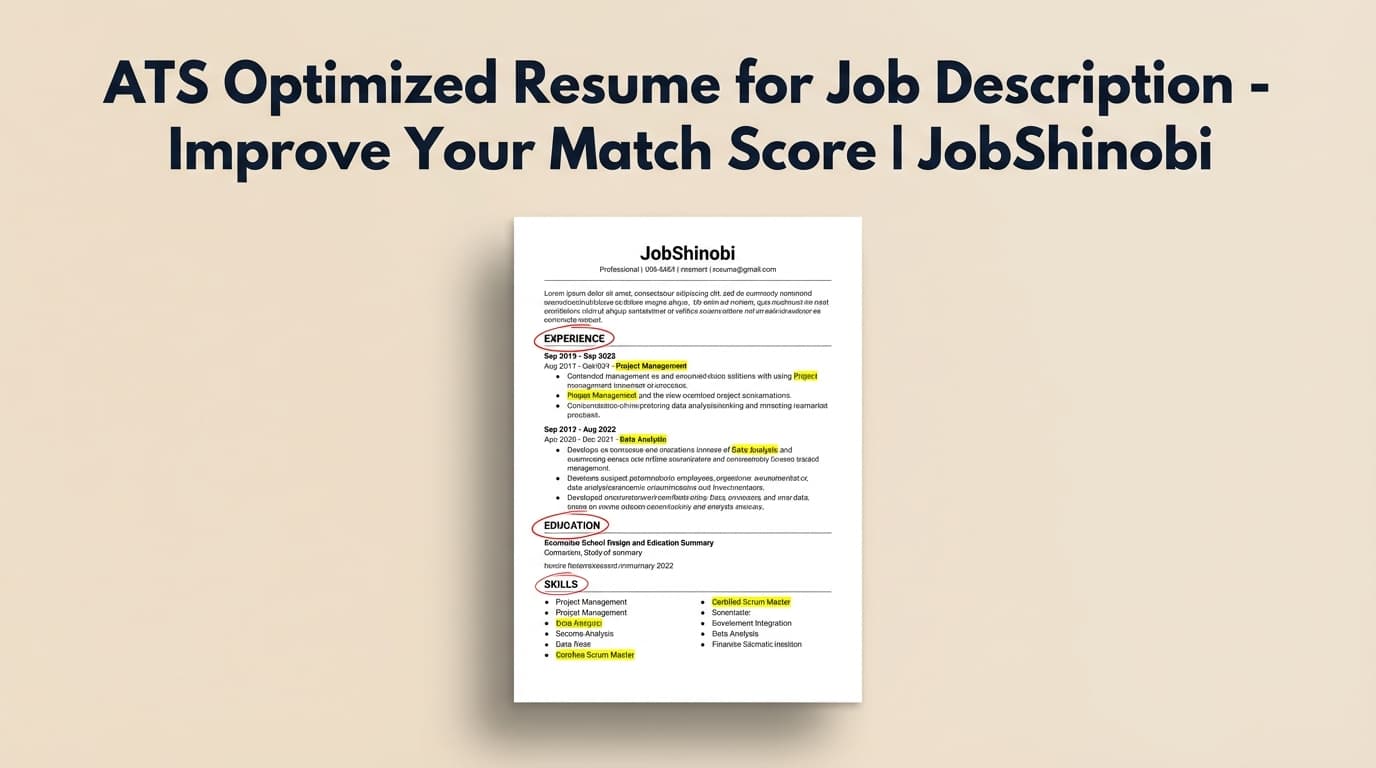
Creating an ats optimized resume for job description shouldn’t mean guessing which keywords to include, rewriting your entire resume from scratch, or breaking formatting every time you tailor.
JobShinobi gives you a clear workflow:
- Build a LaTeX-based resume from templates (stable structure)
- Run AI Resume Analysis (ATS + keyword + formatting signals)
- Paste a job posting URL or job description text
- Get a Job Match Score with present keywords, missing keywords, and recommendations
- Apply edits in the resume editor (manual or AI-assisted), compile, and export a clean PDF
Sign in to JobShinobi to start matching your resume to a job description.
Why choose JobShinobi for an ATS optimized resume for job description?
Search results for “ats optimized resume for job description” are dominated by scanners and templates. Most tools give you a report—then leave you to figure out how to apply changes without losing track of versions.
JobShinobi is built to bridge that gap: scan → match → edit → compile → export.
Job description → match score + keyword gaps (URL or text)
JobShinobi supports a job-specific workflow where you can:
- Paste a job posting URL (LinkedIn, Indeed, company career pages, etc.) or job description text
- Extract structured job details
- Generate a match analysis including:
- Job Match Score
- Matching Keywords (present)
- Missing Keywords
- Recommendations
This directly supports the core intent behind the keyword: optimizing your resume against a specific job description, not generic advice.
LaTeX-first resume building (stable structure while tailoring)
JobShinobi stores resumes as LaTeX (latex_source) and provides:
- A templates library
- A LaTeX editor
- PDF preview via LaTeX compilation
- Download PDF and .tex
Tailoring is easier when structure doesn’t fall apart every time you tweak content.
AI Resume Analysis with ATS + keyword feedback (and caching)
JobShinobi includes an AI resume analysis endpoint that can produce:
- Overall score + sub-scores (content, keyword, formatting, completeness, ATS)
- Strengths/weaknesses and actionable recommendations
- Keyword analysis fields (present/missing/overused + density/context signals)
- ATS-related issues
- Optional enhanced mode (where enabled)
If your resume hasn’t changed, analysis can be returned from cache—useful when you’re iterating quickly.
Built-in job tracker so you can keep your job search organized
An “optimized resume” is only useful if you can apply consistently. JobShinobi also includes:
- A job tracker dashboard with realtime updates
- Export to Excel (.xlsx)
- (Pro) Email forwarding workflow to auto-log job applications from forwarded emails
How JobShinobi helps you build an ATS optimized resume for job description (step-by-step)
Step 1: Create a resume from a template (LaTeX-based)
Go to your resume area and start from a template. Your resume is stored as LaTeX so it remains consistent as you tailor.
In-app outcome: You have a structured resume saved to your account (with version history available as you iterate).
Step 2: Run AI Resume Analysis (baseline ATS + keyword + formatting signals)
Before tailoring for a specific job, analyze your current resume.
JobShinobi can produce:
- Score breakdown including ATS score
- Keyword feedback (present/missing/overused)
- Formatting-related feedback and ATS issues
- Recommendations you can implement
Tip: This is your “baseline.” Fix major structural and clarity issues before you fine-tune to one job description.
Step 3: Add the job description (paste a URL or full text)
In the Job Description workflow, choose:
- URL tab: paste a job posting link
- Text tab: paste the full job description
Then click Extract Job Details.
JobShinobi uses AI to extract structured job details from that input (company/position/requirements/keywords where available).
Step 4: Generate a Job Match Score + missing/present keywords
After extraction, JobShinobi runs resume-to-job matching and returns:
- Job Match Score (%)
- present_keywords (what you already have)
- missing_keywords (what the job asks for that you don’t currently include)
- recommendations (how to improve alignment)
This is the clearest way to answer: “Is my resume optimized for this job description?”
Step 5: Apply recommendations in the resume editor (manual or AI-assisted)
When you’re ready to tailor, open your resume editor:
- Update content manually in the LaTeX editor, or
- Use the AI resume editor to suggest targeted changes to sections
Because you’re working from a structured source and saving versions, you can tailor without losing your original.
Step 6: Compile and export a clean PDF
Once you’ve implemented changes:
- Compile LaTeX to confirm the PDF renders correctly
- Download the final PDF
- Download the .tex source if needed
Result: a job-specific resume you can actually submit, not just a “match report.”
Key features for ATS optimized resume for job description
| Feature | What It Does | Why It Matters |
|---|---|---|
| Job Description Input (URL or text) | Paste a job URL or description text | Makes tailoring job-specific (high intent) |
| Job Details Extraction (AI) | Extracts structured job info from URL/text | Turns messy job postings into actionable inputs |
| Resume-to-Job Matching | Match score + missing/present keywords + recommendations | Shows exactly what to change for this job |
| AI Resume Analysis | Scores ATS/keyword/formatting/completeness + feedback | Improves your baseline before tailoring |
| LaTeX Resume Templates | Start from templates stored in the app | Keeps structure consistent and repeatable |
| LaTeX Compilation + PDF Preview | Compiles your LaTeX and previews the PDF | Lets you verify a clean final document |
| Resume Version History | Saves versions as you work | Prevents “final_v7_reallyfinal.pdf” chaos |
| Job Tracker (Realtime) | Track job applications and statuses | Keeps your applications organized |
| Excel Export (.xlsx) | Export your job tracker to Excel | Easy backup and reporting |
| (Pro) Email forwarding + parsing | Forward confirmation emails to auto-log applications | Reduces manual entry for tracking |
What an “ATS optimized resume for job description” should include (practical guide)
Searchers of this keyword typically want a resume that:
- passes automated parsing, and
- aligns tightly with the job’s requirements and keywords.
Here’s what to optimize—without turning your resume into keyword spam.
1) Skills: align to the job’s keyword clusters
Job descriptions usually contain clusters like:
- Tools/tech (e.g., AWS, Python, React, SQL)
- Work type (e.g., automation, stakeholder management, experimentation)
- Responsibilities (e.g., “build dashboards,” “design APIs,” “own roadmap”)
In JobShinobi: the matching workflow separates present vs missing keywords so you can quickly see what’s absent.
2) Experience: mirror responsibilities (truthfully) and show outcomes
ATS optimization is more than keywords. Recruiters still read your experience.
Aim for bullets that connect:
- action → tool/skill → outcome (ideally with a measurable result)
In JobShinobi: recommendations give you an action list for what to improve for the specific job.
3) Summary: reflect the target role and job focus
If the job is specialized (e.g., “Backend Engineer – AWS + microservices”), your top-of-resume positioning should match that.
In JobShinobi: resume analysis supports target-role-aware evaluation and job-description-aware analysis when provided.
4) Formatting: keep structure simple and consistent
No tool can guarantee how every ATS parses every format, but you can avoid common parsing hazards by keeping structure consistent.
In JobShinobi: LaTeX-based resumes + compilation preview help you maintain consistent layout as you tailor.
ATS optimized resume for job description vs. the “manual tailoring” approach
Manual method (copy/paste + endless versions)
Common workflow:
- Copy job description into notes
- Highlight keywords manually
- Edit resume in a document editor
- Export to PDF
- Duplicate files for each job
- Track applications in a spreadsheet
It works—but it’s slow and becomes difficult to manage at scale.
JobShinobi method (systematic and repeatable)
JobShinobi is designed for high-volume tailoring:
- Extract job details from URL or text
- Get a match score and keyword gaps
- Apply edits inside a structured resume editor
- Compile + export a clean PDF
- Track applications with realtime updates and Excel export
- (Pro) Forward emails to auto-track applications
If you’re applying weekly (or daily), a repeatable loop is the advantage.
Pricing
JobShinobi offers paid subscriptions via Stripe payment links:
- Monthly: $20.00
- Yearly: $199.99
Start here: Sign in
Note: Pro membership is required for the email forwarding/parsing workflow that automatically logs applications from forwarded emails.
Frequently Asked Questions
How do you optimize resume as per job description?
A practical process:
- Extract key skills and requirements from the job description.
- Compare your resume to the job to identify gaps (missing keywords + missing responsibilities).
- Update Skills and Experience sections to reflect the job—truthfully and in context.
- Re-check and export a clean version for submission.
JobShinobi supports this by generating a Job Match Score with missing/present keywords and recommendations, then letting you apply changes in the resume editor.
What does an ATS optimized resume look like?
An ATS-optimized resume is typically:
- Clear section headings (Experience, Skills, Education, Projects)
- Consistent formatting and structure
- Keywords included naturally (not stuffed)
- Role-aligned bullets that match the job’s responsibilities
JobShinobi supports a LaTeX-based structure with analysis and job matching so you can tailor deliberately, then compile and export a clean PDF.
How do I optimize my resume for ATS?
Focus on:
- Clean, consistent structure
- Role-relevant keywords used naturally
- Clear section headings
- Specific, impact-oriented experience bullets
JobShinobi helps you identify ATS-related issues, keyword gaps, and improvement recommendations through AI analysis and job matching.
Is a 70% ATS score good?
A score is only useful if it helps you improve the right things. Instead of chasing a number, focus on:
- Whether you’re missing critical keyword clusters you genuinely have experience with
- Whether your Experience bullets match the job’s responsibilities
- Whether your resume stays readable and structured
JobShinobi provides both the score breakdown and job-specific match insights so you can prioritize the best changes.
Can I match my resume to a job posting URL (not just pasted text)?
Yes—JobShinobi supports job description input via URL or Text, then extracts job details and runs a match analysis.
Does JobShinobi automatically apply to jobs for me?
No. JobShinobi focuses on resume building, resume analysis, job matching, and job application tracking. It does not auto-apply to job boards.
Can I export my job tracking data?
Yes—JobShinobi’s job tracker supports exporting your applications to Excel (.xlsx).
Get started with JobShinobi today
If you’re searching for an ats optimized resume for job description, you likely want something practical: a clear match report, specific missing keywords, and a way to apply changes fast without breaking formatting.
JobShinobi gives you that workflow in one place:
- Build a structured resume (LaTeX templates)
- Analyze for ATS + keywords
- Match to a job description (URL or text)
- Apply edits and export a clean PDF
- Track applications (and export to Excel)
Sign in to JobShinobi to start optimizing your resume for your next job description.