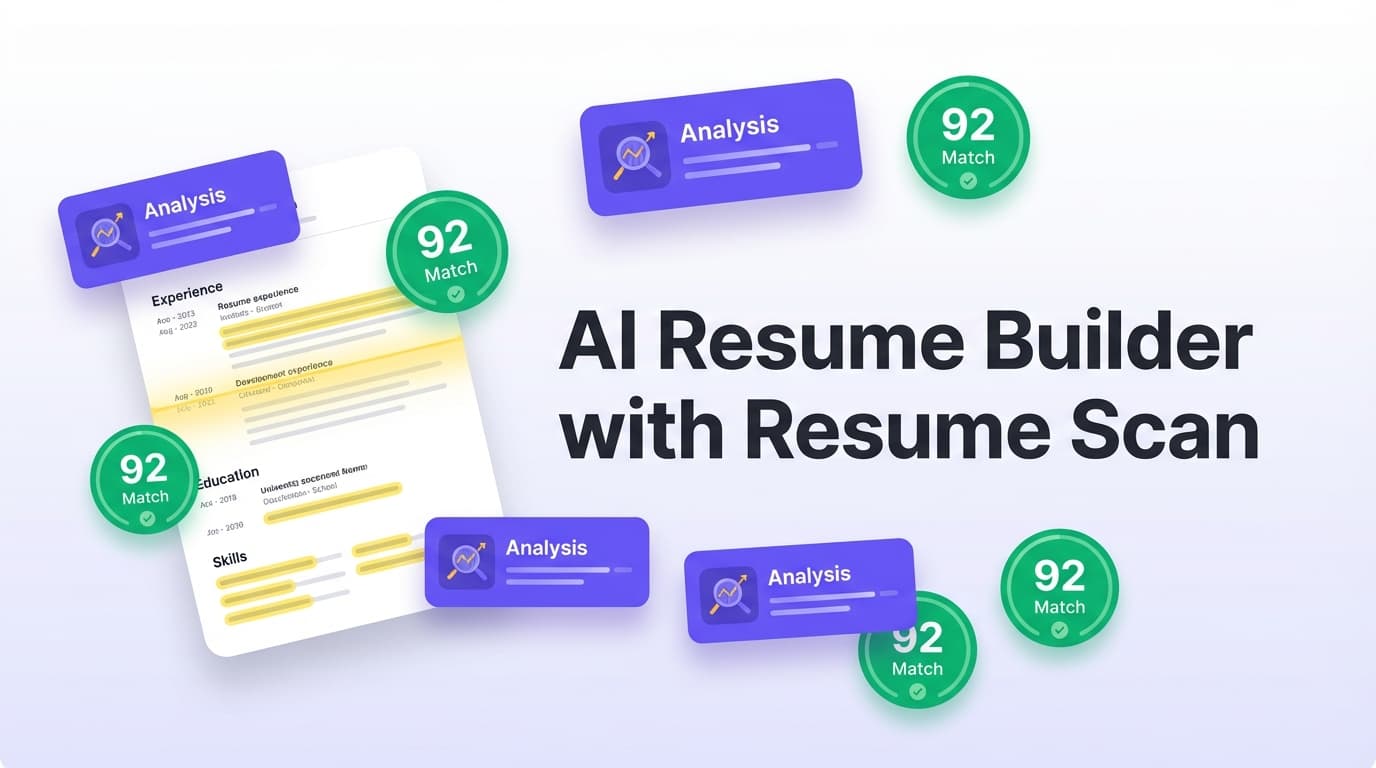
JobShinobi is an AI resume builder with resume scan built for job seekers who want two things at once: a resume you can control (structure + formatting) and a scan that’s actually actionable. You build your resume in a LaTeX-based editor with live PDF preview, then run a Resume Analysis that returns score breakdowns (including ATS score and keyword analysis) and clear improvement steps. Want to tailor for a specific role? Paste a job URL or job description text and JobShinobi generates a Job Match Score, missing keywords, present keywords, and recommendations you can apply back in the editor.
Primary CTA: Sign in to JobShinobi
Secondary CTA: Go to Resume Builder
Why Choose JobShinobi for an AI Resume Builder with Resume Scan?
Most “resume scan” tools give you a number and a vague checklist. JobShinobi is different because the scan is connected to the way you actually build and edit your resume:
- LaTeX resume builder with cloud compilation + PDF preview (so layout stays predictable)
- Resume Analysis with stored score history (so you can re-scan and track progress)
- Job Description → extraction + matching (so your scan is job-specific when you need it)
- AI resume editor with streaming responses + version history (so recommendations don’t stay theoretical)
If your goal is “get my resume past ATS and into human hands,” JobShinobi is built around the workflows that matter: build → scan → tailor → re-scan → export.
Built for job seekers who apply a lot (and need to iterate fast)
JobShinobi’s resume scan supports:
- An overall score plus component scores like keyword_score, formatting_score, completeness_score, and ats_score
- Keyword analysis that includes present and missing keywords (and more advanced keyword metrics)
- Re-analysis with cached results when your resume hasn’t changed (so you don’t wait on the same scan repeatedly)
A resume scan that gets more powerful when you add a job description
When you attach a job posting (URL or text), you can get:
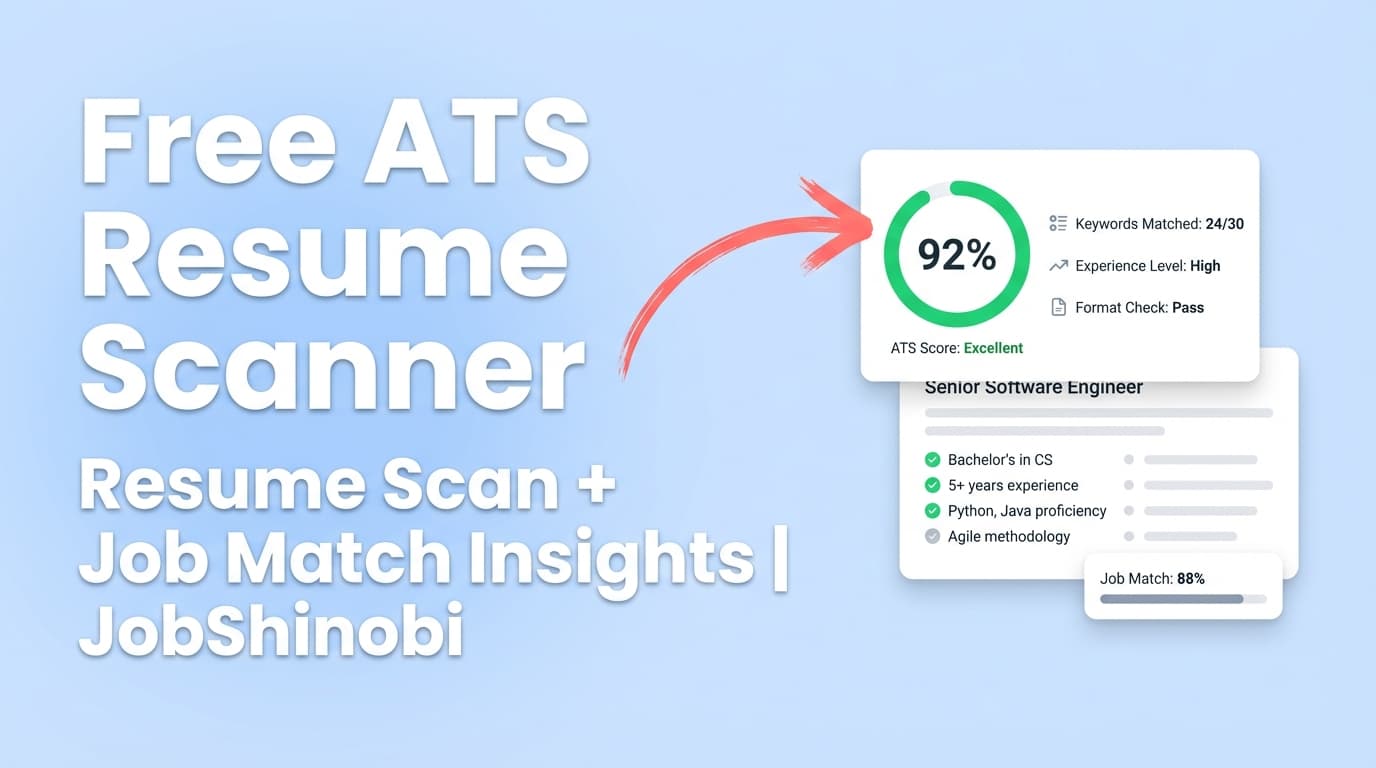
- A Job Match Score
- A list of missing keywords and matching keywords
- A set of recommendations you can apply back to your resume in the editor
A builder that doesn’t fight your formatting
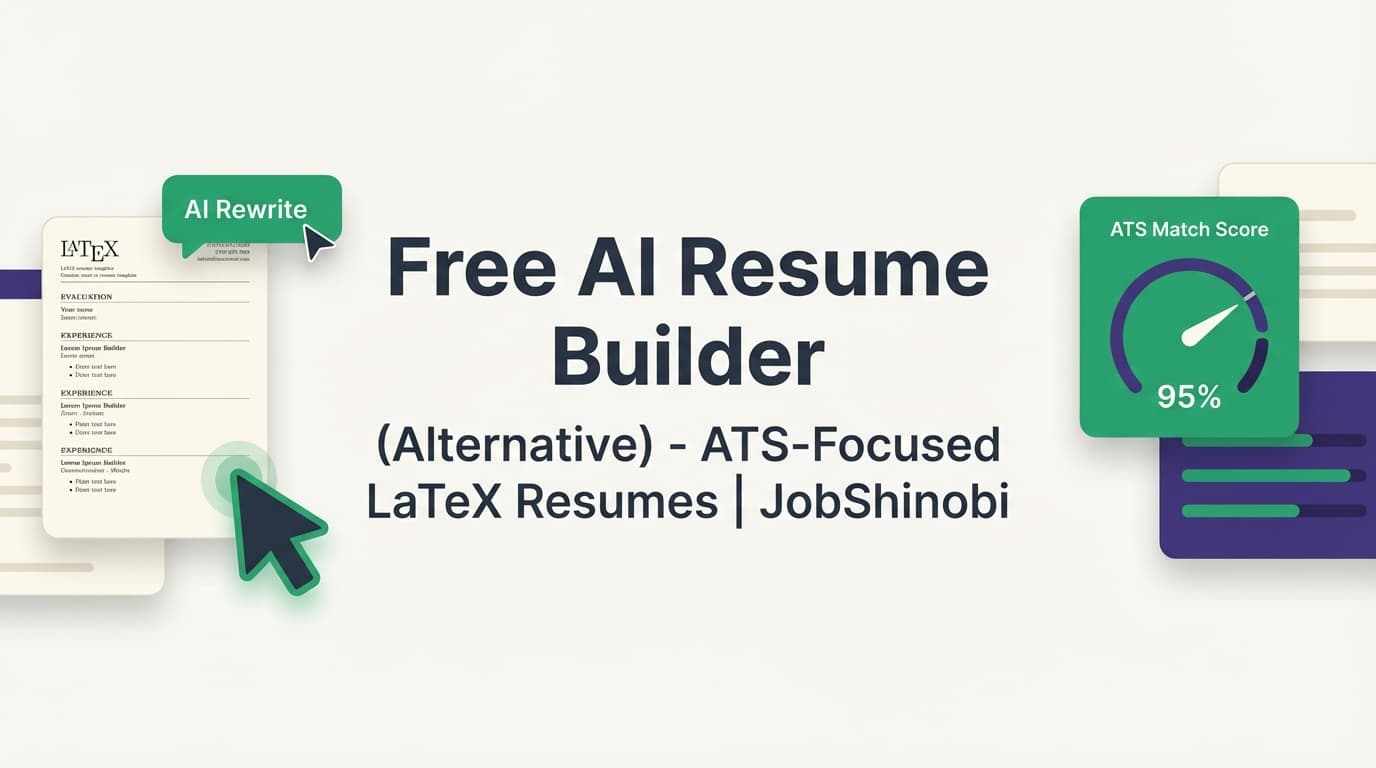
JobShinobi uses a LaTeX-first workflow so you can keep your resume structured and consistent while you optimize content. You also get:
- Download PDF
- Download .tex (source)
How JobShinobi’s Resume Scan Works (Real Workflow)
Step 1: Start from a LaTeX resume template
Go to the Resume Builder and choose a template to begin:
- Browse templates by category
- Create a resume directly from a template
- Keep multiple resumes (e.g., “Backend SWE,” “Data Analyst,” “PM”)
Action: Open Resume Builder
Step 2: Edit in the LaTeX editor (with PDF preview)
Inside the editor, you can:
- Write or refine your content in LaTeX
- Compile to see an updated PDF preview
- Switch between editing modes (manual editing + AI-assisted editing)
You can also export:
- PDF for applying
- .tex for safekeeping or advanced customization
Step 3: Run a Resume Analysis (your “resume scan”)
From the editor (or the Resume Analysis view), trigger analysis to generate a score and detailed feedback.
Your scan includes score categories such as:
- overall_score
- content_score
- keyword_score
- formatting_score
- completeness_score
- ats_score
And detailed feedback, including:
- strengths
- weaknesses
- missing sections
- keyword analysis (present / missing / overused, plus advanced keyword metrics)
- ATS issues
Pro tip: If your resume hasn’t changed since the last scan, JobShinobi can return a cached analysis (so you get instant results instead of waiting).
Step 4: Add a job posting to get a Job Match Score
To tailor your resume to a specific role:
- Paste a job URL (LinkedIn, Indeed, company careers page, etc.)
or - Paste the job description text
JobShinobi extracts structured job details (including keywords), then runs matching to produce:
- Job Match Score
- missing_keywords
- present_keywords
- recommendations
Step 5: Apply changes with AI (and keep version history)
Instead of manually rewriting everything, you can use JobShinobi’s AI editor to:
- improve bullet impact
- add measurable outcomes
- clarify role alignment
- update sections while keeping formatting intact
JobShinobi also saves resume versions and supports undo/redo and reverting changes—useful when you’re iterating quickly across roles.
Key Features for “AI Resume Builder with Resume Scan”
| Feature | What It Does | Why It Matters |
|---|---|---|
| LaTeX Resume Builder + Templates | Start from structured LaTeX templates and edit with precision | Helps maintain clean formatting while you tailor content |
| Cloud LaTeX Compilation + PDF Preview | Compile and preview your resume as a PDF | Lets you catch formatting issues before you apply |
| Resume Analysis (“Resume Scan”) | Generates ATS + keyword-focused scoring and structured feedback | Turns “why am I getting rejected?” into clear fixes |
| Keyword Analysis | Shows present and missing keywords + related keyword insights | Helps you align with job requirements without guessing |
| Job Description Extraction | Accepts job URL or text and extracts structured job details | Makes tailoring faster and more consistent |
| Job Match Score | Calculates match_score plus missing/present keywords and recommendations | Gives you a job-specific scan you can act on |
| AI Resume Editor (Streaming) | Chat-based editing that updates your resume content | Faster iteration when tailoring across many applications |
| Resume Version History + Undo/Redo | Tracks changes across manual edits and AI edits | Lets you experiment without losing your best version |
| Job Tracker + Excel Export | Track applications and export to .xlsx |
Keeps your job search organized when volume increases |
What You Actually Get From JobShinobi’s Resume Scan (Not Just a Score)
A strong “resume scan” isn’t just a pass/fail. JobShinobi is designed to give you a breakdown you can use.
1) Score breakdown you can optimize section-by-section
Instead of a single number, JobShinobi provides multiple scoring dimensions (including ats_score and keyword_score) so you know what to fix first.
Practical way to use it:
- If keyword_score is low, you likely need better alignment to the job description
- If formatting_score or ats_score is low, you may need structure improvements
- If completeness_score is low, you may be missing key sections or details
2) Keyword analysis: present vs missing (plus deeper signals)
JobShinobi’s analysis stores keyword-related feedback, including:
- present keywords
- missing keywords
- overused keywords
- additional keyword metrics such as keyword density and contextual usage (when available)
This supports the real goal of keyword scanning: use the right terms in the right context—not just copy/paste stuffing.
3) ATS issues you can fix before submitting
ATS parsing issues often come from structure and formatting choices that break parsing. JobShinobi flags ATS-related issues so you can correct them before you apply.
4) Optional “enhanced analysis” for deeper resume improvement
JobShinobi supports an enhanced analysis mode that can include richer insight objects (when enabled), such as:
- semantic keyword insights
- impact analysis
- career progression signals
- an action queue of improvements
Job Matching: Turn Any Job Posting Into a Targeted Resume Scan
A general resume scan is useful. A job-specific scan is what moves the needle when you’re tailoring for roles.
How JobShinobi job matching works
- Add a job via URL or job description text
- JobShinobi extracts structured job details (including keywords)
- JobShinobi generates:
- match_score
- missing_keywords
- present_keywords
- recommendations for improvement
Why job matching beats generic “ATS score chasing”
JobShinobi is built to answer the question that matters:
“How well does this resume match this job—and what should I change next?”
You get concrete outputs (missing keywords + recommendations) that you can apply in the editor.
AI Editing That Fits a Resume Workflow (Not Random Text Generation)
JobShinobi includes an AI resume editor designed for iterative, controlled changes:
- Streaming responses (so you see progress as it works)
- Resume editing tools that update your resume content and verify it through compilation checks
- Conversation-based editing so your changes stay tied to what you asked for
- Version history to revert changes when needed
Best use cases for the AI editor
- “Make these bullets more quantified without exaggerating”
- “Rewrite this experience to emphasize impact and outcomes”
- “Tailor my summary for a frontend role”
- “Improve clarity and remove repetition”
AI Resume Builder with Resume Scan vs. Traditional Approaches
Approach 1: “Build in Google Docs / Word + use a separate scanner”
Cons: formatting drift, copy/paste between tools, hard-to-apply feedback, poor version control.
JobShinobi: builder, scan, and matching live in one workflow (build → scan → match → apply changes).
Approach 2: “Use a scanner that only does keyword match”
Cons: encourages keyword stuffing, misses structure/completeness, not connected to editing.
JobShinobi: keyword feedback plus ATS/formatting/completeness signals and job-specific matching.
Approach 3: “Use a resume builder that looks pretty, then hope ATS parses it”
Cons: design-first templates can increase parsing risk; you may not discover issues until rejections.
JobShinobi: LaTeX-first control + scan feedback loops so you can identify issues before applying.
Pricing
JobShinobi offers paid subscriptions via Stripe:
- Monthly: $20.00
- Yearly: $199.99
Checkout links:
- Monthly: https://buy.stripe.com/7sYeV61P10GS310eTy0VO02
- Yearly: https://buy.stripe.com/6oU9AM0KXexIdFE5iY0VO03
Frequently Asked Questions
What does “AI resume builder with resume scan” mean?
It means a tool that lets you build a resume and also scan/analyze it for ATS + keyword alignment. JobShinobi includes both: a LaTeX resume builder (templates + PDF export) and Resume Analysis (ATS + keyword scoring + structured feedback), plus job matching for a job-specific scan.
Can JobShinobi scan my resume against a job description?
Yes. Paste a job URL or job description text to generate a Job Match Score, missing keywords, matching keywords, and recommendations you can apply in the editor.
What does JobShinobi’s resume scan include?
A score breakdown (overall/content/keyword/formatting/completeness/ATS), strengths, weaknesses, missing sections, keyword analysis, and ATS issues. JobShinobi can also return cached analysis if your resume hasn’t changed since the last scan.
Are ATS scanners accurate?
They’re best used as guidance, not guarantees. They can help identify common issues (keyword alignment, structure, parsing risks), but they can’t perfectly replicate every employer’s ATS configuration. JobShinobi helps you iterate quickly: scan → fix → re-scan → tailor per job.
Can I export my resume after I build and scan it?
Yes—download PDF and .tex.
Get Started with JobShinobi Today
Build a resume you can control, run a scan you can act on, and tailor faster for each application.
CTA: Sign in and build your resume
Next step: Open Resume Builder