Entry-level hiring is competitive. You’re often applying with limited work experience, competing against candidates who do have internships, projects, certifications, or prior roles—so your resume needs to do two things at once:
- Parse cleanly in ATS software (so your information doesn’t get scrambled or ignored).
- Match the job’s skills and keywords (so you show up in searches and “relevance” filters).
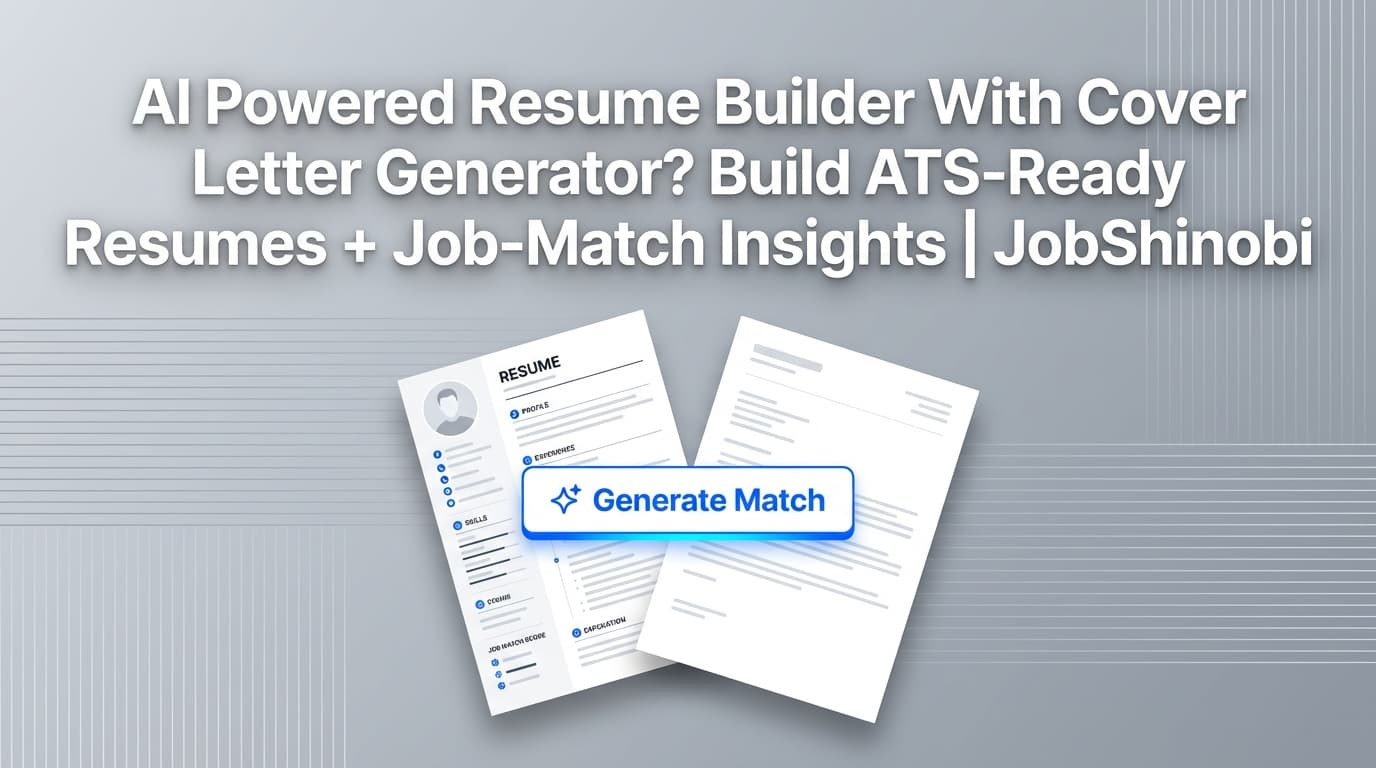
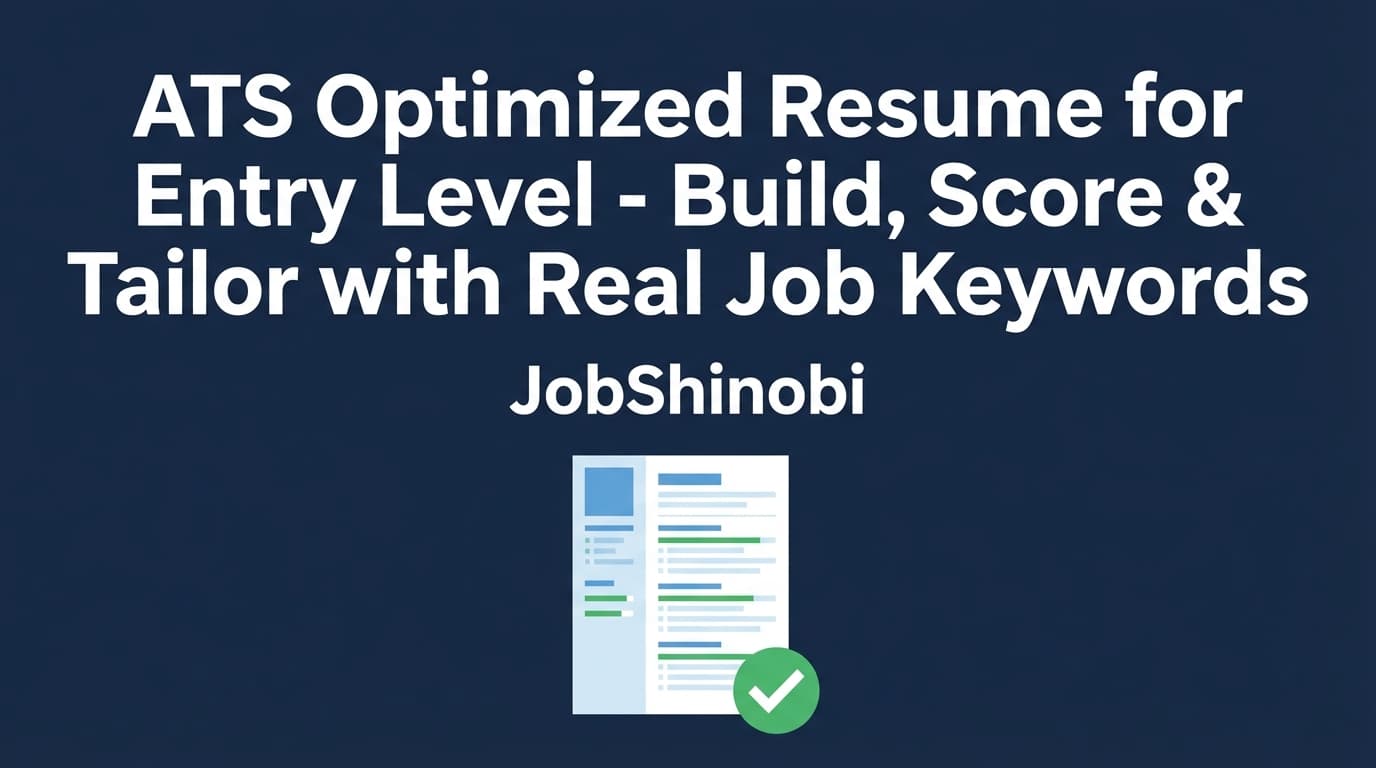
JobShinobi helps you create an ATS optimized resume for entry level roles with a structured, LaTeX-based resume builder, AI resume analysis (including ATS issues + keyword analysis), and resume-to-job matching against a real job description (URL or pasted text).
Build → Analyze → Match → Improve → Export—without guessing what the ATS “wants.”
Start your resume in JobShinobi →
Why Choose JobShinobi for an Entry-Level ATS Resume?
Most “ATS resume” pages in search results focus on templates and formatting tips. Helpful—but entry-level candidates usually need more than a template. You need a workflow that helps you turn projects, coursework, internships, and transferable skills into job-matching proof, then iterate quickly.
JobShinobi is built around that workflow:
1) LaTeX-based resumes for consistent structure
JobShinobi stores your resume as LaTeX source (latex_source) and lets you create resumes from a template library. LaTeX keeps structure consistent as you iterate—helpful when you’re applying to multiple entry-level roles and tailoring often.
2) AI resume analysis with ATS + keyword feedback (and caching)
JobShinobi includes an AI-powered resume analysis endpoint that returns:
- scores (overall + category scores like keyword/formatting/ATS)
- strengths and weaknesses
- missing sections
- keyword analysis (present / missing / overused, keyword density, top skills detected)
- ATS issues
If your resume hasn’t changed since your last analysis, JobShinobi can return a cached result—so you can move faster while iterating.
3) Job description extraction + resume-to-job matching
Paste a job description or a job URL. JobShinobi can extract structured job details, then run a match analysis and store it—so you can see what keywords you’re missing and what to fix before you apply.
4) Streaming AI resume editor to implement changes faster
JobShinobi includes a streaming AI editor that can help you revise resume sections and compile-check changes as you go—useful when you’re tailoring quickly and want help rewriting bullets without losing structure.
5) Resume version history so you can tailor without fear
Entry-level job seekers often need multiple versions (different role types, different industries, different emphasis). JobShinobi saves resume versions so you can experiment, compare, and revert when needed.
How JobShinobi’s ATS-Optimization Workflow Works (Entry Level)
Step 1: Choose a resume template and create your resume
Go to the resume area, pick a template from the template library, and create a new resume.
- Templates are stored and managed in JobShinobi.
- Your resume is saved as LaTeX source, so it stays structured as you edit.
Get started here: Resume Dashboard
Step 2: Edit your resume (LaTeX editor + PDF preview)
In the editor, you can:
- edit your resume as LaTeX
- compile it for a PDF preview
- download your resume as:
- .tex (LaTeX source)
This is ideal for entry-level candidates because small formatting problems can reduce readability and confidence. The PDF preview helps you ensure your resume is clean and consistent before you submit.
Step 3: Run AI resume analysis (ATS + keyword feedback)
Analyze your resume to get:
- a structured score and feedback
- keyword insights (missing/present/overused)
- ATS issues to fix
- strengths/weaknesses and missing sections
Then revise, and re-run analysis to validate changes.
Step 4: Paste a job description (or job URL) and run job matching
In the analysis flow, you can provide a job description or URL, and JobShinobi can:
- extract job details
- run resume-to-job matching
- store present and missing keywords
- generate recommendations
This is the most practical way to optimize an entry-level resume: tailor to the job you’re actually applying for, not generic advice.
Step 5: Apply improvements and keep versions per role
Use the editor and/or AI chat to implement changes, then save a version. Repeat for each target role.
Tip for entry-level applicants: keep a “base resume” version and create tailored versions by role family (e.g., “Data Analyst – Base,” “Data Analyst – Healthcare,” “Business Analyst – Ops”).
Key Features for an ATS Optimized Resume for Entry Level
| Feature | What It Does | Why It Matters for Entry-Level |
|---|---|---|
| Resume templates library | Lets you start from structured LaTeX templates | Prevents layout chaos and helps keep a consistent section hierarchy |
| LaTeX editor + compile-to-PDF preview | Edit and preview your resume via compilation | Helps you catch formatting issues early and keep a polished output |
| PDF + .tex export | Download your resume as PDF and LaTeX source | You can submit a PDF and keep a clean source for repeated tailoring |
| AI resume analysis (comprehensive + enhanced modes) | Generates scores + structured feedback | Helps you prioritize high-impact improvements quickly |
| Keyword analysis (present / missing / overused) | Surfaces keyword gaps and usage patterns | Helps you align to entry-level job postings without guessing |
| ATS issues feedback | Flags ATS-related problems in analysis | Reduces risk of parsing issues and readability problems |
| Job description extraction (URL or text) | Extracts job details using AI | Converts long postings into actionable requirements + keywords |
| Resume-to-job matching | Computes match score and keyword presence | Helps you tailor the resume to the job you’re applying for |
| Streaming AI resume editor | Chat-based resume editing workflow with compilation checks | Speeds up rewrites and tailoring while keeping structure intact |
| Resume version history | Saves versions from manual edits and chat edits | Enables safe experimentation and per-job tailoring |
What “ATS Optimized” Means (Entry Level): A Practical Definition
An ATS optimized resume for entry level roles is not about tricking software. It’s about making your resume easy to parse and easy to match.
ATS optimized = 3 outcomes
-
Your resume parses into the right fields
- contact details are readable
- section headings are clear
- dates and titles are recognizable
- bullets are captured as text
-
Your resume contains role-relevant keywords in context
- skills appear in projects/experience, not just a list
- tools match the job description language (when accurate)
- keywords are distributed logically across sections
-
Your resume reads fast for recruiters
- clean structure
- clear proof and scope
- minimal fluff
JobShinobi supports this by combining:
- structured resume building (LaTeX templates)
- AI analysis with keyword + ATS feedback
- job matching against real job descriptions
The Entry-Level ATS Resume Layout That Works (And Why)
Many entry-level resumes fail not because candidates are unqualified, but because the resume doesn’t communicate proof or is hard to screen quickly.
Here’s a layout that tends to work well for entry-level ATS optimization:
- Header
- Summary (optional but often helpful)
- Skills
- Projects (or Experience if you have strong internships)
- Experience
- Education
- Certifications (optional)
- Leadership / Activities (optional, if relevant)
Where entry-level candidates usually go wrong
- Projects are vague (“Built an app”) with no tools or outcomes
- Skills are a long keyword dump with no proof
- Education is too long and crowds out projects
- Section headings are non-standard (“What I’ve Done”) and less ATS-friendly
- Too much formatting complexity (tables/columns/icons) creates readability and parsing risk
The fix isn’t “more design.” The fix is clean structure + job-matched proof.
Entry-Level Content Strategy: How to Add Keywords Without Keyword Stuffing
A lot of entry-level advice says “add keywords.” That’s incomplete. The best approach is:
Step A: Identify real keywords from the posting
Look for:
- required tools (e.g., Excel, SQL, Tableau, Python)
- responsibilities (e.g., “build dashboards,” “write reports,” “analyze trends”)
- domain terms (e.g., “stakeholders,” “A/B testing,” “ETL,” “CRM”)
- soft-skill signals that appear repeatedly (e.g., “cross-functional,” “communication”)
Step B: Place keywords where they belong
- Skills section: tools and methods (short, categorized)
- Projects section: proof of tools used + outcomes
- Experience section: transferable skills and responsibility alignment
- Summary: tight “target role + toolkit + proof anchor”
Step C: Use JobShinobi to validate with matching + analysis
- Run job extraction and matching to see missing/present keywords.
- Run resume analysis to see overuse and contextual signals.
This helps you avoid the common entry-level trap: adding keywords that don’t fit or that aren’t supported by the rest of the resume.
How to Write Each Resume Section (Entry-Level, ATS-Optimized)
1) Header (keep it simple and scannable)
Include:
- Full name
- Location (city/state)
- Phone + email
- LinkedIn / GitHub / portfolio (if relevant)
Keep labels as text. ATS systems (and humans) should be able to copy/paste your info easily.
2) Summary (optional, but powerful for entry-level)
A summary helps when you:
- have limited experience
- are switching into a new role type
- want to lead with projects/toolkit
Good entry-level summary formula (2–3 lines):
- Target role + domain
- Tool stack / skill stack
- Proof anchor (project, internship, certification)
Examples:
Data analyst (entry-level)
Entry-level Data Analyst with project experience in SQL and Python (pandas) and dashboarding in Tableau. Built reporting pipelines and insight dashboards using real-world datasets.
Software engineer (new grad)
Entry-level Software Engineer with experience building web apps in React and Node.js. Delivered full-stack projects with authentication, testing, and deployment, focusing on clean, maintainable code.
Operations / business
Entry-level Business Analyst with experience in process documentation, Excel-based reporting, and stakeholder communication. Delivered improvements through structured analysis and clear reporting.
In JobShinobi, you can analyze and job-match to ensure your summary includes job-relevant language without overclaiming.
3) Skills (targeted and categorized)
A high-performing entry-level skills section is:
- short enough to scan
- aligned to the job
- supported by projects or experience
Use categories like:
- Languages
- Frameworks/Libraries
- Tools
- Databases
- Methods
Example (Data Analyst)
- SQL, Python (pandas), Excel
- Tableau, Power BI
- Data cleaning, dashboarding, reporting, descriptive analysis
Example (Software Engineer)
- JavaScript/TypeScript, Python
- React, Node.js
- REST APIs, unit testing, Git
Then prove the skills in Projects.
4) Projects (often the most important section for entry-level)
For entry-level, Projects can outperform weak work experience—if the bullets include proof.
Bullet structure that improves both ATS matching and human screening
- Action + what you built
- Tools used
- Scope (dataset size, endpoints, users, complexity)
- Outcome (metrics if available)
Examples:
Software
- Built a full-stack web app using React and Node.js with authentication and role-based access; implemented input validation and error handling across API endpoints.
- Developed reusable UI components and improved page performance by reducing redundant network requests and optimizing component rendering.
Data
- Cleaned and analyzed a dataset using Python (pandas); created visualizations to identify trends and anomalies and summarized findings in a stakeholder-ready report.
- Built an interactive dashboard in Tableau to track KPIs; documented calculations and refreshed data with a repeatable workflow.
Operations
- Created an Excel-based reporting workflow to track weekly metrics and surface bottlenecks; standardized definitions and improved report consistency across stakeholders.
JobShinobi’s job matching can help you identify which project bullets should lead for a given posting.
5) Experience (transferable skills still matter)
If you have:
- internships → treat them as primary experience
- part-time jobs → include transferable responsibilities (communication, operational accuracy, customer-facing outcomes)
- research assistant work → emphasize analysis, documentation, collaboration
ATS-friendly experience bullets should be specific:
- what you did
- what tools you used
- what you improved (even if you can’t quantify everything)
6) Education (keep it clean and keyword-relevant)
Education is important, but don’t let it crowd out proof.
Include:
- school, degree, graduation date
- relevant coursework (only if it supports the target role)
- honors (optional)
If a job posting mentions a concept you learned in coursework, it’s a valid keyword source—just keep it concise.
7) Certifications (optional, but useful)
Certifications can help entry-level candidates:
- add keyword alignment
- signal commitment
- make your “skills” feel more credible
Only include certifications you actually earned or are actively completing (label clearly).
Using JobShinobi to Tailor an Entry-Level Resume (Step-by-Step)
This is the practical, repeatable way to build an ATS optimized resume for entry-level roles inside JobShinobi.
Step 1: Build your baseline resume
- Go to Resume Dashboard
- Pick a template
- Fill in:
- education
- skills (broad but accurate)
- 2–4 strong projects
- internships/experience if applicable
Step 2: Run resume analysis (baseline)
Analyze your resume to see:
- what sections look weak or missing
- keyword signals detected
- ATS issues flagged
This becomes your baseline.
Step 3: Add a real job description (URL or text)
In the resume analysis flow, provide a job URL or paste the job description. JobShinobi can extract job details using AI.
Step 4: Run resume-to-job matching
JobShinobi’s matching flow can:
- compute a match score
- save present/missing keywords
- generate recommendations
Step 5: Implement changes (manually or with AI chat)
You can:
- rewrite 2–3 bullets to mirror responsibilities (truthfully)
- adjust skills categories to reflect the posting’s tool stack (truthfully)
- refine your summary so it aligns with the target role
Step 6: Re-analyze and save a version
Re-run analysis to validate improvements, then save a new version (e.g., “Resume – Role A”).
This loop is how entry-level candidates build momentum—because it turns resume writing into a repeatable process.
ATS Formatting Checklist (Entry Level)
This is the pre-submit checklist that prevents avoidable ATS and screening problems.
Structure checklist
- Standard section headings (Skills, Projects, Experience, Education)
- Consistent date formats
- Bullets are text (not images)
- Links are readable (LinkedIn/GitHub/portfolio)
Readability checklist
- Clear hierarchy (headings stand out)
- Projects show tools + scope + outcomes
- Skills section is categorized (not a wall of text)
- Education is concise
Keyword checklist
- Keywords appear naturally in projects/experience
- Skills list is supported by proof
- No obvious repetition or stuffing
JobShinobi supports this via analysis outputs like:
- missing sections
- keyword presence/missing/overused
- ATS issues
ATS Optimized Resume for Entry Level vs. Common Alternatives
Templates-only sites
Templates help you format—but they don’t tell you:
- what keywords you’re missing for a specific job
- which bullets are weak or vague
- how to tailor efficiently across many applications
Generic resume builders
Many resume builders focus on editing convenience, but not on:
- structured ATS + keyword analysis
- job-description matching and keyword gap visibility
JobShinobi’s difference: structure + analysis + job matching
JobShinobi is built for the workflow entry-level candidates need:
- Start structured (templates + LaTeX)
- Validate with analysis (ATS issues + keyword feedback)
- Tailor with job matching (URL/text input)
- Iterate quickly (streaming AI editor + version history)
- Export as PDF when ready
Bonus: Track Your Applications While You Apply (Job Tracker + Excel Export)
An entry-level job search often means a high number of applications. JobShinobi also includes a job application tracker where you can:
- track applications in a dashboard
- see realtime updates
- export your tracker to Excel (.xlsx)
You can find it here: Job Tracker Dashboard
Pricing
JobShinobi offers paid subscriptions via Stripe:
- Monthly: $20.00
- Yearly: $199.99
Manage plan selection here: /subscription
Frequently Asked Questions
What makes a resume “ATS optimized” for entry-level jobs?
For entry-level roles, ATS optimization usually comes down to:
- clean, standard structure (clear headings and readable text)
- keyword alignment to the job posting (skills and responsibilities)
- proof-based bullets (especially in Projects)
JobShinobi supports this with structured resume building, AI resume analysis (including ATS issues + keyword analysis), and job-description matching.
Can JobShinobi match my resume to a job description?
Yes. You can provide a job URL or paste a job description, and JobShinobi supports job description extraction and resume-to-job matching (including present/missing keyword visibility and recommendations).
Does JobShinobi export to Word (.docx)?
JobShinobi supports exporting your resume as PDF and downloading the .tex LaTeX source. Word (.docx) export is not part of the verified feature set.
Can I upload an existing PDF and have JobShinobi convert it?
JobShinobi’s verified workflow is LaTeX-based resume creation and editing. Image/PDF OCR parsing is not part of the supported feature set.
What should I put on my resume if I have no experience?
Entry-level resumes can rely heavily on:
- projects (capstones, labs, portfolio work)
- coursework aligned to the job
- internships or part-time work framed with transferable skills
- certifications
JobShinobi’s job matching can help you prioritize the most relevant projects and keywords per role.
Is JobShinobi an ATS?
No. JobShinobi is a resume builder and analyzer designed to help you improve ATS readability and keyword alignment. Employers use their own ATS systems.
Can JobShinobi help me keep multiple tailored versions?
Yes. JobShinobi stores resume versions so you can tailor for different roles and revert when needed.
Get Started with JobShinobi Today
If you want an ATS optimized resume for entry level roles, the fastest path is:
- Start from a structured resume template
- Build strong Projects bullets that prove your skills
- Run AI analysis for ATS + keyword feedback
- Match to a real job description and close the keyword gaps
- Export a clean PDF and apply
Start here: