JobShinobi is an AI resume builder for ATS built for job seekers who want a resume that’s both:
- Structured and consistent (LaTeX-based templates + editor + compiled PDF preview)
- Role-aligned (AI resume analysis + job description extraction + keyword matching)
Instead of guessing what an ATS “wants,” you can build a clean resume, analyze it for ATS-focused issues, and tailor it to a specific job using your job posting URL or pasted job description.
Primary CTA: Sign in to JobShinobi
Secondary CTA: Jump to Pricing or FAQs
Why Choose JobShinobi for an AI Resume Builder for ATS?
If you’re searching “ai resume builder for ats,” you’re usually trying to solve at least one of these problems:
- Your resume isn’t getting past initial screens
- You’re unsure which keywords matter
- You’re applying to many jobs and tailoring is taking too long
- Your formatting breaks when you edit or reuse templates
- You need a repeatable system—resume + tracking + iteration
JobShinobi was built around an end-to-end workflow:
- Create your resume from a LaTeX template library
- Edit in a LaTeX resume editor (manual mode or AI chat mode)
- Generate a compiled PDF preview
- Run AI resume analysis (including ATS-focused scoring + feedback)
- Extract a job description from URL or text, then run a resume-to-job match
- Save iterations with resume version history
- Track applications (and outcomes) in the job tracker + analytics dashboard
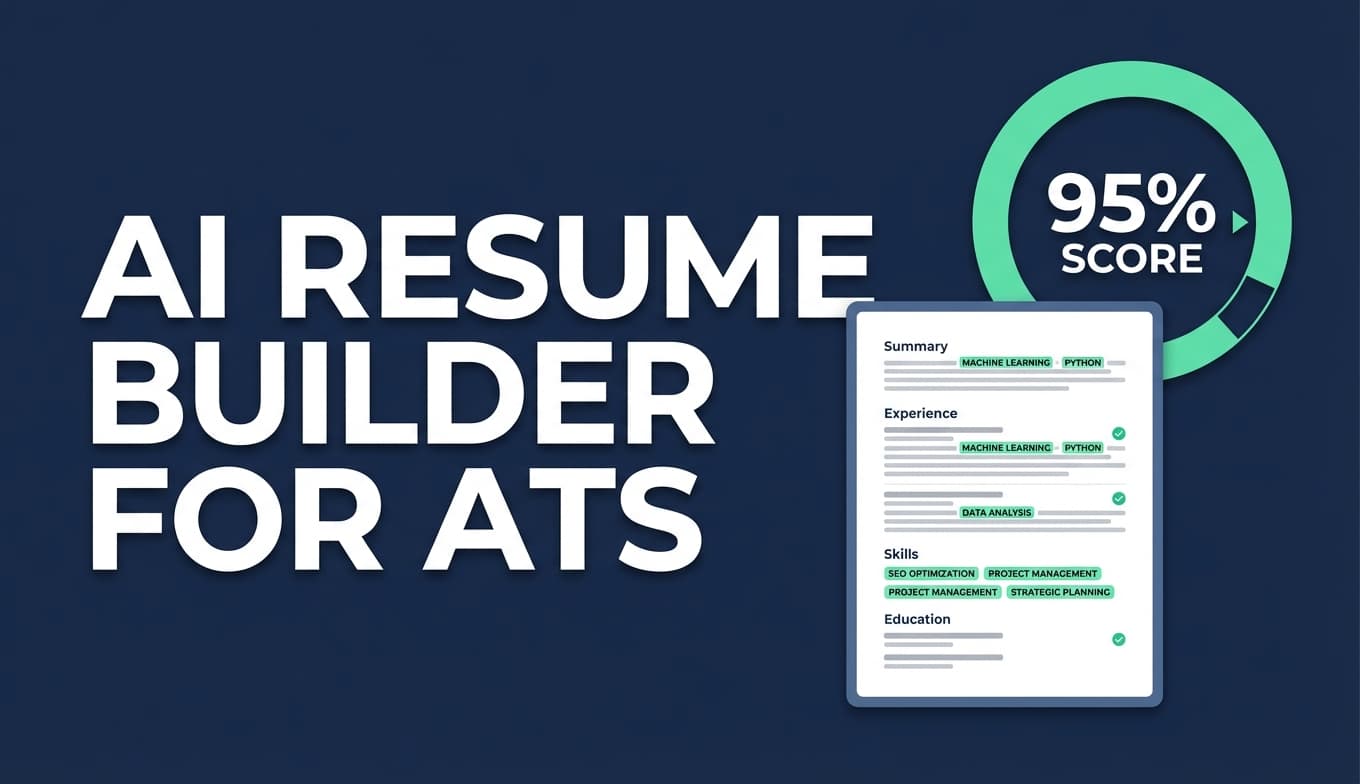
Benefit 1: ATS-focused resume analysis (with keyword and ATS issue feedback)
JobShinobi includes a resume analysis endpoint that can generate structured results like:
- Overall score plus breakdown (content, keyword, formatting, completeness, ATS score)
- Strengths, weaknesses, and missing sections
- Keyword analysis (present/missing/overused keywords, keyword density, and more)
- ATS-focused issue lists
There are two modes:
- Comprehensive analysis
- Enhanced analysis (an
enhancedModeoption)
It can also return cached results when your resume hasn’t changed—so you can iterate quickly without re-running the same analysis repeatedly.
Benefit 2: Job description extraction (URL or pasted text) + resume matching
Tailoring for ATS isn’t just formatting—it’s relevance. JobShinobi supports:
- Job posting URL input
- Full job description text input
Then it extracts structured job details and runs a resume-to-job matching workflow that can surface:
- Missing vs present keywords (based on your resume’s current LaTeX content)
- Match score + recommendations
- Tailoring suggestions you can apply back in your editor
Benefit 3: LaTeX-based resume builder with compiled PDF preview
Many resume tools look good until you edit, duplicate, or tailor—then formatting drifts.
JobShinobi uses a LaTeX-first workflow:
- Your resume is stored as LaTeX source
- You can compile and preview a PDF
- You can download both PDF and .tex source
This gives you consistent structure and a maintainable “source of truth” resume—especially helpful when creating multiple tailored versions.
Benefit 4: Streaming AI resume editor that edits your actual LaTeX (with compile checks)
JobShinobi includes a streaming AI resume editor that works directly on your resume content. The AI workflow is tool-driven (e.g., fetch current resume, edit sections, update resume, compile-check), which helps keep edits grounded in the real document instead of producing disconnected text blocks.
You can also select among model tiers in the UI:
- Shinobi Swift
- Shinobi Turbo
- Shinobi Pro
Benefit 5: More than a resume—track applications and outcomes
A better resume is only useful if it improves results. JobShinobi also includes:
- Job Tracker with realtime updates
- Export job applications to Excel (.xlsx)
- Job search analytics (response rate, offer rate, interview conversion, trends)
- Optional workflow: email forwarding → automatic job application tracking (Pro membership required for inbound email processing)
Quick links:
- Resume hub: /dashboard/resume
- Resume editor: /dashboard/resume/editor
- Job tracker: /dashboard/job-tracker
- Analytics: /dashboard/analytics
How JobShinobi’s AI Resume Builder for ATS Works
Step 1: Choose a LaTeX resume template (and create a baseline version)
Start in your Resume dashboard to:
- Browse templates
- Create a resume stored with LaTeX source
- Keep multiple resumes organized (“Base,” “Role-specific,” etc.)
Go to resumes: /dashboard/resume
Step 2: Edit in the LaTeX resume editor (manual or AI mode)
In the editor, you can:
- Edit LaTeX directly (manual control)
- Use AI chat to revise sections and bullets
- Save versions as you iterate
Step 3: Compile and preview your resume as a PDF
JobShinobi compiles your LaTeX through a compilation service and returns a PDF preview.
- This lets you catch layout issues early
- It supports fast iteration while tailoring
- Compiled results can be cached to speed up repeat compilation
Step 4: Run ATS-focused resume analysis (Comprehensive or Enhanced)
Analyze your resume to get structured feedback and scores. If your resume hasn’t changed since the last analysis, JobShinobi can return cached analysis results.
Step 5: Tailor to a specific job (URL or text) and run resume matching
Paste:
- a job posting URL, or
- the job description text
Then JobShinobi extracts job details and runs a resume-to-job match to identify keyword gaps and alignment opportunities.
Step 6: Apply changes, save a version, and track applications
Once you tailor a version for a job:
- Save a version (so you can revert anytime)
- Apply to the job
- Track outcomes in the job tracker and analytics dashboard
Key Features for an AI Resume Builder for ATS
| Feature | What It Does | Why It Matters for ATS |
|---|---|---|
| LaTeX resume templates library | Start from structured templates stored in the app | Structure stays consistent across edits and tailored versions |
| LaTeX editor + PDF preview | Edit LaTeX and compile to preview the PDF | Helps you validate layout and readability while iterating |
| Download PDF + .tex | Export your resume as a PDF and as LaTeX source | Gives you a clean deliverable + maintainable source |
| Resume analysis (Comprehensive + Enhanced) | Creates ATS-focused scoring + detailed feedback | Turns “guessing” into specific actions to improve |
| Cached analysis when unchanged | Reuses recent analysis if resume hasn’t changed | Faster iterations while you refine and tailor |
| Job description extraction (URL or text) | Extract structured job details and keywords | Makes tailoring grounded in the real posting |
| Resume-to-job matching | Computes alignment and keyword gaps | Helps you match role language without blind keyword stuffing |
| Streaming AI resume editor | AI chat edits your real LaTeX resume | Improves content while keeping structure under control |
| Resume version history | Saves versions from manual and AI edits | Create role-specific variants and revert safely |
| Job tracker + realtime updates | Track applications in a dashboard table | Tie resume iterations to real outcomes |
| Export to Excel (.xlsx) | Export job tracker data | Share with mentors/coaches or analyze offline |
What “ATS-Friendly” Means in Practice (and How JobShinobi Helps)
ATS systems vary, but most resume failures come from a small set of avoidable issues. JobShinobi is designed to help you address each one with a repeatable workflow.
1) Parsing and structure: “Can the system read it cleanly?”
Common blockers:
- Unclear sectioning
- Inconsistent hierarchy
- Content that’s hard to interpret due to layout drift
How JobShinobi helps:
A LaTeX-based workflow with templates + compiled preview helps you keep structure consistent while you tailor.
2) Keyword alignment: “Does your resume reflect the role language?”
Many applicants are qualified but get filtered out because their resume doesn’t reflect the job posting’s language:
- Skills, tools, responsibilities, and domain terms
- The way the role describes seniority and scope
How JobShinobi helps:
Use job description extraction (URL or text) and resume matching to see missing vs present keywords and get recommendations.
3) Readability for humans: “Will a recruiter understand your impact fast?”
Even if you match keywords, you can still lose interviews if bullets are vague:
- No measurable outcomes
- Weak verbs
- Unclear scope (“helped,” “assisted,” “worked on”)
How JobShinobi helps:
Use the AI editor and resume analysis feedback to rewrite bullets for clarity and impact, then save versions and compare improvements over time.
A Repeatable “ATS Tailoring” Workflow You Can Use Every Week
If you’re applying consistently, you need a system that’s fast and defensible—not a one-off rewrite for every posting.
Workflow A: Build a baseline resume once
- Choose a template
- Add your core experience, skills, and projects
- Compile to PDF preview
- Save your baseline
Workflow B: Analyze the baseline (fix the biggest blockers first)
Run resume analysis to identify:
- Missing sections
- ATS issues
- Keyword and content gaps
Then fix the highest-impact items before tailoring to specific roles.
Workflow C: Tailor per job using job extraction + matching
- Paste a job URL or description text
- Extract job details
- Run resume-to-job matching
- Identify:
- Missing keywords that you can honestly support with your experience
- Areas where your bullets don’t reflect the posting’s priorities
Workflow D: Apply edits via AI chat (or manual LaTeX)
Make targeted edits like:
- “Rewrite these bullets to emphasize X and Y requirements.”
- “Add the missing keywords naturally where they fit.”
- “Improve impact by adding measurable outcomes (without exaggeration).”
Workflow E: Save a version for that job and track the outcome
Save a resume version named for the role/company, then track the application in JobShinobi’s job tracker and analytics dashboard.
AI Resume Builder for ATS vs. Common Alternatives
JobShinobi vs. “one resume for every job”
The problem: A single resume rarely matches every job’s keyword and responsibility mix.
JobShinobi approach: Use job matching and version history to create targeted variants quickly.
JobShinobi vs. “ATS score only” scanners
The problem: A score without job context can push you toward generic changes.
JobShinobi approach: Combine ATS-focused resume analysis with job-specific matching (URL/text).
JobShinobi vs. visual editors that drift over time
The problem: Many builders look great until you tailor or duplicate, then formatting changes unexpectedly.
JobShinobi approach: LaTeX source + compiled PDF preview helps keep structure stable while you iterate.
JobShinobi vs. managing job search in spreadsheets
The problem: Manual tracking is high-friction, especially at volume.
JobShinobi approach: Job tracker + realtime updates + analytics + Excel export (and optional email-forwarding automation for application updates).
Pricing
JobShinobi offers paid subscriptions via Stripe:
- Monthly: $20.00
Payment link: https://buy.stripe.com/7sYeV61P10GS310eTy0VO02 - Yearly: $199.99
Payment link: https://buy.stripe.com/6oU9AM0KXexIdFE5iY0VO03
You can also access billing management from your dashboard settings.
Manage settings: /dashboard/settings
Frequently Asked Questions
Which AI is best for an ATS resume?
There isn’t one universal “best” model. The most reliable results come from a workflow that combines:
- A consistent structure
- Job-specific context (the posting)
- Targeted edits and iteration
JobShinobi supports model selection in the AI editor UI (Shinobi Swift/Turbo/Pro) so you can choose the experience that fits your needs while tailoring.
Does ATS reject AI resumes?
ATS systems don’t typically reject resumes because “AI wrote it.” They filter based on structure and relevance signals (section clarity, keywords, consistency, and role alignment). JobShinobi focuses on those controllable variables through LaTeX templates, resume analysis, and job matching.
Can employers detect AI-written resumes?
Some employers may use tools or human judgment to spot generic language. The best defense is specificity: concrete scope, real outcomes, and believable metrics. JobShinobi’s workflow helps you make targeted improvements and compare versions so your resume stays grounded in your real experience.
Can I paste a job posting URL to tailor my resume?
Yes. JobShinobi supports job description extraction from a URL or from pasted job description text, then runs resume-to-job matching to identify missing keywords and provide recommendations.
What can I download from JobShinobi?
From the resume editor, you can download:
- A compiled PDF
- The .tex source file
Does JobShinobi import resumes from PDF (OCR or PDF parsing)?
JobShinobi is built around creating and editing resumes as LaTeX source. An “upload PDF and auto-convert” workflow is not part of the product experience.
Does JobShinobi auto-apply to jobs or integrate with job boards?
No—JobShinobi does not auto-apply to jobs or connect directly to job boards (e.g., LinkedIn/Indeed) as an integration.
Can JobShinobi help me track applications too?
Yes. JobShinobi includes a job tracker with realtime updates, Excel export, and an analytics dashboard. It also supports an email-forwarding workflow that can automatically extract and update application details from job-related emails (inbound email processing requires Pro membership).
Get Started with JobShinobi Today
If you want an AI resume builder for ATS that goes beyond a generic score—one that helps you build a structured resume, analyze it, match it to a job, and iterate safely with version history—JobShinobi is built for that workflow.
Start now: Sign in
Then: Build your resume at /dashboard/resume and tailor in the editor at /dashboard/resume/editor