Searching for an AI resume builder that is actually free usually means one thing: you’ve already been burned by a “free” builder that lets you write everything… and then blocks PDF/DOCX download behind a paywall, adds a watermark, or pushes you into a confusing trial flow.
This page does two things:
- Answers the “actually free” question honestly—what “free” tends to mean on the SERP (and what the common traps are).
- Shows you a strong alternative: JobShinobi, built for repeatable, high-volume job searching with a LaTeX-based resume builder, AI resume analysis (comprehensive + enhanced mode), resume-to-job matching (missing/present keywords + match score), a streaming AI resume editor, and a job search workflow that goes beyond resumes: a Job Tracker with realtime updates and Excel (.xlsx) export.
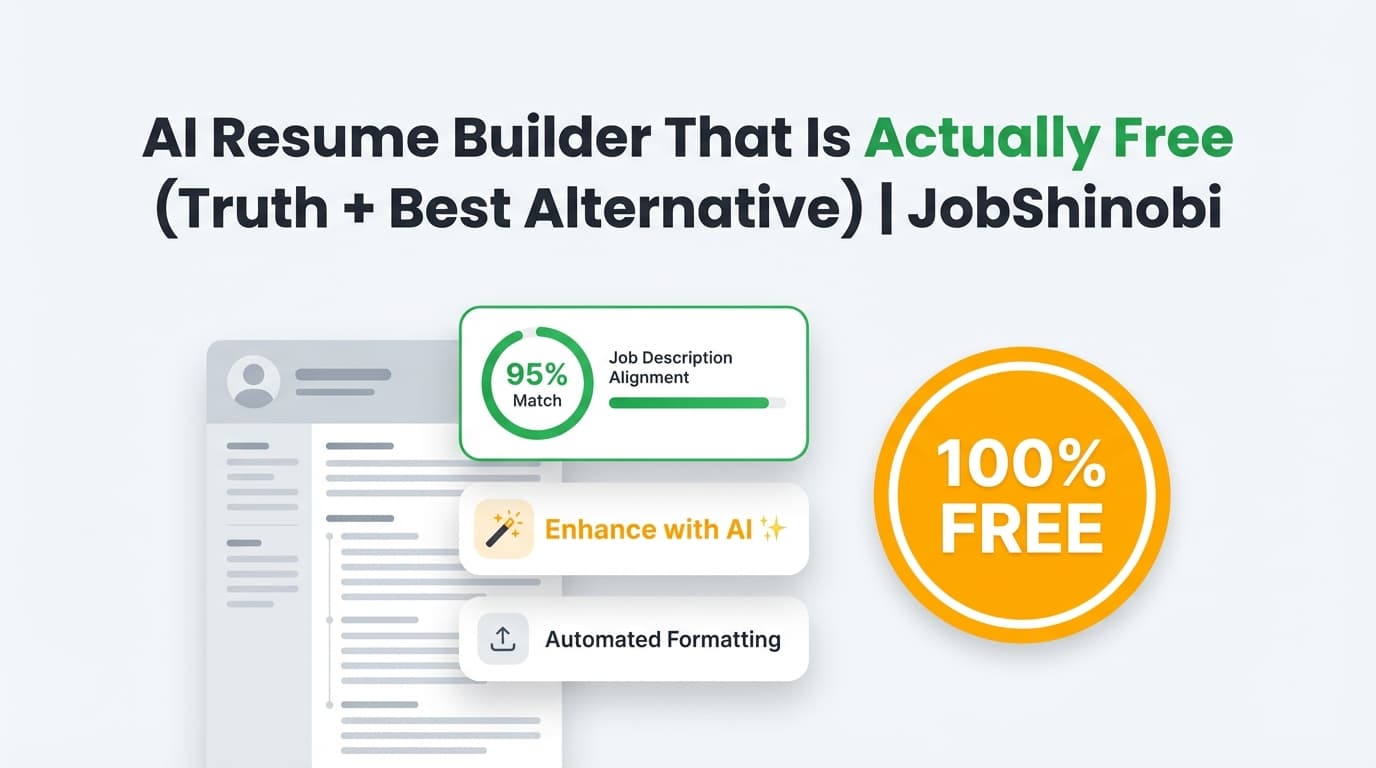
Pricing transparency (important): JobShinobi is not a “100% free” resume builder.
It offers Monthly ($20) and Yearly ($199.99) subscription plans via Stripe.
If you only want $0 tools, this page will still help you choose wisely—but if you want a system for tailoring + tracking at scale, JobShinobi is built for that.
Why Choose JobShinobi for “AI Resume Builder That Is Actually Free” Search Intent?
People searching “actually free” care about one thing more than “AI”: not wasting time.
JobShinobi wins on that same priority—by helping you create a resume you can confidently iterate, tailor, and export, without your formatting falling apart every time you customize for a new role.
Here’s what you can do in JobShinobi (verified by implementation):
- Build resumes with LaTeX precision (resumes are stored as
latex_source). - Start from a template library (templates have categories; a premium flag exists as a data attribute).
- Edit in a LaTeX editor + PDF preview workflow with cloud compilation.
- Download your resume as PDF and download the .tex source from the editor.
- Run AI Resume Analysis (comprehensive or enhanced mode) with structured outputs and saved history.
- Match a resume to a job description and get a match score + missing/present keywords and suggestions.
- Use a streaming AI resume editor that can propose edits and perform LaTeX compilation checks in the workflow.
- Track your applications in a Job Tracker with realtime updates and export to Excel (.xlsx).
- (Pro feature) Forward job emails to a unique address so job applications can be extracted and logged automatically.
LaTeX resume workflow = consistent formatting while you tailor
Most “free” resume builders optimize for quick creation—but tailoring is where resumes get messy. With JobShinobi’s LaTeX-based workflow, your formatting is code-driven and stable, and you can keep clean versions for different roles.
Real analysis and matching outputs (instead of generic tips)
JobShinobi is more than a template generator. It supports:
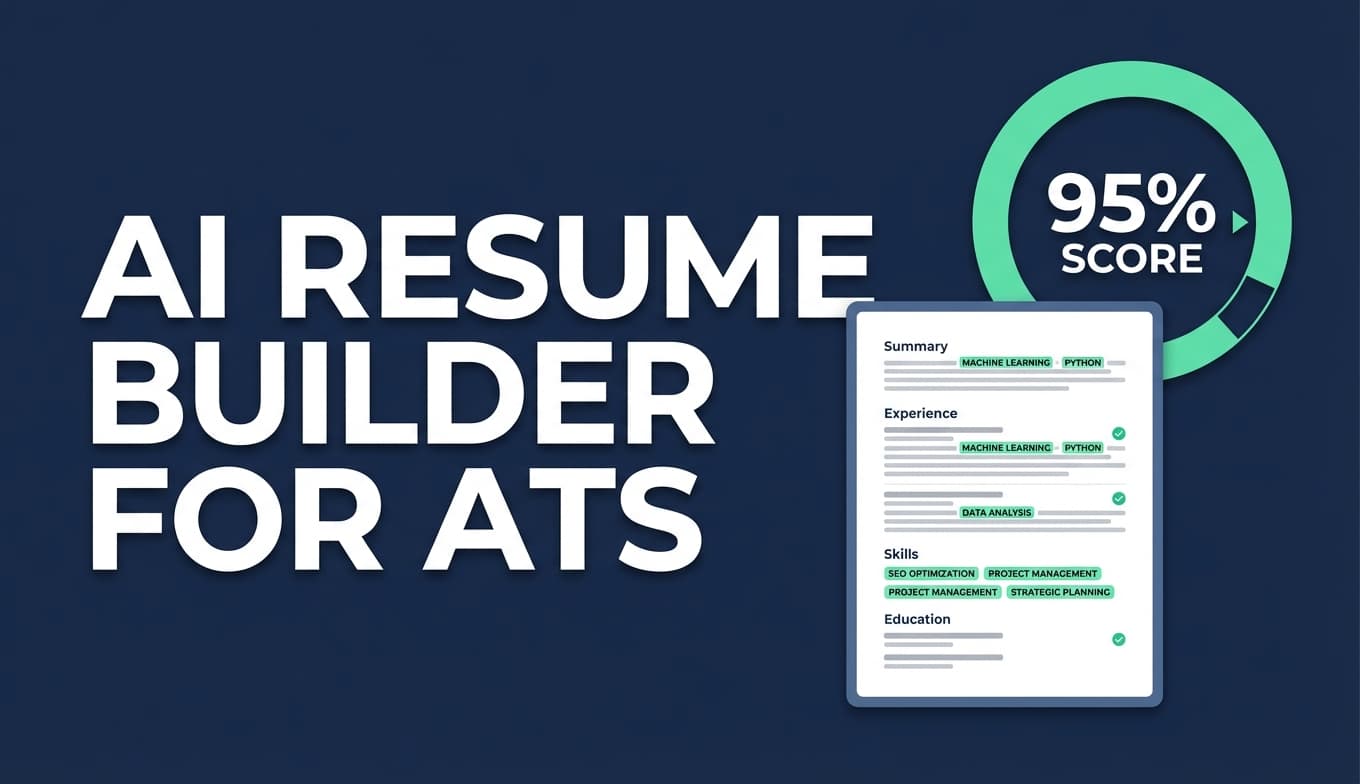
- Resume scoring (overall/content/keyword/formatting/completeness/ATS)
- Keyword analysis (present/missing/overused, density, contextual usage score, industry coverage, top skills detected)
- ATS issues and structured feedback (strengths, weaknesses, missing sections, recommendations)
- Resume-to-job matching with stored results (match score, missing/present keywords, recommendations)
Built for high-volume job seekers (resume + tracking + analytics)
If you’re applying to dozens of roles, the resume is just one part. JobShinobi includes:
- A Job Tracker dashboard with Supabase Realtime updates
- An Analytics dashboard (response rate, offer rate, interview conversion, trends)
- Excel (.xlsx) export for your job tracker
- Optional automation via email forwarding (Pro-gated)
How JobShinobi’s Resume Builder Works
Step 1: Sign in
Go to /login and sign in (Google OAuth is supported).
Step 2: Start from a template (or open an existing resume)
Open the Resume Builder at /dashboard/resume.
You can:
- Browse templates (templates have categories; some templates include an
is_premiumflag attribute) - Create a resume from a selected template
- View “My Resumes” (saved resumes)
- Duplicate or delete a resume
Step 3: Edit in the LaTeX editor + compile PDF preview
In the editor, you can work in:
- code mode (manual LaTeX editing), or
- AI mode (chat-driven assistance)
JobShinobi compiles LaTeX using a compilation service and returns a PDF preview. If compilation fails, the editor displays an error state.
Step 4: Export your resume
From the resume editor you can:
- Download PDF
- Download .tex
Step 5: Run AI Resume Analysis (comprehensive or enhanced mode)
JobShinobi supports an analysis API that:
- returns structured scoring and detailed feedback
- stores results to a
resume_scorestable - can return cached results if your resume hasn’t changed since your last analysis (unless you force refresh)
Step 6: Match your resume to a job description (keyword gaps + match score)
JobShinobi supports resume-to-job matching that:
- calculates a match score
- identifies missing vs present keywords
- stores the job analysis to the database for later reference
- returns recommendations and tailoring suggestions
Key Features for “AI Resume Builder That Is Actually Free” Shoppers
| Feature | What It Does | Why It Matters |
|---|---|---|
| LaTeX-based Resume Builder | Resumes are stored as latex_source and edited as LaTeX |
Formatting stays stable while you tailor |
| Resume Templates Library | Templates are fetched from a templates library with categories | Start faster, avoid blank-page syndrome |
| PDF Compilation + Preview | Compiles LaTeX to a PDF preview | You can QA layout before applying |
| Export: Download PDF | Download your compiled resume PDF | You own the final output file |
| Export: Download .tex | Download your LaTeX source | Portability + long-term control |
| AI Resume Analysis (Comprehensive / Enhanced) | Scores + structured feedback + ATS/keyword analysis; results saved | Faster improvements and repeatable quality checks |
| Cached Analysis Results | Returns cached analysis when resume unchanged (unless forced) | Faster workflow when iterating in small steps |
| Resume-to-Job Matching | Match score + missing/present keywords + recommendations | Tailor with clarity instead of guessing |
| Streaming AI Resume Editor | Chat-based editing with streaming responses and compilation checks | Draft improvements quickly while keeping format valid |
| Resume Versioning | Stores resume versions; supports reverting | Try variants safely without losing good versions |
| Job Tracker (Realtime) | Track applications; realtime updates via Supabase Realtime | Stay organized without stale spreadsheets |
| Excel (.xlsx) Export | Export job applications to Excel | Simple reporting, backups, and sharing |
| Email Forwarding → Auto Tracking (Pro) | Forward job emails; system parses and upserts applications | Cuts manual tracking time for high-volume applying |
AI Resume Builder That Is Actually Free vs. “Free” That Isn’t
When someone searches “actually free,” they usually mean free to download (not just free to type). Common pain points across the SERP include:
- “Free” builders that only allow TXT export unless you pay
- Paywalls that appear at the final download step
- Watermarks or branding on free exports
- Hard limits like one resume or three downloads
What the SERP shows people are trying to avoid
From the ranking ecosystem and community threads, “actually free” typically means:
- No paywall at download
- No credit card required
- No watermark
- Clear limitations upfront (if any)
Where JobShinobi fits (honestly)
JobShinobi is not trying to be the $0 option. Instead, it focuses on:
- ATS/keyword feedback + job matching + iterative editing
- Exports you can control (PDF + .tex)
- A workflow designed for people applying frequently, not once
If your main need is a one-time resume with no budget, you may choose a truly free builder. But if you’re doing repeated tailoring across roles, the time you save with analysis + matching + versioning can outweigh the subscription cost.
Why JobShinobi Is a Strong Alternative (Even If You Started With “Free”)
If you’ve tried free resume builders, you’ve likely noticed a pattern: they often stop helping right when the real work begins—tailoring to each job.
JobShinobi is built around a repeatable loop:
- Start from a template (or open an existing resume)
- Edit in LaTeX (stable formatting)
- Compile and preview PDF
- Run AI analysis (comprehensive or enhanced)
- Match to a job description (keywords + match score)
- Use the streaming AI editor to apply improvements
- Save versions so you can manage role-specific variants
- Track applications in realtime and export to Excel
Pricing
JobShinobi is a paid subscription product sold via Stripe payment links:
- Monthly: $20.00
- Yearly: $199.99
You can get started here:
- Sign in: /login
- Resume Builder: /dashboard/resume
- Job Tracker: /dashboard/job-tracker
- Analytics: /dashboard/analytics
Frequently Asked Questions
Is there a completely free AI resume builder?
Some tools offer free resume creation, but “free” often changes at export time (PDF/DOCX download), or comes with limits like watermarks or download caps. If you want guaranteed $0, verify the export rules before investing time.
Is JobShinobi an AI resume builder that is actually free?
No. JobShinobi is not a 100% free resume builder. It offers Monthly ($20) and Yearly ($199.99) subscription plans. This page is designed to help “actually free” searchers understand the landscape and choose the best path.
Can I download my resume as a PDF with JobShinobi?
Yes. In the resume editor, JobShinobi compiles LaTeX and provides a PDF preview, and you can download the PDF.
Can I download the source file too?
Yes. The resume editor supports downloading the .tex source.
Does JobShinobi support ATS-style scoring and keyword feedback?
Yes. JobShinobi supports AI Resume Analysis with structured scores and detailed feedback (including keyword analysis and ATS issues). Results are stored to a resume_scores table and can be cached when the resume is unchanged.
Can JobShinobi match my resume to a specific job description?
Yes. JobShinobi supports resume-to-job matching that can compute a match score, identify missing/present keywords, and save a job analysis record.
Does JobShinobi parse my existing resume PDF or image?
No evidence supports OCR/image-based parsing. JobShinobi’s resume workflow is LaTeX-based.
Does JobShinobi auto-apply to jobs (LinkedIn/Indeed)?
No. There’s no evidence of job-board “auto-apply” integrations.
Does JobShinobi sync directly to Google Sheets?
No. There’s no evidence of a Google Sheets integration. The Job Tracker supports export to Excel (.xlsx).
What else does JobShinobi include besides the resume builder?
JobShinobi includes:
- a Job Tracker with realtime updates
- Excel export
- an Analytics dashboard
- optional email forwarding to help automatically track job applications (Pro-gated)
Get Started with JobShinobi Today
If you’re searching for an AI resume builder that is actually free, you’re trying to avoid wasting time on paywalls, watermarks, and download tricks.
JobShinobi is the alternative for job seekers who want a repeatable system for getting interviews:
- LaTeX resume builder + PDF preview
- AI resume analysis (comprehensive + enhanced)
- Resume-to-job matching (missing/present keywords + match score)
- Streaming AI resume editor
- Resume versioning
- Job tracker + realtime updates + Excel export
Start here: /login